What Is Phishing and How to Avoid It: Stay Safe Online

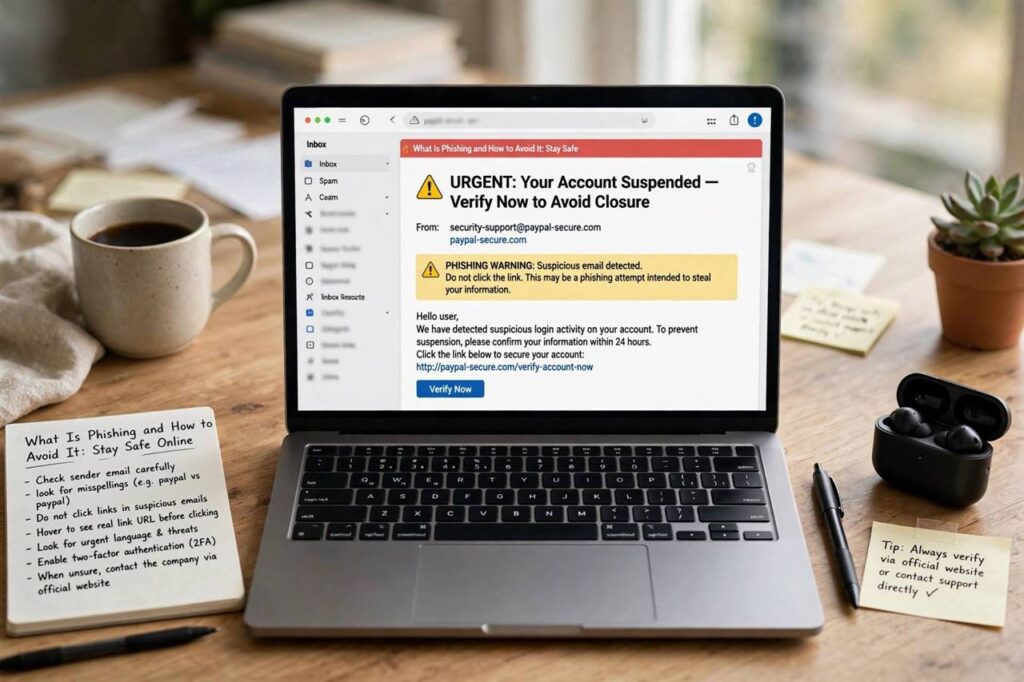
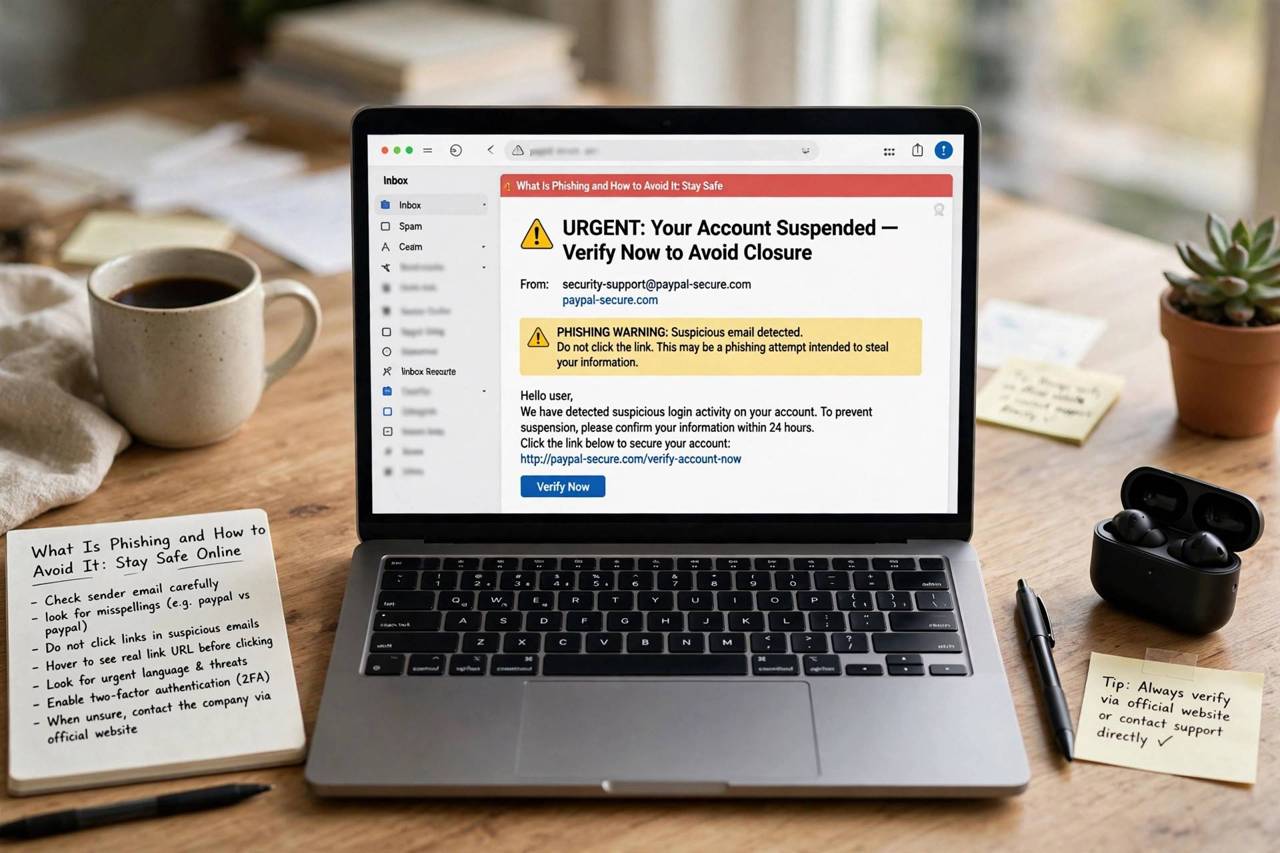
You get an email that looks exactly like it’s from your bank. Same logo, same layout, same tone. It says there’s a problem with your account and you need to log in immediately through the link provided. You click, you enter your password — and you’ve just handed your credentials to a criminal. That, in a nutshell, is phishing. So what is phishing and how to avoid it? Let’s break it down properly, because this is one of those threats where a little knowledge genuinely protects you.
Phishing is a type of cyberattack where criminals impersonate trusted organizations — banks, tech companies, government agencies, even your own employer — to trick you into revealing passwords, financial details, or other sensitive information, or into installing malware. The name comes from “fishing”: casting a wide net of fraudulent messages and seeing who bites. It’s the most common cyberattack in the world by a wide margin, and it works not by breaking technology but by exploiting human trust.
This guide explains how phishing works, the forms it takes, the red flags to watch for, and the concrete habits that keep you safe. No fear-mongering — just practical defense.
What Is Phishing and How to Avoid It? How Attacks Work
Every phishing attack follows the same basic script, whether it arrives by email, text, or phone call. Understanding the script is what lets you spot it.
Step 1: Impersonation. The attacker pretends to be someone you trust. This might be your bank, a delivery company, a streaming service, your company’s IT department, or a government agency. They copy logos, email formats, and writing styles. Modern phishing emails can look pixel-perfect.
Step 2: The hook. The message creates urgency or curiosity. “Your account will be suspended in 24 hours.” “You have a package waiting — confirm your address.” “Unusual sign-in detected.” “You’ve won a refund.” The emotion — fear, excitement, curiosity — is designed to make you act before you think.
Step 3: The trap. You’re directed to a fake login page, asked to reply with personal details, or prompted to download an attachment. The fake page harvests whatever you type. The attachment installs malware. Either way, the attacker gets what they want.
Step 4: Exploitation. Stolen credentials get tested against other services (because people reuse passwords), sold, or used directly — draining accounts, sending further phishing from your compromised email, or stealing your identity.
The whole cycle can take minutes. That’s why defense has to be habitual, not something you figure out in the moment.
The Different Flavors of Phishing
Phishing isn’t just email anymore. Here are the variants worth knowing:
Email phishing remains the most common — mass-sent fraudulent emails impersonating trusted senders. Our companion guide on how to spot a phishing email goes deep on the specific red flags in your inbox.
Smishing (SMS phishing) uses text messages: fake delivery notifications, bank alerts, or “your package couldn’t be delivered” texts with malicious links. Because texts feel personal and urgent, smishing has high success rates.
Vishing (voice phishing) uses phone calls — sometimes robocalls, increasingly with AI-cloned voices. “This is your bank’s fraud department” is the classic opener. A newer variant clones a family member’s voice to fake an emergency (“Mom, I’m in trouble, send money”).
Spear phishing targets specific individuals with personalized messages — referencing your actual job, colleagues, or recent activities, often gathered from social media or data breaches. Harder to spot because the details are real; only the request is fraudulent.
Whaling is spear phishing aimed at executives — fake urgent requests from the “CEO” to wire money or share sensitive data. The authority of the impersonated sender does the heavy lifting.
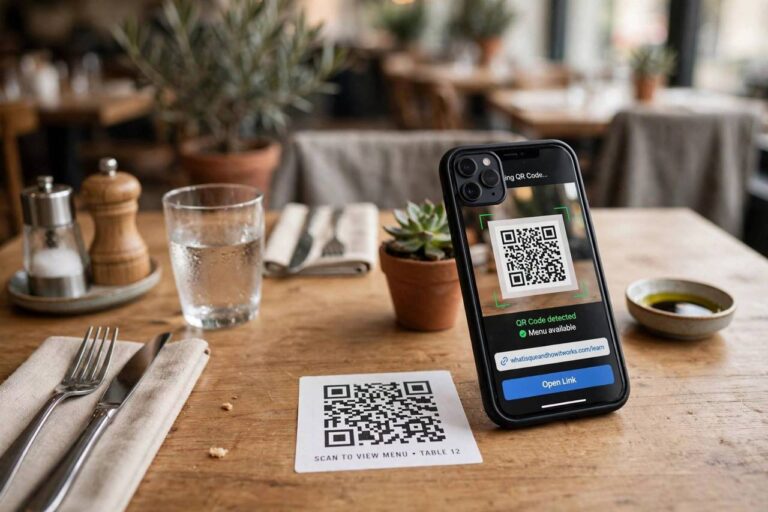
QR code phishing (“quishing”) is the newer variant: malicious QR codes on fake parking tickets, restaurant menus, or mailed notices that lead to credential-harvesting sites. The QR code hides the destination URL, which is exactly why attackers like it.
Red Flags: How to Spot a Phish
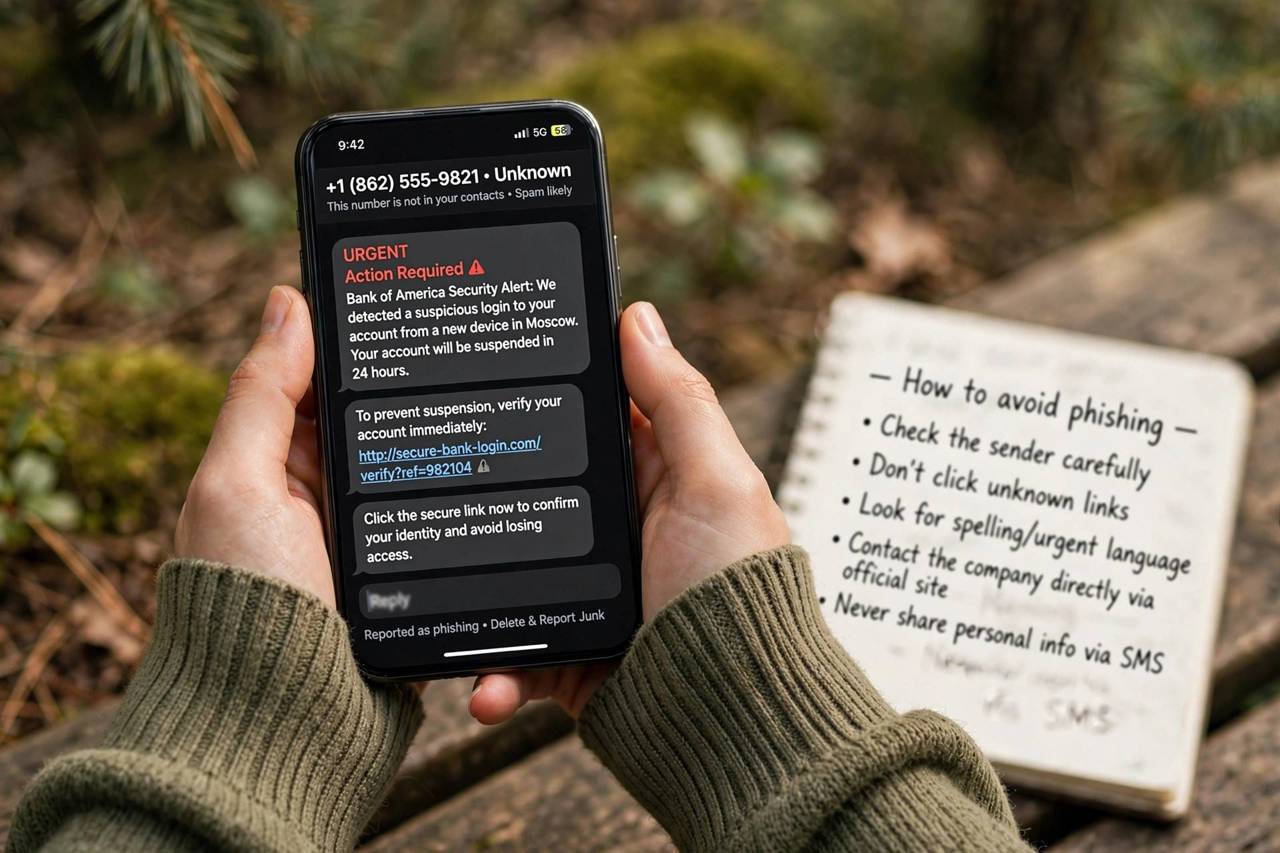
No single sign proves a message is phishing, but the more of these you see, the more suspicious you should be:
Urgency and threats. “Act now or your account will be closed.” Legitimate organizations rarely threaten immediate consequences by email. Urgency is the phisher’s favorite tool because it short-circuits your judgment.
Sender address mismatches. The display name says “PayPal” but the actual address is paypa1-security@mailservice-random.com. Always check the real sender address, not just the display name. On phones, tap the sender name to reveal it.
Generic greetings. “Dear customer” instead of your name. Real companies you do business with usually know your name. (Though note: some legitimate bulk emails are generic too, so this is a clue, not proof.)
Links that don’t match. Hover over links (don’t click) to see the real destination. If the text says “bankofamerica.com” but the link goes to “bankofarnerica-secure.net,” walk away. On mobile, long-press to preview.
Requests for sensitive info. Banks, tax agencies, and tech companies do not ask for passwords, full card numbers, or Social Security numbers by email or text. Ever. Any message asking for these is either phishing or a policy violation — treat it as phishing.
Attachments you didn’t expect. “Invoice attached,” “voicemail attached,” “shipping document attached” — unexpected attachments, especially with extensions like .zip, .exe, .scr, or Office macros, are a classic malware delivery method.
Too good to be true. Refunds you didn’t request, prizes you didn’t enter, job offers with no interview. If you weren’t expecting it and it sounds great, it’s bait.
How to Avoid Phishing: The Practical Habits
Spotting phishes is half the defense. The other half is habits that protect you even when you miss one.
1. Never log in through email or text links
This is the single most effective habit. If a message says there’s a problem with your account, don’t click the link — open your browser, type the company’s address yourself (or use your bookmarked login page), and check there. If there’s really a problem, you’ll see it. If there isn’t, you’ve just dodged a phish. This one habit defeats the vast majority of phishing attacks.
2. Turn on two-factor authentication everywhere
Two-factor authentication (2FA) means that even if a phisher steals your password, they can’t log in without the second factor — usually a code from your phone or a hardware key. Enable it on your email first (your email is the master key to password resets everywhere), then your bank, then everything else. Authenticator apps beat SMS codes, which can be intercepted.
3. Use a password manager
Password managers do two things: they generate unique passwords for every site (so one phished password doesn’t unlock everything), and — less obviously — they won’t autofill your credentials on a fake site, because the domain doesn’t match. That failed autofill is a silent alarm. Our guide on whether password managers are safe answers the common concerns.
4. Verify through a separate channel
Got an urgent request from your “boss” to wire money? Call them — on a number you already have, not one in the message. Got a call from your “bank’s fraud department”? Hang up and call the number on your card. The three seconds of awkwardness is infinitely cheaper than the alternative. This applies doubly to voice-cloned “family emergencies” — always verify through another channel.
5. Keep software updated
Updates patch the vulnerabilities that phishing-delivered malware exploits. Turn on automatic updates for your operating system, browser, and phone. It’s boring and it’s one of the highest-value security habits there is.
6. Report phishing when you see it
Most email providers have a “report phishing” option — use it. Forward phishing texts to 7726 (SPAM) in the US. Reporting trains filters, protects others, and in corporate settings alerts your security team. It takes ten seconds.
What to Do If You Already Clicked
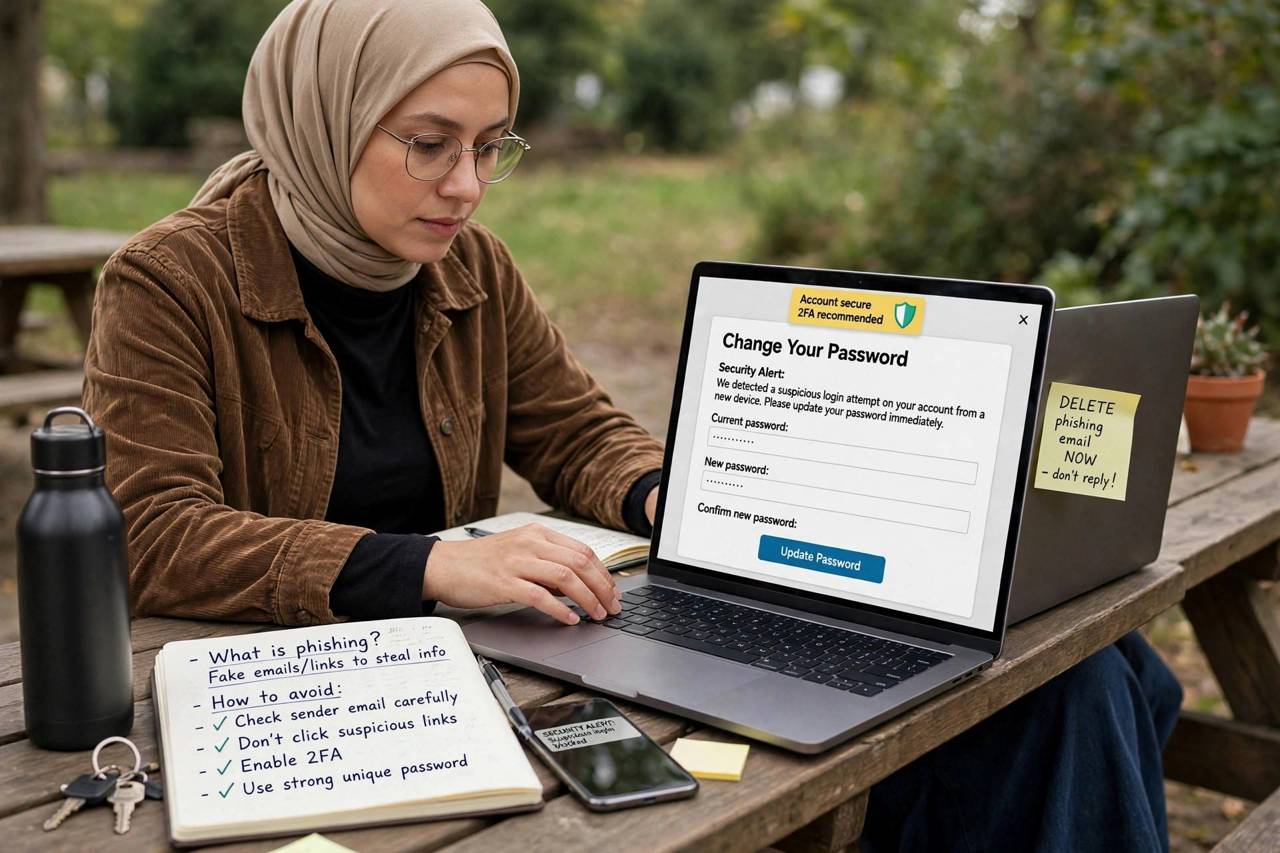
It happens — even security professionals have clicked. Speed matters now:
Disconnect and don’t enter anything else. If you realize mid-way it’s fake, stop. Close the page. Don’t submit the form.
Change the password immediately — from a clean browser session, on the real site (typed address, not a link). If you reused that password anywhere, change those too, starting with your email.
Enable 2FA on the affected account if you hadn’t already.
Check for unauthorized activity — recent logins, sent emails, transactions you don’t recognize.
If you downloaded something, run a full antivirus scan and consider that the device may be compromised — for serious cases (banking trojans), a clean OS reinstall is the safe option.
If financial details were exposed, call your bank’s fraud line (number on your card), consider freezing your credit, and monitor statements closely for the next few months.
Frequently Asked Questions
What is phishing in simple terms?
Phishing is when criminals impersonate trusted organizations via email, text, or phone to trick you into revealing passwords, financial details, or installing malware. It’s called “phishing” because attackers cast a wide net of fake messages hoping someone bites — and it works by exploiting trust, not by hacking technology.
How can I avoid phishing attacks?
Never log in through links in messages (navigate to sites yourself), enable two-factor authentication everywhere, use a password manager with unique passwords, verify urgent requests through a separate channel, keep software updated, and learn the red flags: urgency, sender mismatches, and requests for sensitive information.
What should I do if I clicked a phishing link?
Stop immediately and don’t submit any information. Change the password on the real site (typed manually), enable two-factor authentication, check for unauthorized activity, run an antivirus scan if you downloaded anything, and contact your bank if financial details were exposed.
Can phishing happen by text or phone call?
Yes — SMS phishing (“smishing”) and voice phishing (“vishing”) are increasingly common. Fake delivery texts, bank alert texts, and calls impersonating fraud departments or even cloning family members’ voices are all active tactics. The same defenses apply: verify through a separate channel before acting.
Are password managers safe to use against phishing?
Yes — they’re actually a strong anti-phishing tool. A password manager won’t autofill your credentials on a fraudulent site because the domain won’t match, which silently warns you something is wrong. They also ensure every site has a unique password, limiting the damage if one is ever compromised.