What Is a QR Code and How Does It Work?

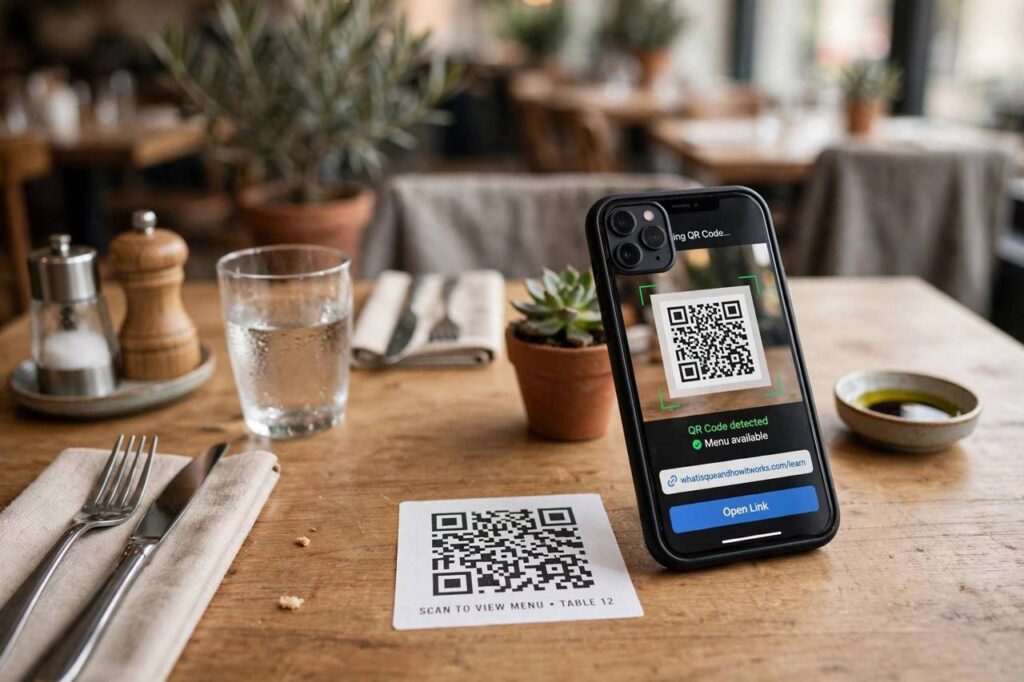
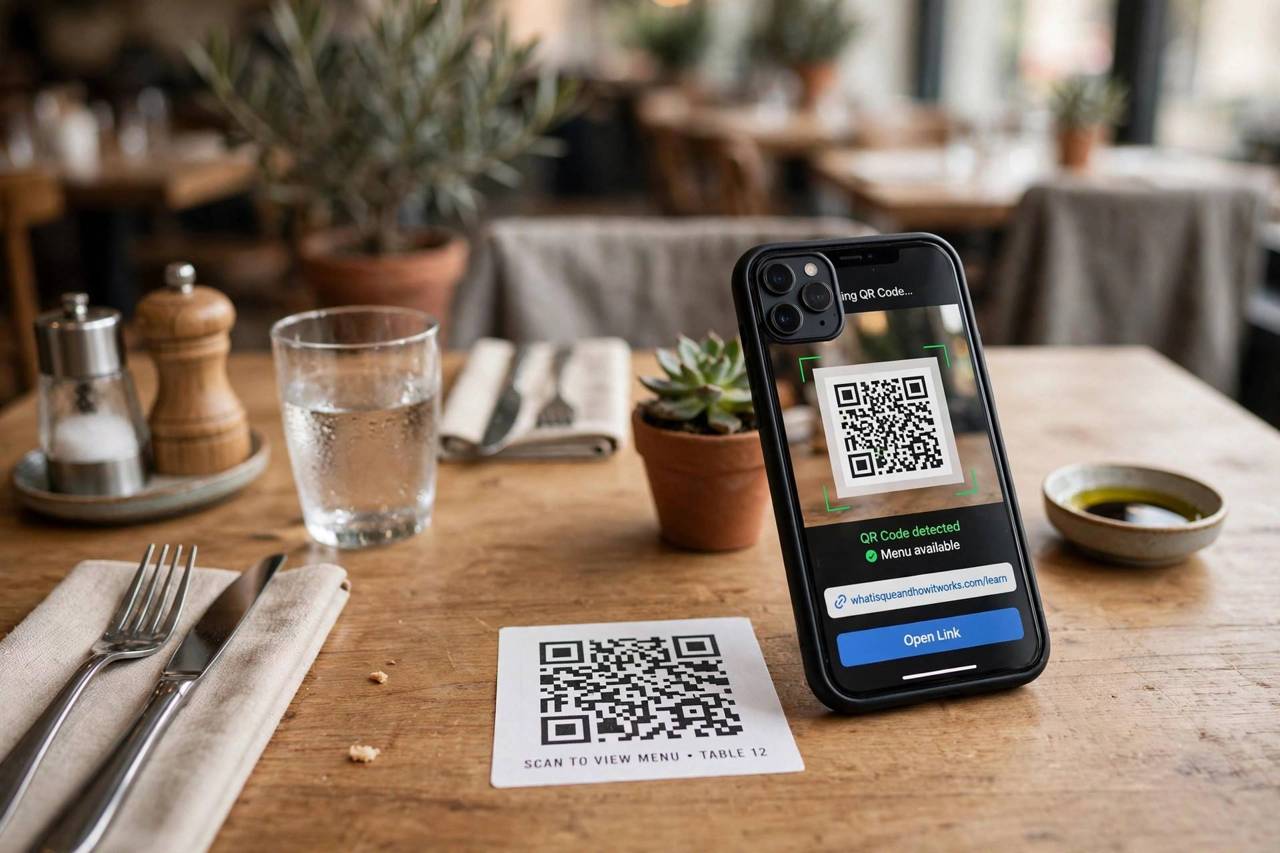
What is a QR code and how does it work? A QR code is a square barcode that stores information, a website link, contact details, Wi-Fi credentials, payment info, in a pattern of black and white modules your phone camera can read in a fraction of a second. QR stands for Quick Response, and the name is literal: the format was designed so scanners could find and decode it almost instantly, even if it is damaged, tilted, or partially obscured. I have tested dozens of scanner apps and generator tools over the years, and the underlying technology is more clever than it looks. Here is what is actually inside those squares.
You see QR codes on restaurant tables, payment terminals, boarding passes, product packaging, and Wi-Fi routers. They succeeded because they solved a real problem: getting structured data from the physical world into your phone without typing. Typing a long URL or a Wi-Fi password is slow and error-prone; pointing a camera is neither.
Who Invented the QR Code?
The QR code was invented in 1994 by Denso Wave, a Japanese company, for tracking car parts in Toyota factories. Traditional barcodes could only hold about 20 characters; the new two-dimensional code could hold thousands. Denso Wave made a decision that shaped everything after: they released the specification openly and chose not to enforce patent rights, letting anyone use QR codes for free. That single choice is a big reason the format conquered the world instead of remaining a factory tool.
For its first decade, the QR code stayed mostly in industrial Japan. The smartphone changed everything. Once every phone had a decent camera and the processing power to decode in real time, the use cases exploded: payments in China, menus during the pandemic, tickets, boarding passes, and logins everywhere.
Anatomy of a QR Code
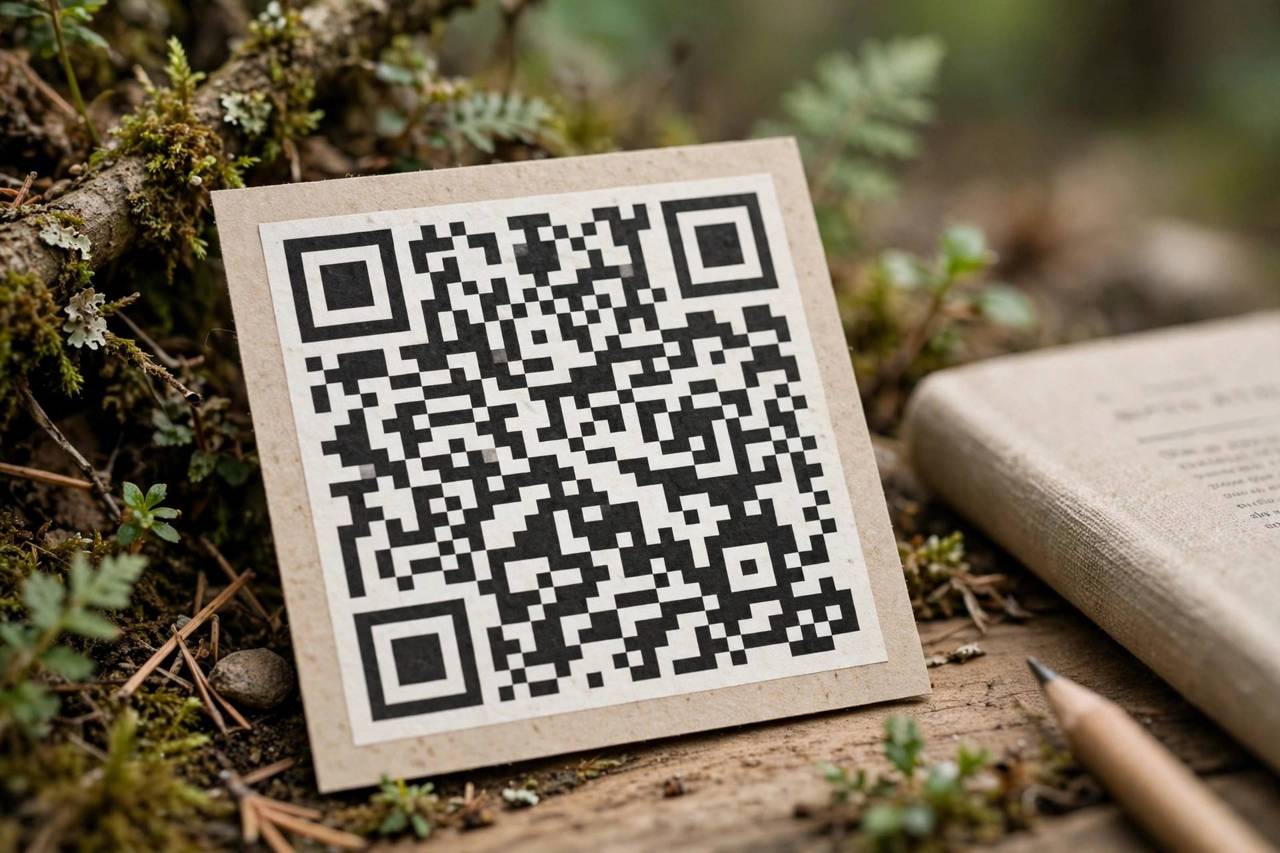
Look closely at any QR code and you will see structure, not randomness. The three large squares in the corners are finder patterns; they tell the scanner where the code is, how big it is, and at what angle it is being viewed, which is why your phone can read a code that is tilted, upside down, or photographed at an angle. The smaller square near the fourth corner is the alignment pattern, which corrects for distortion when the code is printed on a curved surface like a bottle.
Everything else is data and error correction. The timing pattern, the alternating strip between the finder squares, tells the scanner how densely the modules are packed. Format information near the finders encodes the error-correction level and the data mask. The remaining modules carry the actual payload, your URL or text, encoded as binary, plus redundant copies of that data for damage recovery.
How Scanning Actually Works
When you point your camera at a code, the process runs in milliseconds. First, the scanner software locates the three finder patterns, which fixes the code’s position, size, and rotation. Second, it samples the grid of modules, reading each as dark or light. Third, it reverses the data mask, a deliberate scrambling applied when the code was generated to avoid large blank areas that confuse scanners. Fourth, it decodes the binary into characters according to the encoding mode: numeric, alphanumeric, or full byte data.
Fifth, and this is the clever part, it applies error correction. QR codes use Reed-Solomon error correction, the same mathematics that keeps CDs playing through scratches. Depending on the setting, a code can lose up to 30 percent of its surface to damage or dirt and still decode perfectly. That is why codes with logos stamped in the middle still work: the logo destroys data modules, and the error correction rebuilds them. In my testing, even heavily scuffed printed codes usually scan; it takes real destruction to kill one.
Static vs. Dynamic QR Codes
Not all QR codes are the same behind the scenes. A static code encodes its data directly: the URL or text is baked into the pattern forever. It is free to make, works indefinitely, and cannot be tracked or changed. For a business card or a museum plaque, static is perfect.
A dynamic code encodes a short redirect URL hosted by a service. The printed pattern never changes, but the destination can be updated, and scans can be counted and analyzed. The catch: dynamic codes depend on the service staying alive and usually require a paid subscription. If the service shuts down, the code dies. For anything permanent, I recommend static; for marketing campaigns where you need analytics and flexibility, dynamic earns its cost.
What QR Codes Can Store
The format is agnostic about content. Common payloads include website URLs, Wi-Fi network credentials (scan and join without typing the password, which is genuinely useful and relates to how Wi-Fi networks authenticate devices), contact cards, plain text, email addresses with prefilled subjects, SMS messages, calendar events, geographic coordinates, and payment instructions. The maximum capacity is about 3,000 bytes, enough for a couple of pages of text, though in practice most codes carry far less; smaller payloads scan faster and more reliably.
Staying Safe: QR Code Scams
The same convenience that makes QR codes useful makes them abusable. A sticker placed over a legitimate code can redirect you to a phishing site; this attack even has a name, quishing. The defenses are simple. First, preview the URL before opening: both iPhone and Android show the destination when you scan, so read it. Second, be suspicious of codes in unexpected places, especially payment codes that look stuck on as an afterthought. Third, never enter passwords or payment details on a site you reached via QR code unless you verified the domain carefully. Fourth, for payments, confirm the recipient name shown by your banking app before approving.
QR codes themselves are not dangerous; they are just text. The risk is entirely in where they point. Treat an unexpected QR code with the same caution as an unexpected link, because that is exactly what it is.
How to Make Your Own QR Code
Making a static QR code takes about a minute. Use a reputable generator, paste your URL or text, and download the image at high resolution. Print it at least 2 by 2 centimeters for reliable scanning; bigger is better for distance. Keep good contrast: dark modules on a light background scan best, and inverted or low-contrast designs fail often. Test with two different phones before printing a thousand flyers, because discovering a dead code after printing is a special kind of pain.
For dynamic codes with analytics, compare a few services on price and longevity before committing, and check what happens to your codes if you cancel. The redirect dependency is the fine print that matters.
What Is a QR Code and How Does It Work for Payments?
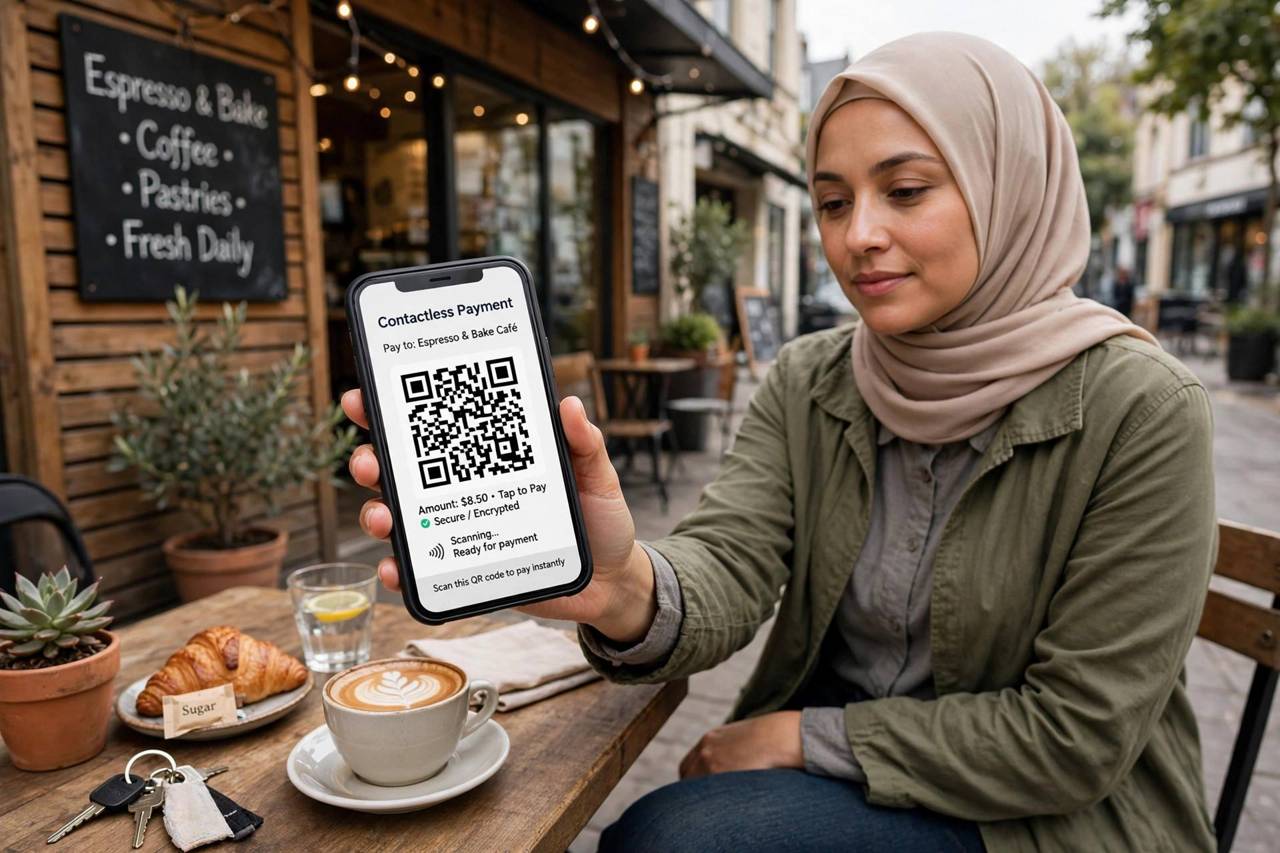
Payment QR codes are the same technology with money attached. When you scan a merchant’s code, it typically encodes either a direct payment link or the merchant’s account identifier; your banking or wallet app reads it, shows you the recipient and amount, and asks for confirmation. The security model is straightforward: the code is just an address, and your app handles authentication. This is why payment codes took over in markets where card terminals were expensive to deploy: a printed square of paper replaces hardware. The safety rules from earlier apply doubly here: verify the recipient name your app displays before confirming, because a sticker swapped onto a legitimate code is the oldest trick in this book.
QR Codes vs. NFC Tags
QR codes have a younger rival: NFC, the tap-to-pay technology in phones and cards. NFC is faster for the user, one tap versus open-camera-aim, and harder to tamper with visually, since there is nothing to photograph or sticker over. But QR codes win on cost and universality: they are free to print, work on any smartphone with a camera, and need no special hardware on either end. That is why you see QR codes on restaurant tables and NFC on payment terminals. They are not really competitors; they are different tools, and the physical world has room for both.
The Future of QR Codes
Thirty years in, the QR code keeps finding new jobs. Augmented reality uses it as an anchor point, linking physical objects to digital overlays. Supply chains encode whole product histories into codes that consumers can scan for authenticity. Digital identity systems in several countries use QR codes as portable credentials. The format endures because it hits a rare sweet spot: free, open, printable on anything, readable by hardware everyone already owns. Technologies usually die by being replaced; the QR code survives by being irreplaceable at its price, which is zero.
Frequently Asked Questions
Do QR codes expire?
Static QR codes never expire; the data is encoded directly in the pattern. Dynamic codes can stop working if the redirect service shuts down or the subscription lapses. For permanent uses like signage, always choose static.
Can a damaged QR code still be scanned?
Usually yes. Error correction lets a code survive up to 30 percent damage depending on its settings. Logos, scratches, and dirt are normally fine. The finder patterns in the corners are the critical part; damage there causes the most failures.
Are QR codes safe to scan?
The code itself is harmless; the risk is the destination. Always preview the URL your phone shows before opening it, and never enter sensitive information on a site reached via a code you didn’t expect. Stick-on codes over legitimate ones are the most common scam.
What’s the difference between a QR code and a barcode?
A traditional barcode stores data in one dimension (varying line widths) and holds around 20 characters. A QR code stores data in two dimensions (a grid of squares) and holds thousands of characters, plus it includes positioning patterns and error correction.
Why won’t my phone scan a QR code?
Common causes: the code is too small, too far away, or poorly lit; low contrast between modules and background; a damaged finder pattern; or an outdated camera app. Try moving closer, improving the light, and cleaning the lens. Most modern phones scan natively through the camera app with no extra software.