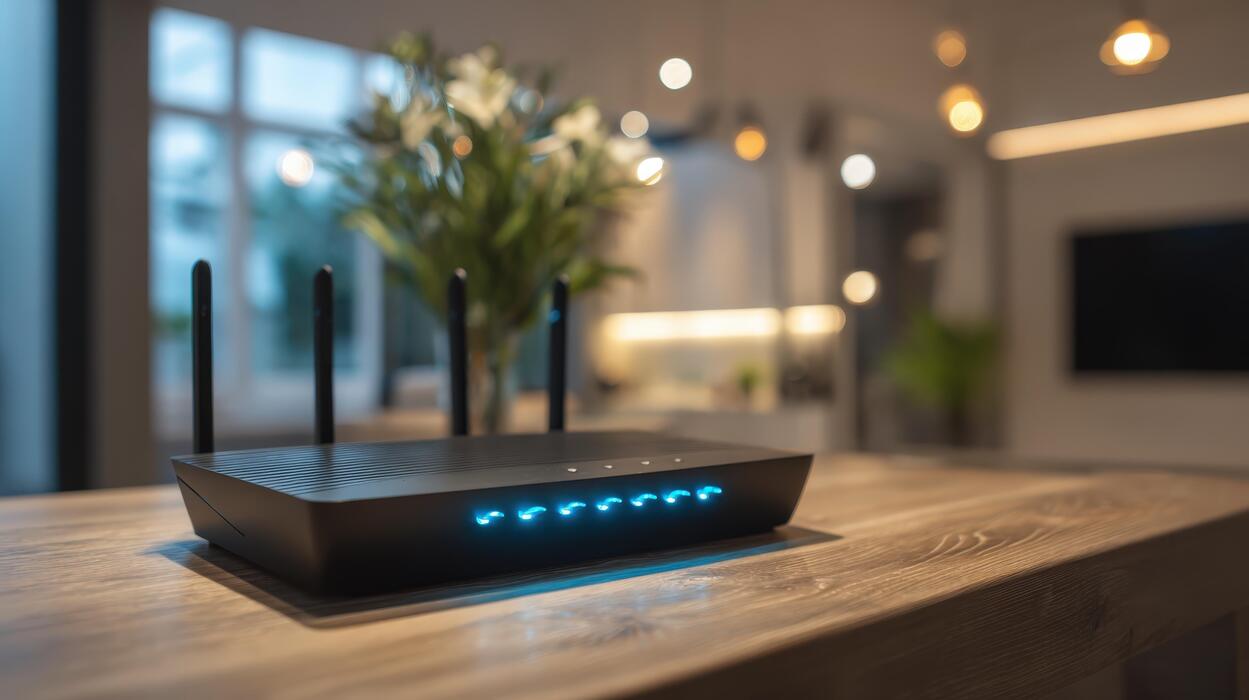
Three months ago, my home WiFi started acting like it had a personal grudge against me. Video calls froze mid-sentence. My smart TV buffered during the one show I actually wanted to watch. I did what most people do: I blamed my internet provider, ran a speed test, and got 940 Mbps — basically the full speed I was paying for. The problem wasn’t my internet. It was my WiFi.
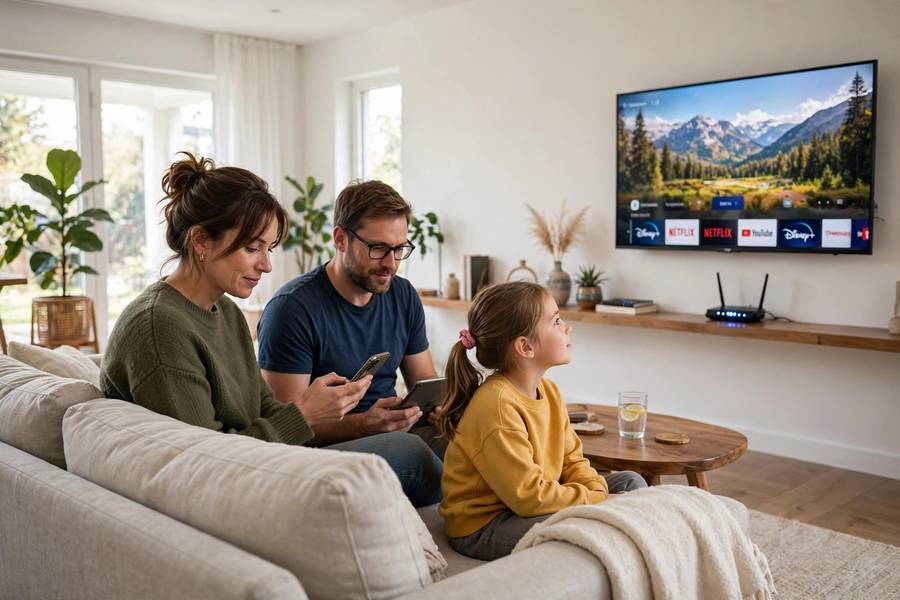
My old router was trying to serve twenty-some devices over crowded airwaves, and it was losing. That’s what sent me down the WiFi 6E rabbit hole. I read the spec sheets, tested a 6E router in my own apartment for six weeks, and argued with customer support about one weird setting. Here’s everything I learned — in normal human language, because the marketing around this stuff is confusing on purpose.
In This Guide
- What WiFi 6E Actually Is
- The 6GHz Band: The Part That Actually Matters
- WiFi 6 vs WiFi 6E vs WiFi 7: What’s Different
- Real-World Speeds: What You’ll Actually Notice
- What You Need to Use WiFi 6E
- Is WiFi 6E Worth Your Money?
- Setting It Up Without the Headache
- Frequently Asked Questions
What WiFi 6E Actually Is
WiFi 6E is not a brand-new generation of WiFi. That’s the first thing the box won’t tell you clearly.
The “E” stands for Extended. WiFi 6E is WiFi 6 (the technical standard is called 802.11ax) extended into a brand-new radio band: 6 GHz. Same underlying technology — same efficiency tricks, same theoretical top speed — but with access to a huge chunk of fresh, empty airwaves that no consumer WiFi has ever used before.
The Wi-Fi Alliance began certifying 6E devices in 2021; by 2026 it’s thoroughly mainstream and prices have dropped to sane levels.
If you want the full background on the basics first, here’s how WiFi actually works — the short version is that your router and devices talk over invisible radio waves, and those waves get crowded.
The 6GHz Band: The Part That Actually Matters
This is the whole story. Everything else is details.
Your current WiFi uses two bands: 2.4 GHz and 5 GHz. The 2.4 GHz band is slow but travels far and passes through walls well — it’s also a zoo, shared with Bluetooth, baby monitors, microwaves, and every neighbor’s router. The 5 GHz band is faster but shorter-range, and in any apartment building it’s now crowded too, because everyone moved there to escape 2.4 GHz.
WiFi 6E adds a third band: 6 GHz. In the US, regulators opened up a massive 1,200 MHz of spectrum there — more than doubling total WiFi airwaves, with room for up to fourteen clean 80 MHz channels.
Why does “empty” matter so much? Because WiFi is a shared medium. When your router and your neighbor’s router use the same channel, they take turns — politely waiting for each other, which slows everyone down. On the 6 GHz band, there are so many channels that your router can usually grab a wide one all to itself. No waiting. No interference from the baby monitor downstairs.
There’s one real tradeoff: 6 GHz doesn’t travel as far and doesn’t pass through walls as well as 5 GHz, let alone 2.4 GHz. Higher frequency means shorter range — that’s just physics. In my testing, the wall penalty was real. It’s not a range upgrade — it’s a speed-and-capacity upgrade for the space near your router.
WiFi 6 vs WiFi 6E vs WiFi 7: What’s Different
Here’s the comparison without the marketing fog:
| WiFi 6 | WiFi 6E | WiFi 7 (802.11be) | |
|---|---|---|---|
| Bands | 2.4 + 5 GHz | 2.4 + 5 + 6 GHz | 2.4 + 5 + 6 GHz |
| Max channel width | 160 MHz | 160 MHz | 320 MHz |
| Theoretical max speed | 9.6 Gbps | 9.6 Gbps | ~46 Gbps |
| Latency | Low | Lower (clean spectrum) | Lowest (multi-link) |
| Device support | Everything recent | Most phones/laptops since ~2021 | Flagships since ~2024 |
| Router price (2026) | $60–120 | $100–250 | $250–600+ |
Notice something? WiFi 6 and WiFi 6E have the same theoretical top speed. The spec didn’t get faster — the available road got wider and emptier. WiFi 7 is the actual next generation, with wider channels and a clever trick called multi-link operation (using multiple bands at once), but in 2026 its devices are still mostly expensive flagships.

Real-World Speeds: What You’ll Actually Notice
Forget the 9.6 Gbps number on the box. That’s a laboratory link rate — all antennas, perfect conditions, both devices two feet apart, nothing else in the universe transmitting. Nobody gets that. Here’s what I actually measured in my apartment with a gigabit fiber connection and a mid-range WiFi 6E router:
- Same room, 6 GHz band: 1,300–1,700 Mbps on my laptop. This is the “wow” zone.
- One room over, 6 GHz: 700–950 Mbps. Still excellent — maxes out most internet plans.
- Two rooms over, 6 GHz: 250–400 Mbps. The wall penalty is real.
- Same tests on the 5 GHz band (WiFi 6): 500–800 Mbps same room, dropping faster with distance and noticeably more variable — speeds jumped around as neighboring networks interfered.
Two honest observations from six weeks of use. First, the headline speed improvement is nice, but the thing I actually felt was consistency. Video calls stopped having those random two-second freezes. Game downloads held steady instead of surging and stalling. Second, latency dropped: my ping to the router went from 4–8 ms on crowded 5 GHz to a rock-solid 2–3 ms on 6 GHz. If you game or video-call a lot, that matters more than raw speed.
One more reality check: WiFi 6E can’t make your internet faster than your internet plan. If you pay for 300 Mbps, a 6E router will not give you 301. It gives you your full 300 more reliably, to more devices at once. The upgrade shines brightest on gigabit (or faster) connections.
What You Need to Use WiFi 6E
Three things, and all three are non-negotiable:
1. A WiFi 6E router or access point. Your current router can’t be software-upgraded to 6E — it needs a physical 6 GHz radio, which means new hardware. Look for “WiFi 6E” explicitly on the box, not just “WiFi 6” or “AX.” Tri-band 6E routers broadcast all three bands (2.4, 5, and 6 GHz).
2. Client devices with 6 GHz radios. Your phone, laptop, or tablet needs to support WiFi 6E to use the 6 GHz band. Check the specs for “WiFi 6E” or “802.11ax (6 GHz).” Most flagship phones since 2021 have it, as do many mid-range phones and laptops from the last couple of years. Desktops usually need a 6E WiFi card or USB adapter.
3. WPA3 security. The 6 GHz band requires WPA3 encryption — no exceptions, it’s part of the standard. Any 6E router supports this, but if you’ve manually set your router to WPA2-only mode, 6 GHz won’t broadcast until you switch.
Now the good news for mixed households: your old devices still work fine with a 6E router — they connect on the 2.4 and 5 GHz bands like always, and your wireless earbuds and other gadgets keep working exactly as before.
Is WiFi 6E Worth Your Money?
Here’s the honest breakdown:
Buy WiFi 6E if: you have gigabit (or faster) internet, you live in an apartment or dense neighborhood where the 5 GHz band is congested, you have 15+ connected devices, or several people video-call, game, or stream 4K at the same time. In that situation, it’s the single best network upgrade you can make — I felt the difference within a day.
Skip it if: your internet plan is 300 Mbps or slower, you live in a detached house with few nearby networks, or you have a handful of devices. A good WiFi 6 router will serve you just as well for half the price, and your internet plan is the bottleneck anyway.
The WiFi 7 question: WiFi 7 routers exist and they’re genuinely better on paper, but in 2026 they still cost two to three times as much, and very few of your devices can use WiFi 7’s headline features. My take: buy WiFi 6E if you find a good one on sale (the $120–180 range is the sweet spot now), or wait another year or two if your current setup works. Don’t pay full price for WiFi 7 yet unless you’re building a dream setup and money isn’t the question.
One thing I’d avoid: “WiFi 6E” routers under $80. In my experience, the cheap ones cut corners on processors and RAM, and a struggling router CPU will bottleneck you worse than any WiFi standard ever could.
Setting It Up Without the Headache
Good news: this takes about fifteen minutes, and most of it is waiting.
- Place the router centrally and out in the open — not in a cabinet, not behind the TV. 6 GHz is fussier about obstacles than older bands, so placement matters more than it used to. Higher up is better.
- Use the manufacturer’s app to set it up (every major brand has one now). It’ll walk you through connecting to your modem.
- Decide on network names. Use one name for all three bands (simplest), or give 6 GHz its own name like “HomeWiFi-6G” to manually put devices on the fast lane — I prefer the separate name.
- Turn on WPA3 (or WPA2/WPA3 mixed mode so older devices still connect).
- Update the firmware on day one. Router makers ship security and performance fixes constantly, and the version in the box is always old.
- Check that 6 GHz is actually broadcasting. In the app, look for the 6 GHz radio status — some routers ship with it disabled behind an “enable” toggle.
After setup, run a speed test next to the router and from your usual spots. If 6 GHz is dramatically worse two rooms away, that’s normal — let far devices use 5 GHz.

Frequently Asked Questions
Same 9.6 Gbps theoretical maximum, but in real homes 6E is faster and more consistent because the 6 GHz band is wide open — no competing with neighbors. Expect better speeds near the router, not a bigger number on the box.
Yes. Older devices connect on the 2.4 and 5 GHz bands exactly as before — they just can’t see the 6 GHz band. Nothing breaks and nothing needs replacing.
Probably not. 6E can’t beat your internet plan’s speed, so on 300 Mbps a good WiFi 6 router performs the same for less. 6E earns its price on gigabit-plus plans or in congested apartment buildings.
Shorter than older WiFi: excellent in the same room, good one room over, weak through two-plus walls. It’s a speed upgrade, not a range upgrade.
WiFi 7 is better but costs two to three times more with few compatible devices. Buy 6E on sale ($120–180), or wait a year or two for WiFi 7 prices to fall.
Yes. The empty 6 GHz band cuts jitter and keeps latency low and stable — I measured 2–3 ms to the router versus 4–8 ms on crowded 5 GHz. Competitive gamers should still use Ethernet.