
How Does WiFi Work? A Simple Explanation
Every day, your phone streams video through thin air, your laptop loads pages without a cable, and your smart speaker answers questions — all without a single wire connecting them to the internet. It feels like magic, but it’s engineering.
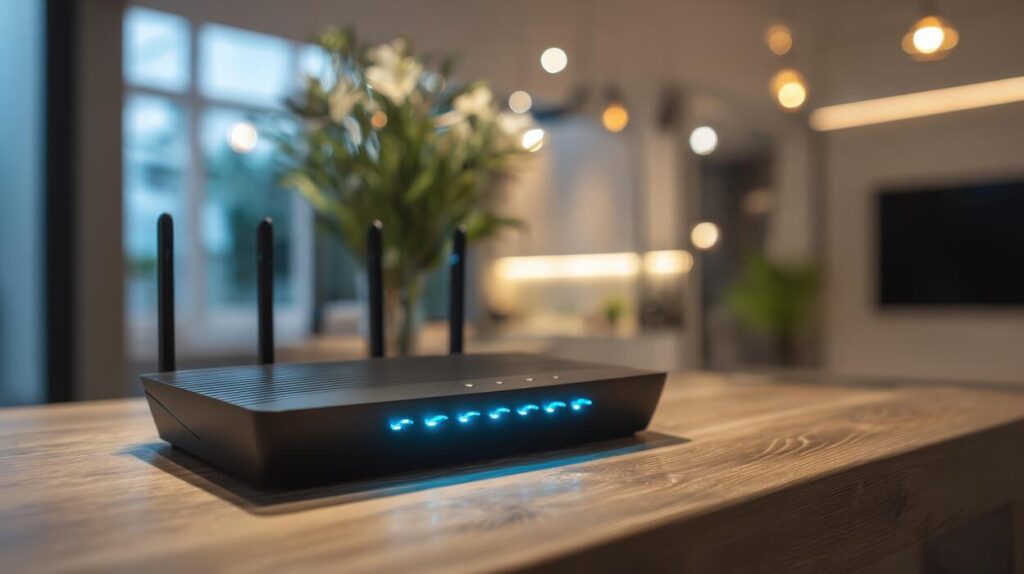
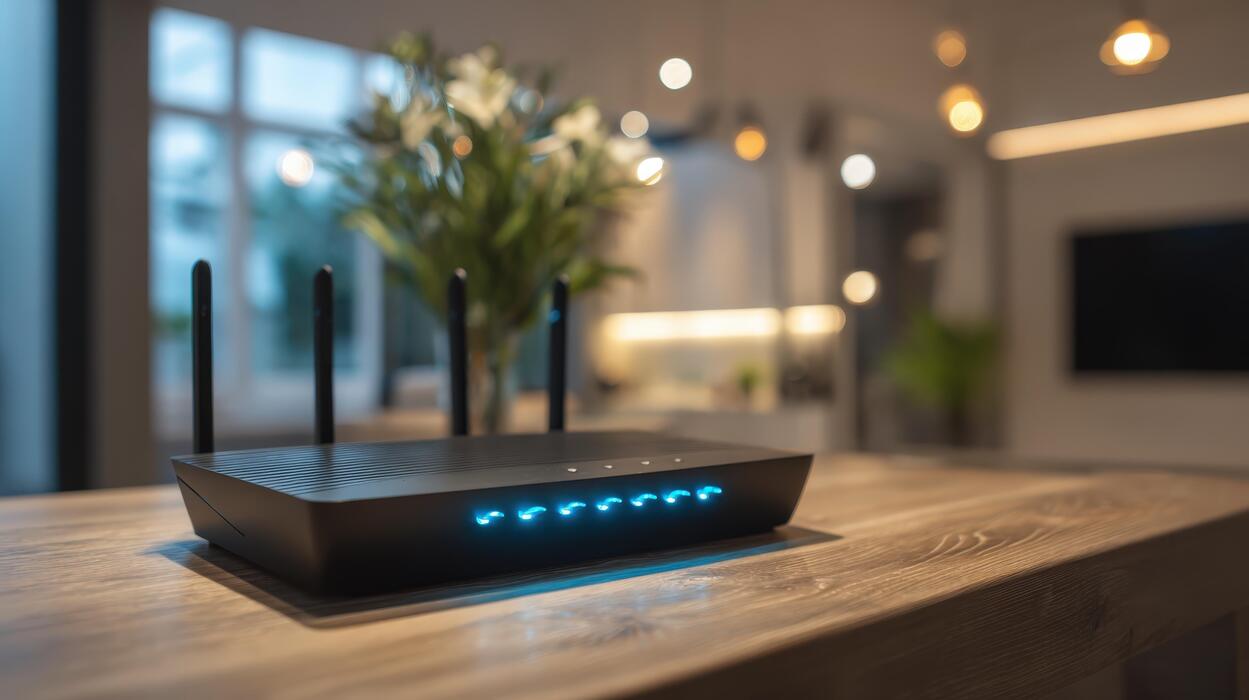
WiFi is simply a way to move data between devices using radio waves instead of cables. A router takes the internet connection coming into your home and broadcasts it as radio signals; your devices listen for those signals, translate them back into data, and send their replies the same way.
This guide explains, in plain language, how WiFi actually transmits data wirelessly — from radio waves and routers to the signals bouncing around your living room — no engineering degree required.
WiFi in One Paragraph
Your internet enters the house through a cable, fiber line, or phone line into a device called a router. The router converts that internet data into radio waves and broadcasts them in every direction, like a tiny radio station. Every WiFi-capable device near it — phone, laptop, TV, smart thermostat — has a wireless adapter that picks up those radio waves, decodes them back into data, and sends its own radio replies to the router. The router then forwards those replies out to the internet. That two-way radio conversation, happening millions of times per second, is WiFi.
Radio Waves: The Invisible Highway
Everything WiFi does rides on radio waves — the same kind of electromagnetic waves that carry FM radio and over-the-air TV, just at much higher frequencies. “Frequency” simply means how many times per second the wave oscillates, measured in hertz.
WiFi mainly uses two frequency bands:
- 2.4 GHz — travels farther and passes through walls better, but it’s slower and more crowded (microwaves, baby monitors, and Bluetooth also live here).
- 5 GHz — much faster, but with shorter range and weaker wall penetration.
- 6 GHz — used by the newest WiFi 6E and WiFi 7 devices; even faster, but the shortest range of the three.
Think of bands like highways with different numbers of lanes. The higher-frequency bands have more “lanes” for data, but the signal fades faster with distance — the same way a high-pitched sound dies out sooner than a deep bass note.
Channels keep routers from shouting over each other
Each band is divided into channels — smaller slices of frequency. Your router picks a channel and stays there, while your neighbor’s router hopefully picks a different one. When too many routers crowd onto the same channel, they interfere, and everyone’s speed drops. That’s why apartment buildings often have mysteriously slow WiFi: dozens of routers competing on the same channels.
How Data Actually Travels Through the Air
Here’s the clever part. A radio wave on its own carries nothing — it’s just energy oscillating up and down. To send data, the router modulates the wave: it subtly changes the wave’s shape in patterns that represent digital bits.
The simplest way to picture it: imagine waving a flag. Wave it high for a “1” and low for a “0.” Modern WiFi does the equivalent millions of times per second, encoding huge streams of ones and zeros into tiny variations of the radio signal. The technical names for these techniques are things like amplitude and phase modulation, but the idea is the same flag-waving principle, just unimaginably fast.

Packets: data in envelopes
Your devices don’t send data as one endless stream. Everything is chopped into small chunks called packets, each with a label saying where it came from, where it’s going, and which piece of the whole message it is. Your device flings packets at the router; the router reassembles them and forwards them onward. If a packet gets corrupted in the air, the receiver simply asks for it to be re-sent — that’s why WiFi still works in imperfect conditions.
Full duplex is an illusion
On a single channel, WiFi devices take turns: one talks while the others listen, switching roles thousands of times per second. It’s so fast it feels simultaneous, but it’s really rapid turn-taking. Newer WiFi generations add tricks like MU-MIMO (serving several devices at once on different spatial “streams”) to make that turn-taking far more efficient.
The Router: Your Home’s Traffic Controller
The router has two jobs, and people often confuse them. First, it connects your home network to the internet — usually through a modem, which translates the signal from your internet provider’s line (cable, fiber, or phone) into something the router understands. Many homes have a combined modem-router box that does both.
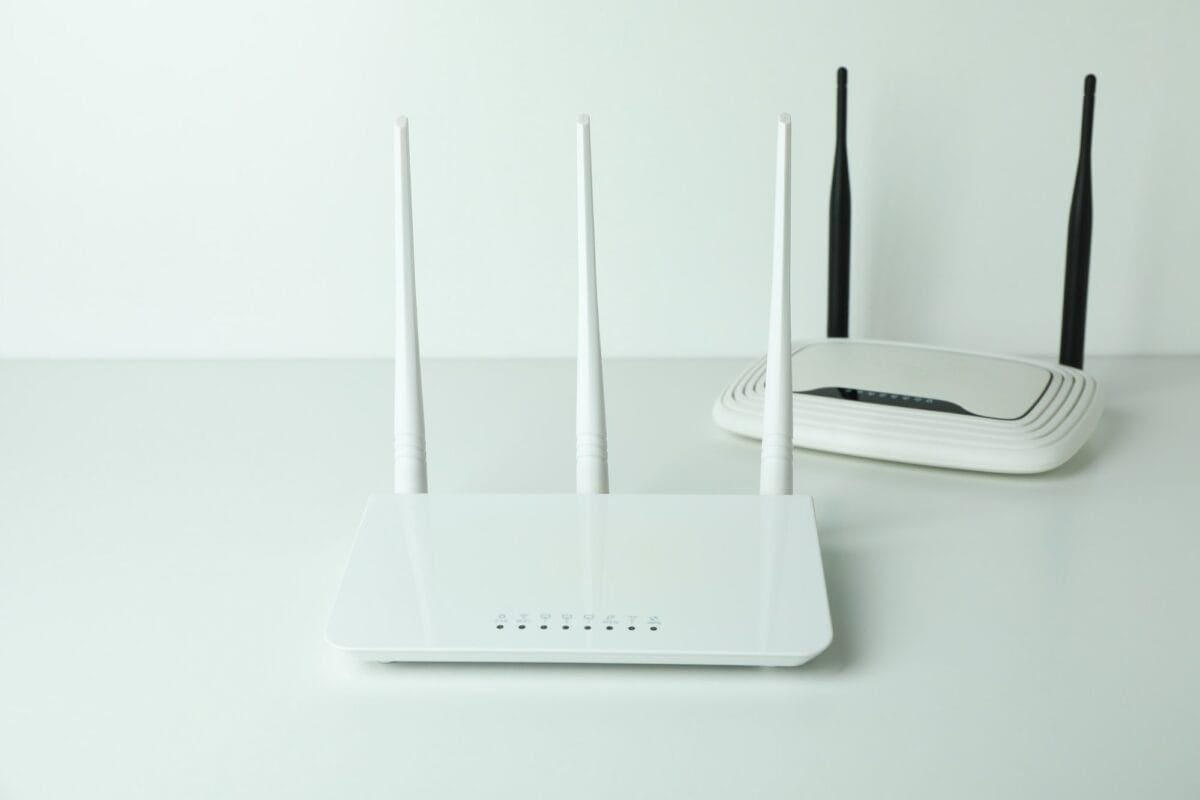
Second, the router manages a small local network of your devices. It gives each device a local address (that’s how it knows the video stream goes to your TV and not your phone), and it keeps track of which packets belong to which device. The little antennas on the router aren’t decorative — they shape and direct the radio signal, and more antennas generally mean the router can maintain more simultaneous conversations.
Why WiFi slows down or drops
- Distance and walls: Radio waves weaken with distance, and dense materials — concrete, brick, metal — block them far more than drywall or wood.
- Interference: Microwaves, Bluetooth gadgets, baby monitors, and neighboring routers all compete for the same airwaves.
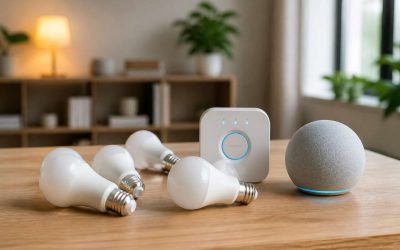
- Too many devices: Every connected device takes turns on the channel. Dozens of idle smart-home gadgets still sip airtime.
- Old standards: A 2012-era router can’t speak the newer, faster WiFi languages, even if your phone can.
WiFi Generations: From 802.11b to WiFi 7
WiFi is a family of standards maintained by an organization called the IEEE, sold to consumers under friendly names like WiFi 5, WiFi 6, and WiFi 7. Each generation squeezes more data through the same air using smarter modulation, wider channels, and better turn-taking:
- WiFi 4 (2009) — brought faster speeds and the first use of the 5 GHz band for mainstream users.
- WiFi 5 (2013) — big jump in speed on 5 GHz, introduced MU-MIMO for serving multiple devices at once.
- WiFi 6 and 6E (2019–2020) — focused on efficiency in crowded homes: better handling of many devices, plus the new 6 GHz band in 6E.
- WiFi 7 (2024) — wider channels and lower latency, aimed at demanding uses like VR and 8K streaming.
One useful rule: your network runs at the speed of its slowest link. A WiFi 7 phone connected to a WiFi 5 router gets WiFi 5 speeds. Upgrading the router is usually the single biggest upgrade a slow home network can get.
WiFi vs. the Internet: What’s the Difference?
People say “my WiFi is down” when they mean “my internet is down,” but they’re two different things. The internet is the global network of servers and connections. WiFi is just the last few meters — the wireless link between your device and your router.
This distinction matters for troubleshooting. If your phone shows full WiFi signal but nothing loads, your WiFi is fine — the problem is the internet connection beyond the router (a provider outage, a modem issue). If the signal itself is weak or drops, the problem is the wireless link: distance, walls, or interference.
A Quick Security Note
Because WiFi is radio, anyone nearby can physically receive the waves — which is why encryption matters. Modern routers use a security standard called WPA3 (or WPA2 on older models), which scrambles the data so eavesdroppers can’t read it. Two practical tips: use a strong, unique router password, and never assume an open, password-free public network is safe for sensitive logins.
The Bottom Line
WiFi is a two-way radio conversation between your router and your devices, with data encoded as patterns in radio waves, chopped into packets, and fired back and forth millions of times per second. Different frequency bands trade speed against range, newer standards squeeze more through the same air, and most “slow internet” problems are actually problems with that final wireless hop. Once you see it as radio — waves, channels, interference, distance — every WiFi mystery in your house starts to make sense.
It encodes digital data as patterns in radio waves. The router modulates — subtly reshapes — a radio signal to represent ones and zeros, broadcasts it through the air, and your device’s wireless adapter decodes those patterns back into data.
2.4 GHz travels farther and penetrates walls better but offers lower speeds and faces more interference. 5 GHz is significantly faster but has shorter range. Most routers broadcast both, and devices pick whichever suits their location.
The bottleneck is often the wireless link, not the plan: too much distance, thick walls, interference from neighbors’ routers, an outdated router, or too many devices sharing the channel. The internet itself can be fast while the WiFi link chokes it.
Yes, but with losses. Drywall and wood barely slow signals down; concrete, brick, and metal weaken them substantially. That’s why a router in the basement often can’t reach the attic — and why router placement matters so much.
It connects your home’s local network to the internet and directs traffic between them — giving each device a local address, forwarding packets to the right destination, and converting between wired internet signals and wireless radio signals.
No. WiFi is only the wireless connection between your device and your router. The internet is the global network beyond it. Full WiFi bars with no loading pages means your WiFi works but your internet connection is down.