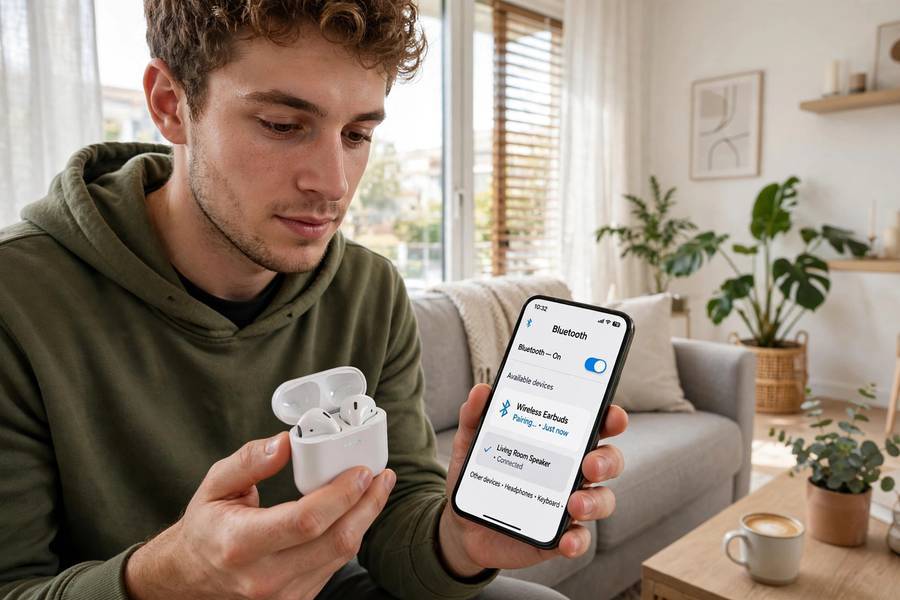
Every explanation of Bluetooth I’ve read sounds like it was written for engineers. Frequency-hopping spread spectrum this, 2.4 GHz ISM band that. So let me tell you what it actually is, the way I’d explain it to a friend: Bluetooth is just a short-range radio conversation between two devices. Your phone’s radio says “hey, headphones, I’m here,” the headphones say “hey, phone, I hear you,” and then they agree on a private channel to talk on. That’s it. That’s the whole idea. Everything else is details — but the details are where the interesting stuff lives, so let’s get into them.
We break down noise cancelling headphones work step by step in a separate guide.
- The two-minute version
- Pairing: the handshake
- Why it doesn’t interfere with WiFi
- Range: why 30 feet is the magic number
- Bluetooth versions and what they actually changed
- Bluetooth Low Energy: the smartwatch secret
- Why Bluetooth audio can lag
- Bluetooth vs WiFi: which does what
- Frequently Asked Questions
The Two-Minute Version
Your phone and your headphones both have tiny radios inside. When you put your headphones in pairing mode and your phone searches, the phone scans for nearby radios announcing themselves. Once it finds yours, the two devices do a quick handshake — they swap some codes to make sure they’re talking to the right partner — and then they lock onto a shared radio channel.
Want the full picture? Read our guide to backup an android phone.
The audio from your phone gets chopped into small digital packets, beamed over that channel as radio waves, and your headphones reassemble them into sound. This happens thousands of times per second. When you walk out of range, the signal gets too weak, packets get lost, and the music stutters or cuts out. That’s the entire system in a nutshell.
Pairing: The Handshake
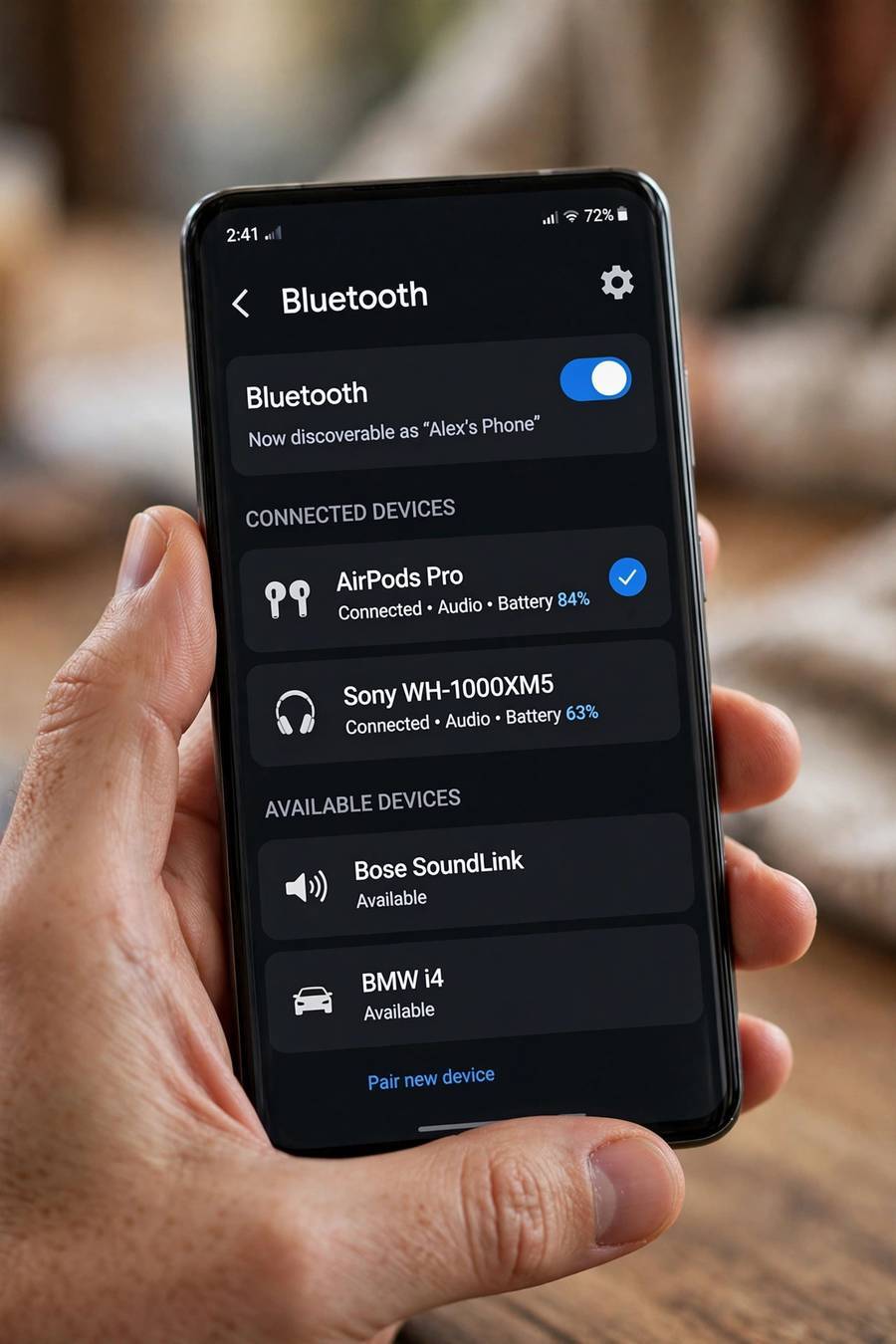
Pairing is Bluetooth’s security checkpoint, and it’s why you don’t accidentally connect to a stranger’s earbuds on the train. Here’s what actually happens:
- Discovery: Your headphones broadcast “I’m here and available” on a few standard channels.
- Selection: Your phone lists what it found. You pick your headphones.
- Key exchange: The two devices swap encryption keys — long random codes that scramble their conversation so nobody nearby can eavesdrop or hijack it.
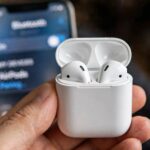
- Trust: Both devices save those keys. Next time, they skip the whole introduction and connect instantly — that’s why your earbuds auto-connect when you take them out of the case.
This is also why “forget this device” exists: it deletes the saved keys, so the devices have to re-introduce themselves from scratch.
Why It Doesn’t Interfere With WiFi
Here’s the clever part. Bluetooth and WiFi both use the same 2.4 GHz radio band — the same airspace. So why don’t they constantly collide? Because Bluetooth is a compulsive channel-hopper.
The 2.4 GHz band is divided into 79 tiny channels. Bluetooth doesn’t sit on one channel — it hops between them up to 1,600 times per second, following a pattern that only the two paired devices know. If one channel is busy (your WiFi router shouting on it), the hop pattern just… skips around it. It’s like having a conversation where you switch rooms every fraction of a second, and only you and your friend know which room is next.
This technique is called frequency hopping, and it’s the single smartest thing about Bluetooth. It’s also why Bluetooth connections stay usable in offices full of WiFi networks, microwaves, and dozens of other Bluetooth devices.
Range: Why 30 Feet Is the Magic Number
Bluetooth range comes in classes:
- Class 3 — about 3 feet (basically useless, you won’t see this)
- Class 2 — about 30 feet / 10 meters (your phone, earbuds, speakers — nearly everything you own)
- Class 1 — about 300 feet / 100 meters (some laptops, industrial gear)
Most consumer devices are Class 2, which is why “about 30 feet” is the number everyone quotes. But walls eat range fast. A wall between your phone and your earbuds can cut that 30 feet to 10. Your body absorbs 2.4 GHz signals too — which is why your music sometimes stutters when your phone is in your back pocket and your earbuds are in your ears. The signal is literally traveling through you.
Newer Bluetooth versions (5.0+) can push further — up to 800 feet in ideal conditions with the right settings — but in real life with walls and interference, expect a meaningful improvement over 4.x, not a miracle.
Bluetooth Versions and What They Actually Changed
The version numbers matter more than most people think:
- Bluetooth 4.0 (2010): Introduced Low Energy (more on that below). The big split between “classic” Bluetooth and BLE.
- Bluetooth 4.2 (2014): Faster, more secure, better for internet-of-things gadgets.
- Bluetooth 5.0 (2016): Double the speed, four times the range, better at broadcasting to multiple devices. This is when Bluetooth speakers and smart home gear got noticeably better.
- Bluetooth 5.2 (2020): Added LE Audio — a new way to send audio over Low Energy, which means better sound quality with less battery drain. Slowly rolling out.
- Bluetooth 5.3 (2021): Mostly efficiency improvements — devices waste less power hunting for each other.
- Bluetooth 5.4 (2023): Better for large networks of devices (think: hundreds of sensors in a warehouse).
Practical takeaway: if you’re buying earbuds or a speaker today, look for Bluetooth 5.0 or higher. Below that, you’re leaving range and battery life on the table for no reason.
Bluetooth Low Energy: The Smartwatch Secret
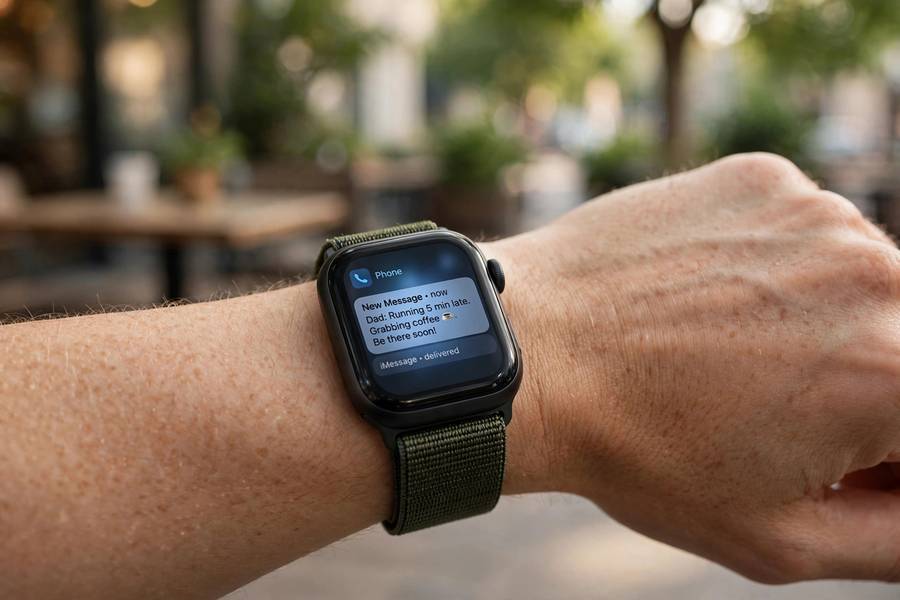
Your smartwatch doesn’t use the same Bluetooth as your music. It uses Bluetooth Low Energy (BLE) — a variant designed for tiny amounts of data sent occasionally, not continuous streams.
The trick: a BLE device spends most of its time asleep. It wakes up for a few milliseconds, sends a tiny burst of data (“heart rate: 72”, “step count: 4,318”), and goes back to sleep. Because the radio is off 99% of the time, a coin-cell battery can last a year or more. That’s how fitness trackers and smart home sensors run for months without charging.
Classic Bluetooth, by contrast, keeps the connection alive continuously — great for streaming music, terrible for battery life. Your earbuds drain in hours; your fitness band lasts weeks. Now you know why.
Why Bluetooth Audio Can Lag
Watch a video on Bluetooth earbuds and the lips don’t quite match the sound. That’s latency — the time between your phone sending audio and your earbuds playing it. Bluetooth audio typically lags 100–250 milliseconds behind.
Why? Because the audio has to be compressed (to fit in Bluetooth’s limited bandwidth), transmitted, received, decompressed, and then played. Each step adds a few milliseconds. Different audio codecs handle this differently:
- SBC — the default every device supports. Works everywhere, but highest latency and lowest quality.
- AAC — Apple’s preference. Sounds better on iPhones, similar latency.
- aptX / aptX Low Latency — Qualcomm’s codecs. Lower latency (~40ms on aptX LL), but both your phone and earbuds must support it.
- LDAC — Sony’s high-quality codec. Great sound, worse latency, needs more bandwidth.
For music, latency doesn’t matter — you can’t tell if a song started 200ms late. For video calls and gaming, it drives people crazy. If lip-sync matters to you, check which codecs your earbuds and phone both support before buying.
Bluetooth vs WiFi: Which Does What
People mix these up constantly, so here’s the clean split:
- Bluetooth: Short range, low power, device-to-device. Earbuds, watches, keyboards, speakers, car systems. No router needed — devices talk directly.
- WiFi: Longer range, higher power, device-to-network. Your phone talking to the internet through a router. Much faster data rates, much more battery drain.
They’re complements, not competitors. Your phone uses WiFi to download the song and Bluetooth to send it to your earbuds. Different jobs, different tools.
Frequently Asked Questions
Neither. Bluetooth is its own direct radio connection between two devices — it doesn’t need WiFi, a router, or mobile data. Your phone can stream music to Bluetooth earbuds in airplane mode (with Bluetooth re-enabled).
The most common causes are: you’re out of range or there’s a wall between the devices, interference from WiFi routers or microwaves, low battery on one device, or too many paired devices confusing the connection. Try moving closer first.
Modern Bluetooth uses encryption, so eavesdropping on an active connection is very difficult. The real risks are during pairing (use it in private, not in a crowd) and old devices with outdated Bluetooth versions. Keep your phone’s software updated and don’t accept pairing requests you didn’t initiate.
Classic Bluetooth streaming does use noticeable battery — it’s why earbuds die in hours. Bluetooth Low Energy barely sips power, which is why fitness trackers last weeks. Leaving Bluetooth on but idle uses very little; it’s the active streaming that costs you.
Technically up to 7 active connections, but in practice most phones handle 2–3 well — like earbuds plus a smartwatch. Audio only goes to one output device at a time on most phones, though newer Bluetooth versions support broadcasting to multiple.
Yes, meaningfully. Bluetooth 5.0 doubles the speed, quadruples the range, and handles broadcasting better than 4.2. If you’re buying new gear, 5.0 or higher is worth having — there’s no reason to buy 4.x devices anymore.