What Is eSIM and How Does It Work? A Clear Guide

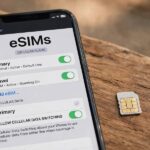
If you’ve bought a phone in the last few years, you’ve probably seen the term — but what is eSIM and how does it work, really? An eSIM (embedded SIM) is a tiny chip built permanently into your phone that does the same job as the plastic SIM card you’ve been swapping for decades: it identifies you to your mobile carrier. The difference is that instead of physically swapping cards to change carriers or plans, you download a carrier profile digitally — often by scanning a QR code — and your phone is connected in minutes. No tiny tray, no paperclip tool, no waiting for a card in the mail. This guide explains how eSIMs work, how to set one up, when they’re better than physical SIMs, and what to watch out for.
The easiest mental model: a physical SIM is a key, and an eSIM is a keypad lock. Both get you through the door. But where the key has to be physically cut and handed to you, the keypad code can be issued remotely, changed instantly, and — crucially — your phone can hold several codes at once and switch between them.
What Is eSIM and How Does It Work? The Technical Basics
Technically, an eSIM is a reprogrammable chip (following the GSMA’s specifications) soldered onto your phone’s circuit board during manufacturing. When you “install” an eSIM, your phone downloads a carrier profile — essentially the digital equivalent of everything stored on a physical SIM: your subscriber identity, authentication keys, and carrier settings — and writes it to that chip. The chip can store multiple profiles (typically 5–8 depending on the phone), though usually only one or two can be active at a time.
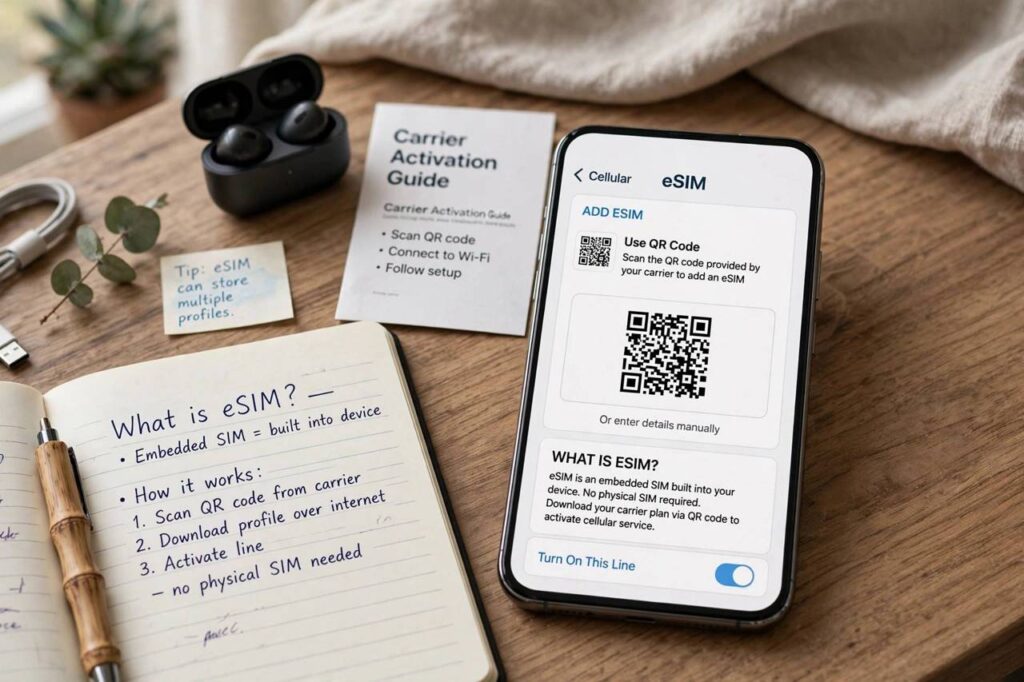
Activation usually works one of three ways: scanning a QR code your carrier provides, using your carrier’s app, or entering the details manually. The phone then contacts the carrier’s servers, verifies your account, downloads the profile, and connects to the network. The whole thing takes a few minutes on Wi-Fi. If you’ve ever set one up, our walkthrough of how to activate an eSIM step by step covers the process with screenshots.
eSIM vs. Physical SIM: Honest Comparison
Where eSIM wins: switching carriers without visiting a store or waiting for mail; keeping multiple plans on one phone (work + personal, or home + travel); buying a local data plan the moment you land in a new country; and for manufacturers, reclaiming the space a SIM tray used to need (one reason newer phones keep getting thinner, and why some models dropped the physical tray entirely).
Where physical SIM still wins: moving your number to a new phone is as simple as moving the card — with eSIM, you transfer the profile, which usually works smoothly but occasionally requires carrier support; some smaller or regional carriers were slow to support eSIM (though this is fading fast); and if your phone dies completely, you can’t just pop the SIM into a backup phone. For most people in 2026, eSIM is the better default — but it’s worth knowing the trade-offs.
Setting Up an eSIM: What to Expect
The setup flow is remarkably consistent across carriers. You’ll need Wi-Fi, your carrier account credentials, and a few uninterrupted minutes. The carrier gives you a QR code (by email, in their app, or in-store). On iPhone: Settings → Cellular → Add eSIM → scan the code. On Android (Pixel/Samsung): Settings → Network & Internet → SIMs → Add eSIM. The phone downloads the profile, you confirm which line is for calls/data, and you’re done.
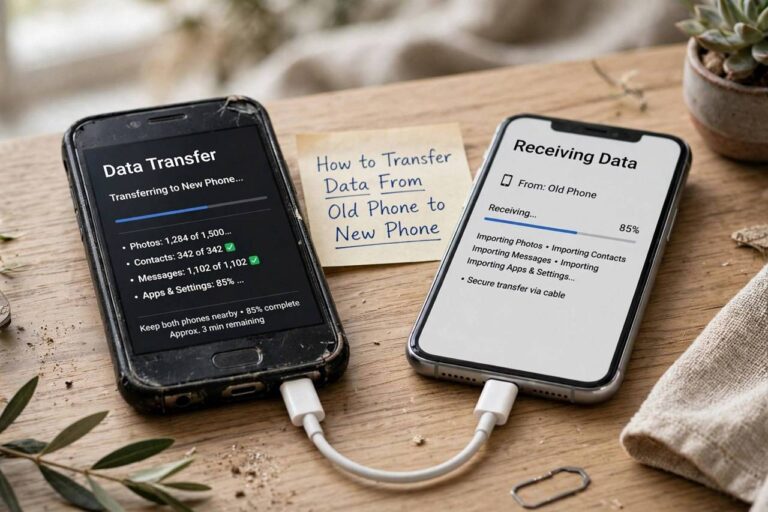
Two gotchas to know. First, do this on Wi-Fi before you need the connection — activating a travel eSIM after you’ve landed with no connectivity is a classic mistake (download it at home or on airport Wi-Fi). Second, some carriers lock eSIM transfers behind account verification steps; if you’re switching phones, start the transfer process while the old phone still works, not after it’s wiped.
eSIM for Travel: The Killer Use Case
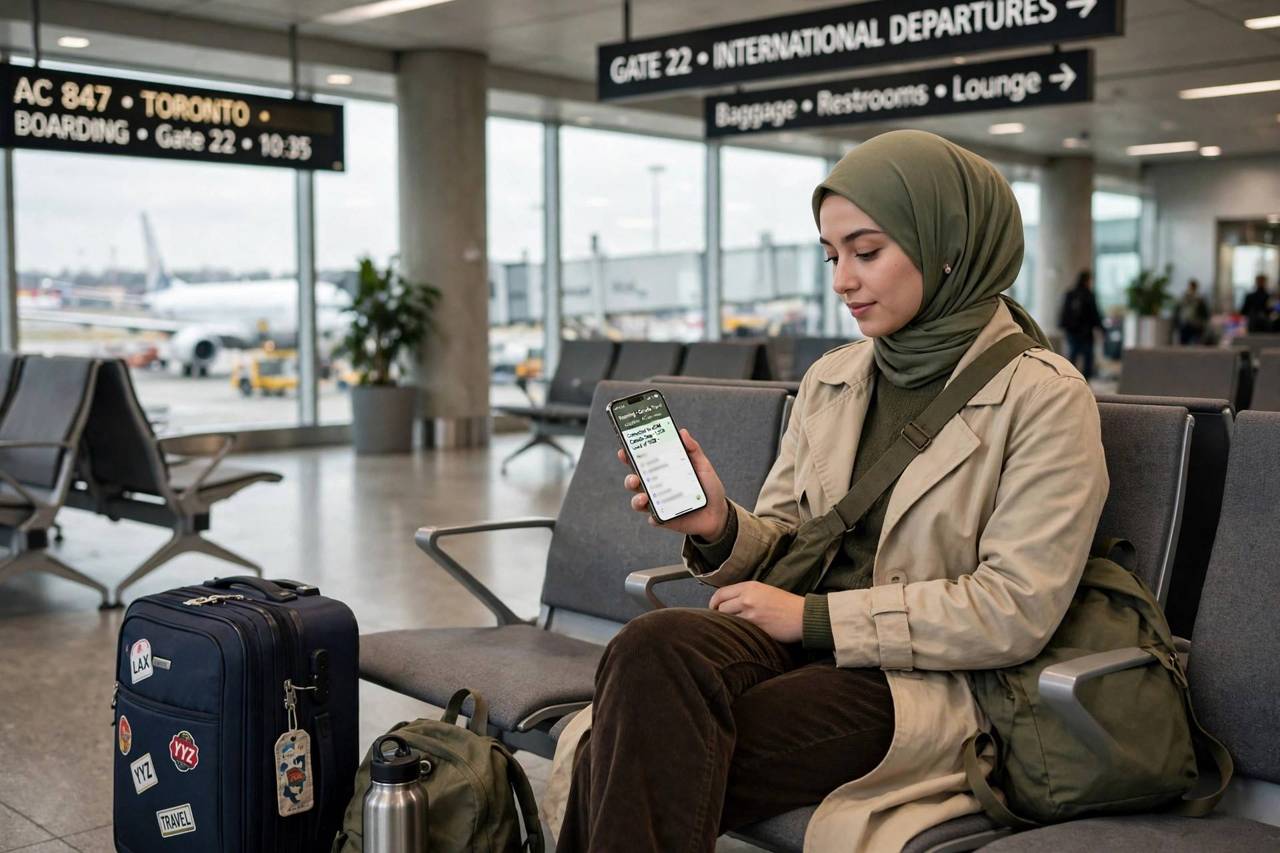
This is where eSIM genuinely changes behavior. The old ritual — landing, hunting for a SIM vendor, queuing, swapping your home SIM (and trying not to lose it), hoping the vendor’s plan works — collapses into: buy a data plan online before the trip, scan a QR code, land connected. Your home number stays active on the phone simultaneously (dual SIM), so two-factor authentication texts still reach you while you browse on cheap local data.
Practical tips: buy from reputable eSIM marketplaces or the destination carrier directly; check that the plan covers the specific countries on your itinerary (regional plans exist for Europe, Asia, and multi-country trips); note whether the plan is data-only (most are — use WhatsApp or similar for calls); and keep your home line on but with data roaming off to avoid surprise charges. For a two-week trip, a travel eSIM typically costs less than a single day of traditional roaming.
Dual SIM: Two Numbers, One Phone
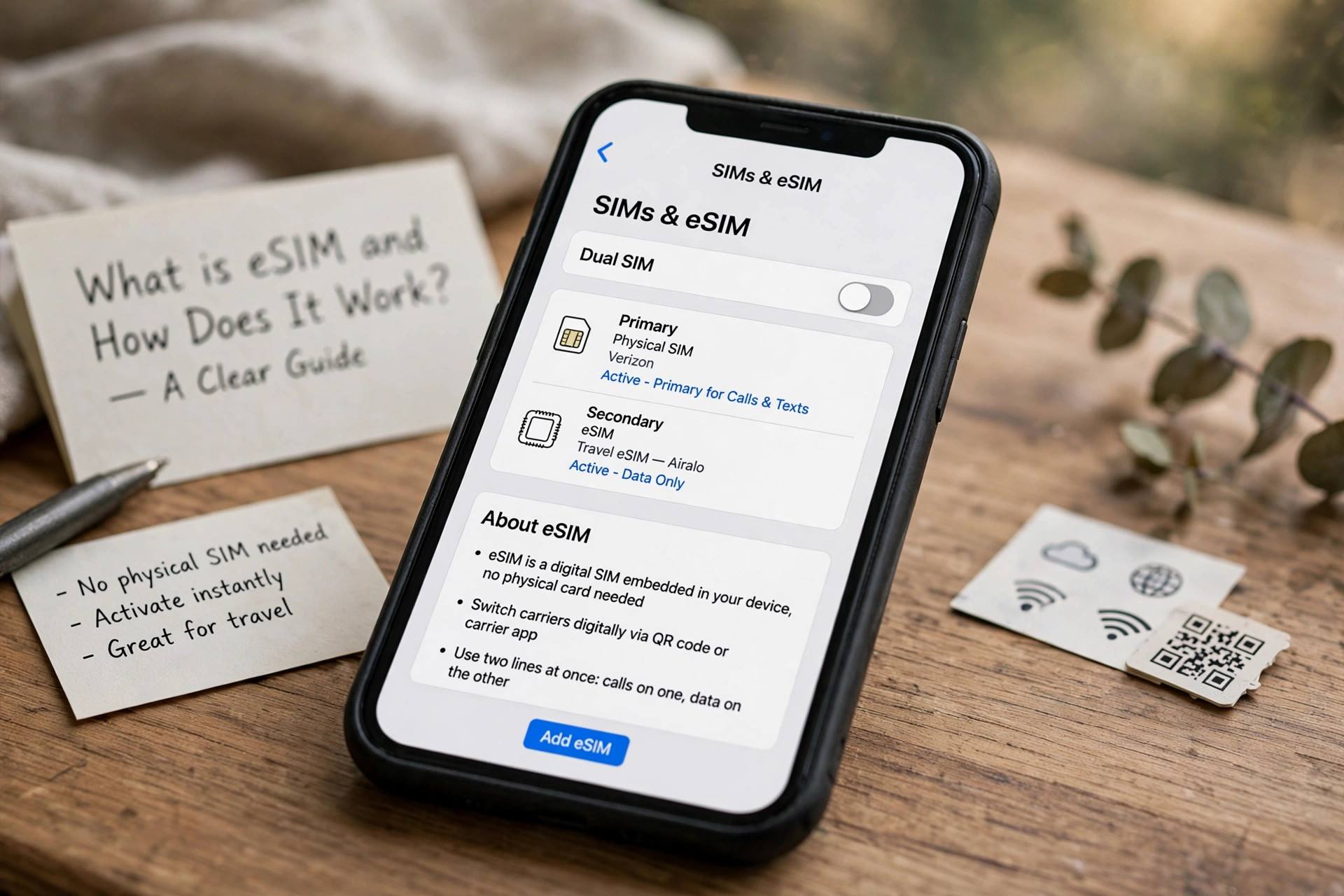
Most eSIM-capable phones support dual SIM operation — typically one physical SIM plus one eSIM, or two eSIMs active simultaneously on newer models. The use cases: separating work and personal numbers without carrying two phones; keeping your home number active while using local data abroad; or combining carriers for coverage (one carrier’s dead zone is another’s strong spot).
Managing two lines is straightforward once set up: you label them (e.g., “Work” and “Personal”), choose a default for calls, texts, and data, and the phone asks which line to use when you call a new contact. The battery impact of running two active lines is real but modest — expect slightly faster drain, worth it for the convenience.
Which Phones Support eSIM?
As of 2026, eSIM support is standard on flagship phones: iPhones from the XS onward (and U.S. iPhone 14 and later are eSIM-only — no physical tray at all), Google Pixel from the Pixel 3 onward, Samsung Galaxy S series from the S20 onward, plus a growing list of mid-range phones, tablets, smartwatches, and even some laptops. The trend is one-directional: physical SIM trays are disappearing from new designs.
Before buying a plan, verify your specific model supports eSIM — carrier compatibility pages let you check by model number, and dialing *#06# on many phones shows an EID number, which confirms eSIM hardware is present. If you’re buying a phone specifically for travel flexibility, eSIM support should be on your checklist alongside battery life and band compatibility.
Security and Privacy Notes
eSIMs change the security picture in mostly good ways. A thief can’t pop out your SIM to defeat tracking or intercept your two-factor codes — the profile is embedded and can be remotely managed. SIM-swap fraud (where attackers trick carriers into moving your number to their SIM) works differently with eSIM: it still exists as a threat, but it requires compromising your carrier account rather than just handling a piece of plastic, which raises the bar.
The flip side: because everything is digital, your carrier account security matters more. Use a strong unique password, enable every account protection your carrier offers (PINs, port-out protection), and treat eSIM QR codes like passwords — anyone with the code can potentially claim the profile. Standard digital hygiene, applied to your phone line.
eSIM on Tablets, Watches, and Laptops
Phones get the attention, but eSIM is spreading across device categories. Cellular tablets (iPads especially) have supported eSIM for years — handy for getting a tablet online without tethering to your phone. Smartwatches with cellular (Apple Watch, Galaxy Watch, Pixel Watch) use eSIM exclusively; there’s no room for a tray on your wrist, so the embedded approach was the only option. Some laptops now ship with eSIM too, giving you connectivity without hunting for Wi-Fi.
The watch case is worth understanding because it shows eSIM’s real advantage: the carrier profile is provisioned through your phone’s carrier app, and the watch shares your phone number. Setup takes minutes, and the monthly add-on cost is small. If you’ve ever left your phone at home and still taken a call on your watch, you’ve used eSIM without thinking about it — which is exactly how good infrastructure should feel.
Troubleshooting Common eSIM Problems
Most eSIM issues have boring fixes. Profile won’t download? Check you’re on stable Wi-Fi and that the QR code hasn’t expired (carrier codes often have time limits — request a fresh one). No service after activation? Toggle airplane mode on and off, then restart the phone; if that fails, check that the eSIM line is enabled and selected for data in settings. Accidentally deleted the profile? Contact the carrier for a new QR code — the profile isn’t recoverable from the phone once deleted, but reissuing is routine.
The trickiest scenario is a dead phone: with a physical SIM you’d move the card, but with eSIM you need the carrier to issue a new profile to the replacement device. Most carriers handle this through their app or support chat in minutes, though some require identity verification first — a security feature, not a bug. Keep your carrier’s support number and your account credentials somewhere accessible (not just on the phone) and this becomes a minor inconvenience rather than a crisis.
Frequently Asked Questions
What is eSIM and how does it work?
An eSIM is a chip built into your phone that stores carrier profiles digitally. Instead of inserting a physical SIM card, you download your carrier’s profile (usually via QR code), and the phone connects to the network. One chip can store multiple profiles and switch between them.
Can I use eSIM and a physical SIM at the same time?
Yes — most eSIM phones support dual SIM operation, typically one physical SIM plus one active eSIM (newer models support two active eSIMs). You can designate one line for calls and another for data, useful for work/personal separation or travel.
Is eSIM better than a physical SIM for travel?
For most travelers, yes. You can buy and install a local data plan before your trip, land already connected, and keep your home number active simultaneously for calls and two-factor texts. It’s cheaper than roaming and far more convenient than hunting for a SIM vendor on arrival.
What happens to my eSIM if I switch phones?
You transfer the profile to the new phone — on iPhones this can happen during the normal phone-to-phone transfer, and carriers also offer QR codes or in-app transfers. Start the process while your old phone still works; some carriers require verification from the active device.
Do all carriers support eSIM?
Most major carriers worldwide now support eSIM, and support among smaller carriers has grown rapidly. Check your carrier’s compatibility page for your specific phone model before purchasing a plan, especially with regional carriers.
Can eSIM be hacked or stolen?
eSIMs are generally more secure than physical SIMs against theft (no card to remove), but SIM-swap-style attacks can still target your carrier account. Protect yourself with a strong unique carrier password, account PINs, and port-out protection where offered.