How to Clean Up Your Email Inbox (Step-by-Step)

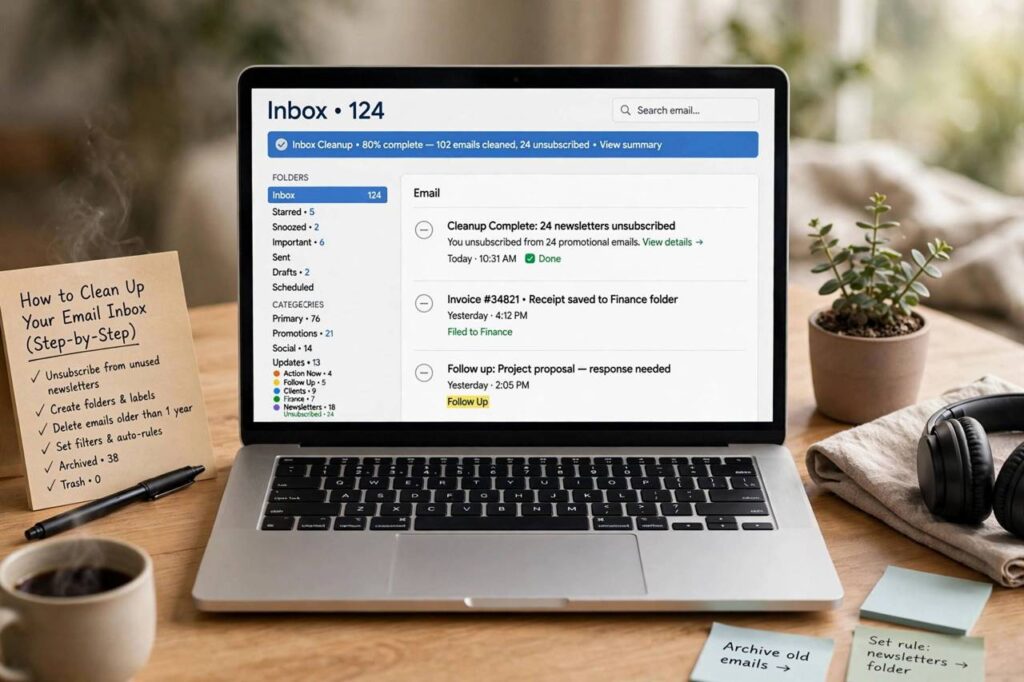
Somewhere between the unread count hitting four digits and the twentieth “just following up” of the day, email stops being a tool and becomes a source of ambient dread. Learning how to clean up your email inbox is not about achieving some mythical permanent zero — it is about building a system where the inbox stays manageable with minimal daily effort. This is the exact process I recommend: a one-time deep clean, then a lightweight routine that keeps it clean.
Phase 1: The Triage (One Sitting, No Mercy)
Set aside an hour. The goal of triage is not to read everything — it is to make fast decisions. Sort your inbox by sender or use search to group similar emails, then process in batches:
Delete the obvious. Old newsletters, expired promotions, shipping notifications for packages that arrived months ago, social media notifications. If you have not opened a sender’s emails in months, you will not miss them. Select all, delete.
Archive what you might need. Receipts, confirmations, old conversations with information you may reference — these do not belong in the inbox, but deleting them feels risky. Archive them. Archived email is fully searchable; the inbox is not a filing cabinet.
Unsubscribe aggressively. Every newsletter you delete unread is a subscription you should cancel. Use the unsubscribe link (legitimate senders are required to include one) rather than just deleting — deleting treats the symptom. During triage, unsubscribe from anything you have not found genuinely useful in the last month.
A useful rule of thumb: if processing an email takes under two minutes, do it immediately. If it needs real work, move it to a “To Do” folder or snooze it to a specific day. The inbox itself should never be a to-do list — that is how thousands pile up.
Phase 2: Build the Folder System (Keep It Minimal)
The mistake most people make is creating forty folders and a color-coded taxonomy they abandon within a week. You need at most four or five: Inbox (unprocessed only), To Do (needs action), Waiting (you are expecting a reply), Archive (everything else), plus maybe Receipts if you expense things. That is it.
Filters do the heavy lifting. Set up rules so newsletters skip the inbox and go to a “Reading” folder, receipts go to Receipts, and notifications from tools you use go to their own folder. The inbox should contain only email from actual humans that needs your attention — everything automated gets routed elsewhere on arrival.
Phase 3: The Daily Routine (Five Minutes)
A clean inbox stays clean through a small daily habit, not heroic weekend sessions. Twice a day — morning and late afternoon works for most people — process the inbox to empty: delete, archive, reply-if-quick, or file into To Do. Turn off notifications outside those windows. Email is not instant messaging; treating it as such is what makes it feel overwhelming.
Batch your replies. Opening the inbox twenty times a day to answer one email each time fragments your attention far more than two focused sessions — and most “urgent” emails turn out not to be urgent at all when given a few hours. If your work involves heavy email use, our guide to using AI for work emails covers how to draft routine replies faster without sounding like a robot.
Phase 4: Defend the Clean Inbox
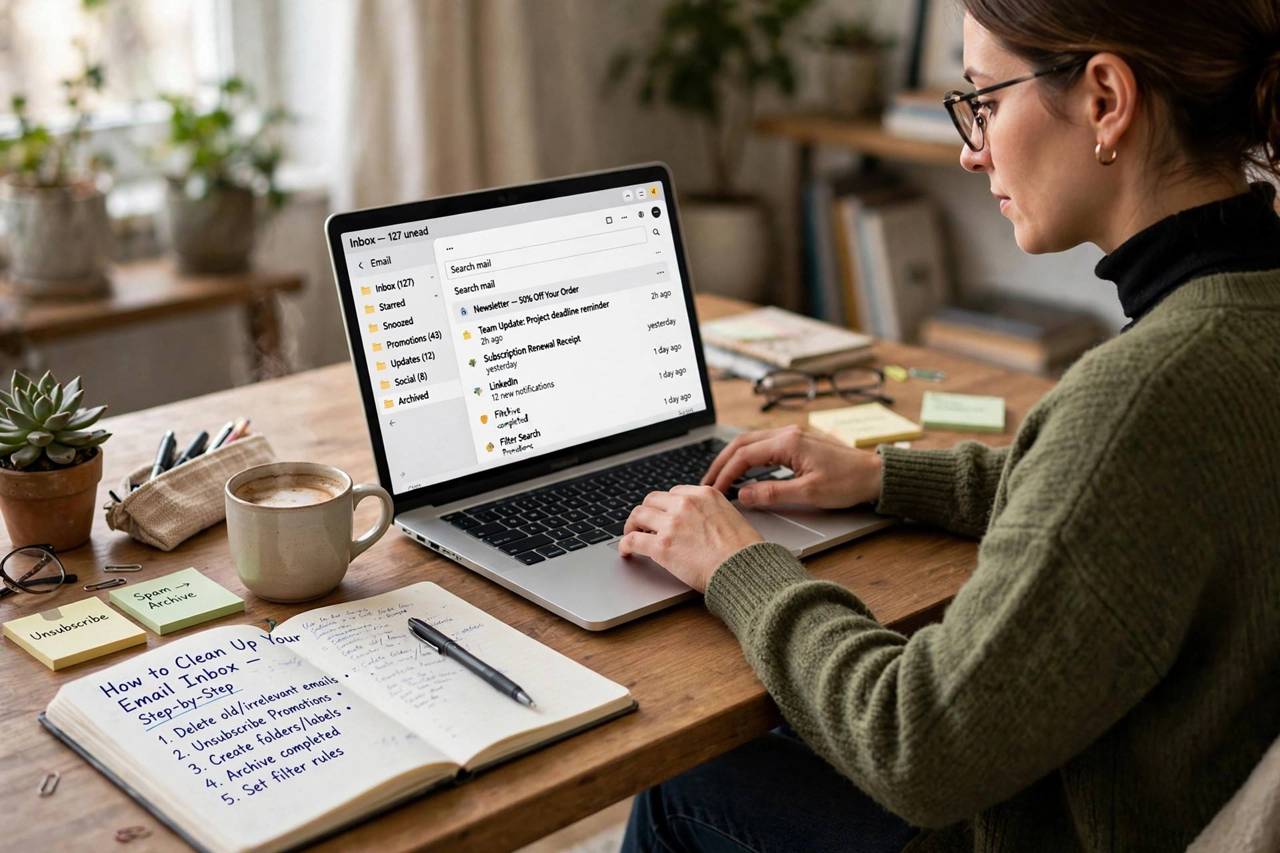
Cleanup without prevention is mopping with the tap running. A few defensive habits:
Guard your address. Use a secondary email for signups, trials, and shopping. Every new subscription is future inbox clutter with a head start.
Unsubscribe on arrival. New unwanted sender? Unsubscribe immediately, while you are looking at it. Future you will not do it.
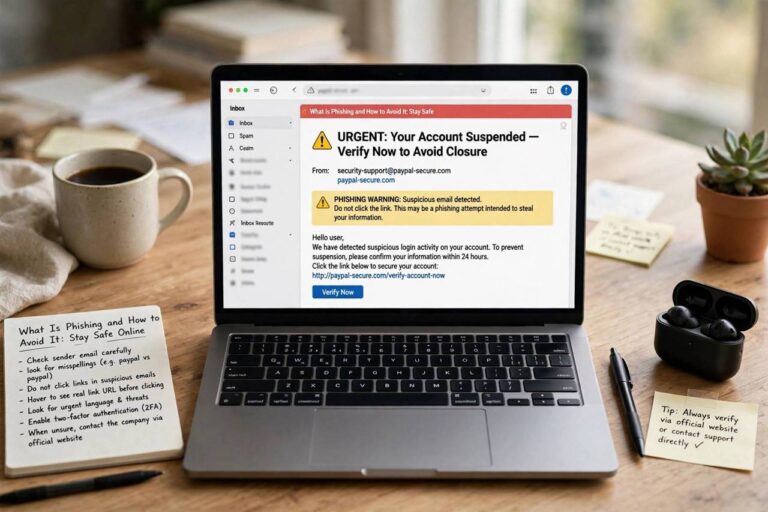
Watch for phishing. Cleanup sessions involve clicking through lots of old mail, which is exactly when a fake “account verification” email can slip past your guard. If an old message asks you to log in or verify something, go to the site directly instead of clicking. Our guide to spotting phishing emails is worth a read before you start clicking through a backlog.
What About Inbox Zero?
Inbox zero — the practice of keeping the inbox completely empty — works well as a processing discipline and poorly as an identity. The useful version: process everything regularly so the inbox contains only unhandled items. The unhelpful version: anxiously checking all day to keep the count at zero. Aim for “inbox processed,” not “inbox empty at all times.” An empty inbox at 9 p.m. that refills overnight is normal; an inbox with 4,000 unread messages is a system failure, not a personality trait.
How to Clean Up Your Email Inbox: The 30-Minute Blitz
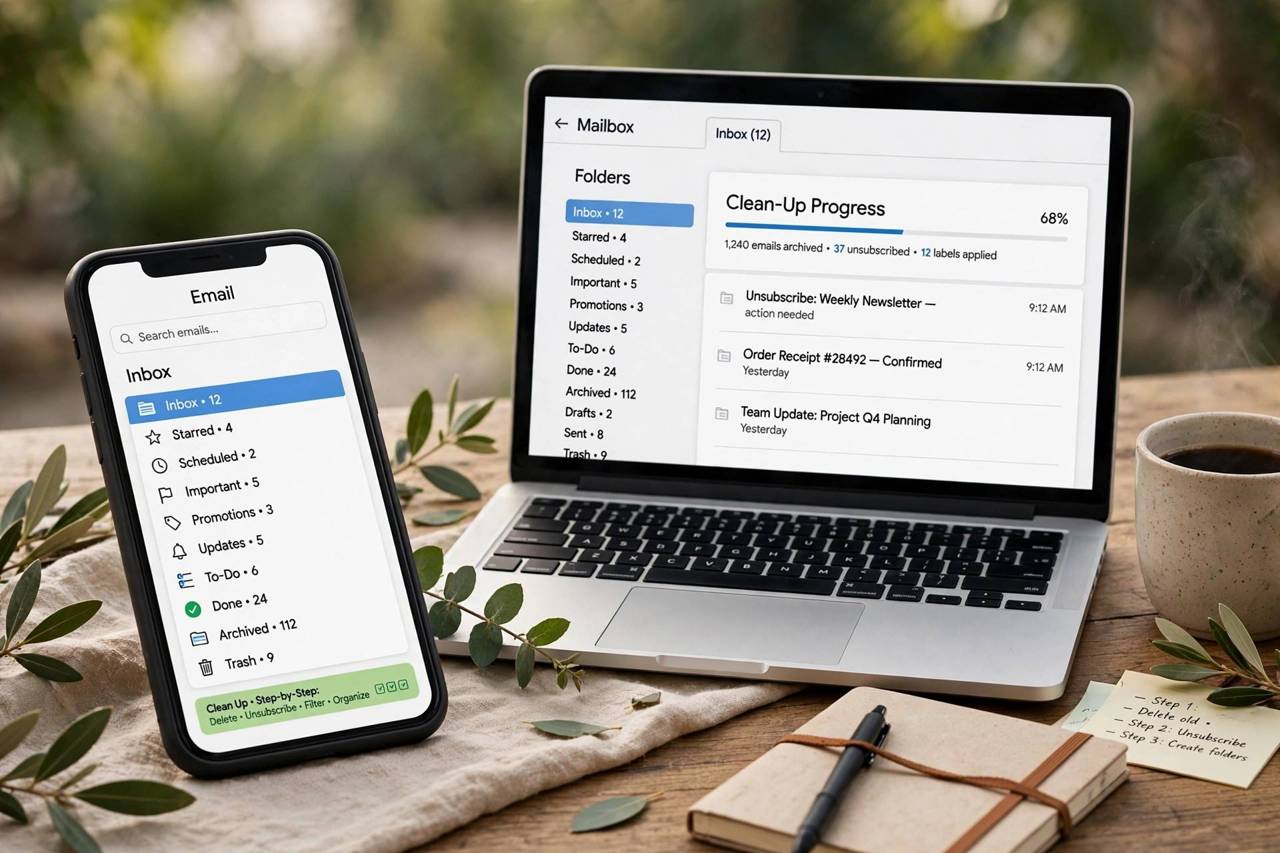
Short on time? Here is the compressed version. Minutes 0–10: sort by sender, bulk-delete every newsletter, promotion, and notification you have not opened in a month. Minutes 10–20: search for common clutter (“unsubscribe”, “noreply”, “do-not-reply”) and delete or unsubscribe in batches. Minutes 20–25: archive everything older than 30 days that is not actionable — if you have not needed it in a month, you need it archived, not in your face. Minutes 25–30: create the four folders (To Do, Waiting, Archive, Receipts) and set up two filters: newsletters to a Reading folder, receipts to Receipts. Done. The inbox is now a manageable list of actual decisions instead of an archaeological dig.
Tools and Features Worth Using
Snooze. Built into Gmail and Outlook: temporarily removes an email and brings it back at a chosen time. Perfect for “I need to deal with this Thursday” — better than leaving it to rot in the inbox.
Filters and rules. The highest-leverage feature in email. Route by sender, subject keywords, or labels automatically. Ten minutes of filter setup saves hours monthly.
Search operators. Learn a few: older_than:1y, has:attachment larger:10M, from:newsletter. Bulk cleanup is ten times faster with search than with scrolling.
Unsubscribe tools. Several services scan your inbox and batch-unsubscribe you from mailing lists in one go. Useful for the initial purge; less necessary once you unsubscribe on arrival as a habit.
Separate addresses. The nuclear option that works: one address for humans, one for everything else. Most cleanup problems are really signup problems.
Habits of People With Permanently Clean Inboxes
Talk to someone whose inbox is always under control and you will hear the same habits: they process email in batches instead of living in it; they unsubscribe immediately rather than “later”; they never use the inbox as a to-do list or a filing cabinet; they reply short — most emails do not need essays; and they are ruthless about notifications, keeping only the ones from actual people. None of this is talent. It is a set of defaults, installed once and maintained with about five minutes a day. The clean inbox is not a personality type; it is a system, and systems can be copied.
The Nuclear Option: Declaring Email Bankruptcy
Sometimes the backlog is so old that triage is theater — 20,000 unread messages accumulated over years. In that case, consider email bankruptcy: archive everything older than 30 days in one move, without reading any of it. The logic is sound — if something in there was truly urgent, the sender has followed up by now, and anything genuinely important exists somewhere else too (your calendar, your task list, the sender’s sent folder). Announce it if you like (“clearing my backlog — resend anything urgent”), then start clean with the system above. It feels reckless; it works because the vast majority of old email has zero future value. Bankruptcy is not giving up — it is the rational response to a sunk cost.
Handling a Work Inbox You Don’t Fully Control
Personal systems hit limits at work, where retention policies, shared inboxes, and CC culture constrain you. Adapt: use folders aggressively since you often cannot delete; set up rules for the automated noise (build notifications, ticket updates, company newsletters); negotiate norms with your team — “no CC unless action needed” saves everyone; and keep a separate personal system for your own tasks rather than letting the inbox be the task list. You cannot control what arrives, but you can control the processing routine — and a work inbox processed twice daily beats a personal inbox checked twenty times.
Email Bankruptcy Aftermath: The First Week Clean
Whether you blitzed or declared bankruptcy, the first week after cleanup determines whether it sticks. Day one: set up the filters and folders before new mail accumulates — defense before offense. Days two to three: practice the twice-daily processing routine; it will feel slow at first, then automatic. By day five, unsubscribe from anything new that annoyed you — the habit forms fastest when the inbox is still clean enough that each new intrusion is visible. End of week one: check the unread count. If it is under fifty and everything in there is less than three days old, the system is working. Maintenance from here is five minutes a day — the cheapest subscription you will ever keep, and the only one that pays you back in attention.
Frequently Asked Questions
How do I clean up thousands of emails quickly?
Sort by sender and batch-delete newsletters, promotions, and notifications you never open. Archive (don’t delete) anything you might need later — archived mail stays searchable. Then unsubscribe from the senders you just deleted in bulk.
Should I delete or archive old emails?
Archive anything you might conceivably need (receipts, confirmations, records) and delete the rest. Archiving keeps mail searchable without cluttering the inbox; deleting is for mail with genuinely no future value.
How do I stop getting so many promotional emails?
Unsubscribe from each sender (use the unsubscribe link, not just delete), use a separate email address for shopping and signups going forward, and set up a filter that routes promotions to a separate folder automatically.
What is the best folder system for email?
Keep it minimal: Inbox (unprocessed only), To Do, Waiting, Archive, and optionally Receipts. Use filters to route automated mail (newsletters, notifications) to folders automatically so the inbox holds only mail from real people.
How often should I check email?
Twice a day is enough for most people — morning and late afternoon. Turn off notifications between sessions. Constant checking fragments attention without improving response quality.