Free Text to Speech Tools Online: 9 Worth Trying in 2026

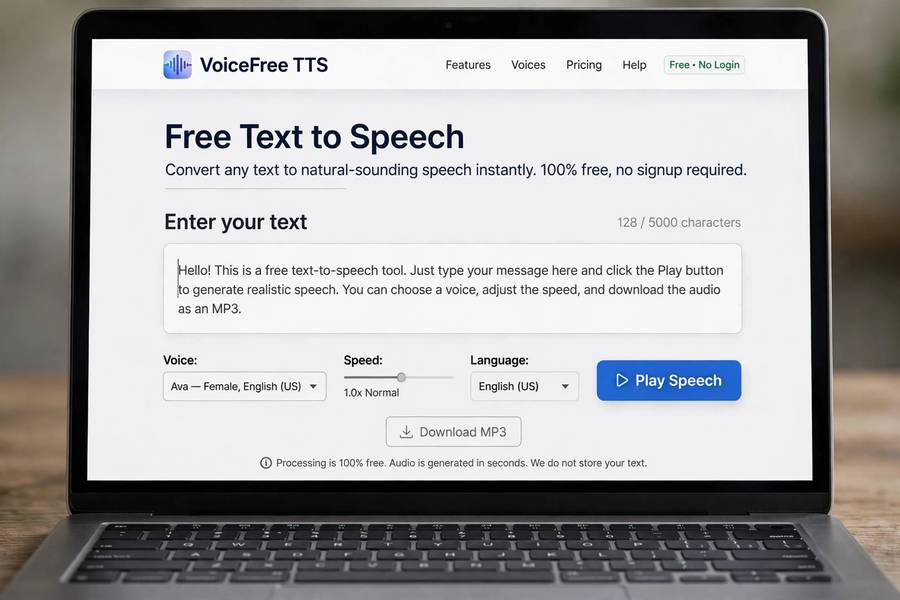
The free tier of text to speech in 2026 is absurdly good — good enough that I regularly have to remind people they’re not listening to a paid product. A few years ago, free TTS meant robotic voices with strict limits. Today, free tiers offer neural voices, dozens of languages, and generous character allowances. The catch, as always, is knowing what “free” actually includes, where the limits bite, and which tool fits your specific need.
I’ve tested the current crop of free text to speech tools online with real tasks: narrating articles, voicing video scripts, reading study material aloud. This guide covers the nine worth your time, what each does best, and the honest limitations. For the technology behind them, see how text to speech works.
What Free Actually Means in 2026
“Free” in TTS comes in several flavors, and they differ in ways that matter. Freemium platforms give you a monthly allowance of characters (typically 5,000-50,000) with premium voices, then charge beyond that. Ad-supported web tools offer unlimited basic conversion with robotic-to-decent voices. Built-in OS features (screen readers, read-aloud in browsers and e-readers) are free forever but limited in voices and controls. Open-source tools are free and unlimited but require technical setup.
The generous free tiers exist for a reason: customer acquisition. Voice AI companies lose money on free users hoping to convert the serious ones. This means free tiers are genuinely useful but strategically limited — enough to love the product, not enough to run a business on. Plan accordingly: free for trying, learning, and light use; budget for anything regular or commercial.
One more thing “free” sometimes means: your data. Some free tools are vague about whether inputs train their models or get used otherwise. Check the privacy terms, especially for anything beyond casual use. The reputable freemium platforms are usually clear; the sketchier ad-supported sites often aren’t.
The Browser-Based Converters
The simplest category: websites where you paste text, pick a voice, and download audio. No account, no install. These are perfect for one-off tasks — voicing a presentation slide, hearing how a paragraph sounds aloud, generating a quick narration.
Quality in this category has bifurcated. The best browser tools now use neural voices rivaling paid products, funded by ads or upsells. The worst are still running decade-old robotic engines, and you can tell in three seconds. The quick test: paste something with natural rhythm — dialogue, a story opening — and listen. Neural voices handle it; robotic ones flatten it.
Limitations to expect: character limits per conversion (a few thousand characters), queues during busy times, download restrictions, and occasionally watermarks or usage terms prohibiting commercial use. For casual personal use, these are non-issues. For anything regular, you’ll outgrow them fast — which is exactly what the operators intend.
The AI Voice Platforms With Free Tiers
The serious free options are the free tiers of professional AI voice platforms. These give you access to genuinely excellent neural voices — the same engines paying customers use — with monthly character allowances. The voices here are the ones you’ve heard in viral videos and quality productions; the free tier just rations them.
What you typically get free: a few thousand to tens of thousands of characters monthly, a selection of stock voices (sometimes the full library, sometimes a subset), standard audio quality downloads, and personal-use licensing. What you don’t get: voice cloning (usually paid), commercial licenses (usually paid or higher tiers), API access (usually paid), and priority processing.
The strategy that works: use the free tier to learn the platform, test voices for your project, and produce initial content. If the content works and you need more volume or commercial rights, the paid upgrade is justified by proven value rather than hope. I’ve seen too many people pay for annual plans before validating — the free tier exists precisely to prevent that mistake.
Built-In Free Options You Already Have
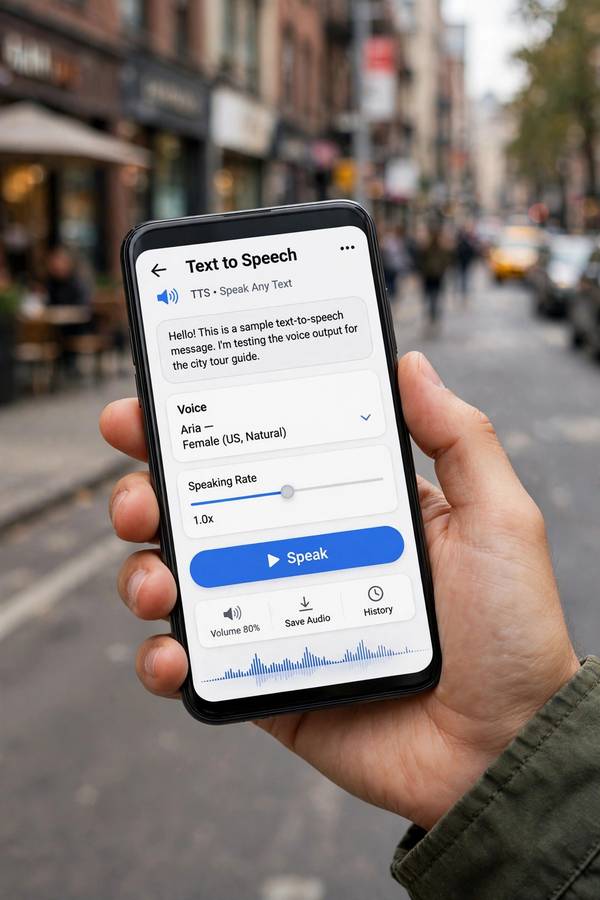
Before signing up for anything, check what you own. Every major operating system includes free TTS: screen readers and speak-selection on phones, narrator tools on desktops, read-aloud in browsers (Edge’s is notably good), and read-aloud in e-readers and apps like Kindle. These are free forever, private (processing often on-device), and surprisingly capable.
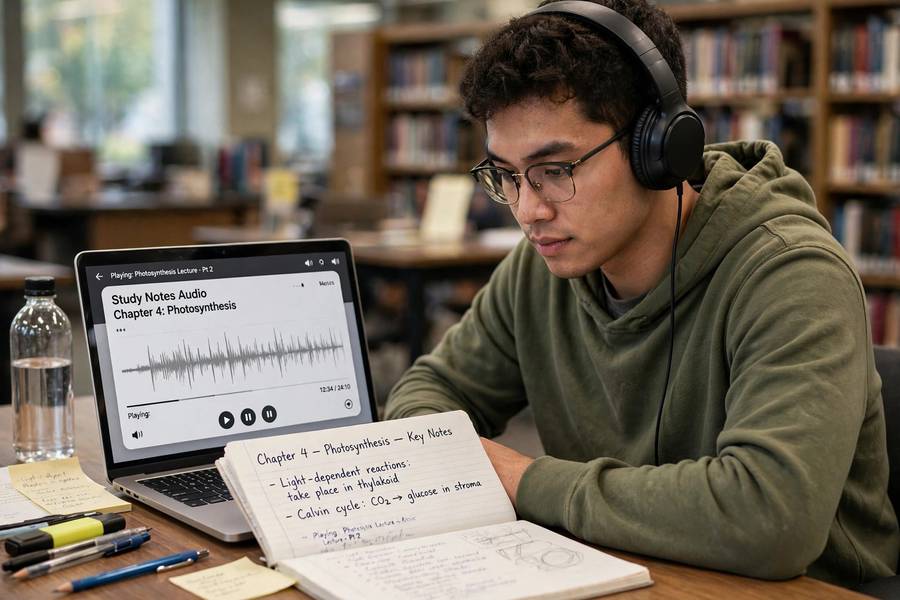
The browser read-aloud features deserve emphasis — they’ve improved dramatically, with natural voices and good controls, and they’re zero-friction for reading articles aloud. E-reader TTS turns any ebook into an audiobook-ish experience. Phone accessibility TTS reads anything on screen. For personal listening — articles, documents, study material — these built-ins often beat signing up for a new service.
Their limits: voice selection is narrow, customization is basic, you can’t download audio files for production use, and commercial use isn’t the point. They’re consumption tools, not creation tools. But for the huge use case of “I want this text read to me,” they’re the fastest answer. Students especially should start here — see my roundup of AI tools for students for how these fit into study workflows.
Open-Source Tools for the Technical
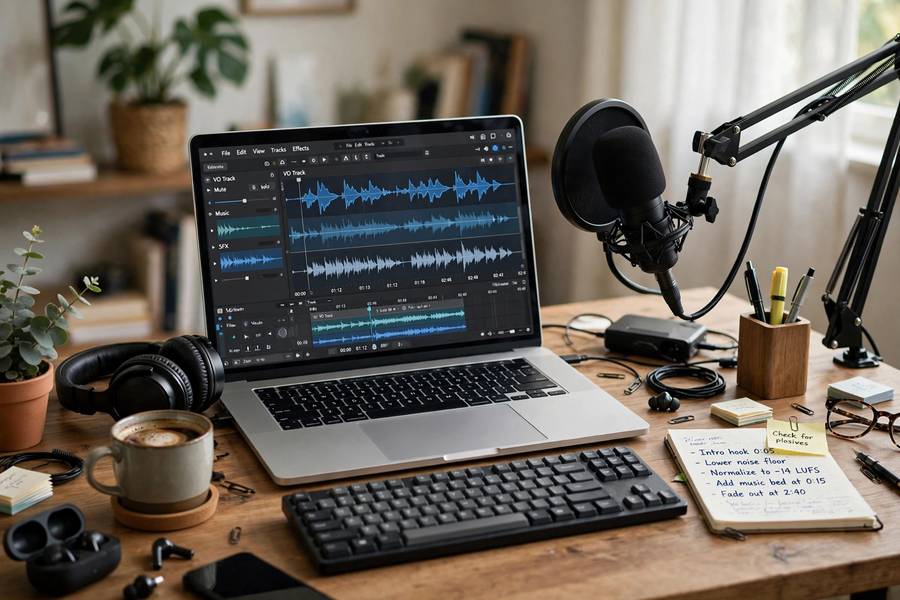
If you’re comfortable with technical setup, open-source TTS offers unlimited free synthesis with impressive quality. Community models now rival commercial offerings for many languages, and you run them on your own hardware — no character limits, no accounts, no data leaving your machine.
The tradeoff is effort. You’ll need a decent GPU for good speeds (CPU works but slowly), some comfort with Python environments, and patience for setup. The voices are community-created — excellent variety, uneven quality control. Documentation ranges from superb to “good luck.” This is a hobbyist-to-developer path, not a casual-user path.
But for specific needs it’s unmatched: privacy-sensitive work (everything local), unlimited volume (no per-character costs), customization (fine-tune on your own data), and offline use. Developers building TTS into applications often prototype with commercial APIs and deploy with open models to control costs. If you have the technical chops, this category deserves serious consideration.
Voice Quality: Free vs Paid
The honest quality breakdown: top free tiers use the same neural engines as paid — the voice quality is identical, only the quantity is limited. Mid-tier free tools (ad-supported) range from decent neural to dated robotic — test before trusting. Built-in OS voices are solid but unexciting — clear, slightly flat, perfectly fine for personal listening. Open-source quality varies by model — the best match commercial, the average is a step behind.
For most personal uses — listening to articles, voicing a school project, prototyping content — free quality is more than sufficient. The paid advantage shows in: voice selection breadth, emotional range and expressiveness, consistency over long content, and the newest model generations (free tiers sometimes lag one version behind).
My practical test for “is free good enough”: generate your actual content type and listen critically on headphones. If you stop noticing the voice and focus on the content, it’s good enough. Most people are surprised how quickly free tiers pass this test in 2026.
Limits That Matter: Characters, Voices, Commercial Use
Three limits determine whether a free tool works for you. Character allowances: count what you actually need. A typical article is 5,000-10,000 characters; a video script similar; an audiobook chapter 15,000-25,000. Map your monthly needs against the free allowance honestly — “I’ll just make multiple accounts” violates terms of service and gets accounts banned.
Voice selection: free tiers often restrict you to a subset of voices, sometimes excluding the best ones or voice cloning entirely. If you need a specific voice character for a project, verify it’s in the free tier before building around it.
Commercial use is the big one. Most free tiers license output for personal use only — using it in monetized videos, client work, or products requires paid tiers. This is the most common nasty surprise: creators build an audience with free-tier voices, then discover they can’t legally monetize the content. Read the license terms before you publish anything that earns money. When in doubt, assume free means personal-only.
The Privacy Question With Free Tools
Free tools need to make money somehow, and the business models vary in privacy implications. Freemium platforms from reputable companies: usually clear terms, business model is conversion to paid. Ad-supported converters: ad revenue, but check whether inputs are logged, retained, or used for training — the sketchier sites are vague here. Browser tools that process locally (increasingly common with on-device models): best privacy story, nothing leaves your machine.
Rules of thumb: don’t paste sensitive, personal, or proprietary text into free tools with unclear privacy terms. For casual content (articles, scripts, study notes), the risk is minimal. For anything confidential, use tools with clear business-tier terms or local processing. And remember the general principle from what AI tools are: if you’re not paying and there’s no clear business model, your data might be the product.
Picking the Right Free Tool
Match the tool to the job. One-off personal conversions: browser-based converters, no account needed. Regular personal listening: built-in OS and browser read-aloud — zero friction. Content prototyping and learning: freemium AI voice platforms — best quality to evaluate. Privacy-sensitive or unlimited volume: open-source, if you have the technical skills. Students: start with built-ins, graduate to freemium platforms for projects.
The evaluation that matters: test with your real content, check the license for your intended use, and verify the privacy terms match your comfort. Don’t overthink it — free means the cost of trying is zero. Try two or three, keep the one that fits, and upgrade only when free limits actually constrain you. That’s the whole strategy, and it works.
Frequently Asked Questions
For quality, the free tiers of professional AI voice platforms offer the best neural voices with monthly character allowances. For zero-friction personal use, built-in browser and OS read-aloud features are excellent. For unlimited private use, open-source tools work if you’re technically comfortable.
Only if the license allows commercial use — most free tiers restrict output to personal use, and monetized videos count as commercial. Check the specific tool’s terms before publishing. Many creators get surprised by this; verify before you build an audience on free-tier voices.
Freemium platforms typically offer 5,000-50,000 characters monthly free. A typical article is 5,000-10,000 characters. Ad-supported browser tools may offer more per conversion but with lower voice quality. Map your actual monthly needs against the allowance.
It depends on the tool’s privacy terms. Reputable freemium platforms are usually clear about data handling; sketchy ad-supported sites may log or use inputs. Don’t paste sensitive or proprietary text into tools with unclear terms — use local-processing or business-tier tools for confidential content.
Top free tiers use the same neural engines as paid plans — identical quality, just rationed quantity. The paid advantage is in voice selection breadth, emotional range, long-form consistency, and commercial licensing, not basic voice quality.
Keep reading: