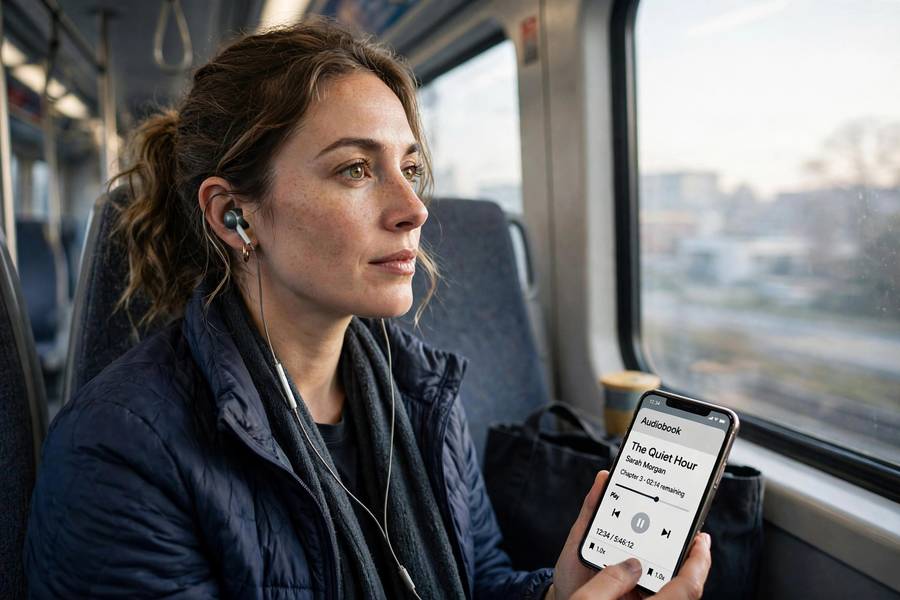
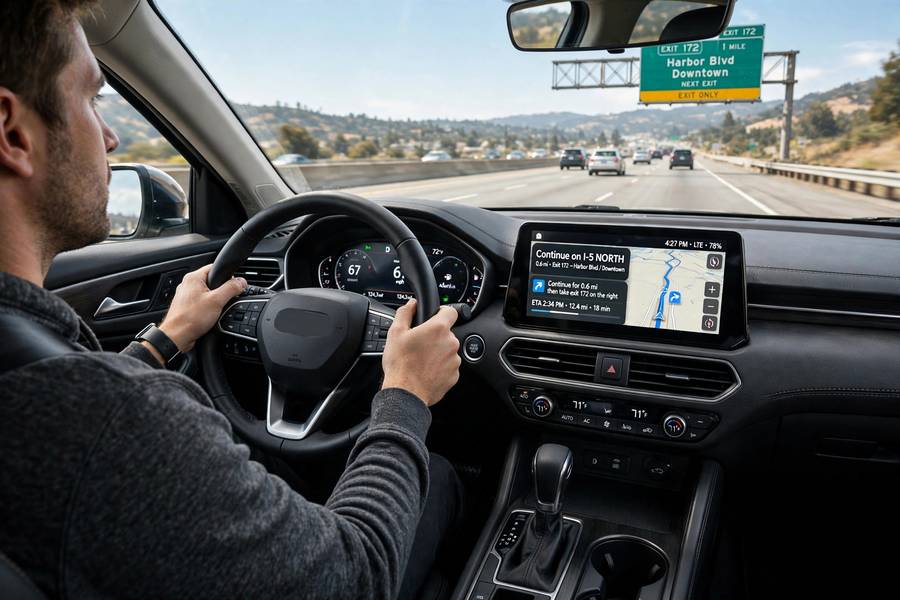
Ask people where they encounter text to speech and most will name one thing: their voice assistant. Then you start listing — GPS directions, audiobooks, TikTok narration, airport announcements, customer service phone lines, language learning apps — and they realize synthetic voices narrate a surprising fraction of their day. TTS is one of those technologies that’s simultaneously everywhere and invisible, which makes its actual use cases worth mapping properly.
I’ve grouped the real text to speech use cases into four territories: accessibility, content creation, business operations, and learning. Some are decades old; some emerged in the last two years as voice quality crossed the “good enough” threshold. For the technology behind all of them, see how text to speech works.
Table of Contents
- Accessibility: The Foundational Use Case
- Screen Readers and Daily Computing
- Audiobooks and the Narration Boom
- Video Content and Social Media
- Podcasts and Audio Content
- Customer Service Phone Systems
- Announcements and Public Spaces
- Language Learning
- Business Communication
- Gaming and Entertainment
- Emerging Use Cases Worth Watching
- Choosing TTS for Your Use Case
- Frequently Asked Questions

Accessibility: The Foundational Use Case
Before TTS was a content tool or a convenience, it was an access tool — and it remains the most important use case by any human measure. For blind and low-vision users, TTS (via screen readers) is how computers get used at all: reading documents, browsing the web, handling email, navigating apps. For people with dyslexia and other reading difficulties, TTS that reads along with highlighted text transforms reading from a struggle into something manageable. For those with speech impairments, TTS voices give them a voice — literally, in the case of AAC (augmentative and alternative communication) devices.
What distinguishes accessibility use cases is that quality requirements differ from mainstream ones. Screen reader users prioritize speed and responsiveness over naturalness — they listen at 300+ words per minute, where the classic compact voices outperform prettier neural ones. Reliability matters more than beauty: a voice that never glitches beats a beautiful voice that stutters. And customization — rate, pitch, verbosity — isn’t a nice-to-have; it’s how individuals tune the tool to their needs.
If you’re building anything with TTS, the accessibility use case is the one to respect first. It’s the longest-running, the most depended-upon, and the one where failures have the highest human cost.
Screen Readers and Daily Computing
The screen reader deserves its own mention because it’s not just “TTS applied to computers” — it’s an interactive navigation system where speech is the interface. Users don’t passively listen; they command: jump to the next heading, read the current paragraph, spell that word, list all links. The TTS engine operates in a tight loop with the user, starting and stopping speech in milliseconds as navigation commands arrive.
This interactivity shapes the technology. Screen reader TTS must handle constant interruption gracefully — speech that stops cleanly mid-word when the user moves on. It must speak UI metadata naturally (“button,” “checked,” “heading level 3”) interleaved with content. And it must do all this with minimal latency, because navigation speed is usability.
The user base here is expert — proficient screen reader users are among the most skilled computer users alive, operating at speeds that astonish the uninitiated. Designing for them means respecting that expertise: don’t dumb it down, don’t add friction, and test with actual users, not simulations.
Audiobooks and the Narration Boom
Audiobooks are TTS’s most visible content battleground. The economics are stark: human narration costs hundreds of dollars per finished hour; AI narration costs pennies. For the vast backlist of books that would never justify human narration — niche nonfiction, older titles, indie publications — AI voices unlocked audio editions that wouldn’t otherwise exist.
The quality debate here is real. AI narration of straightforward nonfiction is now genuinely good — many listeners can’t tell or don’t care. Fiction with dialogue and emotional arcs still favors human performers. The market is segmenting: AI for the long tail, humans for the premium frontlist.
Author and narrator concerns about consent and compensation are legitimate — some platforms now require disclosure of AI narration. My take: AI narration expands the pie, but the terms need to be fair to the humans whose voices trained the systems.
Video Content and Social Media
If you’ve watched short-form video in the last few years, you’ve heard TTS constantly — the slightly-too-perfect narration over Reddit stories, life hacks, and explainers. For creators, the appeal is obvious: no recording equipment, no retakes, no “I hate the sound of my own voice,” consistent quality, and easy revision (fix the script, regenerate the audio).
This use case drove enormous TTS adoption because it removed the biggest bottleneck in video production: the voiceover. A creator can now produce narrated content at the speed of writing. The distinctive AI voices became genre markers — you can identify “Reddit story video” by the voice before you see the content.
The saturation is now the challenge. Audiences increasingly skip content with generic AI narration. Smart creators adapted: custom voices, better scripts, AI voice as one tool among many rather than the whole production.
Podcasts and Audio Content
Podcasts intersect TTS in several ways. Full AI-generated podcasts exist — some as novelties, some as genuine products (news briefings, niche topics with small audiences). More common is hybrid production: AI voices for intros, ads, translations, and extra content around human-hosted shows. And some podcasters use TTS to prototype episodes — hearing a draft read aloud before recording.
The translation use case is particularly powerful: a podcaster records in English, and AI generates natural-sounding versions in Spanish, Hindi, German — same voice character, new language. This collapses the cost of multilingual distribution from “hire native-speaking hosts” to “run the pipeline.” For the economics of audio, see how podcasts make money — TTS is reshaping those economics from the cost side.
For interview and personality-driven shows, human hosts remain essential — the magic is human. But for informational content, the audience cares about the information, and AI delivery is increasingly acceptable.
Customer Service Phone Systems
The robotic phone menu — “press 1 for billing” — is TTS’s oldest mass use case, and for decades it was also its most hated. Early systems were so bad they became cultural punchlines. Modern AI voices changed the experience substantially: natural-sounding agents that can handle routine calls, understand responses, and resolve issues without the uncanny valley of old IVR systems.
The current state: AI voice agents handle a meaningful share of routine customer calls — appointment scheduling, order status, basic troubleshooting — with quality that surprises first-time callers. For simple tasks customers often prefer the instant AI answer to holding for a human.
The trust boundary matters enormously here. Systems must identify as AI, handle handoff to humans gracefully, and know their limits. The companies doing this well treat AI calls as a first line, not a wall — easy escalation, full context transfer, no making the customer repeat themselves.
Announcements and Public Spaces
Airports, train stations, hospitals, schools, factories — anywhere information needs broadcasting, TTS replaced either human announcers or pre-recorded message banks. The advantage over recordings: dynamic content. A recorded “flight 123 is boarding” works; TTS generates “flight 123 to Chicago is now boarding at gate B7, delayed 20 minutes” on the fly, in multiple languages, updated in real time.
Emergency systems are the high-stakes version: multilingual evacuation instructions generated instantly for the specific situation. Industrial settings use TTS for safety announcements and process updates. Schools for daily announcements. The common thread: information that changes too often for recordings but needs consistent, clear delivery.
Voice quality matters less here than clarity and reliability — but the bar has risen anyway, because modern TTS is cheap enough that there’s no reason for the old robotic announcements except inertia. If your local station still sounds like a 1990s robot, that’s a procurement decision, not a technology limit.
Language Learning
TTS is quietly excellent for language learners. Need to hear a sentence in French at natural speed, then slowed down, then broken into words? TTS does that instantly, infinitely patiently, for any sentence you type. Compare with the old method: hunting for a native speaker or a pre-recorded example that happened to match.
Pronunciation modeling, listening comprehension practice, shadowing exercises (repeat after the voice) — TTS supports all of them on demand. Combined with speech recognition (the learner speaks, AI evaluates pronunciation), it forms a complete practice loop available 24/7. It’s not a replacement for human conversation — real dialogue has unpredictability that drills lack — but as a practice tool it’s transformative, especially for learners without access to native speakers.
The multilingual capabilities keep improving: quality across languages was uneven for years (English excellent, smaller languages rough), but the gap is closing as training data diversifies. For learners of less-common languages, this closing gap matters enormously — it’s the difference between having a practice partner and not.
Business Communication
Inside companies, TTS handles the audio you don’t think about: training videos narrated without booking voice talent, internal announcements, e-learning modules, product demos. A training video that needs updating gets new narration in minutes, not weeks.
E-learning is the standout: courses with AI narration can be updated continuously and localized into many languages cheaply. The old model — record once, update never because re-recording costs too much — produced stale training content. TTS enables living training materials.
Executive communications are the interesting edge: some leaders now send AI-narrated versions of memos and updates. Reception is mixed — it can feel impersonal for sensitive topics, but for routine updates it’s efficient and oddly engaging. My read: fine for information, wrong for anything emotional. Layoff news via AI voice would be a special kind of terrible.
Gaming and Entertainment
Games need enormous amounts of voice content — NPC dialogue, announcements, dynamic events — and TTS lets games generate dialogue dynamically rather than recording every line. The actor-consent issues here are sharp: several disputes over AI replication of performers’ voices have established an emerging norm of licensed voice models with ongoing compensation.
Beyond games: TTS in toys, theme park attractions, museum guides, interactive installations. Anywhere a character needs to speak responsively, TTS is replacing fixed audio — creatively exciting and ethically demanding care.
Emerging Use Cases Worth Watching
A few frontiers: real-time voice translation in conversations, personalized news briefings in a voice you chose, voice restoration for people losing speech to illness (for someone with ALS, an AI voice built from their own recordings is identity preservation, not convenience), and creative tools letting musicians and filmmakers direct AI voices as performers.
Choosing TTS for Your Use Case
If you’re selecting TTS for a project, match the tool to the use case’s actual requirements. Accessibility: prioritize responsiveness and customization. Content narration: prioritize naturalness and voice options. Multilingual: check quality in your specific languages, not just the headline count. Real-time: prioritize latency. High volume: price per character decides.
Always test with your real content — your jargon, your names, your languages. Vendor demos use optimized samples; your mileage will vary. And consider disclosure norms for your domain: some contexts expect AI-voice labeling, and getting ahead of that expectation builds trust. For the broader landscape of options, see my overview of what AI tools are.

Frequently Asked Questions
The main text to speech use cases are accessibility (screen readers, reading assistance), content creation (audiobooks, video narration, podcasts), business operations (phone systems, announcements, training), and learning (language practice, study aids). Accessibility is the foundational and most important use case.
Screen readers use TTS to let blind and low-vision users operate computers; reading aids help people with dyslexia follow highlighted text; and AAC devices give people with speech impairments a voice. These users prioritize speed, responsiveness, and customization over naturalness.
For straightforward nonfiction, AI narration is now genuinely good and has unlocked audio editions for books that couldn’t justify human narration costs. Fiction with dialogue and emotional arcs still favors human performers. The market is segmenting: AI for the long tail, humans for premium titles.
Using licensed or synthetic TTS voices for commercial content is generally fine under the provider’s terms. Cloning a real person’s voice without consent raises legal and ethical issues, and some jurisdictions now require disclosing AI-generated voices. Check your provider’s terms and local regulations.
Match the tool to your use case: naturalness for narration, responsiveness for accessibility, latency for real-time use, quality in your specific languages for multilingual needs, and price per character for high volume. Always test with your real content, not vendor demos.