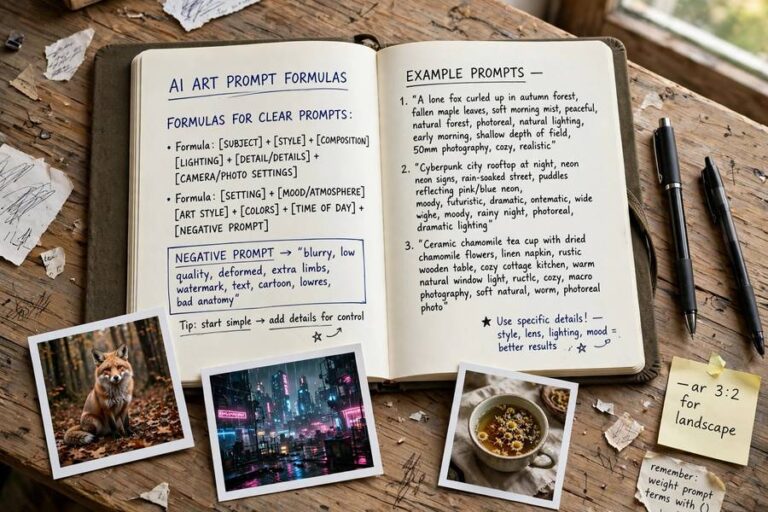
How to Write Better Prompts for Work: A Field Playbook


Most people use AI the way they’d use a vending machine: insert vague request, receive disappointing output, kick the machine. “Write me a report about Q3” produces generic mush, and the user concludes AI is overhyped — when the actual problem is that they asked a brilliant intern to do a job with no briefing, no examples, and no feedback. I know, because I spent my first month with these tools doing exactly that, getting exactly those results, and feeling exactly that smug disappointment.
Prompting is a skill, and like most skills it has a learnable structure. Not mystical incantations — just the discipline of briefing well. This is my field playbook for how to write better prompts for work: the formula I use daily, the techniques that fix bad output, and the templates worth stealing. Pair it with my broader guide on getting better answers from ChatGPT and the beginner’s path to learning prompt engineering.

Why Your Prompts Are Failing
Bad prompts fail in predictable ways, and recognizing your pattern is step one. The most common is the empty brief: “write a marketing email” with no information about the product, audience, offer, or tone. The AI fills the gaps with generic guesses, and the output reads like it was written by someone who never met your company. Because, in effect, it was.
Second is the impossible brief: asking for something no one could do well without more information — “analyze our strategy and tell us what to do” with no data attached. AI can’t analyze what it can’t see. Third is the contradiction brief: “make it comprehensive but brief, formal but casual, detailed but high-level.” Humans resolve contradictions with judgment; AI averages them into blandness.
The fix for all three is the same realization: prompting is briefing. Everything you know about briefing a competent colleague applies — the context they’d need, the format you want, the constraints that matter, the examples of good work. People who are good at delegating to humans become good at prompting fast, because it’s the same muscle. People who are bad at delegating get bad AI output and blame the tool, which is also the same as with humans.
The Briefing Formula: Context, Task, Format, Constraints
My daily formula has four parts, in this order. Context: who you are, what this is for, who will read it, and any background the AI needs. Task: the specific job, stated as a verb. Format: length, structure, tone, and medium. Constraints: what to include, what to avoid, and what matters most.
A bad prompt: “Write a project update.” A good prompt: “I’m a product manager at a B2B software company (context). Write a one-page project update for our executive team (task + audience). Use three sections — progress, risks, next steps — under 300 words, direct tone, no jargon (format). Emphasize the two-week delay on the integration and the mitigation plan; don’t mention the vendor dispute, that’s being handled separately (constraints).”
The difference in output quality is not incremental — it’s transformative. And notice the formula’s real benefit: writing a good prompt forces you to think clearly about what you actually want. Half the time, the clarity the prompt demands is the actual value; the AI output is almost a bonus. For the fullest coverage of these techniques, see how to use AI at work.
Give the AI a Role That Means Something
“Act as an expert” is the most overused and least useful prompt opener in existence. Every AI already tries to be helpful; telling it to be an expert adds nothing. What works is a specific role with specific implications: “You are a technical editor who specializes in cutting jargon from engineering documents” or “You are a skeptical CFO reviewing this proposal for weak assumptions.”
The role works when it changes the AI’s defaults. A generic assistant defaults to agreeable and comprehensive. A skeptical CFO defaults to probing and concise. A technical editor defaults to cutting. Pick the role whose defaults match what you need, and make it concrete enough to matter — the role should imply a perspective, a standard, and a set of things it would notice.
One caution: roles don’t create expertise. “Act as a patent lawyer” doesn’t make the AI a patent lawyer — it makes it sound like one’s confident intern. Use roles to shape tone and focus, not to conjure knowledge the model doesn’t have. For anything where real expertise matters, the role sharpens the draft; your expert still does the verifying.
Examples Beat Instructions
This is the highest-leverage prompting technique that almost nobody uses. Instead of describing what you want — “write in a punchy, energetic style” — show one example of it. Paste a paragraph you like and say “match this style.” The AI learns more from one example than from a page of adjectives, because style is notoriously hard to describe and easy to recognize.
This technique, called few-shot prompting in the technical literature, works for structure too. Want meeting notes in a specific format? Paste one example of last week’s notes and say “same format for this transcript.” Want the AI to categorize feedback the way your team does? Show three categorized examples. The pattern holds: examples calibrate, instructions approximate.
Keep a swipe file of examples for your recurring tasks — your best report, your best email, your best summary. When you need that task done, paste the example with the new raw material. It takes ten seconds and the quality jump is immediate. Also be aware of what a context window is — examples consume context space, so pick short, representative ones rather than pasting entire documents.
Iterate Like an Editor, Not a Customer
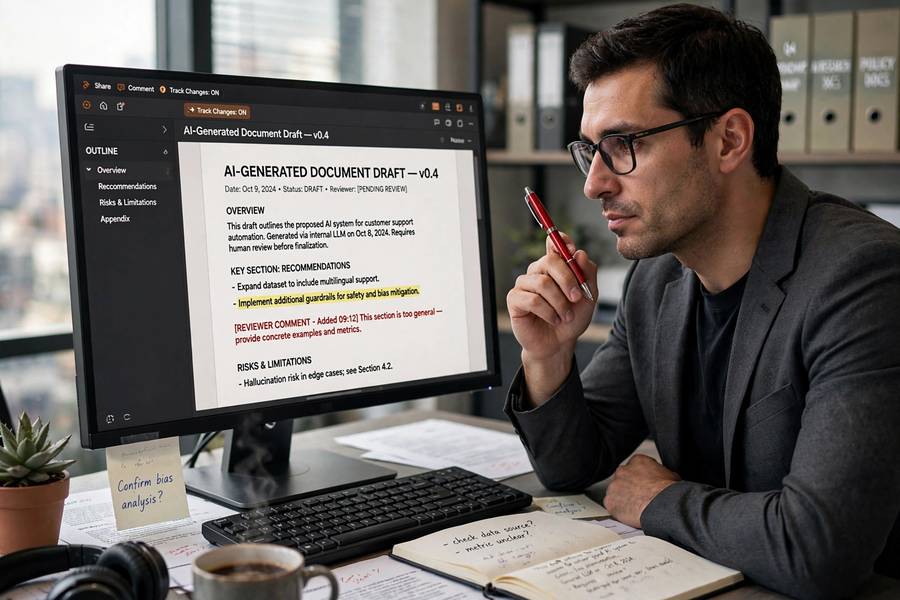
Beginners treat the first AI response as the product: accept it or reject it. Professionals treat it as a first draft and iterate. The iteration is where the quality lives, and it’s a specific skill: spotting what’s wrong with the output and giving targeted feedback.
Vague iteration — “make it better” — produces vague improvement. Targeted iteration names the problem: “the second paragraph buries the key number — lead with it,” “this is too formal for our audience — make it conversational,” “you missed the timeline risk entirely — add a section on it.” Each round should address one or two specific issues. Three focused rounds beat ten vague ones.
Also learn when to restart versus iterate. If the fundamental approach is wrong — the structure doesn’t fit, the angle is off — no amount of tweaking fixes it. My rule of thumb: if round three isn’t close, reboot.
The Constraints That Sharpen Output
Constraints feel like limitations; in prompting, they’re sharpeners. Every constraint you add removes a dimension of genericness. Length limits force prioritization — “in 150 words” produces a fundamentally different and usually better answer than an unbounded response. Audience specs force appropriate register. “Don’t” instructions — don’t use jargon, don’t hedge, don’t mention X — are often more powerful than positive instructions because they kill the AI’s worst habits directly.
My favorite constraints for work: a maximum length (always), a named audience (forces the right level), one thing to emphasize and one thing to exclude (forces judgment), and a ban on the AI’s tics — hedging phrases, empty transitions, the dreaded “in this rapidly changing landscape” opener. You’ll develop your own list of banned phrases within a week of serious use. Everyone does.
One advanced move: ask the AI to state its assumptions before answering. “Before you draft this, list the assumptions you’re making about our situation.” This surfaces the gaps in your brief while they’re still cheap to fix, and it occasionally reveals that the AI is about to answer a different question than the one you asked.
Prompts for Common Work Tasks
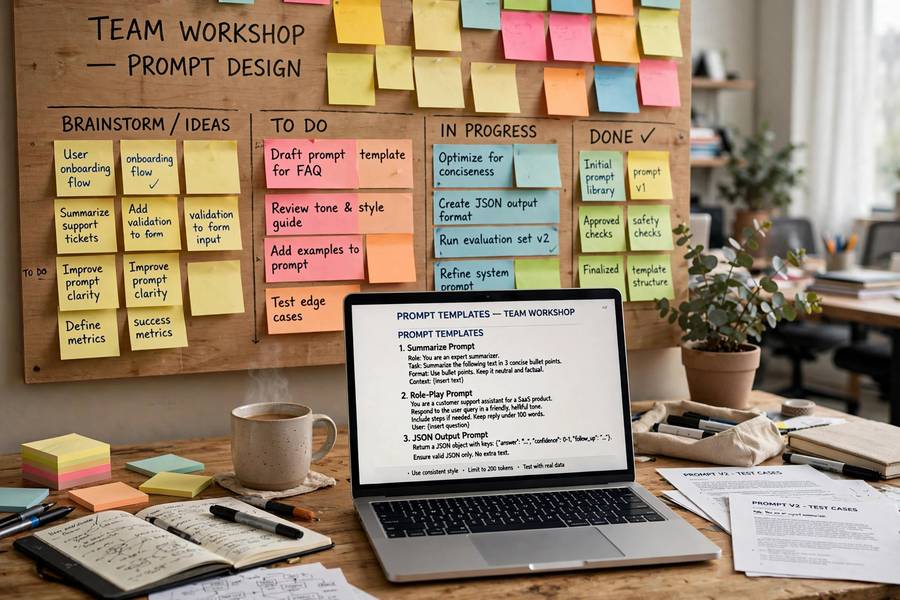
Some templates, adapted to your context. Email drafting: “Draft a [tone] email to [audience] about [topic]. Key points: [3 bullets]. Keep it under [length]. End with [specific call to action].” Meeting summary: “Summarize this transcript into: decisions made, action items with owners, open questions. Under 300 words. Flag anything ambiguous rather than guessing.” Document critique: “Review this [document type] as [specific role]. List the three weakest arguments, any unsupported claims, and what’s missing for [audience]. Be blunt.”
Report first draft: “Using these notes [paste], draft a [length] report with [sections]. Audience is [who], who care about [what]. Mark any claim you’d want verified with [VERIFY].” Brainstorming: “Give me 10 ideas for [problem], ranging from safe to unconventional. For each, one line on why it might work and one line on the biggest risk.” Learning: “Explain [concept] as if to [your level], then quiz me with 3 questions, one at a time, and correct my answers.”
Notice every template has the four formula parts baked in. Steal them, adapt them, and after a month you’ll find you’ve internalized the pattern and barely need templates at all.
Know What Prompting Cannot Fix
Good prompting can’t fix a bad model, missing information, or a task AI fundamentally can’t do. If the AI doesn’t have the facts — your company’s internal data, today’s news, the specifics of your situation — no prompt conjures them; you must supply them or accept generic output. If the task needs genuine expertise, judgment, or accountability, prompting produces a better draft, not a finished product.
Prompting also can’t fix the AI’s confident errors. A beautifully briefed prompt can still produce invented statistics and fabricated citations. The better your prompt, the more authoritative the output sounds — which makes verification more important, not less. Polished wrongness is the real danger of good prompting, and the only defense is checking.
Finally, prompting has diminishing returns per task but compounding returns per person. The first hour learning this skill pays off forever across every task. That’s the actual pitch: not any single prompt, but becoming someone who briefs well — a skill that transfers to managing humans too.
Building a Team Prompt Library
Individual prompting skill is good; a shared team prompt library is better. When someone develops a prompt that reliably produces good meeting summaries or solid first drafts, that prompt is team infrastructure. Collect the winners in a shared doc: the prompt, what it’s for, and an example of good output.
The library compounds. New hires inherit the team’s prompting knowledge instead of rediscovering it. Quality standardizes — everyone’s summaries look the same because they use the same prompt. And the library becomes a record of what works, which is valuable institutional knowledge in itself.
Maintain it lightly: a quarterly review where the team shares what’s working and retires what’s stale. AI models change, and prompts that were perfect six months ago sometimes need updating. The library is a living document, not a monument. Assign one person as curator — not a heavy role, just someone who keeps it organized and prunes the dead prompts.
Frequently Asked Questions
Use four parts in order: context (who you are, who it’s for, background), task (the specific job as a verb), format (length, structure, tone), and constraints (what to include, avoid, and emphasize). This briefing structure transforms generic output into usable drafts.
Show, don’t describe: paste one example of writing in the style you want and ask the AI to match it. Examples beat instructions — one paragraph of your actual style teaches more than a page of adjectives like “punchy” or “professional.”
Treat the first response as a draft and iterate with targeted feedback — name the specific problem each round (“lead with the key number,” “too formal for our audience”). Three focused rounds beat ten vague “make it better” attempts. If round three isn’t close, restart with a better brief.
Always set a maximum length, name the audience, specify one thing to emphasize and one to exclude, and ban the AI’s tics like hedging phrases and empty transitions. Constraints sharpen output by removing dimensions of genericness.
No — and better prompts can make the problem worse by producing more authoritative-sounding wrongness. Prompting improves relevance and format, but invented facts require human verification. Ask the AI to mark claims needing verification, then actually check them.
Keep reading: