How Small Businesses Can Start With AI (Without a Big Budget)


My friend runs a twelve-person bakery. Last year she told me AI was “for companies with IT departments,” and she said it with the certainty of someone who’d already decided. Six months later she showed me her phone: an AI assistant was answering customer messages, drafting her weekly social posts, and summarizing her supplier invoices. Total cost: less than her flour budget for a week.
That story isn’t unusual anymore. The question of how small businesses can start with AI has a refreshingly simple answer in 2026: you don’t need a data team, a consultant, or a budget line. You need one annoying problem and thirty minutes a day. This guide is the practical version — what to start with, what to skip, and the exact first steps. For the bigger picture of what AI does in companies, see how AI is used in business.
Start With One Problem, Not a Platform
The number one error I watch small businesses make: they shop for “an AI solution” the way they’d shop for accounting software, comparing vendors and feature lists. That’s backwards. Big companies buy platforms; small businesses should buy relief from specific pains.
Grab a piece of paper. Write down the three tasks that eat your week and make you miserable — answering the same customer questions, chasing invoices, writing product descriptions, scheduling posts. Circle the one that’s most repetitive and most measurable. That circle is your entire AI strategy for the next month. Everything else is distraction. A bakery doesn’t need “an AI transformation”; it needs the 6 AM supplier-call emails to write themselves.
The Five Easiest Wins for Small Businesses
Some AI applications fit small businesses like they were designed for them, because they were. Here are the five I’d recommend to almost anyone:
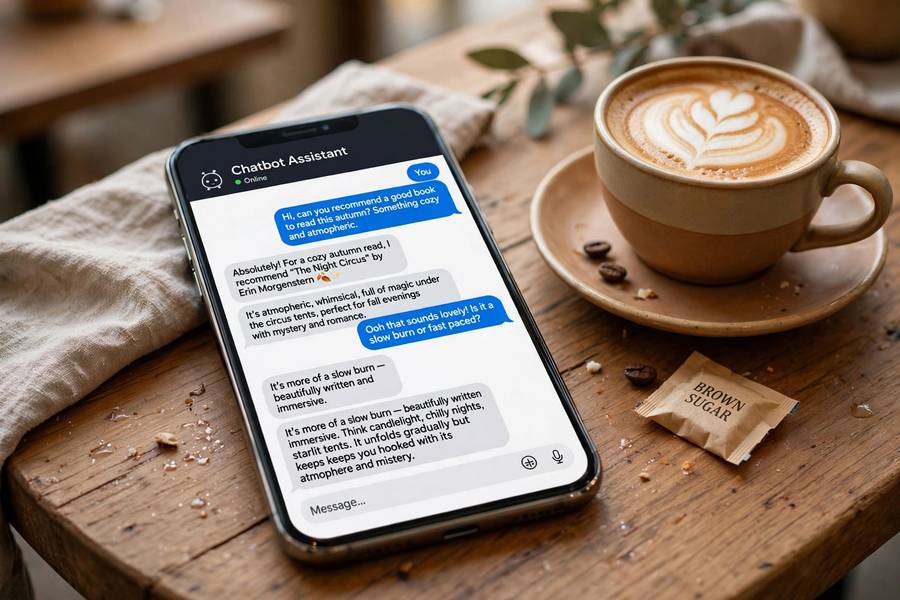
Customer message triage. An AI chatbot or even a well-configured auto-responder handles the questions you answer forty times a week — hours, location, pricing, “do you deliver.” You still handle the tricky ones; the robot just stops you from typing “yes, we’re open Sundays” for the four hundredth time.
Content drafting. Product descriptions, social captions, email newsletters, job postings. AI writes a solid first draft in seconds; you edit it in minutes. The time savings here are almost embarrassing to admit — I’ve seen owners reclaim five hours a week just on captions.
Meeting and call summaries. If you do sales calls or supplier meetings, AI transcription plus summarization turns an hour of notes into a paragraph of action items. This one’s free with tools you probably already pay for.
Invoice and receipt processing. Snap a photo, get the data extracted. For anyone who’s done Sunday-night bookkeeping, this feels like actual magic.
Review responses. Draft replies to customer reviews — good and bad — that you approve before posting. Consistent, polite, fast.
Tools That Cost Little or Nothing
Now the budget question. The good news: most of what I just listed runs on tools with generous free tiers. A general AI assistant (the free tier of the major chatbots) covers drafting, summarizing, and brainstorming. Email platforms now bundle AI writing help. Social schedulers include caption generators. Chatbot builders have free plans that handle basic FAQs.
My rule of thumb: don’t pay for anything until the free version has proven itself for three weeks. Small businesses get burned when they buy annual licenses for tools nobody’s actually using. Start free, upgrade when you hit a limit that genuinely annoys you — that’s the signal the tool is earning its keep. And if you’re growing the business overall, the AI habits pair well with the broader tactics in how to grow a small business — same philosophy, different tools.
What to Skip (for Now)
Equal parts of good advice are about what not to do. Skip custom AI development — you do not need a bespoke model; that’s a six-figure project wearing a small-business costume. Skip “AI consultants” who cold-email you; if their pitch doesn’t name your specific problem, it’s a sales call. Skip replacing your website with an AI chatbot as the main interface — customers still want to see prices and photos. And skip the temptation to automate the personal touch that makes small businesses special: the handwritten thank-you note, the remembered birthday. Automate the drudgery, never the humanity.

Teach Yourself in 30 Minutes a Day
You don’t need a course, but you do need reps. Thirty minutes a day for two weeks will put you ahead of 90% of small business owners, because most never get past the signup screen. The skill isn’t technical — it’s learning to describe what you want clearly, which is exactly what good prompting is. If you want a structured path, learn AI without coding covers the foundations without a single line of code.
A practical drill: each day, take one real task — a supplier email, a product description, a reply to a one-star review — and get the AI to draft it. Edit the draft. Notice what instructions produced the best result. Save those instructions. Within two weeks you’ll have a personal playbook, and more importantly, you’ll have calibrated your own judgment about what AI does well and where it needs a human editor. That judgment is the actual skill.
A 30-Day Starter Plan
Here’s the concrete version, week by week.
Week 1 — Observe. List your top three time-sinks. Sign up for one free AI assistant. Do the daily drafting drill. No commitments, no purchases.
Week 2 — Pilot one thing. Pick the circled problem from week one. Set up the simplest possible solution — a chatbot for FAQs, an AI draft workflow for content, whatever matches. Run it in parallel with your old process; don’t switch cold.
Week 3 — Measure and adjust. Time yourself. Is the new way faster? Better? If yes, switch fully. If no, figure out why — usually it’s unclear instructions, not a bad tool. The techniques in how to use AI at work help here.
Week 4 — Expand or pause. If week three worked, pick problem number two. If it didn’t, you spent nothing and learned something — which is a fine outcome. Most businesses that follow this plan have one working AI workflow by day 30 and genuine enthusiasm for a second.
Mistakes That Waste Small-Business Money
Quick-fire list of the expensive ones I’ve witnessed: buying annual licenses before testing free tiers. Automating a broken process (AI makes a bad process faster, not better — fix the process first). Letting AI answer customer complaints unsupervised — one bad automated reply costs more than the tool saves. Feeding sensitive customer data into tools without reading the privacy terms. And the classic: assigning the AI project to “when I have time,” which means never. Give it a named owner and a deadline, even if the owner is you and the deadline is Friday.
Realistic Expectations: What AI Won’t Do
A quick dose of honesty before you dive in, because disappointed expectations kill more AI projects than bad tools do. AI won’t fix a broken business model — if nobody wants what you sell, faster content won’t save you. It won’t replace judgment: the AI can draft the supplier email, but you still decide whether that supplier relationship is worth saving. And it won’t work unsupervised on anything customer-facing; every AI output that reaches a customer should pass human eyes, at least until you’ve validated the workflow over dozens of runs.
AI also won’t learn your business by itself. The first month requires your input — correcting drafts, refining instructions, teaching it your voice and your standards. Think of it as training a sharp new employee: significant upfront investment, then compounding returns. Owners who expect plug-and-play magic quit in week two. Owners who expect a training period end up with something genuinely valuable by month two.
When to Upgrade From Free to Paid
The free tiers are generous, but you’ll eventually hit their edges. Here are the signals it’s time to pay: you’re hitting usage caps mid-week and it’s slowing real work — that’s the tool telling you it’s earning its keep. You need features locked behind paid tiers: longer context, file uploads, priority speed, or team sharing. Or you’re using the tool for revenue-generating work daily, in which case the paid tier is simply a business expense with obvious ROI.
When you upgrade, upgrade one tool, not five. Pick the one you open every day and pay for that. The $20-a-month tier of your primary AI assistant typically unlocks 90% of what a small business needs. And revisit annually: tools change fast, prices drop, and last year’s essential subscription can become this year’s redundancy. The discipline is the same as any business expense — pay for what earns, cut what doesn’t, and never let subscriptions accumulate on autopilot.

Frequently Asked Questions
Almost nothing to start. Free tiers of AI assistants, chatbots, and writing tools cover the most valuable use cases. Only upgrade to paid plans after the free version has proven itself for a few weeks.
Answering repetitive customer questions with a chatbot, and drafting marketing content like product descriptions and social captions. Both are low-risk, immediately useful, and easy to measure.
No. Modern AI tools are conversational and need no coding. The real skill is describing what you want clearly — something that improves with about 30 minutes of daily practice over two weeks.
Buying annual licenses before testing, automating a broken process, letting AI reply to complaints unsupervised, sharing sensitive customer data without reading privacy terms, and never assigning the project an owner or deadline.
For small businesses it works best as a force multiplier, not a replacement. AI handles repetitive drafting, summarizing, and answering — freeing your small team to do the customer-facing work that actually grows the business.
Keep reading: