What Is Crossplay? Cross-Progression Explained Too

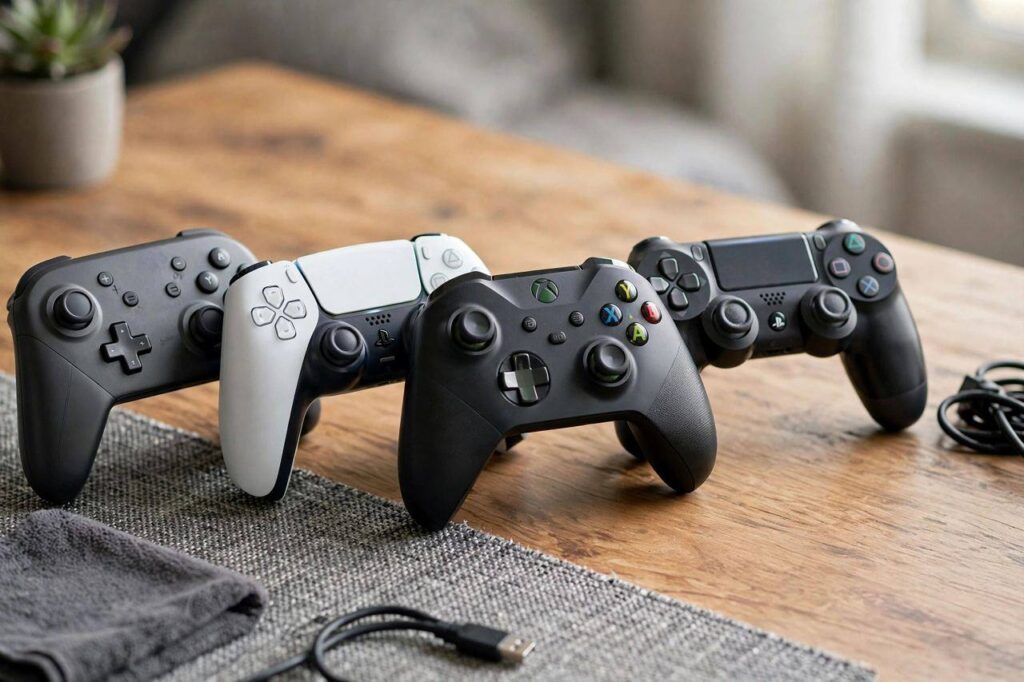
What is crossplay? If you have ever wanted to squad up with friends but discovered you are on PlayStation, they are on Xbox, and your other friend is on PC — and apparently those are three separate universes — you have run straight into the problem crossplay solves. Crossplay (also written cross-play) is the ability to play the same multiplayer game together across different platforms: console to console, console to PC, and sometimes mobile too. It is one of the biggest quality-of-life improvements gaming has seen in the last decade.
I game on PC and my best friend is a die-hard PlayStation player, and for years that meant we simply could not play together. We would buy the same game and then stare at our separate lobbies like kids at adjacent playgrounds with a fence between them. Crossplay tore the fence down. Here is how it works, what it does not do, and which games actually support it.
What Is Crossplay: The Plain-English Definition
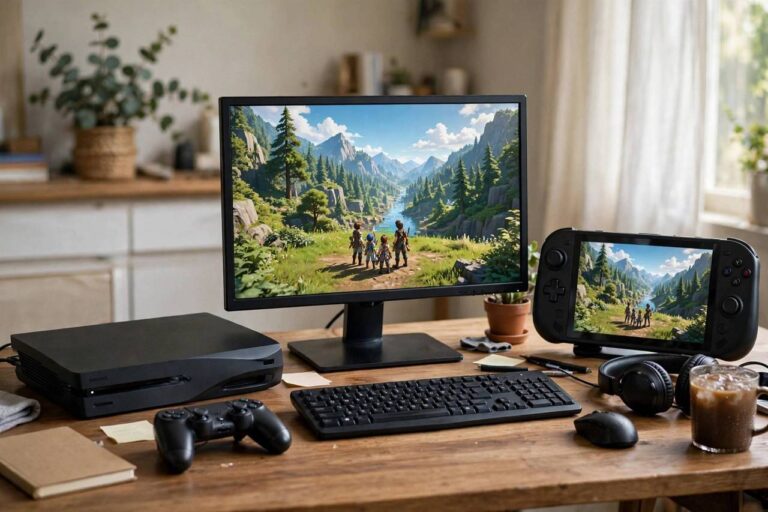
Crossplay means players on different gaming platforms can join the same multiplayer matches and play together. If a game supports crossplay between PlayStation, Xbox, PC, and Switch, then a PlayStation player can team up with — or compete against — players on any of the other platforms, all in the same game session.
Before crossplay became common, multiplayer was siloed by platform. PlayStation players only matched with PlayStation players, Xbox with Xbox, PC with PC. Your platform choice determined your entire multiplayer social circle. Crossplay merges those pools into one, which means faster matchmaking, bigger player bases, and — most importantly — playing with your actual friends regardless of what hardware they own.
Crossplay vs. Cross-Progression vs. Cross-Save: Do Not Mix These Up
Gaming terminology loves to blur these three, so let us draw sharp lines:
- Crossplay: playing together across platforms. You are on Xbox, your friend is on PC, you are in the same match. This is about who you play with.
- Cross-progression: your progress, unlocks, and purchases carry across platforms. You level up your character on PlayStation, then log in on PC and everything is there. This is about your account following you.
- Cross-save: your save files sync across platforms. Closely related to cross-progression, but specifically about saved game data rather than account-level unlocks. In practice, the terms are often used interchangeably.
A game can have any combination of these. Some games offer crossplay but not cross-progression — you can play with your PC friends from your Xbox, but your unlocks stay locked to each platform separately. The games that offer both are the gold standard: play anywhere, with anyone, and never lose progress. When evaluating a game, check for both, because marketing sometimes trumpets crossplay while quietly omitting that your skins and levels do not transfer.
How Crossplay Actually Works (The Technical Bit)
Under the hood, crossplay requires the game’s servers to accept connections from different platform networks and match those players together. Historically, the barrier was not really technical — it was political and commercial. Platform holders treated their multiplayer ecosystems as walled gardens, partly for competitive reasons and partly because of genuine concerns about security, cheating, and player experience.
The turning point came when major games demonstrated overwhelming player demand. Once the biggest titles in the world made crossplay a headline feature, the holdouts faced a choice: open the gates or watch players migrate to games where they could play with their friends. The gates opened. Today, crossplay is handled through platform-agnostic accounts — you log into the game’s own account system (or a linked account), and that identity works across every platform.
One technical wrinkle worth knowing: input-based matchmaking. Many crossplay games separate or optionally separate players by input method — controller vs. mouse and keyboard — because mouse aim has a real precision advantage in shooters. Some games let you opt out of crossplay entirely if you would rather stick to your own platform’s pool. The options are usually in the settings menu.
Major Games That Support Crossplay
Crossplay support changes over time as developers add or occasionally remove it, so always check a game’s current status before buying for this feature. That said, these are the heavy hitters where crossplay is a core, established feature:
- Fortnite: the game that arguably forced the industry’s hand — full crossplay across PlayStation, Xbox, PC, Switch, and mobile, with cross-progression through an Epic account.
- Call of Duty (Warzone and recent titles): crossplay across PlayStation, Xbox, and PC, with input-based matchmaking options and cross-progression via Activision account.
- Minecraft: crossplay across consoles, PC, and mobile through the Bedrock edition — one of the most broadly compatible games out there.
- Rocket League: full crossplay across all platforms with cross-progression via an Epic Games account.
- Apex Legends: crossplay across PlayStation, Xbox, PC, and Switch.
- Destiny 2: crossplay across all platforms with cross-save through a Bungie account.
- Overwatch 2: crossplay across consoles and PC, with competitive modes handling PC and console pools thoughtfully.
The pattern: free-to-play live-service games led the charge, because their business depends on the biggest possible player pool. Premium single-player games obviously do not need it, and some competitive titles remain holdouts for fairness reasons.
The Pros and Cons of Crossplay
It is not all upside. Here is the honest accounting:
Why players love it
- Play with your friends. The whole point. Platform stops being a barrier to playing together.
- Faster matchmaking. Merged player pools mean fuller lobbies and shorter queue times, especially for less popular modes and in smaller regions.
- Longer game lifespans. Games stay populated longer when every platform’s players feed one matchmaking pool. Niche multiplayer games survive years longer with crossplay.
Why some players turn it off
- Input imbalance. In competitive shooters, mouse-and-keyboard players generally out-aim controller players. Input-based matchmaking helps, but it is not perfect.
- Cheating concerns. PC has historically had more cheating problems than consoles, and console players sometimes blame crossplay when they run into suspicious opponents. Developers have improved anti-cheat significantly, but the perception persists.
- Communication friction. Cross-platform voice chat has gotten much better, but platform party systems still do not always talk to each other cleanly.
Most games let you disable crossplay in settings if you prefer your platform’s pool. There is no shame in it — play the way you enjoy most.
How to Set Up Crossplay With Friends
The practical steps vary by game, but the pattern is consistent:
- Create the game’s account. Most crossplay games require their own account (Epic, Activision, Bungie, etc.) on top of your platform account. Create one and link your platform profiles to it.
- Add friends by game ID, not platform tag. Your cross-platform friends list lives in the game’s system. Find your game-specific username or friend code and share that, not your PlayStation or Xbox gamertag.
- Check crossplay is enabled. It is usually on by default, but verify in the game’s settings — sometimes under gameplay, sometimes under account or network.
- Mind the input settings. If you are on console and your PC friends are on mouse and keyboard, check whether the game separates matchmaking by input and decide what you prefer.
- Sort out voice chat. Use the game’s built-in voice chat or a third-party app everyone can run. Platform party chat often will not bridge the gap.
The account-linking step is where most people get stuck, so do it before game night, not during. Future you will be grateful.

Crossplay and the Future of Gaming Platforms
Zoom out, and crossplay looks like part of a bigger shift. Gaming is moving from platform-centric to account-centric: your games, friends, and progress increasingly live in publisher ecosystems rather than on a specific box under your TV. Cloud gaming accelerates this — when the game runs on a server, as explained in our guide to how cloud gaming works, the device in your hands matters even less.
Does this mean consoles are dying? Not remotely — but it does mean the console wars are increasingly fought over exclusive single-player experiences and services rather than over who you can play multiplayer with. The fence between multiplayer communities is coming down, and I doubt it goes back up. Players have tasted playing with all their friends, and there is no un-tasting it.
For anyone curious about the other side of the industry — how video games are made covers the development process behind the titles we are all playing together now.
One more practical note: crossplay settings sometimes reset after major game updates, so if friends suddenly cannot find you in the lobby after a patch, check the toggle before troubleshooting anything else. It has happened to me more than once, and the fix takes ten seconds once you know where to look.
Frequently Asked Questions
What is crossplay in gaming?
Crossplay lets players on different platforms — PlayStation, Xbox, PC, Switch, mobile — play the same multiplayer game together in shared matches. It merges the separate per-platform player pools into one.
Is crossplay the same as cross-progression?
No. Crossplay is about playing together across platforms; cross-progression is about your unlocks and progress carrying across platforms. A game can have one without the other, so check both before buying.
Do I need anything special to use crossplay?
Usually just the game’s own account (linked to your platform profile) and crossplay enabled in settings. It is free — no subscription beyond whatever the game or platform already requires for online play.
Can I turn off crossplay?
In most games, yes — there is a toggle in the settings menu. Console players in competitive shooters sometimes disable it to avoid mouse-and-keyboard opponents, though this usually means longer queue times.
Why do some games not have crossplay?
Reasons vary: technical complexity for older games, competitive fairness concerns, platform-holder restrictions in some cases, or simply developer priorities. The trend is strongly toward adoption, but it is still a per-game decision.
Does crossplay work between PlayStation and Xbox?
Yes — in games that support crossplay, PlayStation and Xbox players can play together freely. The old wall between the two console ecosystems has largely come down for major multiplayer titles.
Crossplay turned my gaming life from parallel play into actual togetherness — my friend on PlayStation, me on PC, same squad, same chaos. If you have friends on other platforms, check whether your favorite games support it, link your accounts, and tear down the fence. Game night is better with everyone invited.