How to Choose a Gaming Headset: A Decision-First Buyer’s Guide

Shopping for a gaming headset the usual way means drowning in spec sheets: driver sizes, frequency responses, surround sound branding, and reviews that contradict each other. I’ve tested more headsets than I can count, and I can tell you the specs that actually matter fit on one hand. Learning how to choose a gaming headset comes down to deciding in the right order: platform first, then wired versus wireless, then comfort, then microphone. Get those four decisions right and the specific model almost picks itself.
This guide skips the marketing noise and walks through each decision with what I have actually seen matter in daily use. At the end, you’ll find budget picks that make sense at three price tiers, because a recommendation without a budget is just a wishlist.
How to Choose a Gaming Headset: Start With Your Platform
Start here because compatibility is the number one reason headset purchases go wrong. PC gamers have it easiest: virtually everything works on PC via USB, 3.5mm, or wireless dongle. Console players need to check specifically.
PlayStation 5 works with most USB and 3.5mm headsets, plus models with a PS-specific wireless dongle. Xbox is pickier: you generally need a headset licensed for Xbox for wireless, though wired 3.5mm through the controller works with almost anything. Nintendo Switch supports USB and 3.5mm in docked and handheld modes, with Bluetooth audio available but laggy enough to matter in competitive games.
If you play on multiple platforms, prioritize headsets with both a wireless dongle and a 3.5mm backup cable. That combination covers nearly every setup and gives you a fallback when the battery dies mid-session.
Decision 2: Wired vs. Wireless
Wireless is the default recommendation for most players in 2026, and the old arguments against it have mostly expired. Modern 2.4GHz wireless has latency low enough that even competitive players can’t perceive it, and battery life routinely hits 40 to 70 hours. The freedom from cables is genuinely worth it if your budget allows.
Wired still wins in three cases. It’s cheaper at every quality level, it never needs charging, and it works with everything that has a headphone jack. If you’re on a tight budget, a good wired headset will outperform a mediocre wireless one at the same price every time. Bluetooth-only headsets, by contrast, are a trap for gaming: the latency is noticeable and the audio quality drops when the microphone activates.
My rule: under $75, buy wired. Over $100, wireless is worth the premium. Between $75 and $100, it depends on how much you hate cables and charging.
Decision 3: Comfort (The Spec Nobody Lists Honestly)
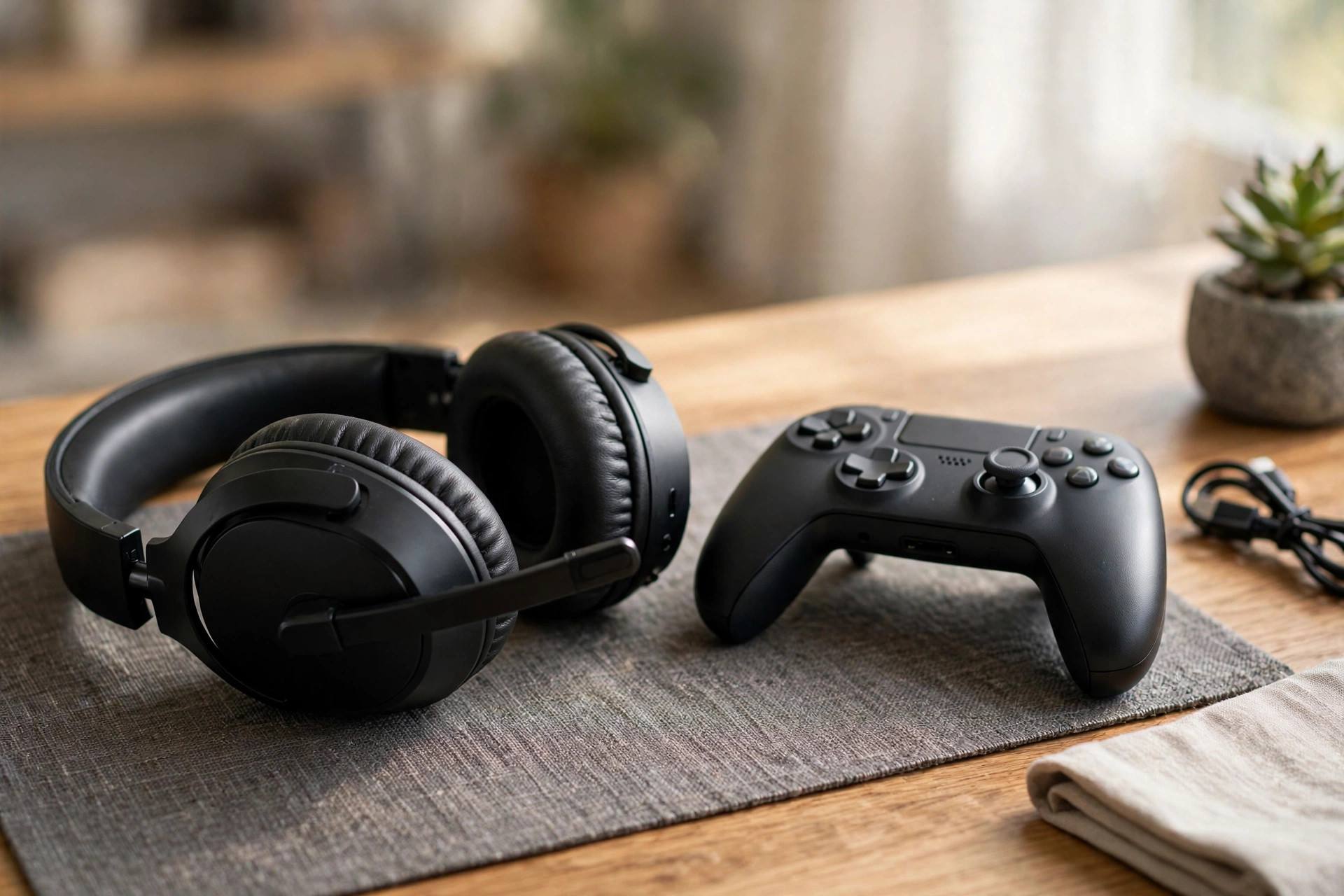
You will wear this thing for hours. Comfort is not a luxury feature; it is the feature. The two things that determine comfort are clamping force and weight distribution, and neither appears reliably on a spec sheet.
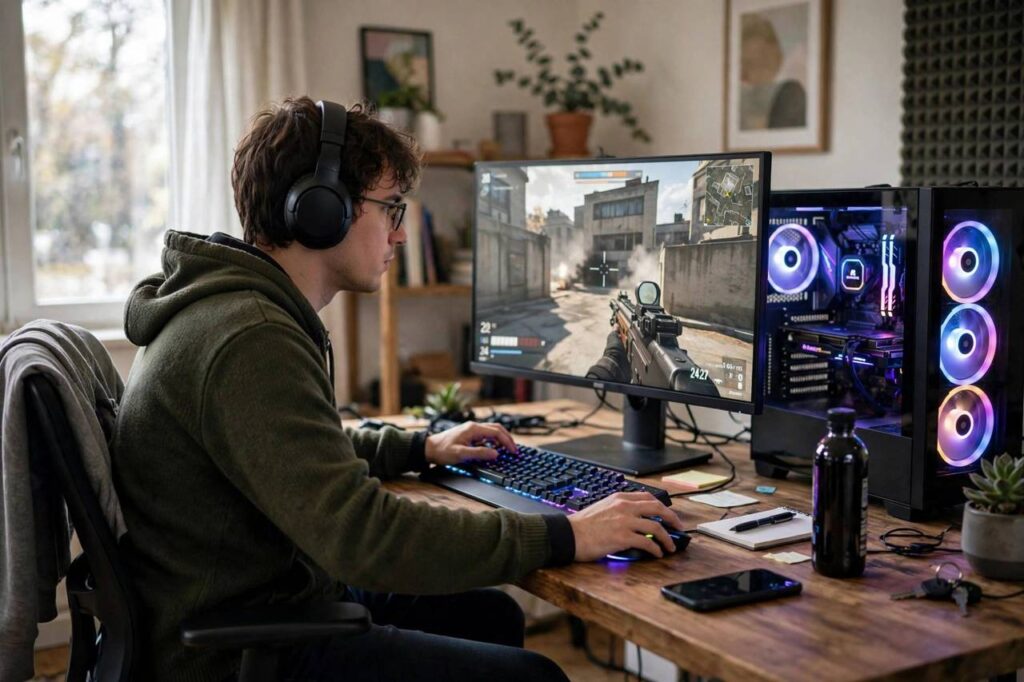
Clamping force is how hard the headset squeezes your head. Too tight causes headaches within an hour; too loose and it slides around. Look for headsets with a suspension-style headband or wide padding that spreads pressure. If you wear glasses, this matters doubly: thin-framed glasses plus a tight headset is a recipe for pain, so prioritize models known for glasses-friendly earcups.
Weight matters more than people expect. Anything under 300 grams is comfortable for long sessions; over 350 grams and you’ll feel it in your neck by hour three. Leatherette earcups isolate sound better but get hot; fabric or velour earcups breathe better for long sessions. There is no universally right answer, only the right answer for your climate and session length.
Decision 4: Microphone Quality
Here’s the uncomfortable truth about headset microphones: even good ones sound mediocre compared to a $50 standalone mic. So calibrate your expectations. What matters for gaming is clarity and noise rejection, not broadcast quality. Your teammates need to understand your callouts over game audio, not admire your vocal tones.
Detachable or flip-to-mute microphones are worth prioritizing for the convenience alone. If you also stream or record, plan on a separate USB microphone eventually and treat the headset mic as a backup. Don’t pay a large premium for a “broadcast-quality” headset mic; that money buys more improvement in comfort or drivers.
What About Sound Quality Specs?
Driver size, frequency response, and “7.1 surround sound” are the most over-marketed specs in the category. In practice, a well-tuned 40mm driver beats a poorly tuned 50mm driver every time, frequency response numbers are measured inconsistently across brands, and virtual surround is software processing you can often get free.
What actually predicts good sound: the manufacturer’s tuning reputation and independent measurements from reviewers who publish frequency response graphs. For competitive gaming specifically, prioritize imaging (how precisely you can locate sounds) over bass quantity. Explosive bass feels exciting but masks footsteps, which is the audio information that actually wins fights.
Budget Picks by Tier
- Budget (under $60): look for wired headsets from established peripheral brands with detachable mics. At this tier, comfort and a clear mic matter more than sound staging. Avoid no-name brands promising flagship features at a third of the price.
- Mid-range ($80-150): the sweet spot. Wireless 2.4GHz models with 40+ hour battery, good comfort, and solid imaging live here. This is where most players should buy.
- Premium ($180+): diminishing returns kick in, but you get better build quality, superior comfort for long sessions, and refined tuning. Worth it for daily multi-hour players; overkill for casual weekend gaming.
Console vs. PC: The Compatibility Details That Matter
PC is the universal platform: USB, 3.5mm, and wireless dongles all work, and you get full access to companion software for EQ and mic tuning. If you’re primarily a PC gamer, prioritize sound quality and comfort, because compatibility is a non-issue.
PlayStation 5 supports most USB headsets directly and 3.5mm through the DualSense controller, which is surprisingly capable. Sony’s own wireless models integrate best with the console’s Tempest 3D audio, but third-party options with PS-specific dongles work well too.
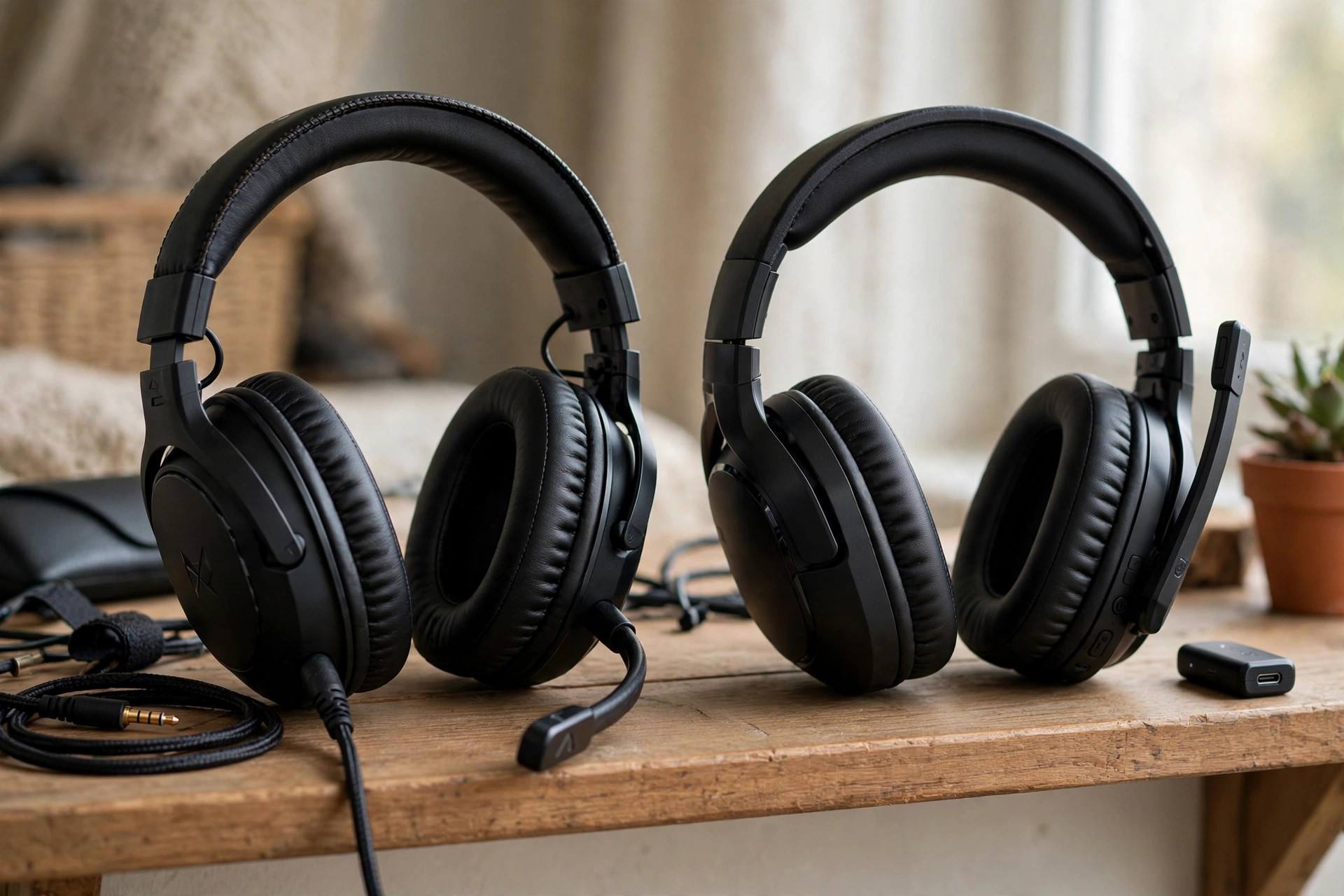
Xbox is the tricky one. Wireless requires Xbox-licensed headsets that pair directly with the console, no dongle needed. Wired 3.5mm through the controller works with anything and even enables Windows Sonic spatial sound. If you split time between Xbox and other platforms, a headset with both Xbox wireless and a 3.5mm cable is the versatile pick.
Features Worth Paying For (and Gimmicks to Skip)
Worth paying for: a flip-to-mute or detachable mic, multipoint or dual-device connection (game audio plus phone calls simultaneously), and genuinely comfortable earcups with replaceable pads. Replaceable pads alone can double a headset’s lifespan, since pads wear out long before drivers do.
Skip: “8D audio” marketing, RGB lighting that drains battery, and companion apps locked behind accounts. Also skip headsets advertising huge driver sizes as the headline feature; tuning quality predicts sound far better than driver diameter. And be skeptical of “noise-canceling microphones” that are just basic mics with software processing you could get free.
Open-Back vs. Closed-Back for Gaming
Most gaming headsets are closed-back: sealed earcups that block outside noise and keep your game audio private. Open-back headsets have vented earcups that leak sound both ways but produce a wider, more natural soundstage. For competitive gaming, the open-back soundstage can actually help with positional audio, making footsteps easier to place.
The trade-off is practical: open-backs leak your game audio to everyone nearby and let room noise in, which ruins them for shared spaces, streaming (mic picks up the leakage), and noisy environments. If you game alone in a quiet room, open-back is worth considering. For everyone else, closed-back remains the right call.
Frequently Asked Questions
Are expensive gaming headsets worth it?
Up to about $150, yes: you get meaningful gains in comfort, wireless quality, and sound. Beyond that, improvements are incremental. Most players hit their personal point of diminishing returns in the mid-range tier.
Can I use a gaming headset for music?
Yes, and mid-range and premium models sound perfectly good for music. Gaming tuning often emphasizes treble for footsteps, which can make music sound sharp, but most companion apps include EQ presets that fix this in seconds.
How long do gaming headset batteries last?
Modern wireless headsets typically deliver 40 to 70 hours per charge, with some stretching past 100. At normal usage that’s one to three weeks between charges. Battery degradation over two to three years is the main long-term concern.
Do I need surround sound for competitive gaming?
No. Stereo with good imaging is what competitive players actually use. Virtual surround processing can help some players locate sounds, but it can also smear directional cues. Try both and use whichever gives you clearer positional information.
Wired or wireless for tournaments?
Wired, for reliability rather than latency. Tournament environments have heavy wireless interference, and a cable eliminates one variable. For home play, modern wireless is effectively equivalent.
How long should a gaming headset last?
A quality headset lasts three to five years with normal use. The earcup pads usually wear first; models with replaceable pads effectively reset the clock. Battery capacity on wireless models degrades gradually, which is the main reason wireless headsets get replaced.
Can I just use earbuds instead of a gaming headset?
For casual play, decent earbuds work fine and some competitive players prefer them. You lose the soundstage and comfort of over-ears for long sessions, and most earbud mics are worse than headset mics. Earbuds are a legitimate choice for travel or short sessions, not a full replacement for daily gaming.
Are wireless headsets safe from interference?
Modern 2.4GHz wireless headsets handle typical home interference well, but dense environments with many wireless devices can cause occasional dropouts. If you experience cutouts, try changing your router’s WiFi channel, moving the dongle to a front USB port, and keeping it away from other wireless dongles.
What is sidetone and do I need it?
Sidetone plays your own voice back into your ears so you don’t shout while wearing sealed earcups. It’s a small feature that makes a big comfort difference during voice chat. Most mid-range and premium headsets include adjustable sidetone; its absence is noticeable once you’ve had it.
The Bottom Line
Decide platform, then wired versus wireless, then comfort, then mic. Buy in the mid-range tier unless your budget says otherwise. Ignore driver sizes and surround sound branding. Follow that order and you’ll end up with a headset you actually enjoy wearing, which is the whole point.