How to Improve Aim in FPS Games: Diagnose First, Then Drill

Most players trying to improve their aim in FPS games do the same thing: load into deathmatch, shoot at everything for an hour, and wonder why nothing changes. I coached players through this plateau for years, and the pattern is always the same. Random practice produces random results. If you want to know how to improve aim in FPS games for real, the process has two steps, and the order matters: diagnose your specific weakness first, then drill it with intention.
Aim is not one skill. It is tracking, flicking, recoil control, and target switching bundled together, and almost everyone is bad at one of them while being fine at the others. Grinding the wrong drill is like doing bicep curls to fix a weak squat. This guide shows you how to find your weak link and gives you a fifteen-minute daily routine that actually moves the needle.
How to Improve Aim in FPS Games: Diagnose Your Weakness First
Before you change anything, run a diagnostic. Play three rounds of your main game and record them, or just pay close attention and tally your deaths by cause. You are looking for patterns, not excuses.
- You lose tracking duels. Enemies strafe past your crosshair and you can’t stay on them. Your tracking is the weak link.
- You lose the first shot. You see the enemy, you flick to them, and you miss the opening shot. Your flicks need work.
- You hit the first shots then spray. The opening burst lands but the follow-up goes everywhere. That’s recoil control.
- You win duels but lose multi-fights. One enemy is fine; two means your crosshair gets stuck on the first target. Target switching is the gap.
Be honest with the diagnosis. Most players blame flicks when the real problem is crosshair placement, which is a game-sense issue, not an aim issue. If you constantly have to make huge flicks, your crosshair was in the wrong place before the fight started. Fix placement first; it makes every other skill easier.
Fix Your Settings Before You Drill
Drilling on bad settings is wasted time. Three things to lock in before you start.
Sensitivity: pick one and stop changing it. Constant sensitivity switching prevents muscle memory from forming. A common method: find a sensitivity where a comfortable wrist movement turns you 180 degrees, then leave it alone for at least a month.
DPI and polling rate: set your mouse to its native DPI (usually 400 or 800) and max polling rate. Avoid mouse acceleration completely; it makes identical hand movements produce different results, which destroys consistency.
Crosshair: small, high-contrast, with a center gap you can see through. If you can’t see exactly what you’re aiming at, no drill will fix it.
The 15-Minute Daily Drill Routine
Do this before you play, not after. Fifteen focused minutes beats an hour of mindless deathmatch. Rotate emphasis based on your diagnosis, but keep the structure.
Minutes 1-5: Warm-up tracking
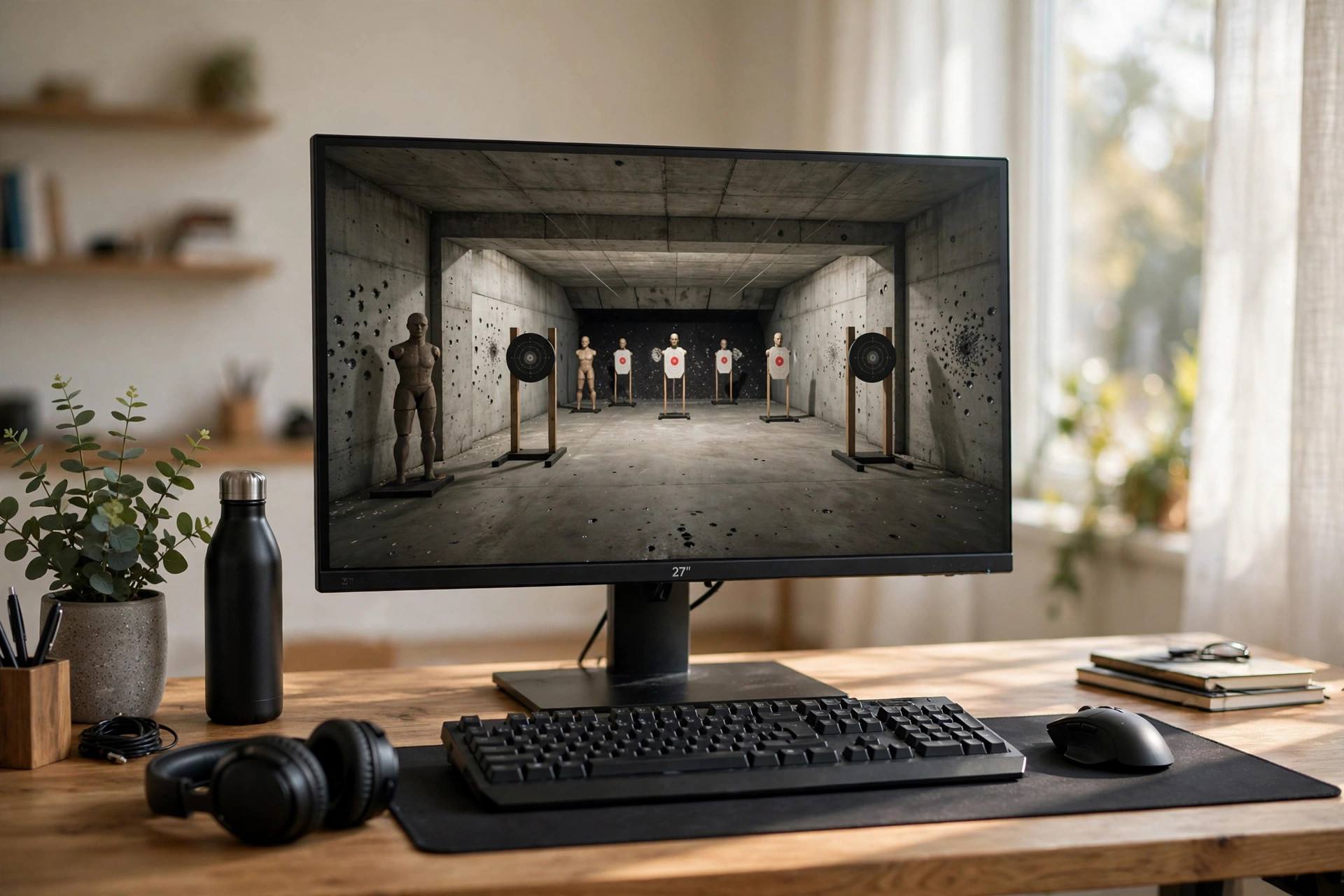
In an aim trainer or your game’s practice range, track a strafing bot at medium distance. Focus on smooth movement, keeping the crosshair glued to the target’s head or chest. Start slow. Speed without smoothness is just missing faster. Gradually increase bot speed as control improves.
Minutes 6-10: Flick training
Use a flick scenario: targets appear at random positions, and you snap to each one with a single motion. The key detail is the stop. Most players flick past the target because they don’t practice decelerating. Think “snap and stick,” landing the crosshair and holding it for a beat before the next target.
Minutes 11-13: Recoil control
Spray a wall at medium range and watch the pattern. Then practice pulling down and slightly against the pattern to keep the grouping tight. Learn one weapon’s pattern properly rather than five weapons badly. Your main rifle’s recoil pattern should be muscle memory.
Minutes 14-15: Target switching
Two targets, alternating. Kill one, snap to the other, back again. This trains the exact skill that wins multi-fights: disengaging from a dead target instantly instead of admiring your work while the second enemy kills you.
What Progress Actually Looks Like
Here’s the timeline nobody talks about. Week one feels worse, because you’re thinking about mechanics instead of playing on instinct. Weeks two and three bring the first real gains: duels you used to lose start going your way. Month two is where it clicks and the drills start feeling automatic.
Track one metric so you can see it. Pick something simple: your accuracy percentage in the practice range, your headshot rate over twenty games, or your duel win rate. Numbers cut through the feeling that you’re “not improving,” which hits every player around week two. The data almost always shows progress before your confidence catches up.
And take rest seriously. Aim is motor learning, and motor learning consolidates during sleep. Grinding six hours a day with no breaks produces worse results than ninety focused minutes. The players who improve fastest are the ones who drill, play, and then stop.
Common Aim Training Mistakes
The first mistake is training at the wrong difficulty. If your aim trainer scenarios are so hard you hit 20% of targets, you’re practicing missing. Drop the difficulty until you’re hitting 70-80%, then increase gradually. Productive struggle beats demoralizing failure every time.
The second mistake is deathmatch-as-practice. Deathmatch trains game sense and positioning, not raw aim, because you’re thinking about ten things at once. Isolated drills train the mechanic; deathmatch tests it under pressure. Both have value, but they’re different tools. Fifteen minutes of drills followed by real games beats an hour of deathmatch alone.
The third mistake is ignoring the mental game. Tilt destroys aim faster than any mechanical deficit. When frustration builds, your grip tightens, your movements get jerky, and every duel goes worse. The players with the best aim aren’t just mechanically skilled; they reset emotionally between rounds. Take the break. Your aim will thank you.
Hardware: What Actually Matters
Beyond the settings covered earlier, two hardware factors genuinely affect aim. First, your mousepad: a large, consistent-surface pad lets you use lower sensitivities with full arm movement, which is how precise aim is actually built. Tiny pads force high sensitivities and wrist-only aiming, which caps your ceiling.
Second, your monitor’s refresh rate. Moving from 60Hz to 144Hz or higher makes target tracking visibly smoother and measurably improves hit rates in studies of player performance. It’s the single most impactful hardware upgrade for FPS aim. Everything beyond that, exotic mice, custom keycaps, has rapidly diminishing returns.
Warm-Up Routines Pros Actually Use
Professional players don’t just queue straight into matches. The typical pro warm-up is ten to twenty minutes: a few minutes of smooth tracking to wake up the arm, flick scenarios at increasing difficulty, then a short deathmatch to bridge from drills to real-game chaos. The deathmatch at the end matters because it recalibrates your brain from sterile targets to unpredictable humans.
Steal the structure, not the duration. Your fifteen-minute drill routine from this guide is a pro-style warm-up. The key insight is sequencing: mechanics first in isolation, then application under pressure. Players who warm up consistently report that their first real match feels like their third, which is exactly the point.
Frequently Asked Questions
How long does it take to improve aim in FPS games?
With focused daily drills, most players see measurable improvement in three to four weeks. Reaching a genuinely high level takes months of consistent practice. There are no shortcuts, but the diagnose-then-drill method is the fastest legitimate path.
Are aim trainers better than in-game practice?
Aim trainers are better for isolating mechanics like flicks and tracking. In-game practice is better for applying aim under real conditions with movement, abilities, and pressure. Use both: trainers for drills, the game for application.
What sensitivity should I use for FPS games?
There is no universal best sensitivity. Start with a medium-low setting where you can do a 180-degree turn comfortably, then adjust slightly over a week and commit. Consistency matters far more than the specific number.
Does a better mouse improve aim?
A decent gaming mouse with a flawless sensor removes hardware as a variable, which matters. Beyond that baseline, upgrades have diminishing returns. A $60 mouse with good fundamentals beats a $200 mouse with bad habits every time.
Why is my aim good in practice but bad in real games?
Because real games add pressure, unpredictable movement, and decision-making that practice ranges don’t have. The fix is bridging work: apply one drilled skill at a time in real games, like focusing only on crosshair placement for ten matches, before expecting everything to transfer at once.
Is wrist aiming or arm aiming better?
Most high-level players use a hybrid: arm for large movements and turns, wrist for fine adjustments. Pure wrist aiming limits your range of motion; pure arm aiming sacrifices micro-precision. Start with arm-based movement on a large pad and let the wrist handle the details.
Should I raise my sensitivity to improve faster?
No. Higher sensitivity feels faster but reduces precision and consistency, which is the opposite of what aim training builds. Pick a comfortable sensitivity and keep it fixed; improvement comes from practice on stable settings, not from chasing settings.
How many hours a day should I practice aim?
Fifteen to thirty focused minutes of drills plus your normal play is plenty. More than an hour of pure aim training daily leads to diminishing returns and burnout. Consistency over months beats marathon sessions every time; the players who improve are the ones still drilling in month three.
Does playing on a controller vs. mouse change how I should train?
The principles are the same but the mechanics differ. Controller players should focus on aim assist settings, stick dead zones, and smooth thumbstick control rather than flick drills designed for mice. Train the input method you actually compete with.
Do aim training apps on phones help?
Marginally. Phone aim trainers can build basic reaction speed and target prioritization, but the motor skills don’t transfer well to mouse or controller because the input method is completely different. They’re fine for downtime, not a substitute for real drills.
The Bottom Line
Diagnose the weak link, lock your settings, and run fifteen focused minutes a day. Tracking, flicks, recoil, switching: train the one that’s broken instead of grinding all of them blindly. Do that for a month and your aim won’t be the reason you lose fights anymore.