What Is Crossplay in Games? Which Games Support It and How to Enable It

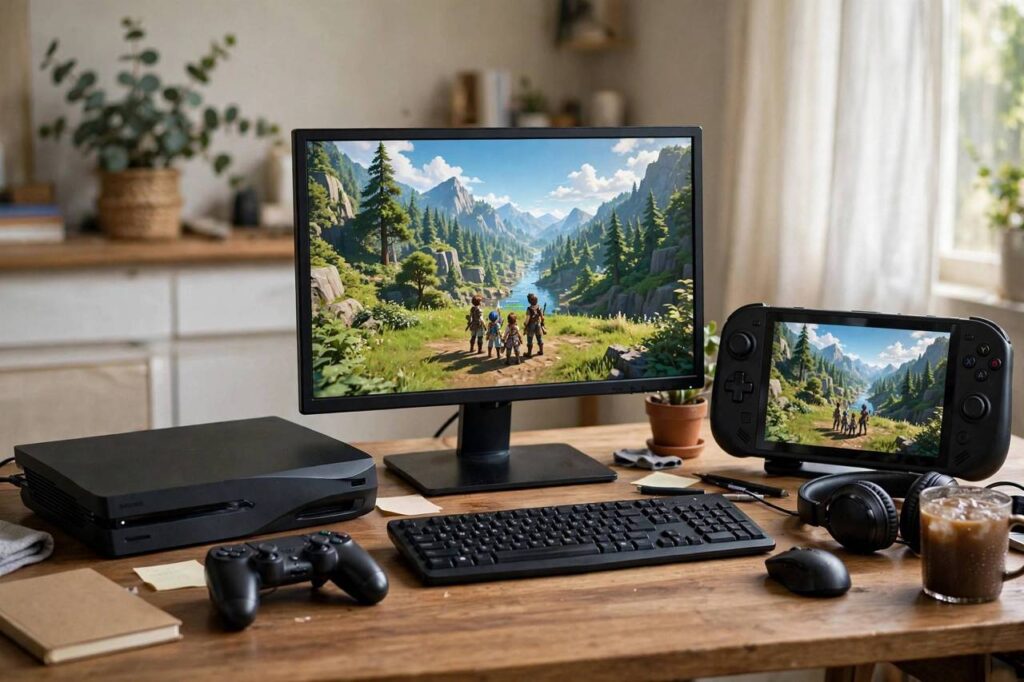
You are on PlayStation, your friend is on Xbox, and your other friend only plays on PC. Ten years ago, that meant you could never play together. Today, you probably can, thanks to one of the biggest shifts in modern gaming. So what is crossplay in games? Crossplay (short for cross-platform play) is the ability to play the same multiplayer game together with people on different hardware platforms, PlayStation, Xbox, Nintendo Switch, PC, and sometimes mobile, all in the same match or world.
I have watched crossplay go from a rare novelty to an expected feature, and the change has been genuinely great for players. In this guide, I will explain exactly how crossplay works, which major games support it, how to turn it on, and the honest pros and cons, including the one controversy (mouse versus controller) that still divides the community.
What Is Crossplay in Games? How It Actually Works
Under the hood, crossplay is simpler than it sounds. The game runs on servers operated by the publisher, not on any single console network. When you queue for a match, the game’s servers pool players from all enabled platforms together. Your PlayStation talks to the game’s server; your friend’s PC talks to the same server; the server puts you in the same match. The platforms themselves (Sony, Microsoft, Nintendo) just need to allow their players to connect to those third-party servers, which for years was the political obstacle, not a technical one.
For this to work smoothly, a few things have to line up. Everyone needs to be on the same game version, so crossplay breaks temporarily when one platform’s patch is delayed. Players need a shared account system, usually the publisher’s own account (like an Activision account or Epic account), that links their platform profiles together so friends lists and progress carry across. And the game’s netcode has to handle the reality that different platforms have different performance characteristics.
That last point matters more than most players realize. A PC running at 240 FPS and a Switch running at 30 FPS are technically playing the same game, but the experience gap is real. Good crossplay implementations account for this; bad ones just throw everyone together and hope for the best.
Which Games Support Crossplay?
The list grows constantly, but here are the major titles where crossplay is a core feature. Note that “crossplay” can mean different scopes: full crossplay (all platforms together), partial crossplay (consoles together but not PC, or specific platform pairs), and cross-progression (your unlocks carry across platforms, which often but not always comes with crossplay).
Full crossplay flagships: Fortnite (the game that forced the industry’s hand), Call of Duty: Warzone and recent CoD titles, Rocket League, Minecraft (Bedrock edition), Apex Legends, Fall Guys, Destiny 2, and Diablo IV. These let PlayStation, Xbox, Switch (where available), and PC players mix freely.
Strong partial crossplay: Many sports and fighting titles support crossplay between consoles but keep PC separate, or support specific pairs. Always check the game’s official FAQ for the current scope, because publishers expand crossplay over a game’s life and patch notes are the source of truth.
Notable holdouts and limits: Some competitive shooters keep PC and console pools separate by default (for the aim-assist reasons discussed below). Nintendo Switch sometimes sits out of crossplay for performance reasons. And older games rarely get crossplay retrofitted; it is almost always a feature of current-generation live-service titles.
Crossplay is now common enough that its absence in a new multiplayer game is worth noting in reviews. If you are shopping for a multiplayer game to play with friends on different systems, check for crossplay before you buy, not after.
How to Enable Crossplay (Step by Step)
The exact steps vary by game, but the pattern is nearly universal:
1. Create or link the publisher account. Most crossplay games require the publisher’s own account on top of your PlayStation Network, Xbox Live, or Steam account. Create one on the publisher’s website, then link your platform accounts in the account settings. This is also what enables cross-progression, so your skins and unlocks follow you.
2. Find the crossplay toggle in-game. Look in Settings, usually under Account, Online, or Gameplay. It is typically labeled “Crossplay” or “Cross-Platform Play.” Turn it on. On Xbox, there is also a system-level setting under Privacy & Online Safety that can override the in-game toggle; if crossplay is not working, check there.
3. Add friends via the publisher ID. Your platform friends list does not automatically cross over. Add friends using their publisher account ID or username (the Epic ID, Activision ID, etc.), not their PlayStation or Xbox gamertag. Once added, they appear in the game’s own friends list regardless of platform.
4. Party up and play. Invite through the game’s party system, not the console’s party system, since console parties are platform-locked. Voice chat through the game’s built-in chat works across platforms; console party chat does not.
Troubleshooting: if you cannot connect, verify all players are on the same game version, check for NAT type issues (Strict NAT blocks many peer connections; aim for Open or Moderate), and confirm no one has crossplay disabled at the system level.
The Pros of Crossplay
Bigger player pools, faster matchmaking, longer game life. This is the big one. Combining all platforms’ players means fuller lobbies, faster queue times, and games that stay populated years longer. Niche modes and smaller regions benefit enormously; a mode that would be dead on one platform alone survives on the combined pool.
Play with your actual friends. The social benefit is obvious and real. Platform choice stops being a friendship barrier. Families with mixed devices, friend groups split across consoles, all solved.
One account, everywhere. Crossplay usually arrives with cross-progression, meaning your unlocks, purchases, and stats follow you between PC and console. Start on the couch, continue at the desk, lose nothing.
The Cons of Crossplay (The Honest Version)
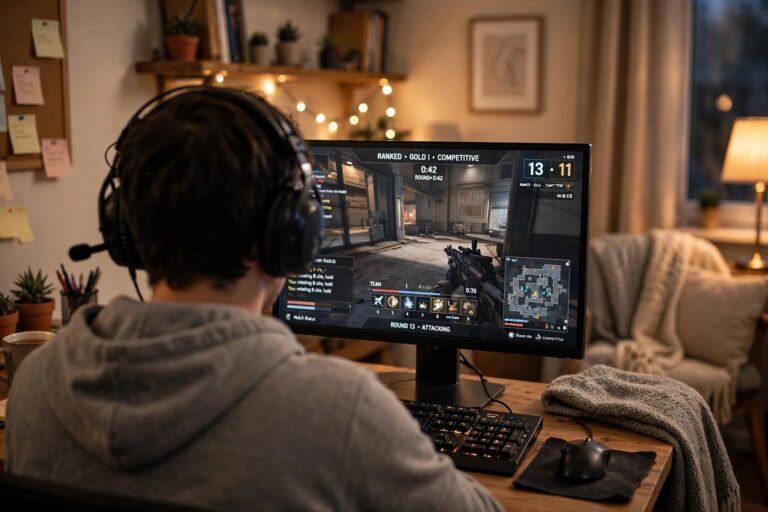
The input divide: mouse vs. controller. This is the real controversy. Mouse-and-keyboard players aim with inherently more precision than controller players in shooters. Developers compensate with aim assist for controllers, which then sparks endless debate about whether the assist is too strong or too weak. Some games solve it with input-based matchmaking (controller players pooled together regardless of platform); others let you opt out of PC crossplay. If you play competitive shooters on console, know where your game’s toggle is.
Cheating exposure. PC has a bigger cheating problem than consoles, and crossplay opens console players to it. Good anti-cheat (especially kernel-level systems) mitigates this, but it remains the most legitimate complaint about forced crossplay.
Performance gaps. A player on a high-refresh PC sees the game update more often than a player on a 30-FPS Switch. In fast competitive games, that is a genuine advantage that no matchmaking setting fully erases.
Fragmented voice chat and friends lists. The publisher-account layer adds friction: separate friends lists, separate chat systems, separate IDs to remember. It works, but it is clunkier than the old days of a single platform ecosystem.
For most casual and cooperative play, the pros dwarf the cons. For ranked competitive shooters, the cons are worth taking seriously, and using the opt-out toggles is completely reasonable.

Crossplay vs Cross-Progression vs Cross-Save: Do Not Mix These Up
These three terms get conflated constantly. Crossplay means playing together across platforms. Cross-progression means your account progress, unlocks, and purchases carry across platforms. Cross-save (mostly used for single-player games) means your save file syncs between platforms. A game can have any combination: cross-progression without crossplay is common in single-player titles, and a few games have crossplay without full cross-progression. Check each feature separately.
The Future of Crossplay
The trajectory is clear: crossplay is becoming the default expectation for multiplayer games, not a bonus feature. Platform holders resisted for years, Sony most famously, before competitive and commercial pressure made holdout untenable. The remaining frontiers are input-based matchmaking as standard, better anti-cheat parity, and eventually the harder problem of cross-platform voice and social systems that do not feel bolted on. If you want to understand how these games get built in the first place, our piece on how video games are made covers the development side.
Frequently Asked Questions
What does crossplay mean in gaming?
Crossplay means players on different platforms (PlayStation, Xbox, Switch, PC, mobile) can play the same multiplayer game together in the same matches or game worlds, instead of being limited to players on their own platform.
Is crossplay free?
Crossplay itself is free; it is a feature of the game, not a paid service. You still need whatever the game requires otherwise (the game purchase, and on consoles, sometimes the platform’s online subscription for multiplayer).
How do I turn on crossplay?
Enable it in the game’s settings (usually under Account or Online), link your platform accounts to the publisher’s account, and add friends via their publisher ID. On Xbox, also check the system-level crossplay setting under Privacy & Online Safety.
Can PS5 and Xbox play together?
Yes, in any game that supports crossplay between those platforms, which includes most major current multiplayer titles like Fortnite, Call of Duty, Rocket League, and Apex Legends. Both players need crossplay enabled.
Does crossplay include PC players?
Often, but not always. Many games include PC in crossplay by default; some competitive shooters separate PC into its own pool or let console players opt out, due to the mouse-and-keyboard advantage and cheating concerns.
What is the difference between crossplay and cross-progression?
Crossplay is playing together across platforms; cross-progression is your unlocks and progress carrying across platforms. They often come together but are separate features; a game can have one without the other.
Final Thoughts
Crossplay fixed one of gaming’s dumbest problems: that the box under your TV decided who you could play with. Turn it on, link your accounts, add your friends by their publisher IDs, and use the opt-outs where competitive integrity matters to you. The walls between platforms are mostly down. Might as well enjoy it. Just check each game’s current crossplay scope before you buy, since publishers keep expanding it and the details change with every season.