Note-Taking Apps with Handwriting Recognition That Actually Works

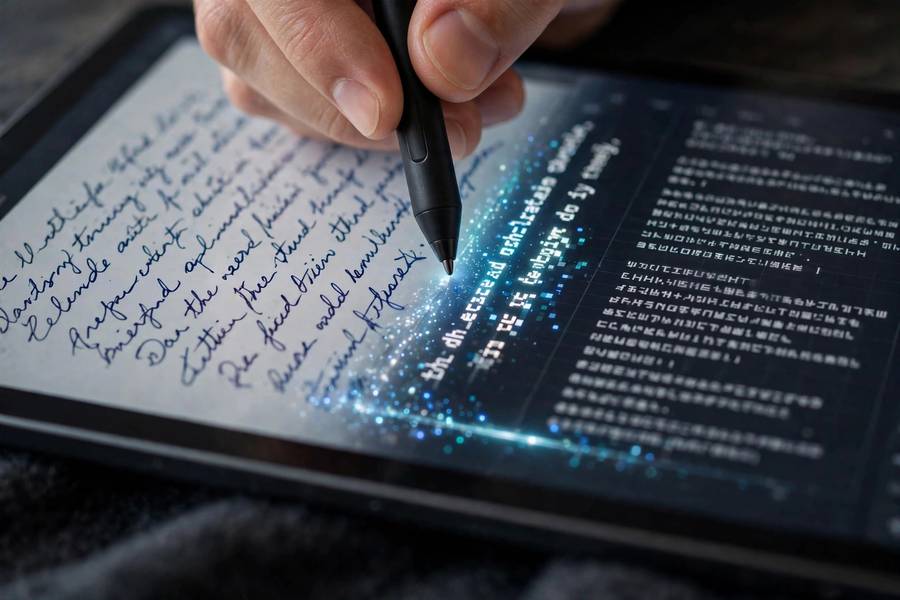
Handwriting recognition is the feature that makes digital handwriting worth the effort: write naturally, then search, convert, and edit your notes as text. But not all recognition is equal. I have tested the major apps with real student handwriting — rushed, sloppy, diagram-filled — and the gap between the best and the rest is enormous.
This guide explains how handwriting recognition actually works, which apps do it best, and how to get accurate results with your own handwriting. Because an app that only recognizes neat demo script is not recognizing your notes. the best note-taking apps overall
A note on testing: I tested with my own rushed, real-world handwriting — not careful demo script — because an engine that only reads neat writing is useless in a lecture hall. Accuracy claims below reflect messy reality.
In this guide:
- How Handwriting Recognition Actually Works
- The Apps, Ranked by Recognition Quality
- Getting Accurate Results With Your Handwriting
- Using Recognition for Actual Studying
- Honest Limits
- Training Recognition to Your Hand
How Handwriting Recognition Actually Works
Modern handwriting recognition uses machine learning models trained on millions of handwriting samples. The app analyzes your strokes — not just the final image — using pen pressure, stroke order, and timing to guess each character. That is why writing with a stylus beats finger-writing for accuracy: the stroke data is richer.
There are two different features people conflate. Searchable handwriting keeps your ink as ink but indexes it so search finds words — your notes still look handwritten. Handwriting-to-text conversion transforms your writing into typed text you can edit and copy. Both are useful; conversion is harder and varies more between apps.
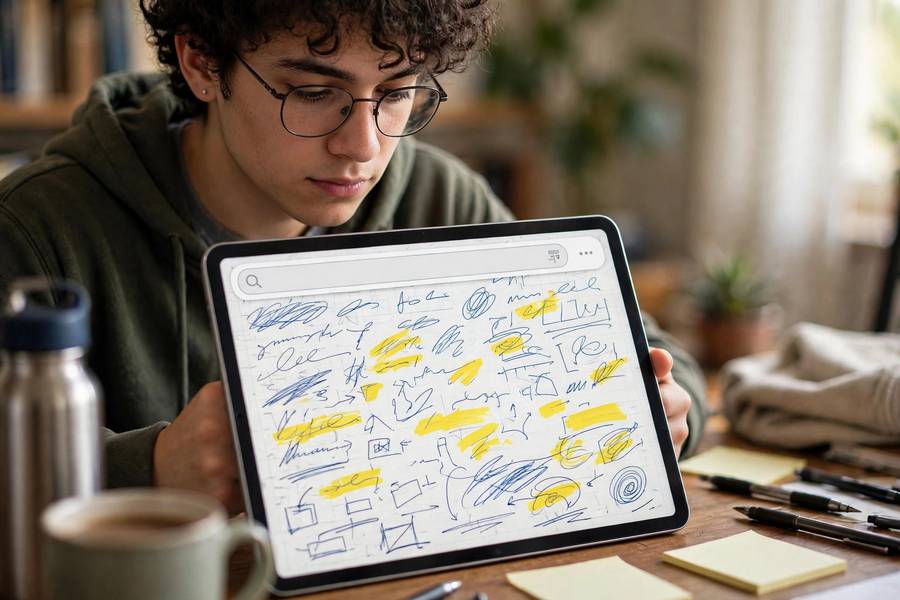
Accuracy depends on three things: the app's engine, your writing consistency, and the vocabulary. Technical terms, abbreviations, and mixed diagrams-plus-text are where engines stumble. The honest truth: expect 90-plus percent accuracy on normal prose from the best apps, and noticeably less on messy lecture scrawl full of symbols.
The Apps, Ranked by Recognition Quality
Nebo is the specialist and the accuracy champion. Its real-time conversion of handwriting to typed text — including math equations and diagrams — is remarkably good, and it learns your style over time. If conversion accuracy is the priority, start here. The tradeoff is that Nebo is more a converter than a full notebook system.
GoodNotes offers excellent searchable handwriting plus solid conversion via its lasso tool — circle your writing and convert it to text. For students who want a full notebook with good recognition built in, this is the sweet spot.
OneNote's handwriting search ('ink to text') is strong and free on every platform, with the bonus of searching across all your notebooks at once. Conversion is a manual step, but for findability of handwritten notes, it is excellent.
Noteshelf and Notability both provide respectable searchable handwriting. Apple's Scribble system-wide (iPad) converts handwriting to text in any text field, which quietly upgrades every app. Samsung's handwriting recognition on Galaxy tablets is also surprisingly capable.
Getting Accurate Results With Your Handwriting
Write slightly larger than you think you need to. Recognition engines struggle most with cramped writing where letters touch. This feels unnatural for a day and then becomes habit — and your human readers will thank you too.
Be consistent with letterforms. The engines adapt to your style, but they adapt faster when your 'a' looks like your 'a' every time. You do not need beautiful handwriting; you need predictable handwriting. Print-style lettering recognizes better than cursive for most engines.
Use the app's correction feedback. When Nebo or GoodNotes misreads a word, correcting it teaches the engine. A week of corrections noticeably improves accuracy — most students who complain about bad recognition never trained it at all. Also, write technical terms carefully the first few times; the engine learns your course vocabulary.
Using Recognition for Actual Studying
The highest-value use is search. Before an exam, search your handwritten notes for a term and jump straight to every mention — this turns a semester of notebooks into a queryable database. Students who do this stop re-reading everything and start targeting weak spots.
Conversion powers clean study guides. Circle a page of messy lecture notes, convert to text, clean it up, and you have a typed summary in minutes. I have students do this weekly: Friday afternoon, convert the week's key pages, tidy them into a summary document. By finals, the study guide has written itself. how to prepare for the GRE
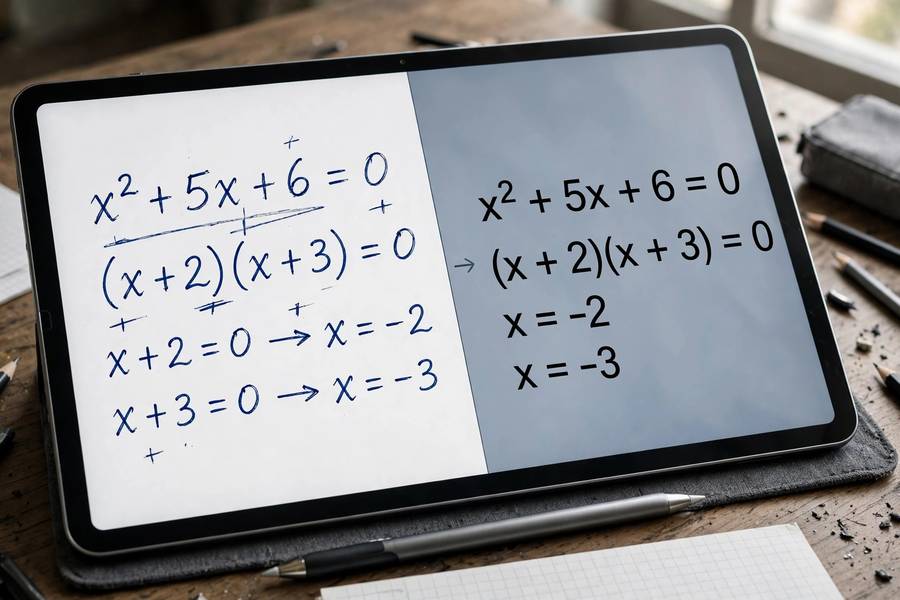
Math and science students get a special bonus: Nebo-style equation recognition turns handwritten equations into typed, editable math. Combined with searching, this makes handwritten problem sets reviewable in a way paper never allowed. Keep your worked attempts — including wrong ones — and search them before exams. get better at math
Honest Limits
Recognition will not fix bad notes. If you captured half the lecture, searching the half you captured still leaves gaps — the feature multiplies good habits, it does not replace them. Pair recognition with the same-day review habit and it shines.
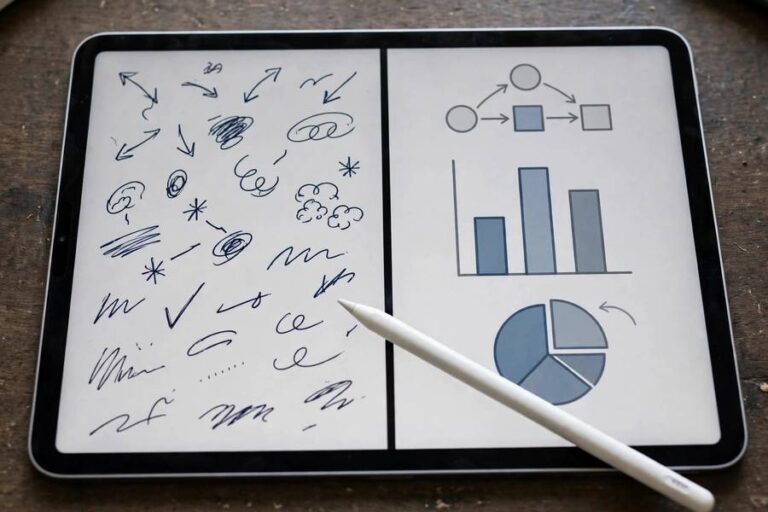
Diagrams, arrows, and mixed text-plus-drawing remain the weak point. Engines handle prose well and struggle with the visual language of real lecture notes. My workaround: keep diagrams as ink, label them with clear printed keywords the engine can index, and let search find the labels.
Privacy matters: some engines process on-device (Apple's, largely), others in the cloud. If your notes contain sensitive research or personal information, check where processing happens. For typical coursework this is a non-issue, but it is worth knowing.
Training Recognition to Your Hand
Recognition engines learn, but only if you teach them — and most students never do the teaching. When Nebo, GoodNotes, or OneNote misreads a word, correct it in the app's correction interface rather than just retyping elsewhere. Each correction is training data, and a week of consistent corrections produces a noticeable accuracy jump that no settings tweak can match.
Build a personal dictionary deliberately. Technical terms, course-specific vocabulary, and your abbreviations are where engines fail most — because they were trained on general text. When you correct 'mitochondria' three times, the engine learns it; when you sigh and move on, it never does. Spend the first two weeks of a course feeding the engine its vocabulary.
Write a calibration paragraph when you first set up: the quick brown fox, plus a paragraph of your actual coursework with your natural rushed handwriting. Some apps use this explicitly; all engines benefit implicitly as you correct from real material. Calibration with neat demo writing teaches the engine a hand you never use under pressure.
Maintain consistency in your letterforms as a courtesy to the engine. You do not need beautiful writing — you need predictable writing. If your 'a' has three variants, the engine must learn three variants. Pick one form per letter and stick with it; your human readers will benefit exactly as much as the software.
Re-train when things change: new course with new vocabulary, a stylus replacement that changes your stroke feel, or a major app update. Accuracy that quietly degrades usually has one of these causes, and a few days of attentive correction restores it. Treat recognition like a collaboration — it meets your consistency with its learning, and the partnership compounds.
Know when to stop optimizing. Past about 95 percent accuracy on your normal writing, further training has diminishing returns — your time is better spent studying. Recognition is a tool for finding and converting notes, not a hobby. Declare victory and move on.
Combine recognition with your flashcard workflow: convert a page of handwritten key terms to text, paste into your flashcard app, and you have a deck in minutes. The conversion step that used to take an hour of retyping now takes seconds — which means students actually make the decks.
Use search as a study tool, not just a finding tool: before exams, search your notes for each key term and read every context it appears in. This distributed review — seeing the concept across weeks of notes — builds the connected understanding that single-chapter re-reading misses. how to study for final exams
For group projects, converted text is shareable text: convert your handwritten research notes and share them with teammates who type. The recognition feature quietly solves the handwritten-notes-are-unshareable problem that has plagued study groups forever.
Nebo, by a clear margin — its real-time conversion of handwriting to text, including equations, is the most accurate available. GoodNotes and OneNote offer very good searchable handwriting within fuller notebook apps.
Somewhat. The best engines handle rushed but consistent writing well; truly chaotic scrawl defeats all of them. Writing slightly larger and keeping letterforms consistent improves accuracy more than any setting.
Yes. Searchable handwriting keeps your ink looking handwritten but makes it findable via search. Handwriting-to-text converts your writing into editable typed text. Most good apps offer both.
Apple's on-device recognition works offline. Cloud-based engines need a connection. If you take notes in buildings with poor signal, prefer apps with on-device processing.
Nebo does this best, recognizing handwritten equations and converting them to editable math. GoodNotes and OneNote handle it with more manual steps. Accuracy is good for standard notation.
On-device recognition uses minimal extra power; cloud-based processing uses a bit more during conversion. In normal use the difference is negligible — your screen brightness matters far more.