Best Note-Taking App for College Lectures: What Actually Works in Class

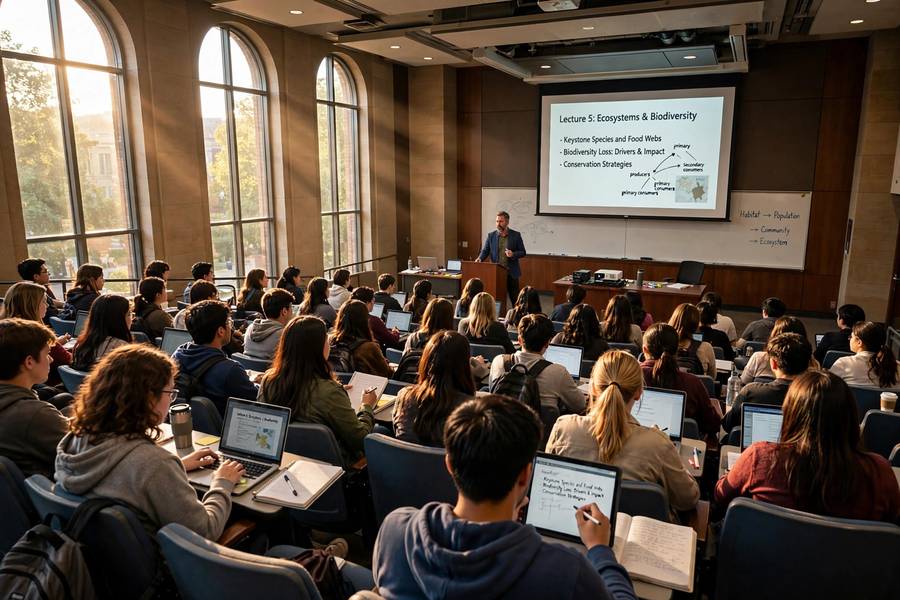
Here is something I tell every student who asks me this question: the best note-taking app for college lectures is not the one with the most features. It is the one that keeps up with a professor who talks at 150 words a minute while drawing diagrams on a slide you can barely read. I have watched students lose entire lectures to beautiful-but-slow apps, and I have watched students with plain text files walk out with every key point captured.
The right app comes down to four things: capture speed, audio sync, organization, and how well it works on the device you actually carry to class. Below I compare the apps I recommend most often, explain when typing beats handwriting (and when it does not), and give you a lecture-day workflow you can use from your very next class. the best note-taking apps overall
I have also included the lecture-day workflow I give my own students — the before, during, and after routine that turns fast-talking professors from a threat into an advantage. Use it from your next class and notice the difference by Friday.
In this guide:
- What Actually Matters in a Lecture App
- Typed vs. Handwritten: The Honest Answer
- App by App: Who They Suit
- The Cornell Method Works in Any App
- A Lecture-Day Workflow That Keeps Up
- When You Fall Behind in Lectures
What Actually Matters in a Lecture App
Professors do not pause so you can format a bullet list. When I evaluate a lecture app, the first thing I test is how fast I can go from locked phone to typing. If that takes more than five seconds, the app fails the lecture test, no matter how pretty it is. Offline access matters too — plenty of lecture halls have dead zones, and you do not want your notes app spinning on a loading screen while the professor covers the exam outline.
Audio sync is the feature that quietly saves grades. Apps like Notability and OneNote record audio while you take notes and let you tap a note later to hear exactly what the professor said at that moment. This is not about replacing your attention with a recording; it is a safety net for the two or three points per lecture that slip past you. I have seen students go from B to A-minus just by reviewing ten minutes of synced audio the night before a test.
Organization is where most students quietly lose points. Notes that go into one giant document per semester become a graveyard. The apps that work best let you sort by course and date with almost no effort, and ideally let you search inside handwritten notes too. If you have to spend twenty minutes finding your October notes the night before a final, the app has failed you. how to study for final exams
Typed vs. Handwritten: The Honest Answer
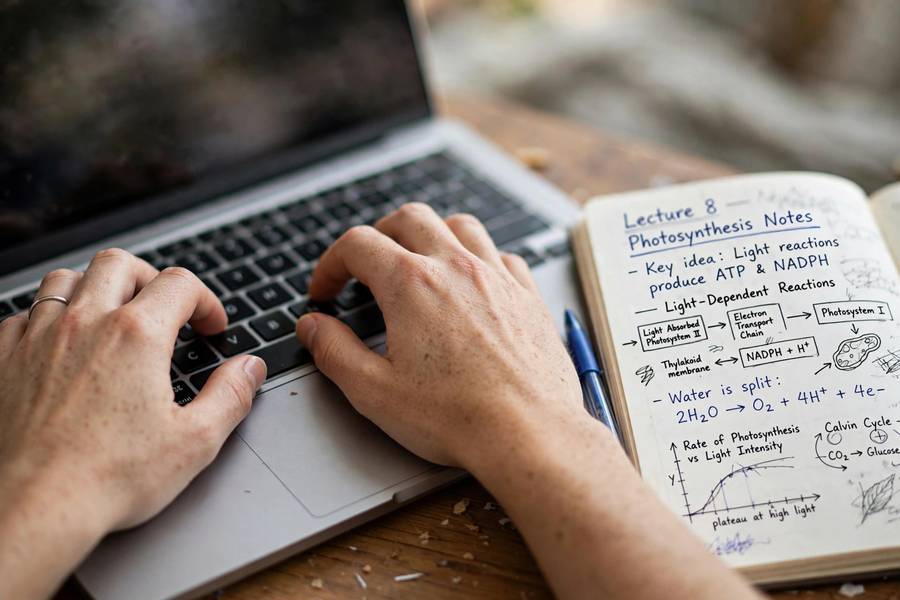
Research keeps finding that handwriting forces more processing — your brain has to summarize because your hand cannot transcribe. I believe the research, and I still tell most of my students to type, because the real question is not which method is better in a lab. It is which one you will actually review. Handwritten notes that never get re-read lose to typed notes you search and quiz yourself on.
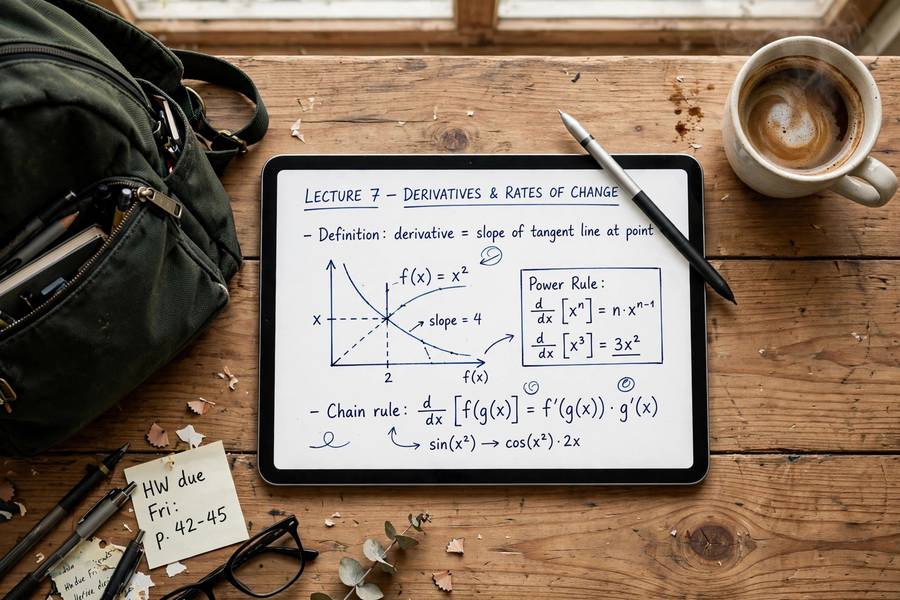
Typing wins in fast lectures, science courses with lots of definitions, and any class where the professor posts slides you want to annotate. Handwriting wins in math, chemistry, and anything diagram-heavy — drawing a mechanism or a graph with a keyboard is miserable. The honest answer is that most students should use both: type the running notes, and use a stylus app for the diagrams.
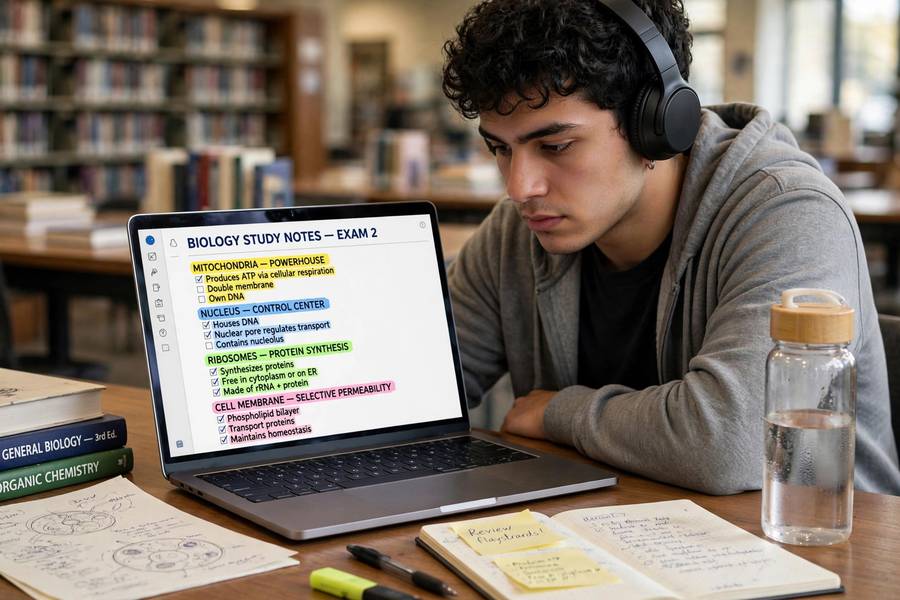
Whatever you choose, pair it with a review habit. Notes are raw material, not finished studying. The students who do well are the ones who spend fifteen minutes the same evening turning lecture notes into questions they can test themselves with later. That is active recall, and it beats re-reading your notes five times. what active recall is and how to use it
App by App: Who They Suit
Microsoft OneNote is my default recommendation for most college students. It is free, the sync is reliable, and the combination of typed notes, audio recording, and drawing tools in one canvas handles nearly any lecture. Its notebook-section-page structure maps naturally onto courses, weeks, and topics. The search even reads your handwriting, which matters when you need that one formula from three weeks ago.
Notion is the best pick if your notes are the start of bigger projects — research papers, group assignments, study databases. Its databases let you turn lecture notes into a flashcard table or a topic tracker, and the web clipper pulls in readings. It is slower to open and capture with than OneNote, though, so it suits students who organize after class rather than live in the app during class.
GoodNotes and Notability are the tablet-with-stylus champions. GoodNotes has the better handwriting feel and paper templates; Notability has the edge on audio sync and simpler recording. If you take an iPad to class, one of these is probably your answer. For pure speed on a laptop, Google Docs or even a plain text editor beats everything — zero friction, instant sync, and you can paste straight into study tools later.
The Cornell Method Works in Any App
The Cornell method is a note layout, not an app feature, and it works in every app I just mentioned. Divide your page into three zones: notes on the right, cue questions on the left, and a summary at the bottom. During the lecture you only fill the notes zone. That evening, you add cues — questions the notes answer — and write a two or three sentence summary in your own words. how to write a strong thesis statement
That evening step is where the learning happens. Writing cues forces you to decide what the lecture was actually about, which is a far deeper act than re-reading. Before the exam, cover the notes column and quiz yourself using only the cues. I have students do this for two weeks and watch their retention change completely.
In OneNote, make the cue column with a table or just indent; in GoodNotes, use a Cornell paper template; in Notion, use two columns. The app does not matter. What matters is that the cue-and-summary step happens within 24 hours of the lecture, while the professor's voice is still fresh in your head.
A Lecture-Day Workflow That Keeps Up
Before class, open the app to a fresh page named with the course, date, and topic — something like ECON 201 — 10/14 — Inflation. Paste in the slide titles if they are posted. This takes ninety seconds and means you are never fumbling with setup while the professor starts talking.
During class, capture in short phrases, not sentences. Abbreviate aggressively: use symbols like → for 'leads to', Δ for change, and your own shorthand for course terms. Mark anything the professor repeats or emphasizes — that is exam content, and a star or highlight in the moment saves you guessing later.
Within a day, do the fifteen-minute review: fill in gaps while you still remember the context, add Cornell cues, write the summary, and flag anything confusing to ask about in office hours. Then close the notes. When exam week arrives, you are not studying raw lecture notes — you are reviewing organized, self-quizzing material. That is the whole game.
When You Fall Behind in Lectures
Every student falls behind eventually — a week of illness, a brutal midterm season, a professor whose lectures feel like drinking from a firehose. The recovery method I teach has three steps, and none of them is 'rewrite everything neatly.' First, triage: for each missed or messy lecture, identify the two or three concepts the course cannot proceed without. Your syllabus, the textbook chapter headings, and a classmate's notes will tell you what those are.
Second, rebuild with targeted sources rather than raw re-capture. Watch the lecture recording at 1.5x speed if one exists, pausing only to note the triaged concepts. No recording? Borrow notes from the most organized student you know — not to copy, but to extract the structure, then fill it in from the textbook. Rebuilding from a classmate's organized notes plus the textbook is dramatically faster than re-watching everything.
Third, convert the rebuilt material into self-test questions immediately. Falling behind is not fixed when your notes look complete; it is fixed when you can answer questions about the material. Students who skip this step 'catch up' on paper and then fail the exam anyway, because complete-looking notes created a false sense of security.
Prevent the next fall with a Friday fifteen-minute audit: open each course's notes for the week and ask 'could I explain this week's core idea to a friend?' Anything that gets a 'no' becomes next week's priority — small, scheduled, and manageable. Catch-up works when it is routine maintenance, not emergency surgery.
Finally, talk to your professor early when you are behind, not after the exam. Office hours exist precisely for this, and professors are remarkably generous with students who show up mid-semester with specific questions. Bring your triaged list of what you do not understand — 'I'm lost' gets sympathy, but 'I don't understand these three concepts' gets teaching.
And give yourself the same advice you would give a friend: falling behind is a scheduling problem, not a character flaw. The students who recover fastest are not the ones who panic hardest — they are the ones who triage calmly, rebuild strategically, and protect the review habit even during catch-up weeks.
One more recovery tactic: form a two-person note exchange with a classmate in each course during week one — not week eight. Agree that whoever misses a class gets the other's notes within 24 hours, no questions asked. This mutual insurance costs nothing and has saved more semesters than any app feature, because the best backup for missed lectures is another human being.
When rebuilding, resist the urge to make the recovered notes prettier than your normal notes. Pretty is the enemy of done during catch-up — capture the concepts, flag the gaps, and move on. You can beautify during exam review if time permits, which it rarely does, and that is fine.
Finally, track what caused the fall so it does not repeat: was it illness, overload, or a specific course's pace? Each cause has a different fix — office hours for pace problems, load rebalancing for overload, rest for illness. Students who diagnose the cause recover permanently; students who just 'work harder' repeat the cycle.
Microsoft OneNote is the strongest free option for most students. It includes audio recording synced to your notes, handwriting search, and reliable cross-device sync at no cost. Google Docs is a good free alternative if you only need fast typing.
Type in fast, definition-heavy lectures; handwrite in math, science, and diagram-heavy courses where drawing matters. The most important factor is not the method but whether you review the notes within 24 hours and turn them into self-test questions.
Apps like Notability and OneNote can record audio while you write, but always check your professor's policy and your local recording laws first. Many instructors allow personal-use recording if you ask; some do not.
Use one notebook or folder per course, one page or note per lecture date, and a consistent naming pattern like COURSE — Date — Topic. Good search matters more than a perfect folder system, so pick an app that searches handwriting too.
Use short phrases and personal abbreviations instead of full sentences, pre-label your page before class, and mark emphasized points with a star. Pre-reading the slide titles for five minutes before class roughly doubles how much you can capture.
Absolutely — for pure typing speed, Docs is excellent and free. You lose audio sync and handwriting, but many students take their best lecture notes in Docs and organize them elsewhere afterward. Speed of capture beats features you never use.