What Is SEO for Beginner Bloggers? A Jargon-Free Starter Guide


If you have been wondering what is SEO for beginner bloggers, here is the whole thing in one sentence: SEO is making your blog posts easy for Google to understand and easy for readers to find. That is it. Not tricks, not hacks, not secret algorithms — just clarity plus usefulness, consistently applied. I have watched brand-new bloggers double their traffic in six months doing only the basics in this guide, and I have watched others waste a year chasing advanced tactics while ignoring them.
This guide is written for bloggers specifically — not businesses, not marketers. You do not need a marketing degree or expensive tools. You need to understand three things: what readers are searching for, how to structure a post so Google understands it, and how to connect your posts together. Let us take them one at a time, in plain English.
Part 1: Keywords — Writing What People Actually Search
A keyword is simply the phrase someone types into Google. “Easy sourdough recipe.” “How to start a vegetable garden.” “Best budget travel backpack.” Every post you write should target one main keyword — the specific phrase you want that post to rank for.
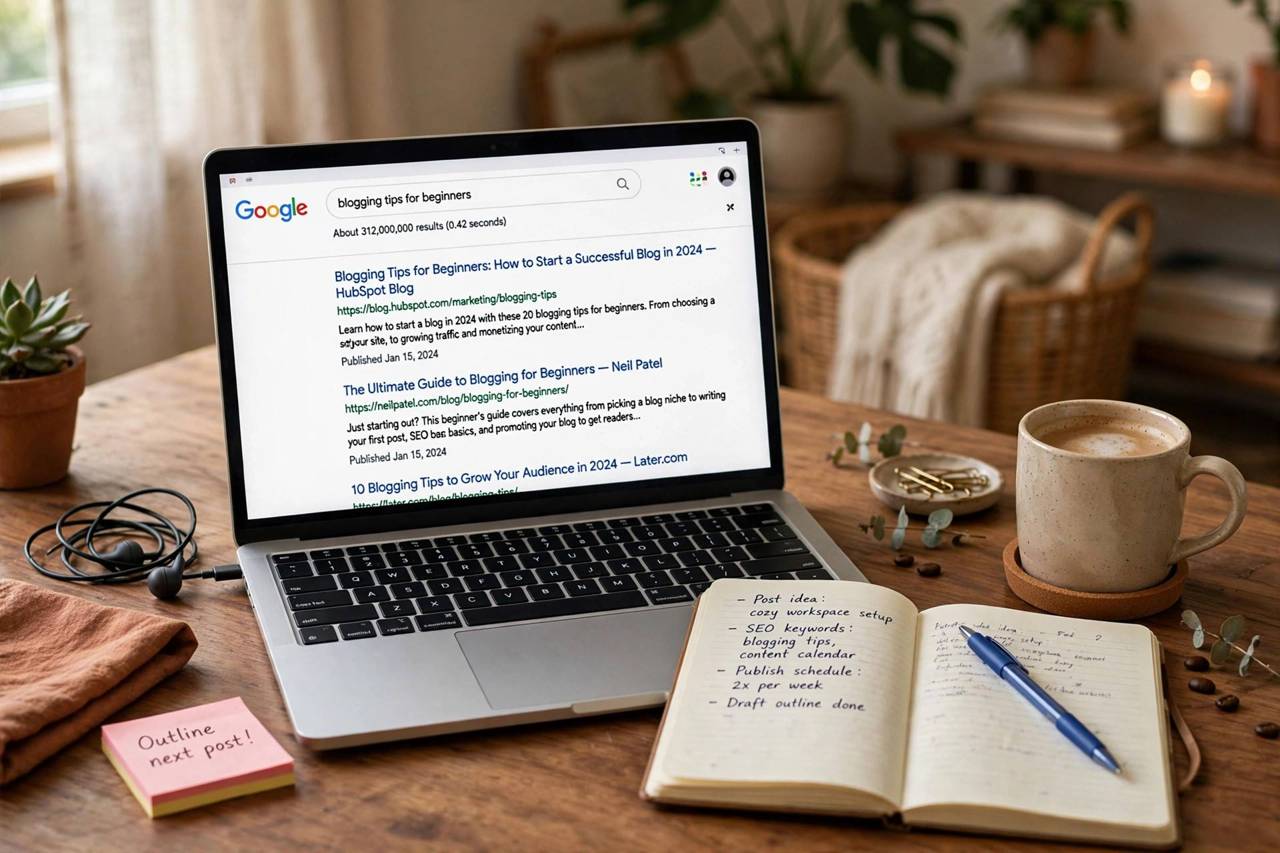
Here is the beginner mistake: writing about whatever inspires you with no thought to what anyone searches. Inspiration is wonderful, but if nobody types your topic into Google, Google cannot send you readers. Before you write, check that real humans search for your topic. Free ways to do this:
- Google autocomplete. Start typing your topic into Google and see what it suggests. Those suggestions are real searches from real people.
- “People also ask.” The question boxes in search results are content ideas handed to you on a plate — each one is a post or a section.
- Answer the Public (free tier). Type a topic, get a visual map of the questions people ask about it.
- Google Search Console (free). Once your blog is running, this shows you exactly which searches already bring you traffic — then write more of what works.
The golden rule for beginners: target specific, longer phrases (“how to clean white sneakers without bleach”) rather than giant topics (“shoes”). Specific phrases have less competition, and the readers they bring want exactly what you wrote. One keyword per post. Write the post to answer that search completely.
Part 2: On-Page Basics — Helping Google Understand Your Post
Once you have your keyword, “on-page SEO” just means placing it where Google looks for signals about what your post covers. Think of it as labeling, not stuffing:
- Title: include your keyword naturally, near the beginning. “How to Clean White Sneakers Without Bleach (5 Methods)” beats “My Thoughts on Footwear.”
- First paragraph: use the keyword once, early. This tells both Google and the reader they are in the right place.
- Headings: break your post into sections with descriptive headings (H2s), and include the keyword or a variation in at least one of them.
- URL: short and readable — yoursite.com/clean-white-sneakers — not yoursite.com/?p=482.
- Images: give every image descriptive alt text (“white sneakers being scrubbed with a toothbrush”). This helps Google understand images and helps visually impaired readers.
- Meta description: the 160-character snippet under your title in search results. Include the keyword and give readers a reason to click.
What NOT to do: repeat the keyword twenty times. Google figured out keyword stuffing around 2012, and readers hate it more than Google does. Write for a human first; the keyword placements above happen naturally in a well-written post. If you are counting keyword mentions, you are doing it wrong.
Part 3: Internal Links — Connecting Your Own Posts
Internal links — links from one of your posts to another of your posts — are the most underrated beginner SEO tactic. They do three things at once: they keep readers on your blog longer, they show Google how your content relates, and they spread ranking power from your popular posts to your new ones.
The practice is simple: whenever you mention a topic you have covered before, link to it naturally in the text. Writing about sourdough and you have a post on bread flour? Link it. Mentioning your garden and you wrote about composting? Link it. Aim for a few relevant internal links per post — not dozens, and only where they genuinely help the reader.
As your blog grows, this becomes a web of connected content that Google loves to crawl and readers love to explore. I have seen bloggers double their pageviews per visitor just by going back through old posts and adding internal links. It is unglamorous work with outsized results.
What Beginners Should Ignore (For Now)
The SEO world loves to overwhelm newcomers. Here is your permission slip to ignore, for your first year:
- Backlinks and outreach. Yes, links from other sites matter — eventually. In year one, publishing great content consistently matters more. Good content earns links; begging for links earns spam folders.
- Technical SEO rabbit holes. Site speed and mobile-friendliness matter, but a decent modern theme handles 90% of it. Do not spend weeks optimizing what is already fine.
- Every algorithm update. Google updates constantly. Bloggers who write genuinely helpful content survive every update; bloggers who chase the algorithm get whiplash. Write for humans, sleep well.
- Expensive tools. You do not need a $100/month SEO suite as a beginner. Google Search Console (free) plus autocomplete research will carry you surprisingly far.
Your First-30-Days SEO Checklist
Enough theory — here is what to actually do:
- Install Google Search Console and connect your blog (it is free and takes ten minutes).
- Pick one keyword per post before you write, using autocomplete and “People also ask.”
- Put the keyword in your title, first paragraph, one heading, and URL — naturally.
- Write the most complete, genuinely helpful answer to that search that you can. Longer and more thorough beats thin every time.
- Add 2–4 internal links to your older relevant posts.
- Give every image descriptive alt text.
- Publish consistently — one great post a week beats five rushed ones.
- After 3 months, check Search Console to see which searches bring traffic, and write more of what works.
If you are still in the planning stage, our guide on how to start a blog covers the setup side — domain, platform, and theme — so you can build on a solid foundation before the SEO work begins.
What Is SEO for Beginner Bloggers Who Hate Technical Stuff
Let me speak directly to the bloggers who glazed over during the technical sections: you can do SEO without loving technical stuff. In fact, some of the best-ranking bloggers I know are proudly non-technical. They succeed because SEO, at the blogger level, is mostly editorial judgment — and editorial judgment is a blogger’s native skill.
Reframe it: SEO is just “helpful, findable writing.” Every SEO task maps to something you already understand as a writer. Keyword research is asking “what would my reader type into Google?” Title optimization is writing a good headline — you already do that. Headings are outlining — you already do that. Internal linking is recommending your own related posts — you already do that in conversation. The only truly new skill is checking Search Console occasionally, and that is a fifteen-minute monthly habit, not a discipline.
The non-technical starter workflow: once a month, spend one hour. Open Google Search Console, look at which queries brought you traffic, and write down the top five. For each one, ask: do I have a post that fully answers this? If yes, improve that post (longer, clearer, better headings). If no, add it to your content calendar. That is the entire “technical SEO routine” for year one. No audits, no crawlers, no schema markup anxiety. Just: what are people asking, and am I answering it well?
What to do when something breaks: traffic drops, a post will not rank, Search Console shows an error. The non-technical response is not to learn server administration — it is to ask in a blogging community or forum, describing what you see. The blogging community is generous with troubleshooting, and 90% of beginner issues (indexing delays, thin content, accidental noindex from a migration) have been solved a thousand times before. Your job is describing the symptom clearly, not performing the surgery.
The mindset that matters most: think of Google as a matchmaker, not a judge. It is not grading your worthiness; it is trying to match searchers with satisfying answers. Your job is to be the most satisfying answer for your specific searches. Write the post you wish existed when you searched your topic. Be thorough, be clear, be genuinely useful — and let the matchmaker do its work. That is what SEO is for beginner bloggers, stripped of everything intimidating: be findable, be the best answer, repeat.
Frequently Asked Questions
How long does SEO take to work for a new blog?
Expect 3–6 months before you see meaningful search traffic, and 6–12 months before it becomes significant. Google needs time to discover, evaluate, and trust new content. Bloggers who quit at month two — right before results arrive — are the most common SEO casualty. Consistency beats intensity.
Do I need to pay for SEO tools as a beginner?
No. Google Search Console, Google autocomplete, “People also ask” boxes, and the free tier of tools like Answer the Public cover beginner needs completely. Paid tools become useful when you are publishing at volume and doing competitive analysis — typically year two, not week two.
What is the difference between SEO and just writing good content?
Good content is the foundation; SEO is making sure search engines can find, understand, and recommend it. A brilliant post with a vague title, no headings, and no keyword focus is like a great book with no cover in a dark bookstore. SEO is the cover, the signage, and the lighting.
Can I do SEO on a free blogging platform?
Mostly yes — you can control titles, headings, content, and internal links anywhere. What you cannot always control on free platforms: URL structure, site speed, and some technical settings. If you get serious, moving to self-hosted WordPress gives you full control, but do not let platform perfectionism delay publishing.
How many keywords should I target per post?
One primary keyword per post. You will naturally rank for variations and related phrases if the content is thorough — Google understands synonyms and related concepts. Targeting five keywords in one post usually produces a post that serves none of them well.
Start Simple, Stay Consistent
So what is SEO for beginner bloggers? Picking topics people search for, labeling your posts clearly, linking them together, and publishing consistently while Google learns to trust you. It is not glamorous and it is not fast, but it is the entire game — and now you know the rules. Write your next post with one keyword in mind, and you are already ahead of most new bloggers.