How Does Facial Recognition Work? 4 Steps Explained

Your phone unlocks when it sees your face. An airport lets you board without showing a passport. A store camera flags a known shoplifter the moment they walk in. Different places, same invisible trick — and it’s not magic.
Let me make this simple: facial recognition doesn’t “recognize” you the way a friend does. It turns your face into math — a long string of numbers — and then compares that math to other math it has stored. Once you see the four steps underneath, the whole technology stops feeling mysterious and starts feeling… mechanical.
And because your face is involved, the safety questions matter just as much as the tech. So we’ll do both: how it works, and how to use it without getting burned.
What Is Facial Recognition?
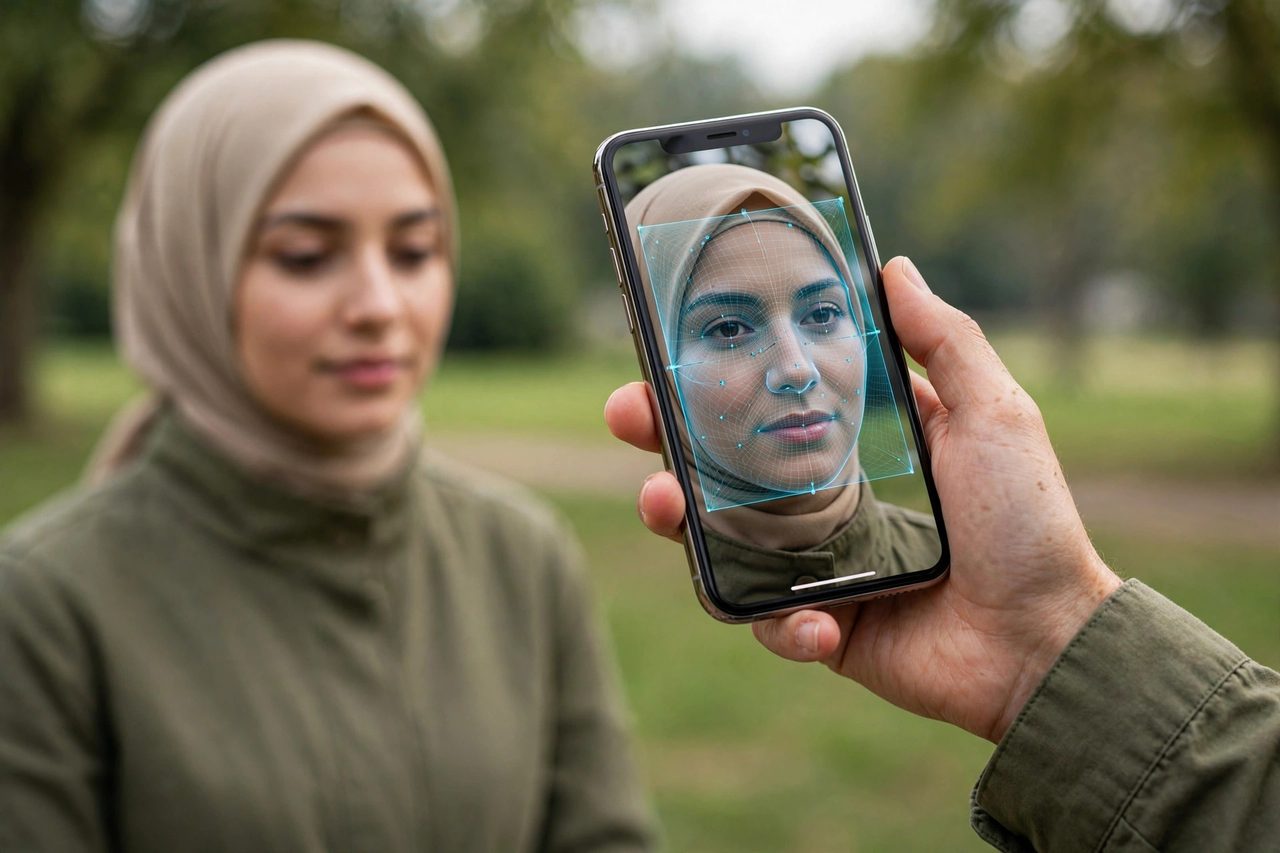
Facial recognition is a technology that identifies or verifies a person by analyzing their face. A camera captures your face, software maps its features, and the system decides whether you match someone it knows.
You’ll find it in three broad flavors. Unlocking things — your phone, your laptop, your front door. Verifying identity — airport boarding gates, banking apps confirming it’s really you. And identifying people in crowds — finding a missing person in a stadium, or flagging a banned individual at a venue entrance.
The important thing to understand up front: the system never stores “your face” the way a photo album does. What it stores is a mathematical summary — and that distinction matters enormously for both how the tech works and how your privacy is affected.
How It Works: The 4 Steps
Every facial recognition system, from your phone to an airport gate, runs the same four-step pipeline.
Step 1: Capture
A camera takes an image or video of your face. That’s it — this step is glorified photography. Quality matters, though: bad lighting, a turned head, or a low-resolution camera all make the later steps harder. This is why airport gates ask you to look straight at the camera and why your phone struggles in a dark bar.
Step 2: Analysis — Mapping the Landmarks
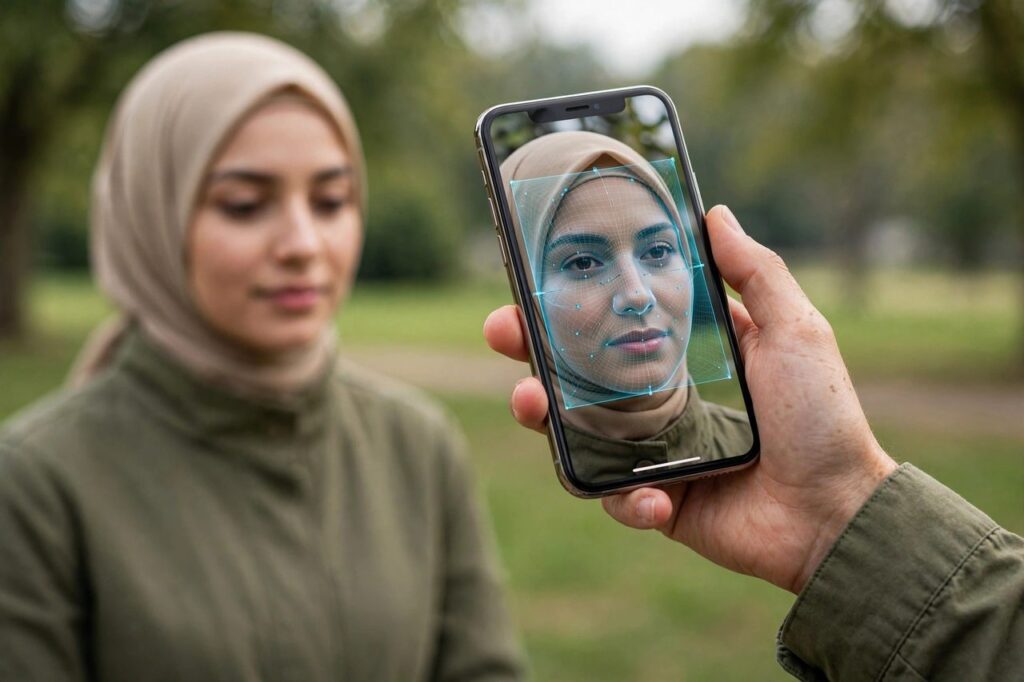
The software scans the image and locates facial landmarks — distinctive points like the corners of your eyes, the tip of your nose, the edges of your mouth, the curve of your jawline. Think of it as the system placing invisible pins on a map of your face.
These landmarks are chosen because they barely change. Grow a beard, get a haircut, age ten years — the distance between your eyes’ corners and your nose tip stays essentially the same. That’s what makes them reliable.
Step 3: Conversion — Your Faceprint
Those landmark measurements get converted into a numeric template — sometimes called a faceprint or facial embedding: a string of hundreds of numbers encoding your face’s geometry.
Read that again, because it’s the single most misunderstood fact about this technology: your faceprint is math, not a photo. The system doesn’t keep a picture of you on file. It keeps hundreds of numbers derived from your face’s measurements. Two photos of you produce similar number-strings; photos of two different people produce wildly different ones.
Step 4: Matching
Finally, the system compares your fresh faceprint against stored ones. If the numbers are close enough — within a threshold the system is tuned for — it’s a match. Set the threshold strict and you get fewer false alarms but more “sorry, try again” moments; set it loose and the opposite.
And that is the whole pipeline. Capture, analyze, convert, match. Everything else — the controversies, the conveniences, the court cases — is about what happens around these four steps.
2D vs 3D Facial Recognition
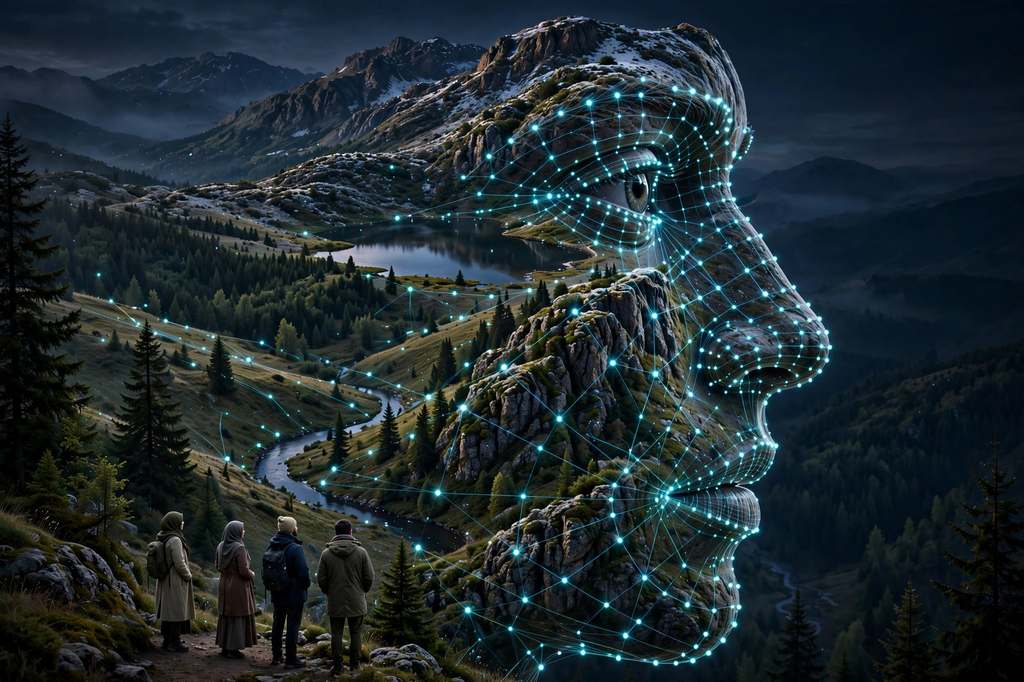
Not all face mapping is created equal. The two main approaches differ in depth — literally.
2D facial recognition works from a flat image, like a regular photograph. It’s cheap, fast, and works with any camera — which is why it’s everywhere. The weakness: it’s analyzing a flat picture, so it can be fooled by another flat picture. Hold up a printed photo of someone, and a basic 2D system may well say “yep, that’s them.”
3D facial recognition adds depth — projecting invisible dots or using sensors to build a three-dimensional map of your face’s actual contours. A photograph can’t fake depth, so 3D resists photo spoofing dramatically better. This is why high-end phone unlocking feels so secure: it’s measuring the shape of your face, not looking at a picture of it.
The trade-off is cost and hardware. So you’ll see 2D in budget applications and 3D where security matters — phones, banking, border control.
Verification vs Identification — The Key Distinction
This distinction determines whether the technology feels helpful or creepy, so let’s nail it.
Verification answers: “Is this person who they claim to be?” It’s a one-to-one (1:1) comparison — your phone checking your face against your own stored template, a bank app confirming a login. The system only ever compares you against your own record.
Identification answers: “Who is this person?” It’s a one-to-many (1:many) comparison — searching your faceprint against an entire database of thousands or millions of templates. Airport watchlist screening. Finding a missing child in crowd footage.
Why does this matter? Identification is where the risks concentrate. A 1:1 check that fails just locks you out. A 1:many search that misfires can flag the wrong stranger as a suspect. The bias concerns below hit identification far harder than verification — searching millions of faces turns even a small accuracy gap into a lot of real people misidentified.
What Is Liveness Detection?
Remember the printed-photo trick against 2D systems? Liveness detection is the countermeasure — the system’s way of asking “is this a living human face, or a photo/video/mask?”
Active liveness asks you to do something: blink, turn your head, smile. Simple and effective, but slightly annoying — nobody loves performing for their banking app.
Passive liveness works invisibly, analyzing subtle cues — skin texture, light reflection, micro-movements, depth — without asking you to do anything. Smoother experience, harder engineering.
Neither is perfect, but together with 3D depth mapping, they make spoofing genuinely difficult. A printed photo can’t blink on command, and a video replay struggles against depth checks.
Where Facial Recognition Is Used
Consumer convenience. Phone and laptop unlocking, smart doorbells recognizing family, photo apps grouping pictures by person — all verification-style, all low-stakes.
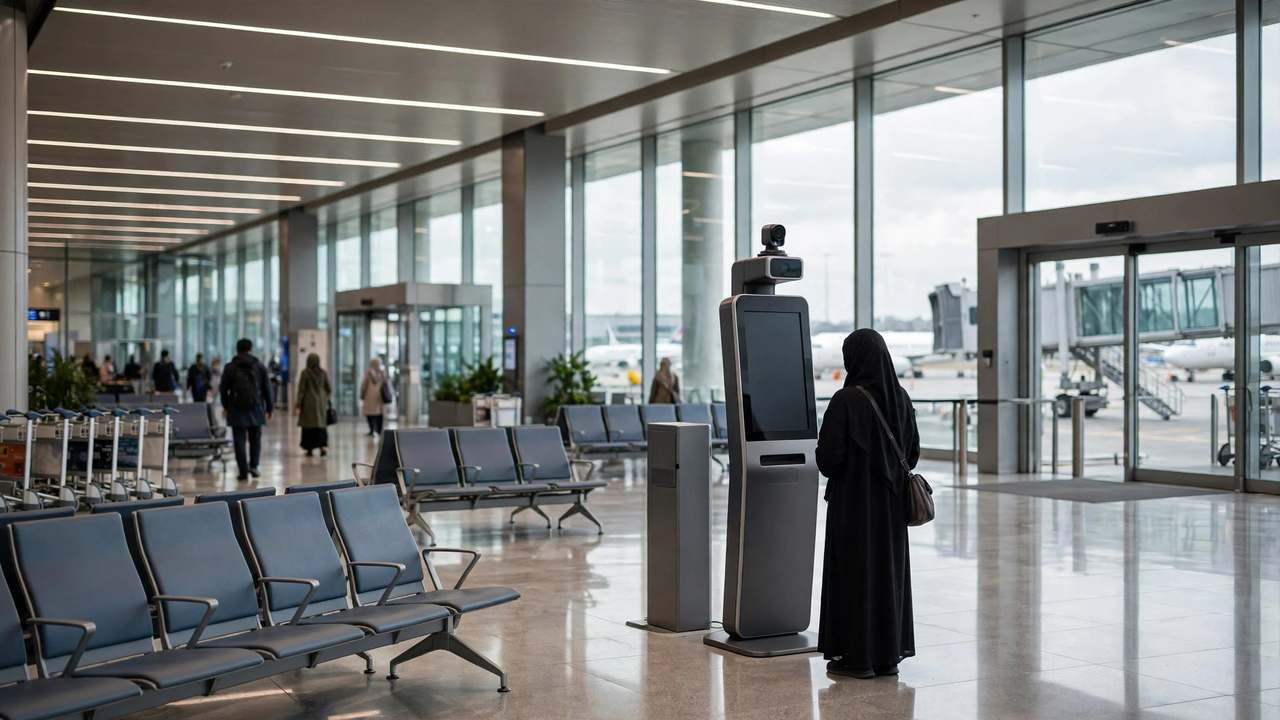
Travel and borders. Airports use it for boarding and passport control, matching your live face against your passport photo. Verification at scale, and one of the technology’s most mature deployments.
Banking and payments. Financial apps use face verification for logins and high-value transactions. It works best as part of your security setup — worth understanding two-factor authentication and how to set it up properly so a face scan is one layer among several.
Law enforcement and security. The identification side: searching for missing persons, flagging persons of interest, securing sensitive facilities. Also the most controversial side, for reasons we’ll get to now.
Accuracy and Bias Concerns
Here’s the uncomfortable truth: facial recognition does not work equally well for everyone. Testing by the U.S. National Institute of Standards and Technology (NIST) found accuracy gaps across demographic groups — some systems were significantly more likely to misidentify people with darker skin tones, women, and older individuals.
Why? The systems learn from training data, and training data has historically skewed toward lighter-skinned male faces. A model trained mostly on one kind of face gets very good at that kind and noticeably worse at others. It’s not malice; it’s math trained on an unbalanced diet. But the consequences are very real for the people misidentified.
The fallout has reached regulators. In 2024, the U.S. Federal Trade Commission ordered the pharmacy chain Rite Aid to stop using AI-powered facial surveillance for five years, after its flawed system wrongly accused innocent customers of shoplifting. Five years: a regulator saying the technology, as deployed, was harming real people.
The takeaway: deployment context matters enormously. Verification on your own phone is far less risky than mass identification — and systems used on the public deserve far more scrutiny.
Privacy Risks
Your faceprint deserves the same paranoia you’d give your fingerprint: you can’t change your face. A leaked password can be reset. A leaked faceprint is compromised forever.
The core risks: function creep — cameras installed for “safety” start tracking employee breaks. Data breaches — faceprint databases are high-value targets, and the stolen goods can’t be rotated. Consent gaps — you can enroll your face in your phone, but you can’t opt out of a public-square camera. Permanent identification — once your faceprint exists in a database, it can identify you across time and place in ways you never agreed to.
Storage architecture matters most here. The safest setup keeps your faceprint on your device — secure hardware, nothing uploaded. The riskiest keeps it in a central server database, one breach away from exposure. When you have the choice, on-device wins.
Zoom out: facial recognition is one piece of your digital footprint. Pairing good device habits with tools like password managers and a VPN for private browsing gives you defense in depth rather than a single locked door.
How to Use Facial Recognition Safely
You don’t have to reject the technology to use it wisely.
Prefer on-device storage. If a random app wants to upload your faceprint to its servers instead of keeping it on your device, that’s a red flag.
Keep it one layer, not the only layer. Face unlock plus a strong passcode plus two-factor authentication beats any single method.
Be stingy with enrollment. Every database holding your faceprint can leak. Enroll where convenience genuinely matters — your phone, your bank — and skip the loyalty program that wants a face scan for 10% off.
Read the retention policy. If a company can’t answer “how do I delete my faceprint,” don’t give them your face.
Stay updated. Liveness detection and anti-spoofing improve with software updates — installing them is quietly a biometric security habit.
Frequently Asked Questions
How does facial recognition work step by step?
Four steps: capture (camera takes your picture), analysis (software maps landmarks like eye corners and nose tip), conversion (landmarks become a faceprint of hundreds of numbers), and matching (the faceprint is compared against stored templates).
Is facial recognition safe to use?
For personal uses like phone unlocking with on-device storage, yes — reasonably safe. The bigger risks come from large-scale identification systems and central faceprint databases, which can suffer bias problems and breaches. Context and storage location matter most.
Can facial recognition be fooled by a photo?
Basic 2D systems can be, since they analyze a flat image. 3D systems measuring facial depth, plus liveness detection (blink tests or passive texture and micro-movement analysis), make photo spoofing genuinely difficult.
What’s the difference between face verification and face identification?
Verification is one-to-one: “is this person who they claim to be?” — your phone checking your face against your own template. Identification is one-to-many: “who is this person?” — searching your face against an entire database, with bigger privacy and bias risks.
Where is my facial data stored?
It depends on the system. The safest setup stores your faceprint on your device in secure hardware, with nothing uploaded. Riskier setups keep faceprints in central server databases. Prefer on-device storage when you have the choice.
Is facial recognition accurate for everyone?
Not equally. NIST testing found accuracy gaps across demographic groups, with some systems worse on darker skin tones, women, and older people — largely because training data skewed toward lighter-skinned male faces. Accuracy has improved, but the gaps are documented and real.