Best Note-Taking App for Students: A Practical Comparison

Students ask me for 'the best note-taking app' the way people ask for the best running shoe — and my answer is the same: best for whom, doing what? A medical student annotating PDFs needs a different tool than a high schooler jotting homework reminders, and both differ from a grad student building a research database. I have tested the major apps with real students in real courses, and the pattern is clear: the winners are the apps that match your device, your subjects, and your review habits.
This guide gives you a simple framework for choosing in under ten minutes, honest comparisons of the apps I recommend most, and the free options that are genuinely good enough. No feature-list padding — just what matters for schoolwork. the best note-taking apps compared in depth
A quick note on how I tested: I did not just read feature lists. I watched students use these apps through real midterms, noted where notes got lost, and tracked which apps were still in use by finals. Survival through a semester is the only review metric I trust.
In this guide:
- How to Choose in Ten Minutes
- The Free Picks That Are Genuinely Enough
- When Paying Is Worth It
- Mistakes I See Students Make
- Your First-Week Setup
- Building a Weekly Review System
How to Choose in Ten Minutes
Start with your primary device, because that decides more than any feature list. iPad with a stylus points you toward GoodNotes or Notability. A Windows laptop with a touchscreen makes OneNote the natural home. Chromebook users live in Google's world, so Google Docs and Keep make sense. Mac users have the luxury of choosing, and that is where this guide helps most.
Next, name your hardest subject. Diagram-heavy courses — math, physics, chemistry, anatomy — reward handwriting apps with a stylus. Writing-heavy courses — history, literature, political science — reward fast typing and great search. If you take both kinds, you may end up with two apps, and that is fine; many of my best students use OneNote for typed courses and GoodNotes for math. tips for studying history exams
Finally, be honest about your review habit. If you never re-read notes, no app saves you — pick the fastest capture tool and spend the saved time on active recall. If you are an organizer who loves systems, Notion or Obsidian will reward you. The app should fit the student you are, not the student you wish you were. what active recall is
The Free Picks That Are Genuinely Enough
Microsoft OneNote remains the best free all-rounder. Unlimited notebooks, audio recording, drawing, handwriting search, and solid sync across everything — it is hard to believe it costs nothing. I recommend it first to any student who does not own an iPad, and honestly to many who do.
Google Docs plus Google Keep is the simplest free stack. Docs for long-form class notes with flawless collaboration, Keep for quick captures, reminders, and checklists. Students on Chromebooks already have everything they need. The weakness is handwriting and deep organization, but for typed notes the speed is unbeatable.
Obsidian is free for personal use and is the pick for students who love connected thinking. Its backlinks turn notes into a personal wiki — write a note on 'mitosis' in biology and link it from your chemistry notes on cell division. The learning curve is real, but students who push through it often become its biggest fans.
When Paying Is Worth It
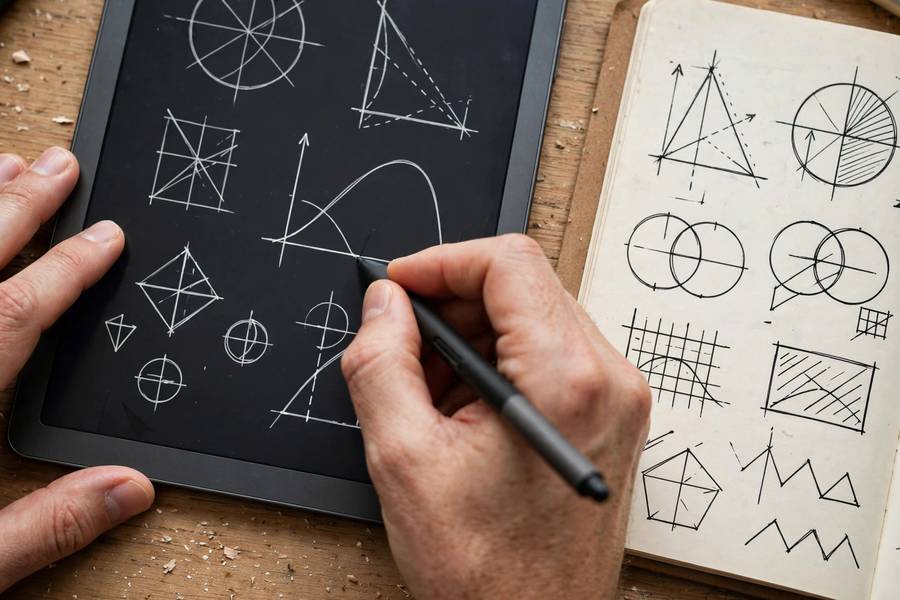
GoodNotes (one-time purchase) earns its price if you handwrite daily. The writing feel is the closest to paper I have tested, the paper templates include Cornell layouts and planners, and handwriting search actually works. For iPad students in STEM courses, this is usually the correct answer.
Notability (subscription) justifies itself with the best audio-synced note review I have used: tap any word you wrote and hear what was being said at that exact moment. If your lectures are dense and fast, that feature alone can be worth the subscription for a semester — try it during your hardest course first.
Notion's free plan is generous, and its paid tiers matter mainly for heavy file uploads and team collaboration. Most students never need to pay. My rule: pay for an app only after you have used the free version for a full month of real classes and hit a specific wall the paid tier removes.

Mistakes I See Students Make
The biggest is collecting apps instead of taking notes. I have watched students spend a week comparing six apps while their actual notes live on scattered loose paper. Pick one primary app in ten minutes, commit for a month, and spend your energy on the review habit. You can always switch; you cannot get the lost month back.
The second is mistaking pretty notes for learning. Color-coded, perfectly formatted notes that you never quiz yourself on are decoration. The research is consistent: retrieval practice — testing yourself from the notes — beats re-reading and re-formatting by a wide margin. Your app should make it easy to hide answers and self-test, or at least export to a flashcard tool.
The third is ignoring backup and sync until disaster strikes. Every semester I hear from a student who lost notes to a dead phone. Turn on cloud sync on day one, and before exam week, export your most important notebooks to PDF. It takes five minutes and has saved more grades than any feature ever has.
Your First-Week Setup
Day one: install your chosen app on every device you own and sign in, so sync is working before you need it. Create one notebook or folder per course, with the course code and professor name. Make a template page with your name, the date format, and a Cornell-style layout if you use one.
First week of classes: after each lecture, spend ten minutes cleaning up that day's notes — fill gaps, add cue questions, write the summary. This is also when you discover whether the app keeps up with your fastest professor. If it does not, switch now, in week one, not week six.
Before the first exam: do a full review pass using only your notes and the cue questions you wrote. Anything you cannot answer becomes a flashcard or a question for office hours. Students who run this loop tell me exams feel familiar instead of frightening — because by test day, they have already 'taken' the material three times. how to study for final exams
Building a Weekly Review System
Notes you never review are just a diary of classes you attended. The weekly review is the habit that converts capture into learning, and it takes less time than students fear — about an hour for a full course load, scheduled like any other appointment. I recommend Sunday evening or Friday afternoon, whatever you will actually protect.
The review has a fixed agenda. First, skim each course's week of notes and fill any gaps while the lectures are still fresh — this takes ten minutes per course and prevents the slow decay that makes old notes useless. Second, convert the week's key points into self-test questions: cover the answers, quiz yourself, mark what you missed. Third, file or tag anything that needs follow-up — a confusing concept for office hours, a reading to finish.
Use the review to maintain your system, not just your content. Rename sloppy note titles, merge duplicates, delete the 'asdf' pages. Five minutes of hygiene weekly prevents the digital junk drawer that makes students abandon their apps mid-semester. A clean system invites use; a messy one invites avoidance.
Connect the weeks together during review: ask how this week's material relates to last week's. Courses are stories, not episodes, and the students who see the narrative arc understand deeply while others memorize fragments. Jot these connections as links between notes — in apps like Obsidian or Notion this is literal; in any app it can be a simple 'see also' line.
Track your review streak visibly — a calendar with X marks, a habit tracker, anything. The streak matters less as motivation and more as data: when grades dip, check whether the review habit dipped first. In my experience, it almost always did. The weekly review is the highest-leverage hour in a student's week, and it runs on whatever app you chose.
Start this week, not 'when things settle down.' Do a forty-minute mini-review of just one course to learn the motions. Next week, add a second course. Within a month you will have the full system running, and by midterms you will wonder how you ever studied without it.
A useful refinement: keep a separate 'questions' note per course where you dump everything confusing during the week — lecture puzzles, homework sticking points, textbook mysteries. The weekly review then becomes a triage session: answer what you can, carry the rest to office hours. Professors love students who arrive with specific questions.
Time-box the review strictly. Set a timer for sixty minutes and stop when it rings, even mid-course. An unbounded review expands to fill the evening and then gets skipped the following week out of dread. A contained, finishable hour sustains itself for years.
Review with a partner monthly: swap notes for one course and try to learn from each other's material. Gaps in your notes become obvious when someone else depends on them, and you will steal organizational tricks worth more than any app tutorial.

Microsoft OneNote is the best overall pick for most students: free, with audio recording, handwriting search, and reliable sync on every device. iPad users who handwrite should look at GoodNotes; organizers who love systems should try Notion.
Usually not at first. Start with a free app for a full month of real classes. Pay only if you hit a specific wall — like needing GoodNotes' handwriting feel for daily STEM notes or Notability's audio sync for fast lectures.
A stylus app like GoodNotes or OneNote's drawing canvas, because diagrams, mechanisms, and equations are painful to type. Pair handwritten problem work with typed summaries of definitions.
OneNote comes closest for mixed subjects, since it handles typing, drawing, and audio in one place. Many students still use two apps — one for typed courses, one for handwritten STEM work — and that is a fine setup.
Turn on cloud sync on day one across all devices, use one folder per course with consistent date-based naming, and export key notebooks to PDF before exam week as a backup.
One primary app, plus at most one specialist (like a stylus app for math). Every additional app adds 'where did I put that?' overhead. Students with one committed app consistently outperform app collectors.