Parking is the most annoying part of driving. It’s low-speed, high-stress, and weirdly public — everyone watches you fail at parallel parking. So when Tesla promised that the car could just park itself, it felt like the future had finally arrived in a useful form. No grand robotaxi promises, no “someday” — just: press a button, the car parks.
Table of Contents
- What Autopark Actually Is
- How Autopark Sees a Parking Spot
- How to Use Autopark: Step by Step
- Parallel vs Perpendicular: What It Handles
- Autopark vs Summon vs Smart Summon
- When Autopark Shines
- When Autopark Hesitates (or Worse)
- The Vision-Only Change: What Got Better, What Got Worse
- Should You Trust It? My Honest Take
- Frequently Asked Questions
What Autopark Actually Is
Autopark is Tesla’s automated parking feature: the car steers itself into a parking space — parallel or perpendicular — while you supervise. It’s part of the Enhanced Autopilot / Full Self-Driving packages (availability and packaging have shifted over the years, so check what your car includes).
Here’s the important framing: Autopark is a Level 2 feature. You are the driver. You supervise, you stay ready to brake, and you are responsible for the result. The car does the steering and the speed control, but the accountability never leaves the driver’s seat. This is driver assistance wearing a party trick costume — impressive, useful, and absolutely not something to walk away from.
Tesla has iterated on Autopark significantly. The newer versions (part of the FSD stack) handle parking much more like a human driver would — pulling forward to reposition, handling tighter spots, dealing with perpendicular spaces — while older versions were more limited and more hesitant. If you tried Autopark years ago and dismissed it, the current version is a meaningfully different feature.
How Autopark Sees a Parking Spot
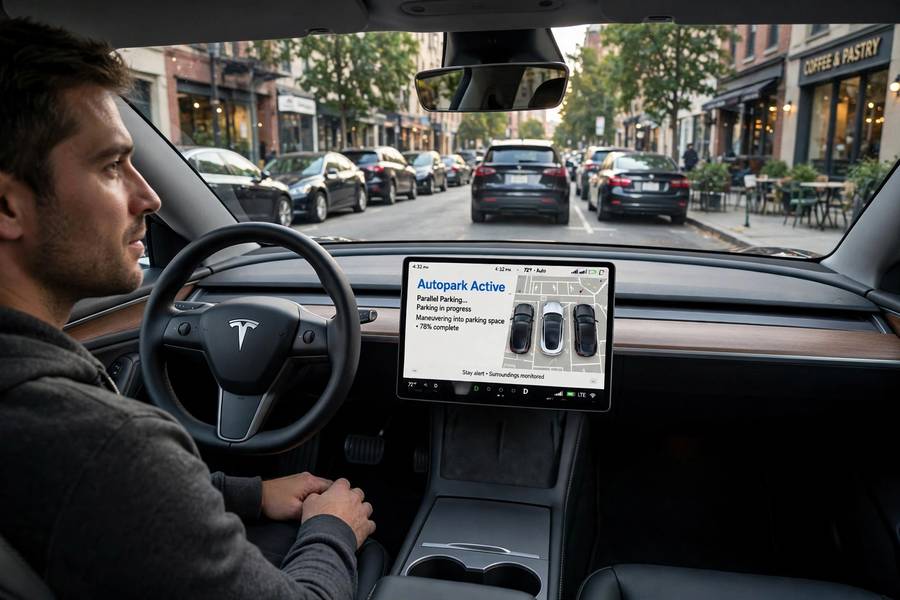
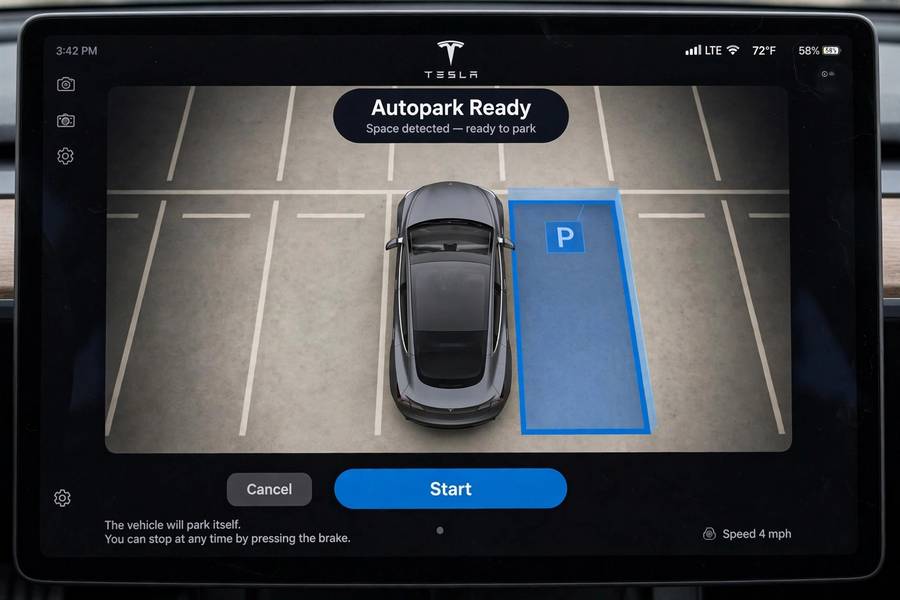
The process starts with perception. As you drive slowly past a row of parked cars (Autopark typically activates below about 15 mph / 24 km/h), the car’s cameras scan for gaps between vehicles that look like parking spaces. When it finds a candidate, it highlights it on the touchscreen — a little “P” icon or a highlighted rectangle, depending on the software version.
What’s happening under the hood is a neat piece of applied AI. The vision system identifies parked vehicles, estimates the gap between them, checks whether the gap is large enough for your car (with margin), and classifies the space as parallel or perpendicular. Then the planning system computes a maneuver: the sequence of steering angles and forward/reverse movements that will get the car into the space. How self-driving cars use AI to perceive and plan covers these techniques in depth — Autopark is essentially a miniature version of the full self-driving problem, confined to a parking lot.
The ultrasonic sensors handle the close-range work: measuring exact distances to the cars ahead and behind, the curb, the wall. Cameras handle the geometry: where the space is, what type it is, whether anything is moving through it. It’s a tidy division of labor, and when it works, it works beautifully.
How to Use Autopark: Step by Step
The exact interface has changed across software versions, but the general flow:
1. Drive slowly past the spaces. Stay under the activation speed, with the feature enabled. The car scans as you go.
2. Watch for the “P” indicator. When the car identifies a suitable space, it shows it on the touchscreen. This is the car saying “I see a spot” — not “I promise this spot is good.”
3. Select the space and confirm. Tap the highlighted space, then confirm (the exact gesture varies — a button press, holding a control). The car takes over steering.
4. Supervise. Hands near the wheel, foot near the brake. Watch the mirrors and the screen. The car will steer, accelerate, and brake on its own, possibly repositioning with forward/backward adjustments.
5. Be ready to abort. Touching the steering wheel or pressing the brake cancels the maneuver instantly. This is your job, and it’s non-negotiable.
The whole thing typically takes 30 seconds to a minute — slower than a confident human, faster than an anxious one. Speed isn’t the point; the point is that you didn’t have to do the fiddly steering work.
Parallel vs Perpendicular: What It Handles
Parallel parking is Autopark’s original party trick and still its most impressive. The car backs into the space with the kind of geometric precision that takes humans years to learn — judging the angle, the distance to the curb, the clearance front and back. Newer versions handle tighter parallel spots than the early ones, which were notoriously picky about needing generous space.
Perpendicular parking (backing into a standard lot space) is the newer capability and, frankly, the more useful one day-to-day. Most of us park perpendicularly far more often than parallel. The car reverses into the space, straightens up, and centers itself — usually better-centered than most humans manage.
What it doesn’t handle well: angled spaces, unmarked areas, spots with unusual geometry, or situations where the “space” is ambiguous (is that a spot or a driveway?). Autopark needs clear structure — defined spaces, visible neighboring cars or lines. Give it ambiguity and it either declines (good) or improvises (watch closely).
Autopark vs Summon vs Smart Summon
Tesla’s parking features have confusingly similar names, so let me sort them:
Autopark: You’re in the car, it parks itself into a detected space. The subject of this guide.
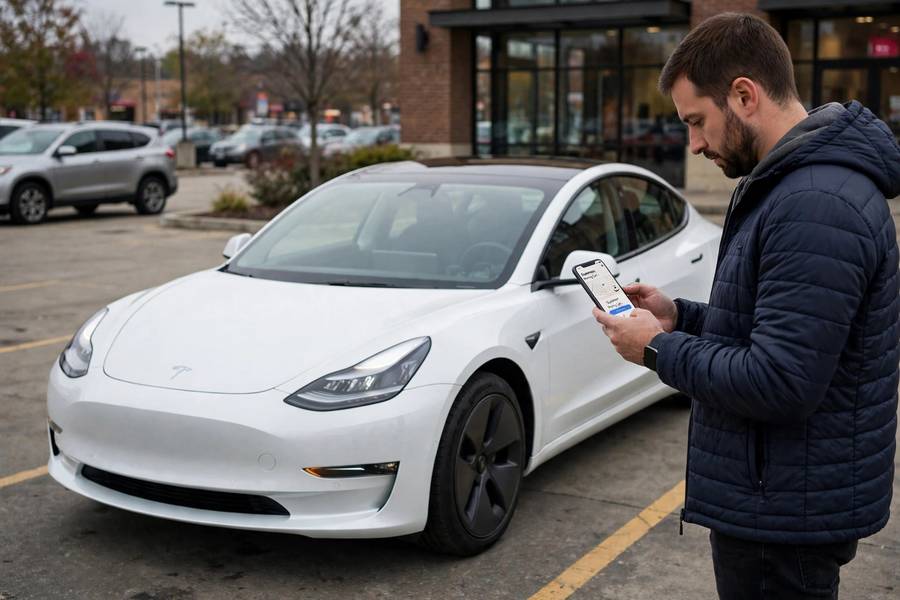
Summon: You’re outside the car, and you use the app to move it forward or backward in a straight line — typically to pull out of a tight garage or parking spot. Short range, straight line, you hold the button the whole time (releasing it stops the car — a dead-man’s switch, and a sensible one).
Smart Summon: You’re outside the car, and it navigates a parking lot to come to you — turning, avoiding obstacles, the full maneuver. Dramatically more ambitious, dramatically more variable in practice. Fun in an empty lot, nerve-wracking in a busy one.
They’re all Level 2. You’re responsible for all of them. The difference is just where you’re standing and how much the car is doing.
When Autopark Shines
Let me give credit where it’s due, because Autopark genuinely excels in specific situations:
Tight parallel spots on busy streets. The car’s geometric precision beats human judgment here — it knows exactly how much room it needs and uses all of it. No curb rash, no three extra adjustments.
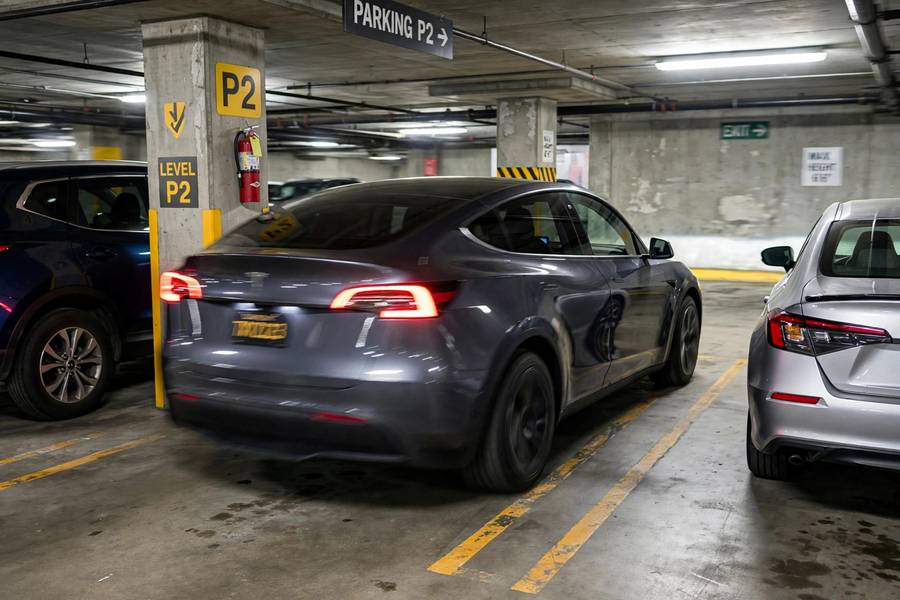
Parking garages with clear markings. Structured environments are Autopark’s happy place. Clear lines, predictable geometry, low speeds.
When Autopark Hesitates (or Worse)
Honesty time. Autopark has failure modes, and you should know them:
It declines good spots. The detection is conservative — it regularly ignores spaces a human would take. This is annoying but safe, and I’d rather have a picky system than a reckless one.
It hesitates mid-maneuver. Sometimes the car pauses, reconsidering, while you’re sitting in the middle of the street with traffic building behind you. The social pressure of a line of cars waiting while your Tesla thinks is a unique modern embarrassment.
Curb judgment. The car’s distance estimation is good but not perfect, especially with low curbs or unusual curb profiles. Curb rash on expensive wheels is the classic Autopark complaint.
Moving obstacles. Pedestrians, shopping carts, cars pulling out — Autopark handles these by stopping, which is correct, but it can get confused in busy lots and either freeze or abort repeatedly.
The vision-only transition. When Tesla removed ultrasonic sensors from new cars (moving to camera-based distance estimation), close-range accuracy took a hit. Camera-based distance judgment at bumper range is genuinely hard, and owners noticed. Later software improved it, but the physics didn’t change — estimating centimeters from cameras is just harder than measuring them with sound.
The through-line: Autopark is a competent assistant with known weaknesses. Supervise it like one.
The Vision-Only Change: What Got Better, What Got Worse
This deserves its own section because it was controversial. Tesla removed ultrasonic sensors from new vehicles, betting that cameras plus neural networks could handle close-range distance estimation. For Autopark specifically, this was the highest-stakes test of that bet — parking is all about centimeters.
Early results were rough. Owners reported the car misjudging distances, parking too far from curbs or too close to neighboring cars, and generally behaving less confidently than the ultrasonic-equipped versions. Tesla iterated aggressively, and the current vision-based Autopark is much improved — but it’s worth knowing the history if you’re comparing experiences across model years.
The broader lesson is about sensor redundancy. Ultrasonic sensors are cheap, proven, and excellent at exactly what parking needs. Removing them was a bold bet on software over hardware. Whether it was a good bet is still being decided, one parking maneuver at a time.
Should You Trust It? My Honest Take
Here’s where I land: Autopark is a genuinely useful feature that I’d use regularly — with supervision, in the right situations, and with my foot hovering near the brake. It’s not a gimmick; it solves a real annoyance. But it’s also not magic, and the gap between “parks itself” and “parks itself perfectly every time” is where your attention lives.
My personal rules: use it for parallel parking on quiet streets (its best trick), use it in structured garages, don’t use it when you’re in a hurry (the hesitation will cost you more time than just parking yourself), and always — always — be ready to take over. The moment you treat it as fully autonomous is the moment it will find the one curb it can’t see.
Think of Autopark the way you’d think of a valet who’s very good but new: let them park the car, but watch from the curb. And if you’re curious about the bigger picture of vehicle automation, my guide on how self-driving cars work and the AI tools behind them will fill in the rest.
Frequently Asked Questions
Tesla Autopark is an automated parking feature that steers the car into parallel or perpendicular parking spaces while the driver supervises. It detects available spaces as you drive past, then handles the steering and speed control for the maneuver.
Drive slowly past parking spaces until the car highlights a detected space on the touchscreen, select the space, confirm, and supervise while the car parks. Keep your hands near the wheel and foot near the brake — touching the wheel or brake cancels the maneuver instantly.
Yes — parallel parking is Autopark’s original capability and still its most impressive. Newer versions also handle perpendicular (back-in) parking in standard lot spaces with clear markings.
No. Autopark is a Level 2 driver-assistance feature. The driver must supervise the entire maneuver, stay ready to brake, and remains fully responsible for the result.
Autopark parks the car while you’re inside it. Summon moves the car forward or backward in a straight line while you’re outside, using the phone app — typically to pull out of tight spots. Smart Summon goes further, navigating a parking lot to reach you.
It’s possible — curb rash from misjudged distances is the most common complaint. Supervise every maneuver and be ready to brake. The driver is responsible for any damage during Autopark operation.