Every Midjourney image starts with randomness. That’s the point — randomness is what makes generation generative instead of deterministic. But sometimes you don’t want a roll of the dice; you want the same roll twice. Maybe you found a composition you love and want to iterate on it. Maybe you need matching images for a series. That’s what the --seed parameter is for, and it’s one of the most practically useful settings most beginners ignore. Quick context if you need it: how Midjourney works covers the diffusion basics this guide builds on.
Table of Contents
- What a Seed Actually Is
- How to Use –seed
- Same Seed, Same Prompt: What “Repeatable” Really Means
- –seed vs –sameseed: Don’t Confuse Them
- Finding the Seed of an Image You Like
- Practical Uses That Earn Their Keep
- What Seeds Can’t Do
- Seeds Across Model Versions
- Frequently Asked Questions
What a Seed Actually Is
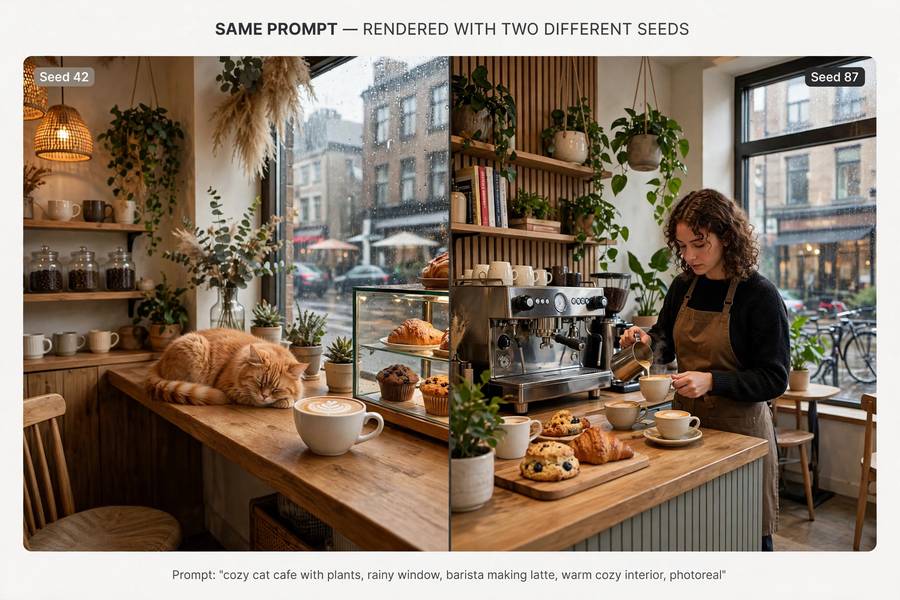
A seed is a starting number for the random number generator. Midjourney’s diffusion process begins with random noise, and the seed determines exactly which noise. Same seed, same starting noise — which means the generation unfolds from the same starting point every time.
The analogy I use: a seed is like a specific shuffle of a deck of cards. The dealing rules (your prompt, the model) stay the same, but the shuffle determines the outcome. Write down the shuffle number, and you can re-deal the exact same hand whenever you want.
Seeds are integers from 0 to 4,294,967,295 (the full 32-bit range). If you don’t specify one, Midjourney picks a random seed for each job — which is why every generation surprises you. Specifying --seed 12345 replaces the surprise with a record: this exact number produced this exact starting point.
Here’s the key mental model: the seed controls the randomness, not the content. Your prompt still decides what’s in the image. The seed decides which of the infinite valid interpretations of your prompt you get. Two different seeds on the same prompt give you two different-but-both-correct images.
How to Use –seed
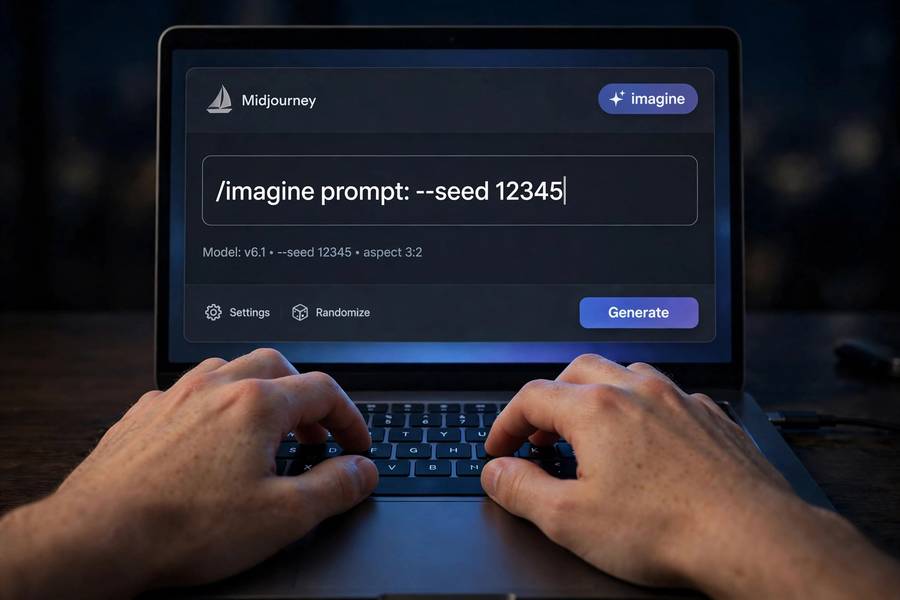
The syntax is simple: append --seed [number] to your prompt.
a lighthouse on a rocky cliff at dusk, oil painting --seed 4242
Run it, and you’ll get a specific image. Run the exact same prompt with --seed 4242 again tomorrow, and you’ll get the same image — same composition, same arrangement, same everything (assuming the same model version and parameters).
A few usage notes from experience:
- Pick memorable seeds for important work. Round numbers, dates, phone-number fragments — anything you’ll recognize in a list.
--seed 777is easier to spot in your notes than--seed 3847291047. - Seeds are per-job. Each of the four images in a grid shares the job’s seed as a starting point but diverges during generation — that’s why grid images differ from each other. The seed anchors the family resemblance.
- You can set seeds in /settings. There’s a seed option in the settings panel if you want a persistent seed, though I find per-prompt seeds more useful — different seeds for different experiments.
- Random is the default for a reason. Don’t seed-lock everything. Unseeded generation is how you discover things. Seeds are for revisiting discoveries, not for making them.
Same Seed, Same Prompt: What “Repeatable” Really Means
“Repeatable” needs a qualifier, because people hear “same seed = same image” and imagine pixel-perfect clones. What you actually get is compositionally identical: same layout, same subject placement, same general forms. Minor texture-level variation can occur, and upscales of the same seeded image can differ slightly in fine detail.
What repeatability is genuinely good for:
- Iterating on a winner. You got a great composition but the colors are off. Same seed, adjusted color words in the prompt — the composition holds while the palette shifts. This is the single best use of seeds.
- Prompt A/B testing. Change one phrase, keep the seed fixed, and the difference between outputs isolates exactly what that phrase did. Without a fixed seed, you’re comparing two random draws and can’t attribute the difference.
- Series work. Same seed family across related prompts gives a subtle visual coherence — not identical images, but a shared starting DNA that reads as “same world.”
What repeatability is not: a save file. You can’t seed your way back to an image after changing the model version, and you can’t perfectly reconstruct an image from seed + prompt alone across different environments. Think of it as a reliable sketch, not a photograph negative.
–seed vs –sameseed: Don’t Confuse Them
These two sound alike and do different things. Mixing them up is a rite of passage; here’s the difference so you can skip the confusion:
–seed [number] sets the starting point for the whole job. All four grid images grow from this one starting noise, diverging as generation proceeds. Result: four related-but-different images.
–sameseed [number] applies the same seed to each of the four grid images individually. Instead of one starting point diverging four ways, all four start identically and the model’s internal variation produces… four very similar images. Much less variety in the grid.
When would you want --sameseed? When you’re hunting for micro-variations of one specific outcome rather than exploring a range. It’s a niche tool — I reach for it when I’ve nearly nailed an image and want four tight variations to pick from, rather than four loose cousins.
For everything else, --seed is the one you want. If you remember only one of them, remember --seed.
Finding the Seed of an Image You Like
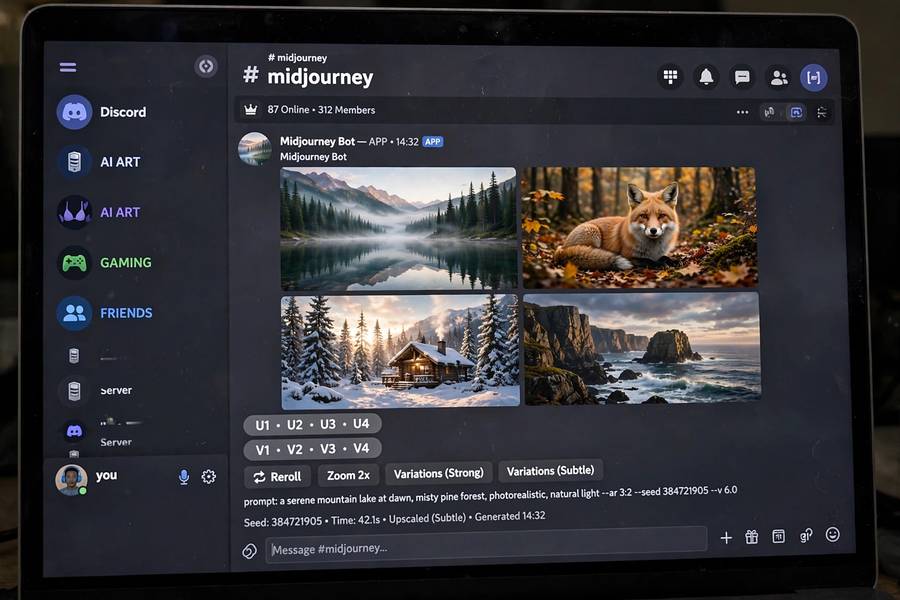
You generated something great last Tuesday without setting a seed. All is not lost — Midjourney records the seed for every job, and you can retrieve it:
- The envelope reaction. In Discord, react to the generation message with the ✉️ envelope emoji. Midjourney DMs you the job details, including the seed. This is the classic method and it still works.
- The job ID lookup. Every job has an ID. With it, you can query job details through the appropriate command or interface to pull the seed.
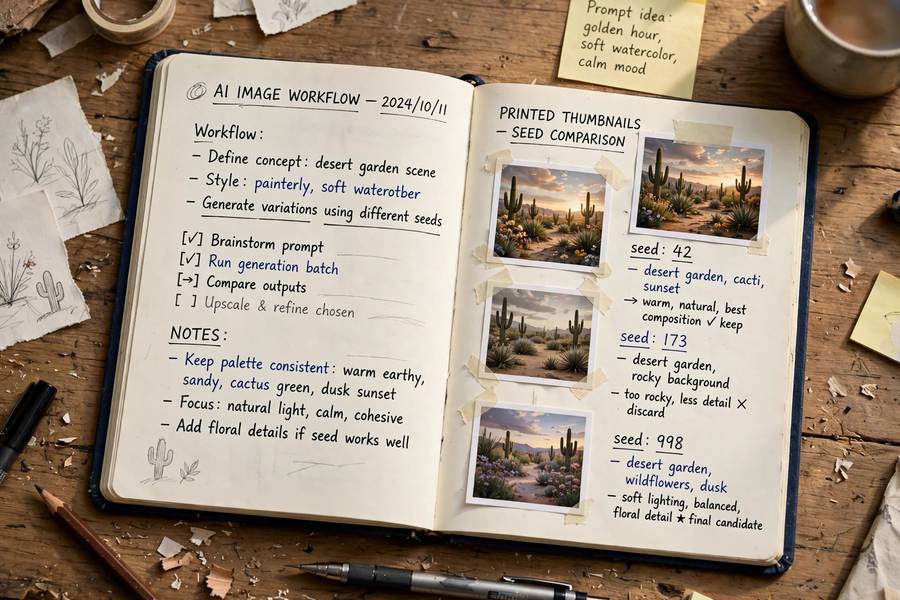
- Write it down going forward. The real fix is habit: when a generation matters, note the seed immediately. I keep a running text file — prompt, seed, and a one-line note about what worked. It takes ten seconds and it has saved me hours.
Once you have the seed, you can re-run the prompt with --seed [that number] to revisit that starting point, then iterate from there. This is the “save point” workflow: discover unseeded, record the seed, iterate seeded.
Practical Uses That Earn Their Keep
Beyond the basics, here are the seed workflows I actually use in real projects:
The refinement ladder. Generate unseeded until something clicks. Record the seed. Then climb: same seed, small prompt improvements, one change at a time. Each rung keeps what worked and fixes one thing. After five rungs you have a polished image with a clear lineage — and you know exactly which change did what.
Character-adjacent consistency. Seeds don’t replace --cref for character work (identity features are stronger), but a fixed seed across a series of scene prompts gives background and compositional coherence that reads as “same world, same story.” I use seed-locking for establishing shots and --cref for the cast.
Style calibration. Testing a new style phrase? Run it across five fixed seeds and compare against the same five seeds without the phrase. The paired comparison shows you exactly what the style words contribute, free from random-draw noise. This is the closest thing prompt engineering has to a controlled experiment.
Client revisions. “We love version 2, but can the sky be dawn instead of dusk?” Same seed, one word changed, and the client gets their revision with everything else intact. This single workflow has made me look like a wizard in front of clients more than once.
Batch coherence. Generating a set of icons, textures, or backgrounds? A shared seed plus systematic prompt variations produces sets that feel designed together rather than randomly assembled.
What Seeds Can’t Do
Seeds are powerful but bounded. Honest limits:
- They can’t fix a bad prompt. A fixed seed on a vague prompt gives you the same vague image, reliably. Reliability isn’t quality.
- They don’t preserve identity across different prompts. Change the subject description substantially and the seed’s influence washes out — the prompt dominates.
- They don’t work the way you’d expect with –cref. Character references introduce their own strong conditioning; the seed still matters, but the reference dominates identity.
- They can’t resurrect deleted jobs. If the original generation is gone and you didn’t record the seed, it’s gone. The envelope trick only works on jobs that still exist.
- Grid positions aren’t stable. Image 1 in the grid today might correspond to a different internal variation than image 1 tomorrow. The family is the same; the seating chart isn’t guaranteed.
Seeds Across Model Versions
This one bites everyone eventually: seeds don’t transfer across model versions. A seed that produced a masterpiece on v6 will produce something unrelated on v7. The seed feeds a random number generator whose output is interpreted by the model — change the model, and the same starting noise unfolds into a different image.
Practical consequences:
- Lock your version for seed-dependent projects. If a series depends on seed consistency, finish it on one model version. Note the version alongside the seed in your records.
- Upgrades mean re-discovery. When a new model version drops, your seed library becomes a historical artifact, not a toolkit. Budget time to re-explore.
- Same version, same parameters. Even within a version, changing
--stylize,--chaos, or aspect ratio alters how the seed’s starting point develops. For true repeatability, keep everything identical except the words you’re deliberately testing.
I treat model version like film stock: each one has its character, seeds are notes about specific frames, and the notes only make sense for the stock they were written on. For a broader sense of how the platforms differ under the hood, what Stable Diffusion is is a useful companion — open-source tools expose seeds even more directly, and the concepts transfer.
Frequently Asked Questions
The –seed parameter sets the starting number for Midjourney’s random number generator. Using the same seed with the same prompt and settings produces a repeatable, compositionally identical image, letting you revisit and iterate on generations instead of relying on random draws.
React to the generation message in Discord with the envelope emoji (✉️) and Midjourney will DM you the job details including the seed. You can then re-run the prompt with –seed followed by that number to revisit the same starting point.
–seed sets one starting point for the whole job, so the four grid images are related but different. –sameseed applies the same seed to each grid image individually, producing four very similar images — useful for picking between tight variations.
No. Seeds don’t transfer across model versions — the same seed on a different version produces an unrelated image. For seed-dependent projects, lock the model version and record it alongside the seed.
Nearly. The same seed, prompt, model version, and parameters produce a compositionally identical image — same layout and forms. Minor texture-level variation can occur, especially in upscales, but for iteration and A/B testing it’s reliably consistent.