How to Stop Spam Texts on Android: Complete Guide

“Your package couldn’t be delivered.” “You’ve won a gift card.” “Hi, is this Sarah?” If your Android phone buzzes with this junk daily, you’re not alone — spam texts have exploded in recent years, and they’re not just annoying. Many are smishing attempts: phishing via SMS designed to steal your credentials or money. Learning how to stop spam texts on Android is part convenience, part self-defense.
The good news: Android gives you a solid toolkit — built-in spam protection, per-number blocking, and carrier-level reporting. No single switch eliminates everything, but the layered workflow below will cut your spam dramatically. Let’s set it up.
Step 1: Turn On Google Messages Spam Protection
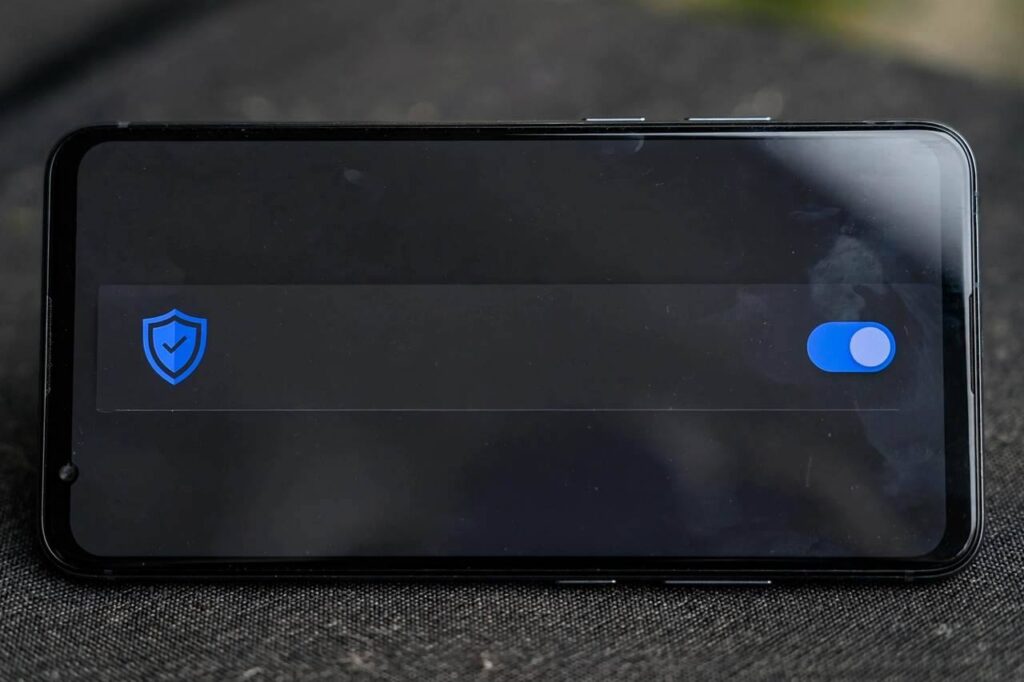
If you use Google Messages (the default on most Android phones in 2026), spam protection is your first and most powerful line of defense. It automatically filters suspected spam into a separate folder and warns you about suspicious links.
To enable it: open Google Messages → tap your profile picture → Messages settings → Spam protection → toggle it On. While you’re there, also enable “Enable spam protection” reporting options if prompted — this lets Google improve detection based on spam you report (it shares limited message data for this purpose, which you can read about in the settings).
Also check that Caller ID & spam is enabled in your Phone app settings — it shares Google’s spam database and helps with spam calls too, since text spammers and robocallers often come from the same operations.
Note: if you use your carrier’s or Samsung’s messaging app instead, the exact menu paths differ, but equivalent spam filtering options exist. Google Messages is worth switching to for this feature alone.
Step 2: The Block-and-Report Workflow
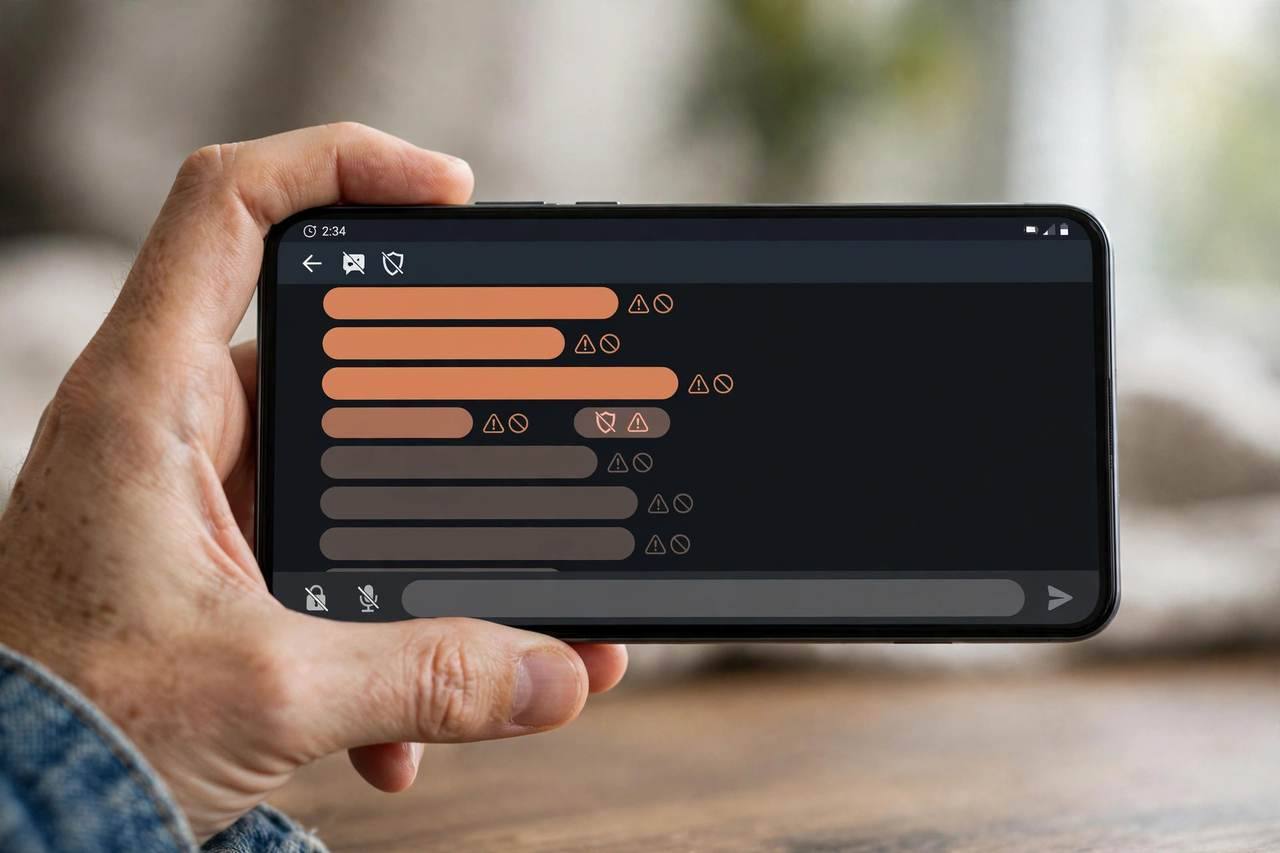
When a spam text slips through, your response should be automatic: report, then block. In Google Messages, long-press the conversation → tap Block → check “Report spam” → confirm. This does three things: stops that number from texting you, reports it to Google’s spam systems, and (for many carriers) feeds carrier-level filters.
What NOT to do matters more:
- Never reply — not even “STOP” to a number you don’t recognize. Replying confirms your number is active and monitored, which makes it more valuable to spammers. (Legitimate marketing lists you actually joined are the exception — those honor STOP.)
- Never tap links in suspicious texts. Preview the URL by long-pressing if you’re curious, but don’t open it. Smishing links lead to credential-harvesting pages or malware.
- Never call back unknown numbers from spam texts.
Think of it as hygiene: every spam text gets reported and blocked within seconds, and you never engage. Spammers work on volume; non-responsive numbers eventually get deprioritized.
Step 3: Report to Your Carrier via 7726 (SPAM)
Here’s the step most people skip: forward the spam text to 7726 (which spells SPAM on a phone keypad). Every major US carrier — Verizon, AT&T, T-Mobile — supports this, and most carriers in other countries have equivalents.
How it works: forward the spam message to 7726, and your carrier’s automated system replies asking for the sender’s number. Reply with it. The carrier uses these reports to identify spam campaigns at the network level and block them for everyone. Your individual report genuinely contributes to filters that protect millions.
This takes about 30 seconds per message. I recommend doing it for the persistent ones — the same scam arriving repeatedly — rather than every single one-off. Carriers also offer their own spam-blocking apps (like T-Mobile Scam Shield or Verizon Call Filter) that add network-level filtering; check what yours includes, since some features are free.
Step 4: Lock Down Where Your Number Appears
Spam texts don’t come from nowhere — spammers harvest numbers from data breaches, public directories, social media profiles, and “free” services that sell user data. Reducing exposure helps over time:
- Remove your number from public social media profiles, marketplace listings, and old forum accounts.
- Use a secondary number (Google Voice is free) for sign-ups, deliveries, and any service that might sell or leak your data. Keep your real number for people who matter.
- Check breach exposure — if your number appeared in known data breaches, expect more spam and be extra vigilant about smishing.
- Opt out of data brokers where practical. It’s whack-a-mole, but it reduces the supply of your number to spammers.
This won’t stop existing spam overnight — your number is already in circulation — but it slows the flow of new sources finding you.
Step 5: Filter Unknown Senders and Tighten Settings
Android lets you reduce interruptions from unknown numbers even when messages aren’t flagged as spam:
- In Google Messages, you can filter conversations so unknown senders are grouped separately from your contacts, keeping your main inbox clean.
- Turn off message previews on the lock screen for messaging apps — this prevents smishing content from displaying where shoulder-surfers (or screenshots) can see it, and reduces the temptation to tap.
- Review which apps have SMS permissions. Only your messaging app and authenticator apps should have them. A flashlight app with SMS access is a red flag — revoke it.
- Keep Google Play Protect enabled and your phone updated. Some smishing attacks try to get you to install malicious APKs; current security patches close the holes they exploit.
These settings won’t block spam outright, but they shrink its footprint in your daily life to near zero.
Recognizing Smishing: The Scams Behind the Spam
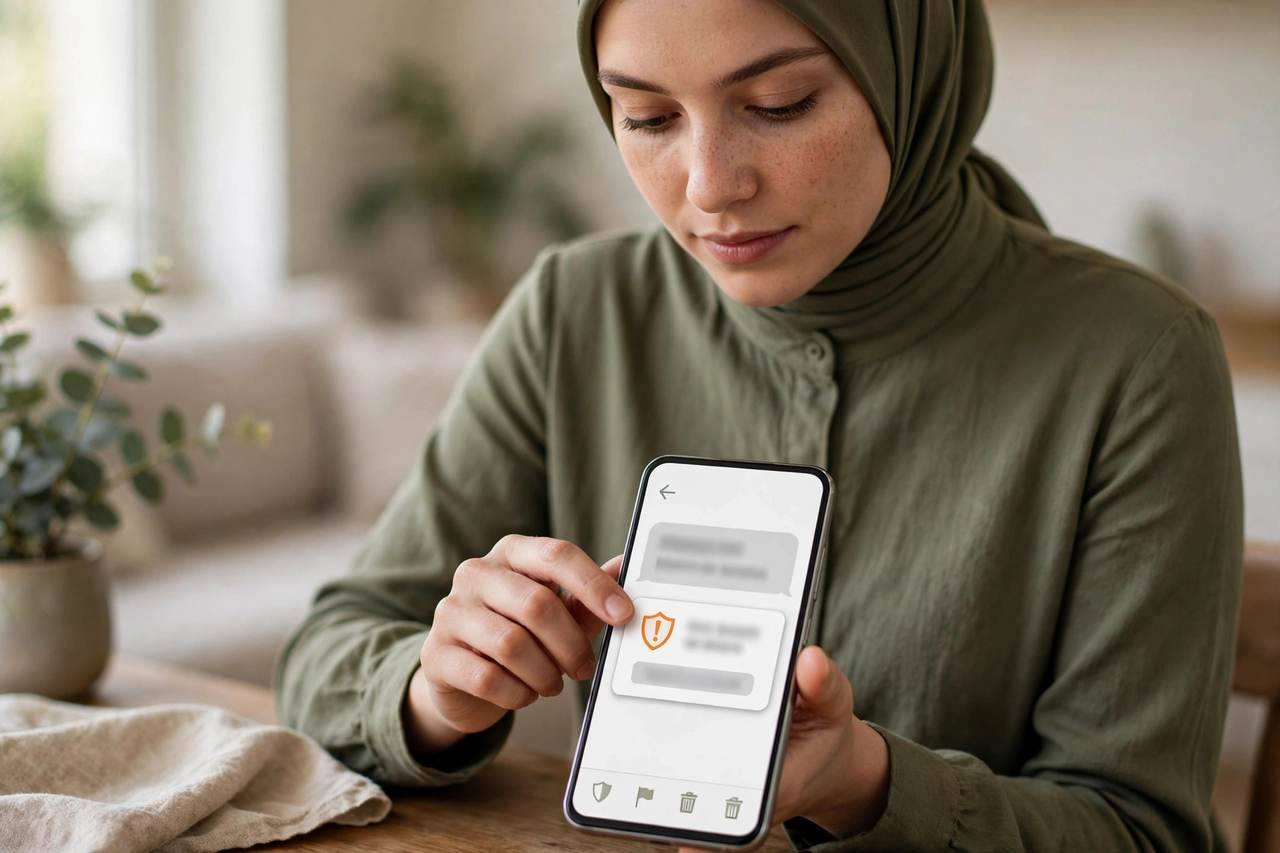
Not all spam texts are equal. Pure marketing spam is annoying; smishing is dangerous. Learn the patterns:
- Fake delivery notices (“USPS: your package is held”) with a link to “reschedule.” Real carriers don’t operate this way.
- Bank/security alerts (“Your account has been locked”) urging immediate action via link. Real banks tell you to use the official app.
- “Wrong number” conversation starters (“Hi, is this Mike?”) that pivot to investment or romance scams — the “pig butchering” pipeline often starts exactly like this.
- Prize/tax refund lures demanding a “small fee” to release winnings. Governments don’t text you about refunds.
The universal tell: urgency + a link + an unfamiliar sender. Legitimate organizations don’t rush you via text to click links. When in doubt, navigate to the company’s official site or app yourself — never through the text’s link. My guide on how to spot a phishing email covers the same manipulation tactics in longer form; the psychology is identical.
When Spam Won’t Stop: Escalation Options
If you’ve done everything above and still get hammered:
- Ask your carrier about enhanced blocking. Some carriers offer aggressive “block all unknown senders” modes or premium filtering tiers.
- File complaints with your national regulator (the FCC in the US at fcc.gov, or your country’s equivalent). Complaints drive enforcement actions against spam operations.
- Consider a number change as a last resort. It’s disruptive — you’ll update two-factor authentication everywhere — so treat it as the nuclear option. Pair it with the Google Voice strategy above so your new number stays clean.
- Never pay for “spam blocking” apps that demand excessive permissions. The built-in tools plus carrier reporting outperform most third-party apps, and shady ones harvest your data.
One more protective habit while you’re hardening your phone: make sure your data is backed up. If a smishing attack ever succeeds, a clean restore is your fastest recovery — see how to back up an Android phone for the full process.
How to Stop Spam Texts on Android: The 10-Minute Setup
Here’s how to stop spam texts on Android in one sitting — do this now and thank yourself later. Minute 1–2: open Google Messages → profile picture → Messages settings → Spam protection → On. Minute 3: in your Phone app settings, enable Caller ID & spam. Minute 4–5: filter unknown senders into a separate conversation group and turn off lock-screen message previews. Minute 6–7: review app SMS permissions — revoke access for anything that isn’t your messaging or authenticator app.
Minute 8: save 7726 in your contacts as “Report Spam” so forwarding takes seconds. Minute 9: remove your number from one public place it doesn’t need to be (social bio, old marketplace listing). Minute 10: set up a free Google Voice number for future sign-ups and deliveries.
Ongoing habit, five seconds each: every spam text gets long-pressed → Block → Report spam. Never reply, never tap links, never call back. Forward the persistent repeat offenders to 7726. That’s the whole system — ten minutes of setup plus a reflex. Most people see a dramatic drop within two to three weeks as the filters learn and your non-responses train the spammers’ targeting away from your number.
Stay skeptical of any text that creates urgency around money or personal information — that’s the smisher’s whole playbook. When your filters, your habits, and your reporting all work together, spam texts go from a daily annoyance to a rare blip. And on the rare occasion a clever one slips through, you’ll recognize the pattern before your thumb reaches the link.
FAQs
Why am I suddenly getting so many spam texts on Android? Your number was likely exposed in a data breach, sold by a data broker, or harvested from a public listing. Spammers also run sequential-number campaigns. Enabling spam protection and the block-and-report workflow will reduce them significantly.
Does replying STOP to spam texts work? Only for legitimate marketing lists you actually joined. For unknown spammers, replying confirms your number is active and can increase spam. Report and block instead — never engage.
What is 7726 for reporting spam texts? 7726 (SPAM) is a short code supported by major carriers. Forward the spam text to 7726, then reply with the sender’s number when prompted. Carriers use these reports to block spam campaigns network-wide.
How do I turn on spam protection in Google Messages? Open Google Messages → profile picture → Messages settings → Spam protection → toggle On. Also enable Caller ID & spam in your Phone app settings for call protection.
Can spam texts give my Android phone a virus? The text itself can’t infect your phone, but links in smishing texts can lead to malicious downloads or credential theft. Never tap links in suspicious texts or install apps from outside the Play Store at a text’s urging.
Should I change my number to stop spam texts? Only as a last resort. Try spam protection, block-and-report, 7726 reporting, and carrier filtering first. If you do change numbers, protect the new one with a secondary number for sign-ups.