Best Way to Organize Important Documents at Home: Full System

The best way to organize important documents at home is a system boring enough to maintain and complete enough to trust — because the real test of any filing system is not how it looks on setup day, but whether you can find your passport, your insurance policy, or your car’s title at 9 p.m. when you suddenly need it. I have built this system for my own household and refined it over years: a simple category structure, a physical home for originals, a digital backup for everything, and a grab-and-go emergency set. Here is the whole thing.
We will cover the category system, physical versus digital filing (you need both, for different things), how long to keep what, and the emergency documents checklist that lives ready to grab.
The Category System: 7 Folders That Cover Everything
Every household document fits into seven categories. 1. Identity: birth certificates, passports, Social Security cards, marriage/divorce certificates, citizenship papers. 2. Property: deeds, mortgage documents, lease agreements, car titles, registrations. 3. Financial: bank and investment account records, loan documents, tax returns. 4. Insurance: health, home, auto, life policies and claim records. 5. Medical: vaccination records, prescriptions, advance directives, family medical history. 6. Employment & Education: diplomas, certifications, employment contracts, pension records. 7. Household: warranties, manuals, service contracts, home inventory.
The power of fixed categories: you never wonder “where would this go?” — every paper has exactly one home. Label physical folders and digital folders identically so the two systems mirror each other. When a new document arrives, it takes ten seconds to file because the decision is pre-made.
Physical Filing: What Stays on Paper
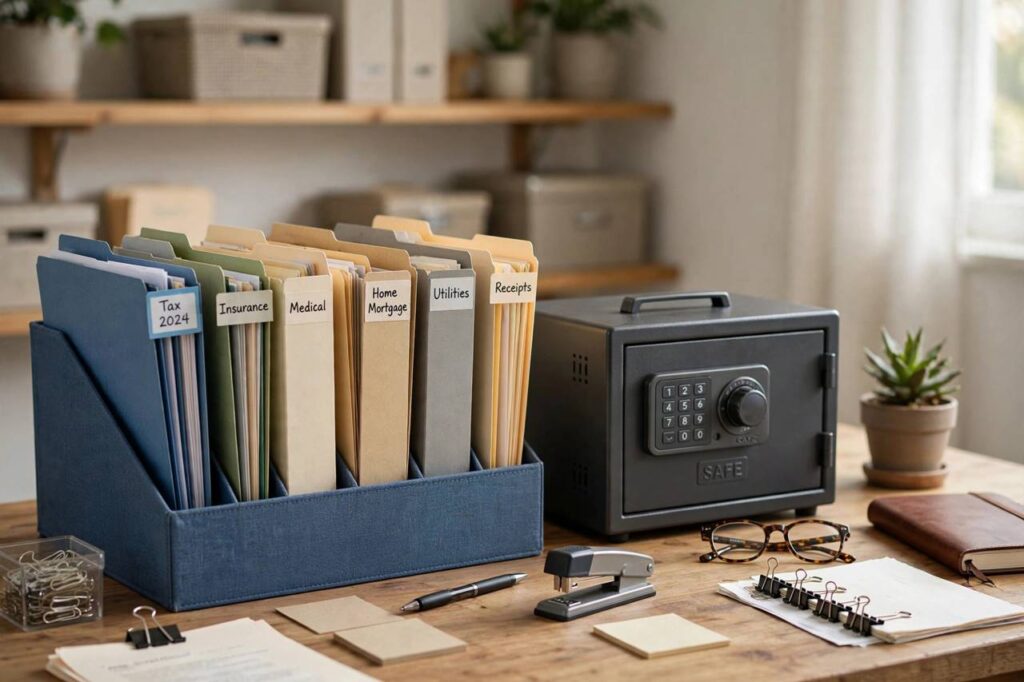
Some documents must exist as originals: birth certificates, car titles, property deeds, and anything with a raised seal or original signature that institutions require in hard copy. These live in a fireproof document safe or lockbox — not a regular filing cabinet, not a desk drawer. A UL-rated fire safe costs less than replacing one lost property deed’s worth of hassle.
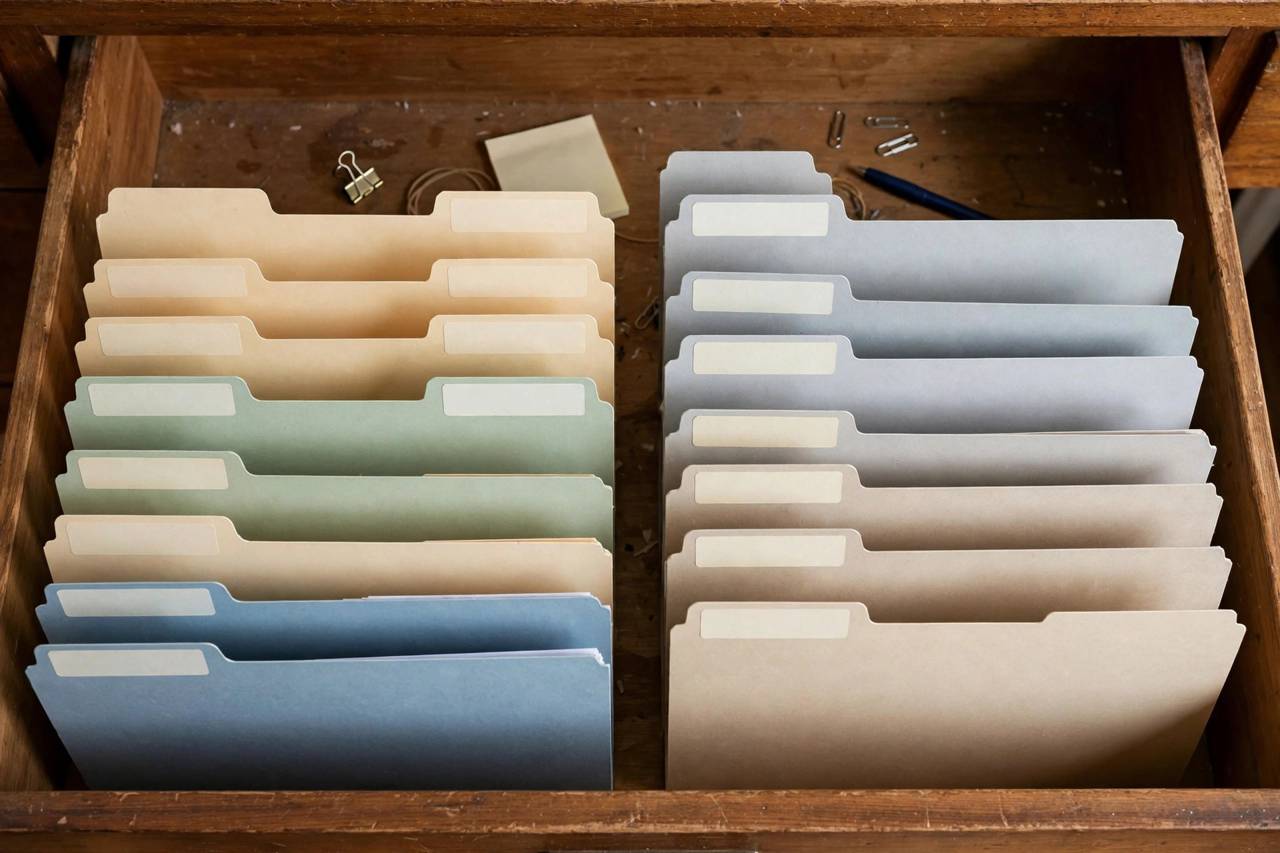
Everything else physical goes in a single filing cabinet or sturdy file box with hanging folders, organized by the seven categories. The one-drawer rule: if your active files overflow one drawer, you are keeping too much (see retention below). Keep the safe’s location known to your partner or a trusted person — a perfectly organized safe that nobody can find in an emergency is just a treasure chest.
Digital Filing: Scan Everything, Trust the Cloud (With Backup)
Scan or photograph every important document — yes, even the ones in the safe. A phone scanning app and twenty minutes produces a complete digital mirror of your paper files. Organize digital folders to mirror the seven physical categories exactly, use clear filenames (2024-Tax-Return.pdf, not scan001.pdf), and store them in a reputable cloud service with two-factor authentication enabled.
The 3-2-1 backup rule applies to documents too: three copies, two different media, one offsite. Cloud + an encrypted USB drive in a different location (a relative’s house, a safe deposit box) covers it. Digital copies do not replace originals where originals are legally required — but for insurance claims, travel emergencies, and everyday reference, the scan is what you will actually reach for 99% of the time.

Retention: How Long to Keep What
| Document | Keep |
|---|---|
| Tax returns & supporting docs | 7 years (check local rules) |
| Property deeds, titles | Forever (or until sold + 7 years) |
| Birth/marriage/death certificates | Forever |
| Insurance policies (active) | Life of policy + 5 years |
| Bank/credit card statements | 1 year (tax-related: 7) |
| Pay stubs | 1 year (until W-2/tax return confirms) |
| Medical bills & records | 5+ years |
| Warranties & manuals | Life of the product |
| Utility bills | 1 year |
When in doubt, scan it and shred the paper — the digital copy preserves the information without the physical burden. Shred anything with account numbers, IDs, or personal data; a crosscut shredder is a $40 investment in identity-theft prevention. And do an annual purge: one session a year, category by category, shredding what aged out. It takes an hour and keeps the system from slowly reverting to chaos.
One more retention principle worth internalizing: the ‘just in case’ instinct is how paper piles are born. If you have not touched a document in seven years and no law requires keeping it, its information value has expired — scan it for the archive if you must, then let the paper go. Ruthlessness with paper is kindness to your future self.
The Emergency Documents Checklist (Grab-and-Go)
Some situations — fire, flood, evacuation — give you minutes. Prepare a go-folder: a waterproof pouch or small bag containing copies (not originals, unless you have duplicates) of IDs, insurance policies, medical essentials (prescriptions, allergies, doctor contacts), emergency contacts, bank account information, and a small amount of cash. Store it where you can grab it on the way out — near the safe, by the front door, or in your car’s emergency kit.
The digital twin matters equally: ensure your cloud documents are accessible from your phone without your home computer, and that a trusted person knows how to access them if you cannot. Walk through the scenario once: “If we had to leave in five minutes, what would I grab?” Then make the answer true. Review the go-folder annually — expired insurance cards and old prescriptions help no one.
The Best Way to Organize Important Documents at Home: Weekend Setup
Saturday morning: gather every document in the house into one pile (the shocking pile — everyone has one). Saturday afternoon: sort into the seven categories, discarding obvious junk. Sunday morning: set up physical folders and the fire safe; file originals. Sunday afternoon: scan everything into mirrored digital folders; set up cloud backup. Sunday evening: assemble the go-folder, shred the discard pile, and schedule next year’s purge. One weekend, and the paper chaos is over permanently — maintained by the ten-second filing habit and the annual purge.
If the whole-house project feels big, remember it pairs naturally with a general declutter — paper is often the final boss of decluttering the whole house, and conquering both in the same season is deeply satisfying.
Documents for Renters vs. Homeowners
The system adapts to your housing situation. Renters can skip the property-deed category but should be meticulous about leases, renter’s insurance, security deposit records, and move-in/move-out condition photos — deposit disputes are won on documentation. Keep a folder per rental with the lease, correspondence with the landlord, and dated photos. Homeowners add the property category in full: deed, mortgage, property tax records, home improvement receipts (which affect cost basis at sale), HOA documents, and appliance warranties.
Both should keep the emergency go-folder equally ready — disasters do not check tenure. And if you move frequently, the digital mirror matters even more: a complete cloud filing system means your “filing cabinet” moves with you in your pocket, and setting up the physical side in a new home takes an afternoon instead of a archaeological dig through boxes.
Teaching the System to Your Family
A document system only works if the household uses it. The onboarding is simple: show your partner (or adult kids) where the seven categories live, physically and digitally, and establish the one rule — new documents get filed within a week, not “later.” Put a small inbox tray or digital “to-file” folder as the single landing zone; a weekly 10-minute filing session clears it.
Most importantly, make sure at least one other person knows: where the fireproof safe is and how to open it, how to access the cloud backups, and where the go-folder lives. Write these three facts on a card inside the go-folder itself. A system that dies with its creator is not a system — it is a very organized secret. And if documents are just one front in a larger battle, this broader guide to getting organized covers the rest of the house.
Digital Security: Protecting Your Scans
A complete digital mirror of your identity documents is powerful — and therefore worth protecting properly. The essentials: a strong unique password on your cloud account plus two-factor authentication (app-based, not SMS, if you want to be thorough). Consider encrypting the most sensitive folder (identity documents) with a tool like Cryptomator or a password-protected archive before uploading — even if the cloud account were breached, the files stay unreadable.
Be deliberate about what you email: never send Social Security numbers, full account numbers, or password images over email unless encrypted — email is the least secure channel most people use daily. And keep a written (yes, paper) record of your master passwords and recovery codes in the fireproof safe. The most secure digital system in the world is useless if the one person who knows the password is unreachable. Security and accessibility need each other.
FAQ
Should I keep physical or digital copies of important documents?
Both. Keep originals of legal documents (deeds, titles, certificates) in a fireproof safe, and maintain scanned digital copies of everything in mirrored cloud folders for backup and everyday access.
What documents should be in a fireproof safe?
Birth certificates, passports (copies in go-bag; originals arguable), property deeds, car titles, Social Security cards, marriage certificates, and any document with original signatures or seals required by institutions.
How long should I keep tax returns?
Seven years is the safe standard in most jurisdictions (supporting documents included). Check your local tax authority’s rules, as they vary.
What is a go-folder for emergencies?
A grab-and-go pouch with copies of IDs, insurance, medical essentials, emergency contacts, and cash — everything you would need if evacuating with minutes of notice.
Is it safe to store documents in the cloud?
Yes, with a reputable provider, strong unique password, and two-factor authentication. For extra protection, encrypt sensitive files before uploading and keep an offline backup too.
How often should I purge old documents?
Once a year. Walk each category, shred what aged out per the retention table, and update the go-folder. An hour a year keeps the system trustworthy.
Conclusion
Seven categories, originals in a fireproof safe, scans in mirrored cloud folders protected by strong passwords and two-factor authentication, a go-folder by the door, and an annual purge. That is the entire system — boring, complete, and trustworthy at 9 p.m. when it counts. Set it up in one weekend, teach it to your household, and never dig through a paper pile again.