AI Image Generator How It Works: The Full Process


Type a sentence like “a lighthouse at sunset” into an AI image generator, wait a few seconds, and a picture appears. It feels like magic, but the process underneath is a chain of well-understood machine learning steps. Understanding ai image generator how it works comes down to three things: what the model learned from, how it learned, and how it turns your words into pixels. This guide walks through each stage in plain language, no advanced math required.

The Training Data: Millions of Image-and-Text Pairs
Before a generator can draw anything, it studies. The training set is a huge collection of image-and-text pairs scraped from across the web: photographs with captions, illustrations with descriptions, art prints with titles. Some models train on hundreds of millions or even billions of such pairs. Each pair teaches the model one small lesson: this pattern of pixels goes with this combination of words.
Quality matters as much as quantity here. If the training captions are vague, the model learns vague associations. Curated, descriptive captions produce models that follow prompts more faithfully. This is also where most of the ethical debate around these tools lives, because the training images include copyrighted work, and the artists behind that work were often not asked. The technical story and the legal story are separate, but they start from the same dataset.
How the Model Actually Learns: Diffusion Training
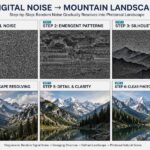
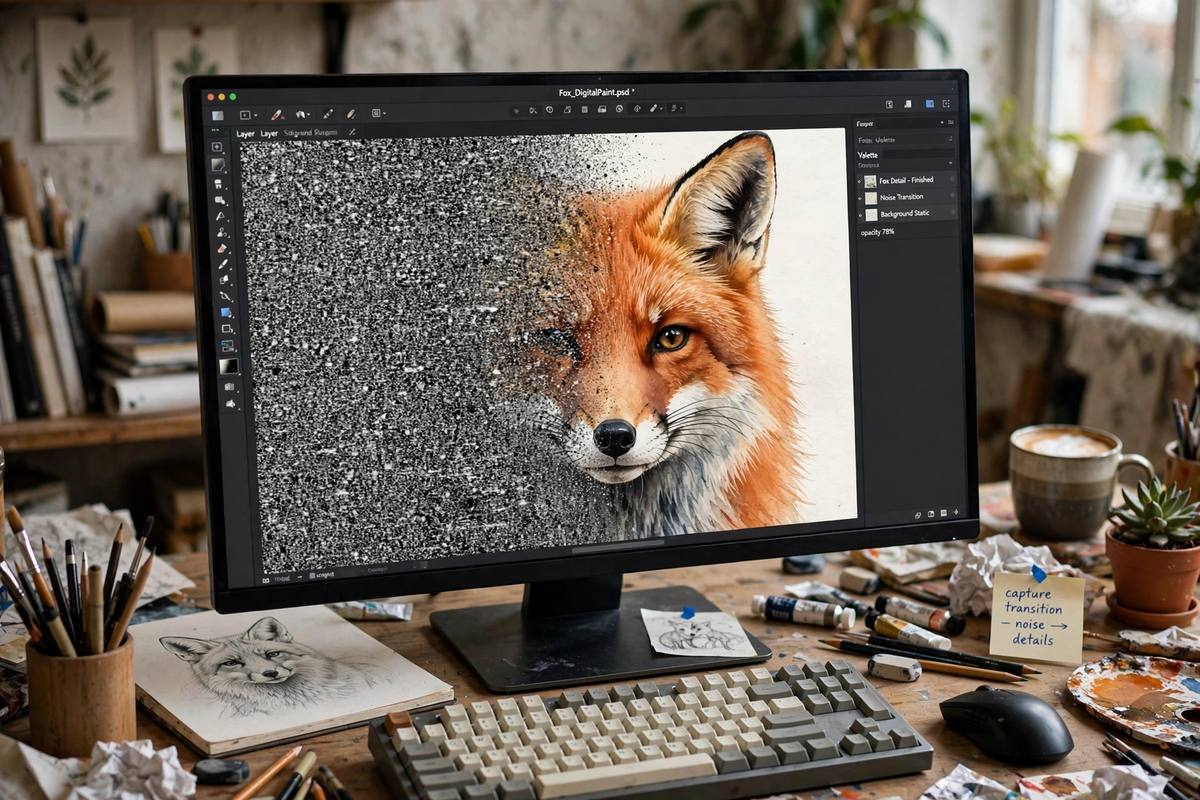
The most common architecture behind modern generators is the diffusion model. Here is the core idea, stripped of jargon. During training, the model takes a real image and gradually adds random noise to it, step by step, until nothing recognizable remains — just static. Then it learns to run that process in reverse: starting from pure noise and removing it, one step at a time, until the original image reappears.
Repeating this forward-and-backward exercise across millions of images teaches the model something remarkable: a map of what real images look like, and how noise should be removed to arrive at something coherent. It learns that skies are usually smooth gradients, that faces have two eyes roughly symmetrical, that text on signs should follow lines. None of this is programmed by hand. The patterns emerge from the sheer volume of examples.
A text encoder — often a model like CLIP — runs alongside the diffusion model. Its job is to convert your words into a numerical representation, a vector, that carries meaning the image model can use. During training, the text encoder and the image model are shown matched pairs so that the vector for “red barn” lands close to images of red barns. When you later type “red barn,” that vector steers the noise-removal process toward barn-like pixels.
Generation: From Your Prompt to a Finished Image
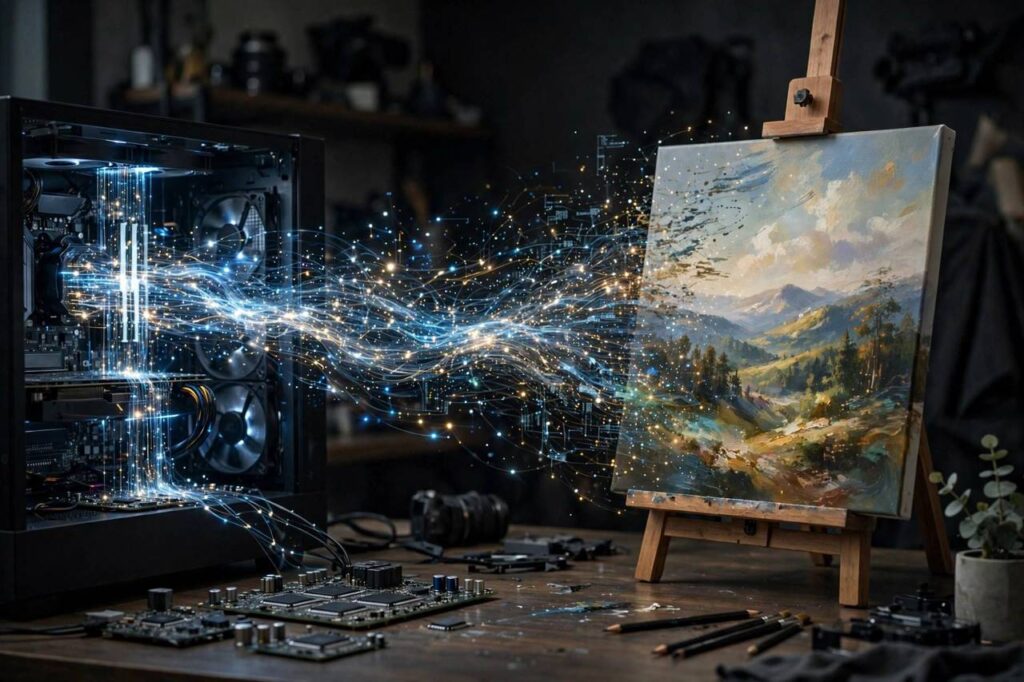
When you hit generate, the model does not search a library of existing pictures. It builds the image from scratch. The process goes roughly like this:
1. Your prompt is encoded. The text encoder converts your words into a meaning-vector, as described above. Longer, more specific prompts give the model more guidance to work with.
2. A random noise field is created. This is the starting canvas — essentially television static. The randomness is the “seed,” which is why the same prompt can produce different images each time. Some tools let you fix the seed to reproduce a result exactly.
3. The model denoises in steps. Over dozens of iterations — commonly 20 to 50 — the diffusion model removes a little noise, guided at every step by your prompt’s vector. Early steps establish the broad composition: where the horizon sits, where the main subject goes. Later steps fill in texture and detail.
4. The result is decoded into pixels. The model works in a compressed “latent space” for efficiency; a decoder translates the final result into the full-resolution image you see.
The whole pipeline typically takes seconds on a decent GPU, which is part of why these tools caught on so fast. If you want to get better results, the biggest lever you have is the prompt itself — our guide to writing effective AI art prompts breaks down how specificity, style keywords, and negative prompts change the output.
What the Model Can and Cannot Do
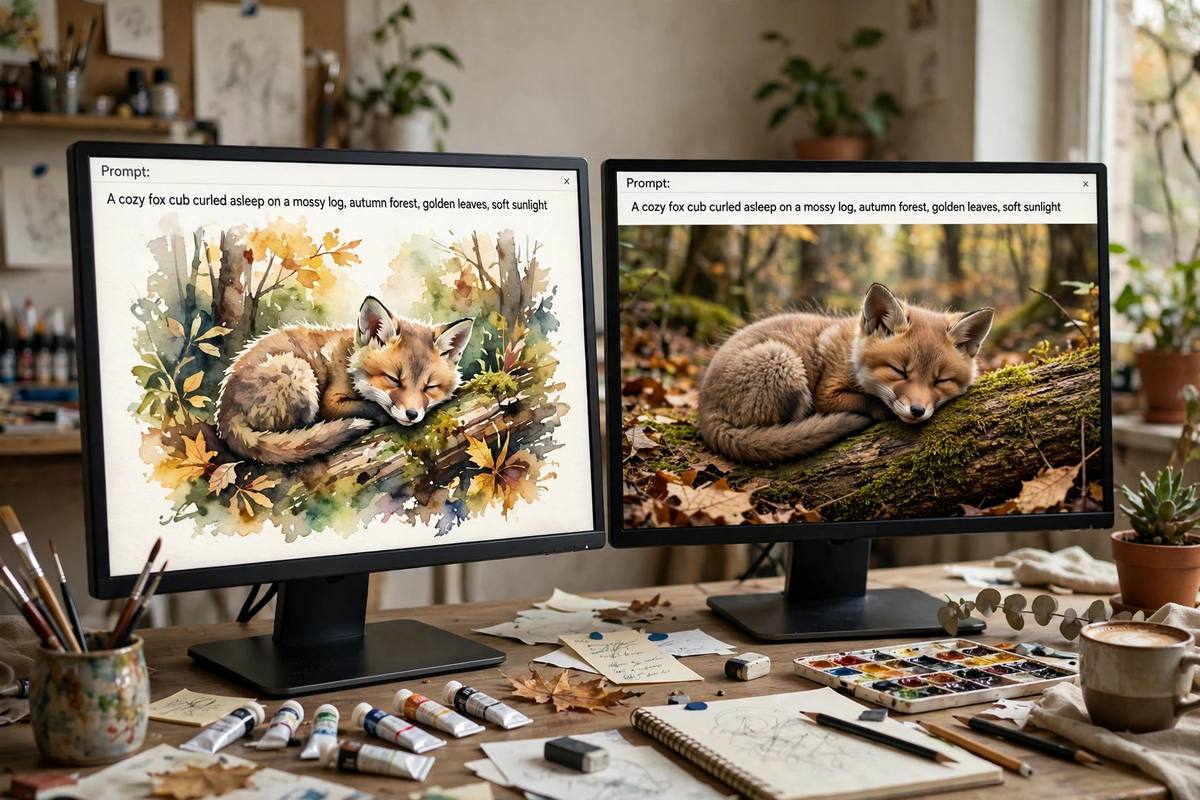
Diffusion models are pattern-completion engines, not world simulators. That distinction explains their most famous quirks. They are excellent at style — reproducing the look of watercolor, film photography, or 3D renders — because style is a statistical pattern. They are weaker at structure that requires understanding: hands with the right number of fingers, text spelled correctly, objects arranged with physically sensible relationships.
This is also why AI images sit in their own creative category. For a breakdown of the differences, see our piece on how AI-generated art differs from digital art — the comparison clarifies what the machine contributes versus what a human artist brings.
Common Misconceptions, Corrected
“The AI is copying an image from its training data.” Not in the normal case. The model stores statistical patterns, not a searchable archive. It can occasionally reproduce near-copies of heavily repeated training images — a real and studied failure mode — but the standard output is newly generated pixels.
“A longer prompt is always better.” Up to a point. Past a certain length, extra words dilute the guidance because the model’s attention is spread thin. Focused prompts with clear subject, setting, and style tend to outperform paragraphs of adjectives.
“These models understand what they draw.” They understand correlations between words and pixel patterns. Ask for “a person looking happy” and you get the visual markers of happiness — a smile, relaxed eyes — not any comprehension of emotion.
AI Image Generator How It Works: The 60-Second Recap
If you skimmed the technical sections, here is the whole pipeline in one pass. The model trains on millions of image-and-text pairs, learning by repeatedly adding noise to images and then learning to reverse the process. A text encoder translates your prompt into a meaning-vector. At generation time, the model starts from random noise and denoises it step by step — dozens of iterations — with your prompt steering every step, until a decoder turns the result into pixels. Training teaches the patterns; the prompt aims them; the diffusion process builds the picture.
Three practical takeaways fall out of this. First, the prompt is your steering wheel — vague prompts produce vague images because the model has less guidance per step. Second, the seed (the starting noise) is why results vary; fixing it makes experiments repeatable. Third, the model’s weaknesses — hands, text, precise spatial relationships — are not bugs you can prompt away completely. They are structural limits of learning correlations instead of understanding the world.
The Settings Behind the Generate Button
Most tools expose a handful of controls that map directly onto the process described above, and knowing what they do makes you dramatically more effective.
Steps. The number of denoising iterations. More steps generally mean more refined detail, with diminishing returns past a certain point — and slower generation. If your images look rough or unfinished, raising the step count is the first thing to try.
Guidance scale (CFG). How strongly the model should obey your prompt versus following its own learned instincts. Low guidance gives dreamier, more surprising results; high guidance sticks closer to your words but can look forced or oversaturated. Most tools default to a middle value that works for general use.
Seed. The starting noise. Random by default; set it manually when you find a composition you like and want to iterate on details without the whole image changing.
Aspect ratio and size. Larger outputs cost more compute and time. Generate small while experimenting, then upscale or regenerate your favorites at full size.
Negative prompts. Words telling the model what to avoid — “blurry, watermark, extra fingers.” These work because the guidance mechanism can steer away from concepts as well as toward them, and they are the fastest fix for the most common artifacts.
Common Prompting Mistakes Beginners Make
Most disappointing results come from a handful of repeatable errors. Being too vague: “a dog” gives the model almost nothing to steer with — “a golden retriever puppy sleeping on a blue armchair, soft window light, photorealistic” gives it a destination. Contradicting yourself: “a sunny night scene” pulls the model in two directions and produces mush; pick one. Overloading with styles: “in the style of watercolor, oil painting, 3D render, and anime” cancels out — one style anchor works better than four. Ignoring the negative prompt: artifacts like watermarks and distorted hands respond well to negative prompts, and skipping them leaves quality on the table. Judging from one generation: the seed lottery means a good prompt can produce a bad image; generate in batches of four and pick the best composition before refining. Prompting is an iterative conversation with the model, not a single command.
Where the Technology Is Heading
The direction of travel is clear: higher resolution, faster generation, better text handling, and more control. ControlNet-style conditioning lets users feed in sketches or poses that the model must follow. Video generation applies the same diffusion idea across frames. And text-in-image rendering — long a weak spot — is improving rapidly as models get larger and train on better caption data.
At the same time, detection and watermarking are becoming standard, because a technology that can fabricate convincing images needs a way to distinguish synthetic from real. Expect invisible watermarks and metadata standards to become as normal as the generate button itself.
Frequently Asked Questions
Do AI image generators search the internet for pictures?
No. They generate new images from a random noise field, guided by patterns learned during training. The training data is only seen during the learning phase, not at generation time.
Why do AI-generated hands and text look wrong?
Diffusion models learn pixel-level correlations, not the underlying rules of anatomy or spelling. Hands vary enormously in position and are relatively rare in clear detail in training data; text requires exact character sequences, which is the opposite of the model’s fuzzy pattern-matching strength.
What is a seed in an AI image generator?
The seed is the starting random noise that the model denoises into an image. The same seed and prompt reproduce the same image, which makes seeds useful for iterating on a composition while tweaking details.
How long does it take to generate an image?
Usually seconds — anywhere from a few seconds to a minute depending on the model, the resolution, and the number of denoising steps. More steps generally mean more detail but slower generation.
What is the difference between diffusion models and GANs?
GANs (generative adversarial networks) pit two networks against each other — a generator and a discriminator — and were the dominant image technology before diffusion. Diffusion models learn by reversing a noise-adding process and now generally produce higher-quality, more controllable results, which is why they replaced GANs in most mainstream tools.