How to Stop Spam Calls: Reclaim Your Phone in 2026


Your phone rings. Unknown number. You answer — silence, then a robotic voice about your car’s extended warranty. Again. If you are wondering how to stop spam calls, you are not alone: unwanted robocalls remain one of the most universal modern annoyances, and they are getting sneakier every year.
I am Sophia, and I have good news: while you cannot eliminate spam calls entirely, you can reduce them dramatically — often by 80–90% — using a layered approach. This guide covers the built-in tools on iPhone and Android, carrier-level blocking, third-party apps, the Do Not Call registry, and what to do about the calls that still slip through. Let us take your phone back.
How to Stop Spam Calls: Why They Keep Coming
Quick context so the solutions make sense. Robocallers use auto-dialers that blast millions of numbers cheaply, and “spoofing” technology lets them fake any caller ID — including your own area code (“neighbor spoofing”) to boost answer rates. Your number gets onto lists through data breaches, public records, online forms, and sold marketing databases. Once it is out there, it circulates. The goal is not perfect elimination — it is making your number unprofitable to call by never engaging.
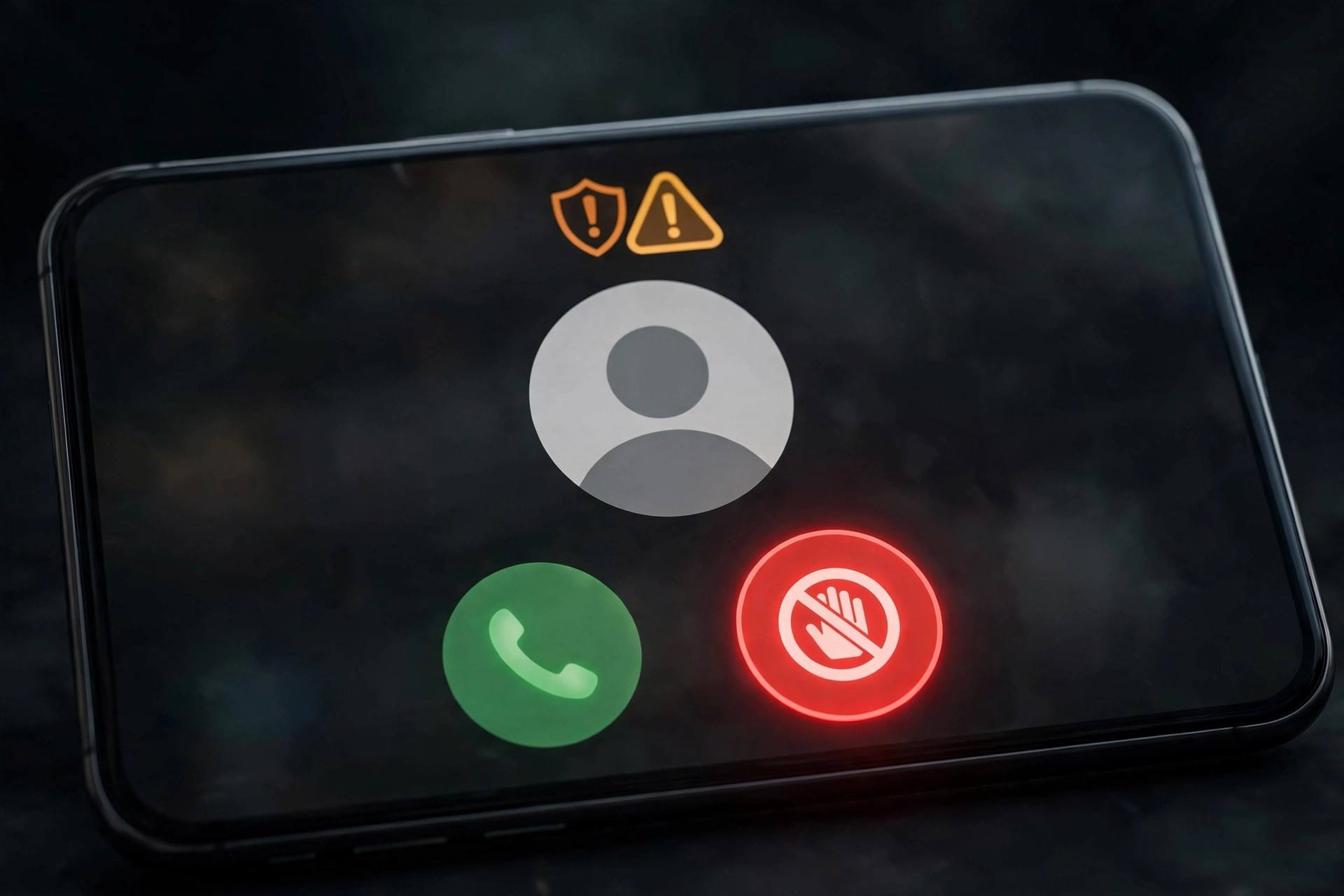
Step 1: Use Your Phone’s Built-In Blocking (Free, Start Here)
On iPhone
- Silence Unknown Callers: Settings > Phone > Silence Unknown Callers. Calls from numbers not in your contacts go straight to voicemail without ringing. Legitimate callers leave messages; spammers almost never do. This single setting eliminates most disruption.
- Live Voicemail: on newer iPhones, see real-time transcription as callers leave voicemail — screen calls without answering.
- Block individual numbers: tap the ⓘ next to any recent call > Block this Caller. Useful for repeat offenders, though spammers rotate numbers constantly.
On Android
- Caller ID & spam protection: Phone app > Settings > Caller ID & spam — enable both options. Google’s database flags suspected spam automatically.
- Block unknown/private numbers: Phone app settings > Blocked numbers > toggle “Block unknown callers” (wording varies by manufacturer).
- Call Screen (Pixel): Google Assistant answers unknown callers and transcribes their response in real time — brilliant for screening without engaging.
These built-in tools are free, private (no third-party data sharing), and surprisingly effective. Enable them today — it takes two minutes.
Step 2: Activate Your Carrier’s Spam Blocking
All major carriers now offer free network-level spam blocking that stops many robocalls before they reach your phone:
- Carriers maintain databases of known spam numbers and flag or block them automatically at the network level.
- Most offer a free basic tier (spam identification and blocking) plus an optional premium tier with extras like reverse number lookup.
- Activation is usually via the carrier’s app or website — search “[your carrier] spam blocking” for current instructions.
- Network-level blocking catches calls your phone-level tools might miss, so layering both is the winning combination.
Step 3: Consider a Third-Party Call-Blocking App
For heavy spam targets, dedicated apps add another layer with crowd-sourced spam databases:
- How they work: when a call arrives, the app checks the number against a massive database of user-reported spam numbers and blocks or labels it.
- Trade-offs: effectiveness varies, and you are sharing call data with a third party — read privacy policies and choose reputable apps with clear data practices.
- My recommendation: try built-in + carrier blocking first for a few weeks. Add a third-party app only if significant spam still gets through. Fewer apps with access to your calls is better for privacy.

Step 4: Register on the Do Not Call Registry
The National Do Not Call Registry (donotcall.gov in the U.S.) is free and takes a minute. Important honest context:
- It reduces legitimate telemarketing calls — law-abiding companies check the list.
- It does not stop scammers — criminals ignoring the law ignore the registry too.
- Registration never expires for the number registered.
- Similar registries exist in many countries — check your national telecom regulator.
Register anyway — it costs nothing and eliminates one category of calls. Just do not expect it to stop the scammers; that is what the technical layers are for.
Step 5: Practice Smart Phone Hygiene
Your behavior determines how attractive your number is to spammers:
- Never answer unknown numbers — answering confirms your number is active and gets you more calls. Let everything unknown go to voicemail.
- Never press numbers or speak in response to robocall prompts (“press 1 to be removed”) — this confirms a human answered.
- Never call back unknown numbers — some are premium-rate scams designed to profit from your callback.
- Do not share your number unnecessarily — online forms, contests, and unfamiliar sites feed the databases.
- Use a secondary number (Google Voice or similar free service) for signups, selling items online, and other public-facing uses.
- Remove your number from public profiles and consider opting out of data-broker sites that sell personal information.
This is the unglamorous truth: the single most effective anti-spam behavior is simply never engaging. Every interaction — answering, pressing buttons, calling back — marks you as a live target.

What to Do About Calls That Still Get Through
Even with every layer active, some calls will slip through. Handle them calmly:
- Hang up immediately — do not engage, do not explain, do not get angry. Just end the call.
- Block and report: block the number, then report it — your phone’s reporting feature, your carrier’s spam reporting (often by forwarding to a short code), and your national regulator’s complaint system all help build the databases that protect everyone.
- For scams, report to authorities: if a caller tried to defraud you, report it to your national fraud reporting center. Your report helps investigations.
- Never provide information: no legitimate organization demands payment or personal details via unexpected calls. When in doubt, hang up and call the organization back on their official number.
Special Situations
Spam texts
The same principles apply: do not reply (even “STOP” to unknown senders can confirm your number is active — only reply STOP to legitimate services you recognize), block and report spam texts via your messaging app’s reporting feature, and filter unknown senders where your phone supports it.
Elderly family members
Older adults are disproportionately targeted by phone scams. Help them enable Silence Unknown Callers (or the Android equivalent), add important numbers to contacts, and have the conversation: “If anyone calls asking for money or personal info, hang up and call me.” Consider it essential digital caregiving.
Business lines
Businesses cannot silence unknown callers without missing customers. Use a virtual receptionist or call-screening service, publish a separate number for public listings, and train staff: verify unexpected callers through official channels before sharing anything.
Your Legal Rights Against Robocalls
You have more rights here than most people realize. In the U.S., the Telephone Consumer Protection Act (TCPA) restricts telemarketing robocalls to cell phones without your prior express consent – and violations can carry significant per-call penalties, which is why class-action lawsuits against serial violators regularly make headlines. You can also sue individual violators in small claims court in some circumstances, and there are attorneys who take TCPA cases on contingency.
Many other countries have equivalent frameworks – the UK’s Ofcom rules, the EU’s ePrivacy regulations, Canada’s CRTC enforcement – all restricting unsolicited automated calls. The practical reality: these laws deter legitimate businesses effectively but barely slow criminal operations overseas. Still, knowing your rights matters – it tells you which calls are merely annoying (report them) versus which might be worth documenting for a complaint with real teeth.
What the Industry Is Doing: STIR/SHAKEN Explained
There is genuine good news on the technical front. Carriers have been implementing STIR/SHAKEN – a framework with an unfortunate name but a serious purpose: it cryptographically verifies that a call’s caller ID is legitimate, making spoofing much harder. When fully deployed, calls arrive with a verification status your phone can display.
The rollout has meaningfully reduced some categories of spoofed calls, though determined scammers adapt – using real (stolen or rented) numbers instead of spoofed ones, or operating from jurisdictions outside the framework’s reach. Think of it as an arms race where the defenders are finally gaining ground, not a finished victory. Combined with your personal blocking layers, the trend is genuinely moving in your favor – spam call volumes have shown measurable declines from their peaks in several markets.
A final thought: the war against spam calls is winnable, just not with a single weapon. Built-in blocking plus carrier tools plus smart habits plus the industry’s verification frameworks – layered together, they transform your phone from a spam magnet back into what it should be: a tool that serves you, ringing only when someone you actually want to hear from is calling.
FAQ
How do I stop spam calls on iPhone?
Enable Silence Unknown Callers (Settings > Phone) — unknown numbers go straight to voicemail without ringing. Add your carrier’s spam blocking, block repeat offenders individually, and never answer or engage with unknown callers. This combination eliminates the vast majority of spam call disruption.
How do I stop spam calls on Android?
Enable Caller ID & spam protection in your Phone app settings, turn on blocking for unknown/private numbers, and activate your carrier’s network-level spam blocking. Pixel phones additionally offer Call Screen, where Google Assistant screens unknown callers for you in real time.
Does the Do Not Call registry stop robocalls?
Partially. It effectively reduces calls from legitimate telemarketers who follow the law, but it does not stop scammers and criminals who ignore regulations. Register anyway (it is free and permanent), but rely on technical blocking for the rest.
Why am I suddenly getting more spam calls?
Common triggers: your number appeared in a recent data breach, you entered it on a website or contest, you answered a spam call (confirming your number is active), or spammers are cycling through number blocks that include yours. Tighten your blocking layers and practice strict non-engagement — volumes typically subside.
Should I answer spam calls to ask to be removed?
No — never. Answering confirms your number reaches a real person, which increases future calls. Robocall “press 1 to unsubscribe” prompts are often scams themselves. The only winning move is non-engagement: do not answer, do not press anything, do not call back. Block and report instead.
Keep Reading
- How to Price Products for a Small Business (Stop Leaving Money on the Table)
- How to Stop Being Lazy: A Kind, Practical Guide