OneNote vs Evernote: Which Note-Taking Giant Should Students Pick?

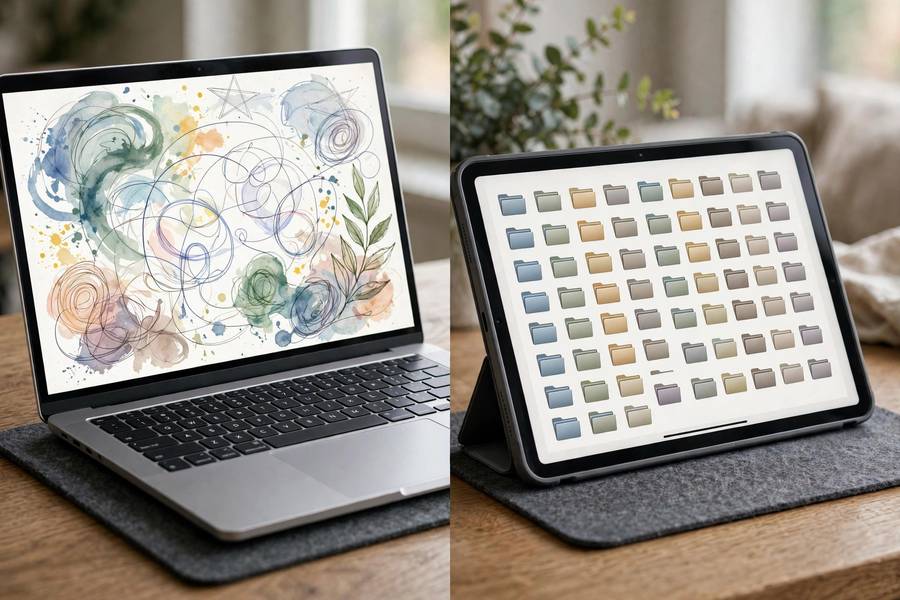
OneNote and Evernote are the two old giants of note-taking, and students still ask me to settle this matchup every semester. Here is the honest 2026 answer: for most students, OneNote wins — it is free, better at handwriting and audio, and deeply integrated with the Microsoft tools schools already use. But Evernote still has loyalists for good reasons, and the comparison is closer than OneNote fans admit.
I have used both across years of real work and coached students on both. Below is the fair fight: pricing, capture, organization, handwriting, and the student profiles each one serves.
I have no affiliation with either company, and both have been around long enough that their strengths and weaknesses are well documented. What follows is the practical version — what actually matters for coursework in 2026.
In this guide:
- Pricing: OneNote's Decisive Win
- Capture and Everyday Use
- Organization and Search
- Handwriting and Stylus Support
- The Verdict
- OneNote Tips Most Students Miss
Pricing: OneNote's Decisive Win
OneNote is completely free — unlimited notebooks, full features, generous cloud storage through a free Microsoft account. There is no meaningful paywall for students. This alone settles the debate for most of my students, because note-taking is not where a tight budget should go. the best note-taking apps overall
Evernote's free tier in 2026 is heavily restricted: few devices, tight monthly upload limits. It functions as a trial, not a product. The paid plans are priced for professionals, and while serious users may find value, students mostly feel the pinch. I cannot recommend a paid notes app to a student without a specific reason, and Evernote rarely provides one anymore.
The value question is simple: what does Evernote do that justifies its price over free OneNote? For most students, the answer is nothing. For a specific few — heavy web clippers with huge archives — the answer might be something. Be honest about which group you are in.
Capture and Everyday Use
OneNote's freeform canvas is its signature: click anywhere and type, drag images around, mix handwriting and text freely. For lecture notes that combine typed definitions, drawn diagrams, and pasted slides, this flexibility is genuinely liberating. The 'click anywhere' model confuses some new users for a day, then becomes second nature.
Evernote's editor is more structured and document-like — cleaner for long-form writing, with better templates and a more polished writing experience. If your notes are mostly prose — literature analysis, essay drafts, research summaries — Evernote's editor feels more refined. how to write a research paper introduction
For quick capture, both have mobile apps and web clippers; OneNote's is simpler, Evernote's clipper is more powerful for research. Audio recording goes to OneNote — built-in, free, synced to your notes. Evernote's audio support is an afterthought by comparison.
Organization and Search
Evernote's organization is its enduring strength: notebook stacks, tags, saved searches, and reminders form a system that scales to tens of thousands of notes. Power organizers genuinely love it. OneNote's notebook-section-page hierarchy is simpler and maps well to courses, but its tagging and saved-search game is weaker.
Search is excellent in both. Evernote searches inside PDFs, images, and even handwriting in images — a killer feature for research archives. OneNote searches handwriting you wrote with a stylus and has superb OCR on images too. For 'find that thing from October,' both deliver; Evernote has the edge on document archives, OneNote on handwritten notebooks.
The practical difference: Evernote suits students building a lifelong reference library; OneNote suits students organizing by semester and course. Most undergraduates are the second kind.

Handwriting and Stylus Support
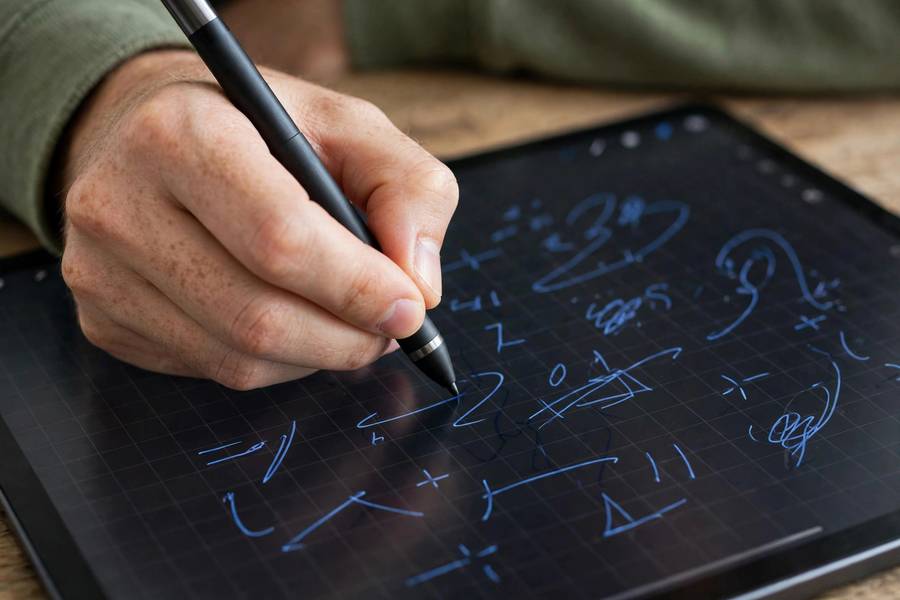
This is not close: OneNote is far better for stylus users. Full drawing tools, ink-to-text conversion, handwriting search, math equation solving from handwritten input — OneNote treats the stylus as a first-class citizen. iPad and Windows tablet students get a genuinely great handwriting experience free.
Evernote's handwriting support is basic. You can sketch and attach handwritten notes, but there is no serious ink-to-text pipeline or handwriting search comparable to OneNote's. If you handwrite daily, this single category should decide for you. how to study for final exams
For STEM students especially — math, chemistry, physics — OneNote's combination of freeform canvas, stylus tools, and equation features makes it the obvious pick. I have never met a handwriting-heavy student who preferred Evernote after trying both.
The Verdict
Choose OneNote if you are a typical student: free, great for lectures, excellent stylus support, audio recording, works everywhere. It is my default recommendation in this matchup and it is not close for most use cases.
Choose Evernote if you are building a serious research archive, live in the web clipper, love deep organization systems, and can justify the subscription. Graduate students with huge reading lists are the main group I still point toward Evernote.
Choose neither if you are all-Apple and want elegance (look at Bear or Apple Notes), or if you want a connected knowledge base (Obsidian). The giants are generalists; specialists sometimes serve specific students better.
OneNote Tips Most Students Miss
OneNote's best features hide in plain sight. Start with 'ink to text': select handwritten notes with the lasso, right-click, and convert to typed text — perfect for turning messy lecture diagrams' labels into searchable terms. Most students handwrite for a semester before discovering this exists.
Use the linked-notes feature for readings: dock OneNote to the side of your screen while reading a PDF or article, and your notes automatically link back to the source location. Clicking a note later reopens the exact paragraph you were reading. For research-heavy courses, this is transformative — your notes become a map of your sources.
Master the tags: 'To Do,' 'Important,' and custom tags like 'Exam?' or 'Ask Prof' turn passive notes into action lists. Then use 'Find Tags' to pull every flagged item across all notebooks into one summary page — instant exam review sheet, generated from flags you placed over months.
Record audio strategically, not constantly: OneNote syncs recordings to your notes like Notability does, letting you click a note to hear that moment. Use it for your hardest lectures only — constant recording creates an archive you will never review, while targeted recording creates a tool you will actually use.
Learn the keyboard shortcuts for your top five actions — new page, new section, tag, search, sync. And set up the OneNote Web Clipper with a dedicated 'research inbox' section: clip articles during the week, process them into proper notebooks on Sunday. Capture fast, organize weekly — the rhythm that makes any notes app work.
Finally, use version history without fear. OneNote keeps page versions, so experiment boldly with reorganizing — you can always roll back. Students who fear messing up their notebooks never reorganize them, and un-reorganized notebooks decay. The safety net exists; use it.
Try the 'daily log' pattern: one page per day where everything — lecture scraps, reminders, ideas — lands chronologically, then gets filed properly on Sunday. It removes all capture friction during busy days and makes the weekly review the organizing moment. Many OneNote power users run their whole academic life this way.
Use section groups per academic year to keep the sidebar manageable: 2026-27, 2025-26, and so on, with courses inside. Graduated years collapse out of sight but stay searchable — your notes become a permanent, queryable record of your education.
Explore the math feature: type or write an equation, and OneNote can solve and graph it. It is not a replacement for learning the math, but for checking your work during problem sets it is instant and free — a legitimate study accelerator when used honestly. how to write a strong thesis statement

For most students, yes. OneNote is completely free with better handwriting support, audio recording, and a flexible canvas for lectures. Evernote's advantages — deep archiving and web clipping — matter mainly to research-heavy graduate students.
Not really in 2026 — the free tier limits devices and monthly uploads enough that active students hit walls. OneNote, Google Docs, and Apple Notes all offer more for free.
Yes — Microsoft offers an official Evernote-to-OneNote importer that moves notebooks reasonably well. Migrate during a break, verify everything transferred, and keep Evernote installed for a month as backup.
OneNote by a wide margin: full stylus tools, ink-to-text conversion, and handwriting search. Evernote's handwriting features are basic by comparison.
Yes — OneNote has full Mac, iPad, iPhone, Android, and web apps with free sync. It is one of the best cross-platform note-taking options available.
OneNote — real-time collaboration is built in and free, and shared notebooks just work. Evernote's collaboration exists but feels bolted on, and the free tier limits make group use impractical.
Yes — the full OneNote app is free on every platform with unlimited notes and generous cloud storage through a free Microsoft account. There is no paid tier gating core features, which is a major reason students and budget-conscious teams choose it over Evernote’s increasingly limited free plan. If you already have a Microsoft account for school or work, you are ready to go with nothing extra to buy or subscribe to.