Notability vs GoodNotes: The iPad Showdown, Honestly Settled

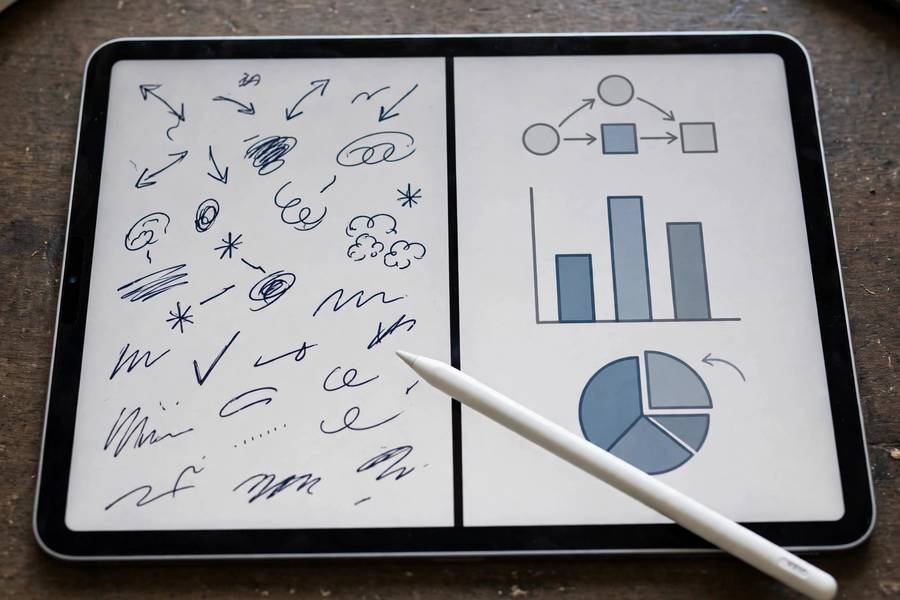
This is the most-asked iPad question I get, and I understand why — students do not want to buy both. I have used Notability and GoodNotes across full semesters with real coursework, and here is my short answer: GoodNotes writes better, Notability listens better. Which of those matters more depends entirely on your classes.
Below is the honest, detailed breakdown: handwriting feel, audio recording, organization, pricing, and the specific student profiles each app serves. By the end you will know which one to buy — and when the answer is neither.
I bought both with my own money and used each for a full semester of real coursework before writing this — because a comparison based on an afternoon of testing would be worthless to you, and I know it.
In this guide:
- Handwriting Feel: GoodNotes Wins
- Audio Sync: Notability Wins
- Organization and Study Features
- Pricing and Value
- The Verdict: Match the App to Your Courses
- Switching Between Them Without Pain
Handwriting Feel: GoodNotes Wins
Writing in GoodNotes feels closer to paper than any other iPad app I have tested. The stroke smoothing, the pen tools, and especially the experience with a paper-like screen protector add up to handwriting you can sustain through a three-hour study session. Students with neat handwriting love it; students with messy handwriting find their notes mysteriously more legible. how to write a research paper introduction
Notability's writing is perfectly good — responsive, smooth, with nice pen customization — but side by side, GoodNotes has a subtle edge in stroke rendering that handwriting-heavy students notice within a day. If you write for hours daily, that edge compounds.
The practical test I give students: write a full page of your actual lecture notes in each app's free trial. Do not test with careful demo handwriting — test with the rushed scrawl you produce when a professor speeds up. Pick the one that stays readable.
Audio Sync: Notability Wins
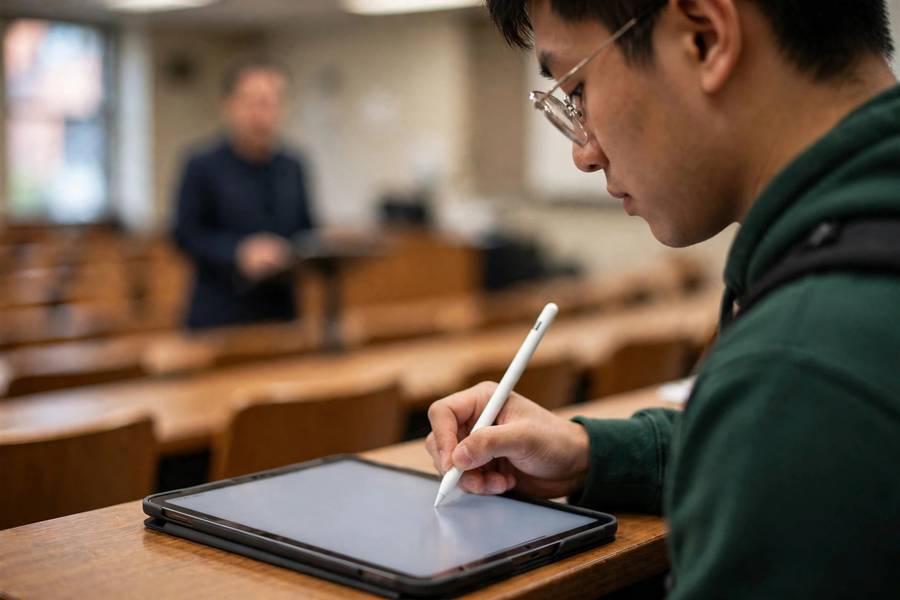
Notability's audio recording is the best lecture feature on the iPad, full stop. It records while you write and links every stroke to its moment in the audio — tap any word later and hear exactly what the professor was saying when you wrote it. For fast, dense lectures where you miss things, this is transformative.
GoodNotes added audio recording too, and it works, but the integration is not as seamless — the tap-to-replay experience that makes Notability special is not quite matched. If audio is your priority, Notability remains the answer.
One caveat I always give: recording is a safety net, not a strategy. Students who record everything and review nothing do worse than students who take focused notes with no recording. Use audio to capture the two or three points per lecture that slip past you, and actually replay them within 24 hours.
Organization and Study Features
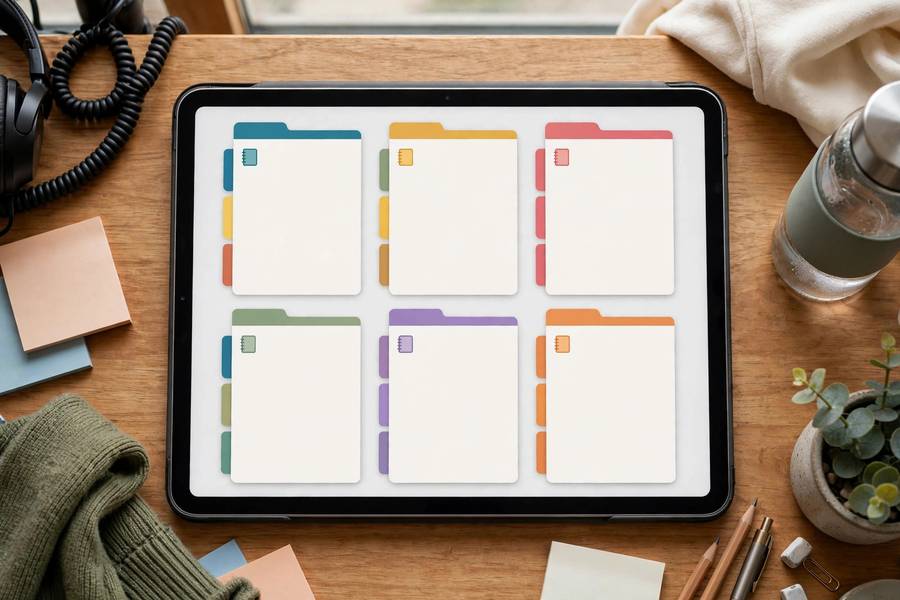
GoodNotes organizes like a binder: notebooks, tabs, dividers, and paper templates for everything from Cornell notes to planners. Students coming from physical binders feel instantly at home. Its flashcard feature — cover parts of your handwritten notes and quiz yourself — is genuinely useful for exam prep.
Notability organizes like a file browser: subjects, dividers, and notes in a clean hierarchy, with excellent multi-note view for comparing two documents side by side. Its presentation mode and multi-tasking feel more modern, and sharing notes with classmates is smooth.
For studying, I give GoodNotes a slight edge because of the flashcards and templates. For in-class multitasking — lecture slides on one side, notes on the other — Notability's layout feels more natural. Neither is bad; they just think differently.
Pricing and Value
GoodNotes uses a one-time purchase model, which I prefer recommending to students — pay once, own it, no subscription anxiety hanging over your degree. There is a free tier with limited notebooks so you can properly test it first.
Notability moved to a subscription, which remains its biggest drawback in my advice. The subscription funds genuinely good ongoing development, but students hate recurring costs, reasonably so. My guidance: subscribe for your hardest semester to test the audio feature properly, then decide if it earned a second term.
Do the math honestly: four years of a subscription versus one purchase. If you are unsure, start with GoodNotes' one-time purchase or even free Apple Notes, and only add Notability if you can name a specific lecture problem its audio sync would solve. the best AI note-taking tools for meetings
The Verdict: Match the App to Your Courses
Choose GoodNotes if you handwrite heavily, love organization, take STEM courses with diagrams, or want to pay once. It is the better notebook, and for most students, the notebook is what matters.
Choose Notability if your lectures are fast and dense, you learn by re-listening, or the tap-any-word audio replay makes your eyes light up. It is the better lecture companion.
Choose neither — stick with Apple Notes or OneNote — if you mostly type, need Windows/Android sync, or want free. The fanciest handwriting app in the world does not help a student who types all their notes. Match the tool to the work, not to the hype.
Switching Between Them Without Pain
Some students end up needing both — GoodNotes for daily handwriting, Notability for the one brutal lecture course with audio. If that is you, run them with clear roles rather than duplicating everything. Define the split by course or by function: GoodNotes as the notebook, Notability as the lecture recorder, for example. Ambiguous splits create the 'which app did I put that in?' problem.
Moving notes between them is straightforward but imperfect: export as PDF from one, import into the other. Handwriting stays as ink — searchable in the new app after its engine indexes it — but editable strokes become flat images. Move settled, archival notes this way; keep active, editable notes in their original app until the term ends.
Standardize your naming across both apps: same course codes, same date formats, same topic conventions. When notes live in two places, consistent naming is the only thing preventing chaos. A note titled 'ECON 201 — 10/14 — Inflation' is findable anywhere; 'notes oct' is findable nowhere. the best note-taking apps overall
Consolidate at term boundaries, not mid-semester. During winter or summer break, export everything to PDF, file it in a permanent archive, and start the new term fresh in whichever app won your loyalty. Mid-semester migrations during exam season are how notes get lost.
Re-evaluate yearly: apps change, pricing changes, your courses change. The right answer freshman year (maybe Notability's audio for huge lectures) may differ from senior year (maybe GoodNotes' organization for thesis work). Loyalty to an app should last exactly as long as the app serves your current work.
And remember the meta-lesson: the students who thrive with two apps are the ones with the clearest systems. If you cannot articulate each app's role in one sentence, you do not need two apps — you need to commit to one.
If you run both, keep a one-line 'map note' listing which courses live in which app, pinned where you will see it. Future-you, stressed at midnight before finals, will not remember the split logic — write it down while it is obvious.
Watch for feature drift: every year, each app copies the other's best features. Reassess the split annually rather than assuming last year's logic still holds — the app you chose for audio might now be matched by the other's update, letting you consolidate.
When in doubt, consolidate to one. Two apps are a system that needs maintaining; one app is a habit. The mental overhead of 'where did I put that?' has a real cost in study energy, and simplicity usually wins for students juggling five courses. how to study for final exams
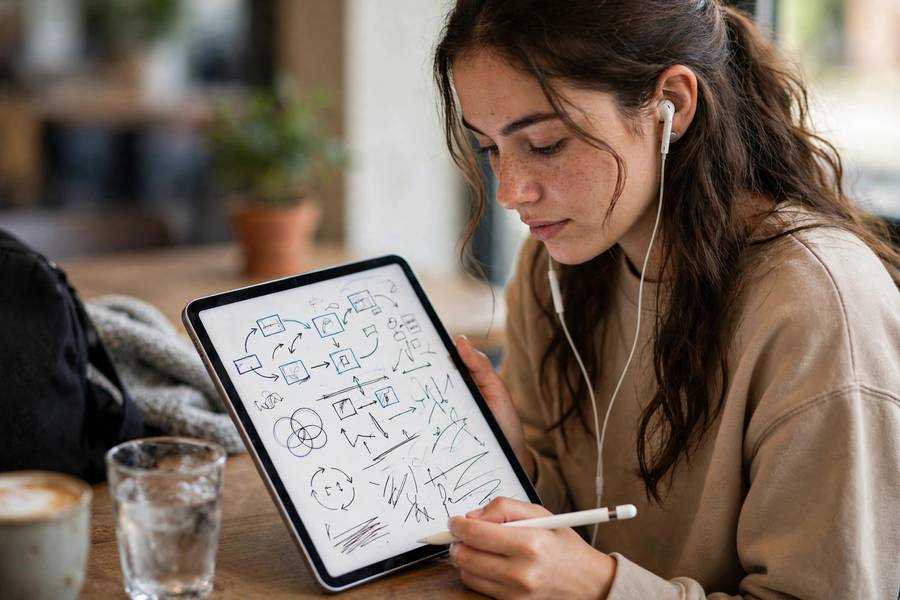
GoodNotes for handwriting feel, binder-style organization, and one-time pricing; Notability for synced audio recording that lets you tap any note to hear the lecture moment. Most handwriting-heavy students pick GoodNotes.
It can be for one hard semester — the audio-synced replay is unmatched for fast lectures. Test it during your toughest course; only renew if you actually used the audio feature weekly.
Yes, both offer free tiers with limited notebooks. Test each with your real rushed lecture handwriting for a week before buying — that is the only trial that matters.
Not required, but strongly recommended for daily handwriters — the added friction dramatically improves control in both apps. It is the cheapest meaningful upgrade to your iPad setup.
GoodNotes, slightly — the writing feel and templates suit diagrams and equations, and its flashcard feature helps with formula review. Notability is fine too if audio matters more for your courses.
Via PDF export and import, yes — handwriting carries over as ink, though editable strokes become flat images. For active collaboration, both students using the same app works far better.