How Do QR Codes Work? The Simple Explanation Behind Every Scan

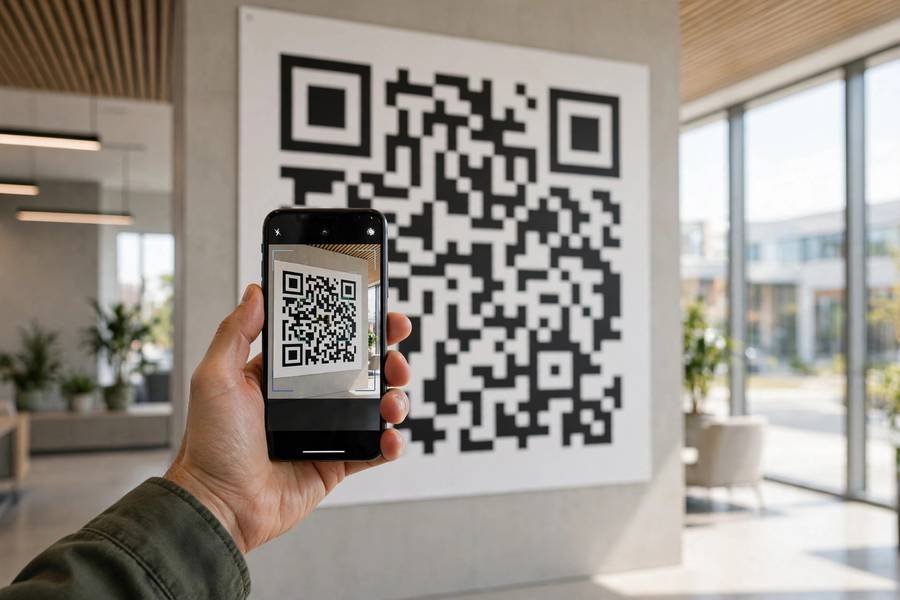
You see them everywhere — on restaurant tables, payment terminals, boarding passes, even gravestones — those little black-and-white squares that your phone reads in a fraction of a second. But how do QR codes work, actually? What is your camera really looking at, and how does a static pattern of squares turn into a website, a Wi-Fi password, or a payment? Do not worry if the technical explanations you have seen felt impenetrable. I will walk you through this patiently, piece by piece, starting with a surprisingly charming origin story in a Japanese car factory. By the end, you will understand exactly what happens between “point camera” and “page opens” — and you will know how to use QR codes more safely, too. Let us take it one step at a time.
What a QR Code Actually Is
QR stands for Quick Response, and a QR code is a type of two-dimensional barcode. Traditional barcodes — the striped ones on groceries — store information in one dimension (the varying widths of vertical lines) and hold only about 20 characters. A QR code stores information in two dimensions, across a grid of black and white squares called modules, and can hold up to about 4,000 alphanumeric characters or 7,000 numbers. That is the fundamental leap: from a label that identifies a product to a label that can contain a whole message. The code was invented in 1994 by Masahiro Hara, an engineer at the Japanese company Denso Wave, who needed a faster way to track car parts on Toyota’s assembly lines. He reportedly got the idea for the code’s distinctive three corner squares from staring at a game of Go — the bold corner markers, like stones on a board, stand out unmistakably. Denso Wave chose not to enforce its patent rights, which is a big reason QR codes spread everywhere instead of remaining one company’s tool.
How Do QR Codes Work? The Anatomy of a Scan
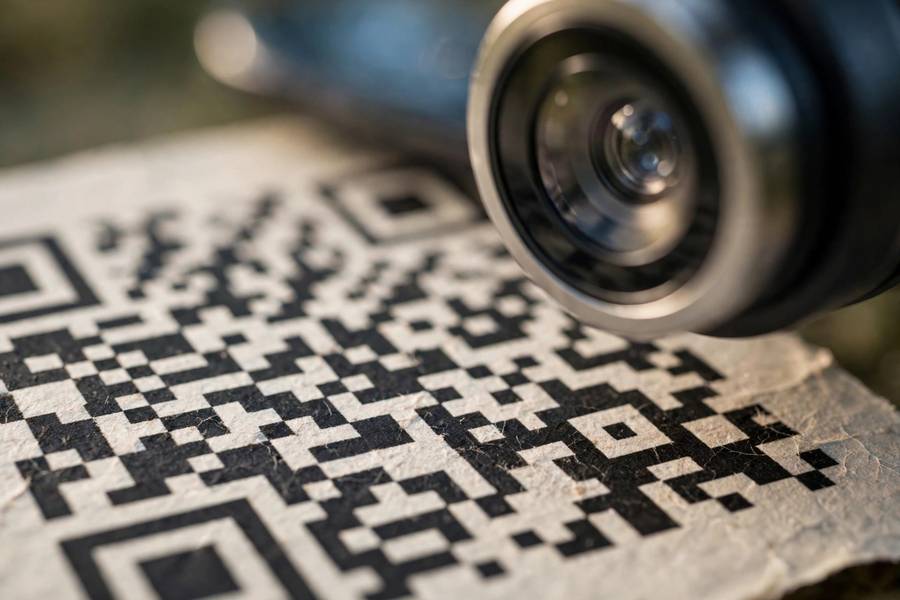
When you point your phone at a QR code, four things happen in under a second. Here is each stage, in plain language:
Stage 1: Finding the code
Your camera looks for the three large squares in the corners — the finder patterns. These have a very specific ratio of black to white (1:1:3:1:1) that almost never occurs naturally, so the software can spot a QR code instantly, at any angle, even in a cluttered photo. A smaller fourth square, the alignment pattern, helps the reader correct for distortion if the code is photographed at a tilt or printed on a curved surface.
Stage 2: Reading the grid
Once oriented, the software maps the grid of modules. Each dark square is read as a 1, each light square as a 0 — the code is literally binary data you can see. Timing patterns (the alternating black-white lines between the finder squares) tell the reader the grid’s size and density, so it knows exactly where each module sits. This is why a QR code still scans when it is slightly blurry: the structure is so redundant that approximate reads still resolve.
Stage 3: Decoding the data
The binary stream is decoded according to one of four encoding modes — numeric, alphanumeric, byte/binary, or kanji — chosen to pack the data as tightly as possible. The decoded payload is usually a URL, but it can also be plain text, a Wi-Fi network name and password, contact details (vCard), an email address, or payment instructions. Your phone looks at the payload type and decides what to do: open a browser, join a network, or add a contact.
Stage 4: Fixing the damage
This is the cleverest part. QR codes use Reed-Solomon error correction — the same math that protects data on CDs and in deep-space transmissions. Depending on the error-correction level chosen when the code was created, between 7% and 30% of the code can be damaged, dirty, or covered up, and your phone still reconstructs the full message. That is why a QR code with a logo stamped in the middle still scans: the missing modules are mathematically rebuilt from the redundancy woven through the rest of the grid.
Static vs. Dynamic QR Codes: An Important Difference
Not all QR codes are the same kind of object, and the difference matters:
- Static QR codes contain the actual destination data — the full URL or text is encoded in the pattern itself. They work forever, need no internet service to keep functioning, and cannot be changed after printing. Most QR codes you generate for free online are static.
- Dynamic QR codes contain a short redirect URL that points to a service, which then forwards you to the real destination. The destination can be changed anytime without reprinting the code, and every scan can be tracked — location, device, time. Restaurants love these for menus that update seasonally. The trade-off: if the redirect service shuts down, the code dies, and someone else controls where your scans go.
If a QR code will be printed on something permanent — packaging, signage, a business card — static is usually the safer choice. If the destination might change, dynamic earns its keep.
Everyday Uses You Might Not Have Noticed
Beyond menus and payments, QR codes quietly run a surprising amount of modern life. Boarding passes and event tickets are QR codes. So are the pairing codes on many smart-home devices — the same idea as how Bluetooth pairing works, just using your camera instead of radio. WhatsApp Web, two-factor authentication setup, Wi-Fi guest access (“scan to join”), app downloads, digital business cards, and even sharing files between nearby devices all lean on QR codes as the bridge between the physical and digital worlds. The pattern is always the same: the code carries a small piece of structured data that would be annoying to type, and your camera types it for you instantly.
How to Create Your Own QR Code
Understanding the technology is half the fun; using it is the other half. Making a QR code takes about thirty seconds:
- Pick a generator. Your browser can do it — Chrome’s share menu has a “Create QR code” option for any page. Free online generators work too; just avoid ones that force you to create an account for a basic static code.
- Enter your content. A URL, some text, Wi-Fi credentials (network name, password, encryption type), or contact details. Keep URLs short — shorter data means a less dense, more easily scanned code.
- Choose static or dynamic. Static for anything permanent (business cards, packaging); dynamic if the destination might change or you want scan analytics.
- Test before you print. Scan it with two different phones, at the size you will actually print it. A code that scans on your monitor may fail at one inch wide on a business card — the rule of thumb is at least 2 x 2 cm (about 0.8 inches) for reliable scanning, larger for distance viewing like posters.
- Keep contrast high. Black on white scans best. Fancy colored codes look great but fail more often, especially in poor lighting. If you must use brand colors, keep the code itself dark-on-light.
One caution: free “dynamic QR code” generators often hold your redirect hostage — the code stops working if you cancel, and sometimes they inject ads into the redirect. For anything business-critical, read the terms before you print a thousand flyers.
Staying Safe: QR Code Scams Are Real
Here is the part I most want you to remember. A QR code is just text your eyes cannot read — and attackers exploit that. The common scams:
- Sticker overlays. A fake QR sticker placed over a legitimate one — on parking meters, restaurant tables, or package slips — sends you to a phishing site. If a code looks like a sticker on top of another code, do not scan it.
- Quishing emails. Phishing emails now embed QR codes instead of links, because email security filters inspect links but often ignore images. Treat a QR code in an unexpected email exactly like a suspicious link: with suspicion.
- Payment redirection. A tampered payment QR sends your money to the attacker’s account. At checkout, always verify the recipient name your payment app displays before confirming.
Your phone usually shows a preview of the URL before opening it — always read that preview. If the domain looks wrong (misspellings, strange extensions, URL shorteners you did not expect), stop. The 30% error-correction magic that makes QR codes robust also means a slightly damaged legitimate code still works — so “it scanned fine” tells you nothing about whether it is safe.
FAQ
Do QR codes need internet to work?
Scanning a QR code does not require internet — your phone decodes the pattern offline using its camera and built-in software. However, if the code contains a URL, you will need internet to open the linked page. Codes containing plain text, Wi-Fi credentials, or contact information work fully offline.
Can a QR code expire?
Static QR codes never expire — the data is baked into the pattern itself. Dynamic QR codes can stop working if the redirect service behind them shuts down or the subscription lapses. If someone tells you a printed QR code “expired,” it was almost certainly dynamic.
Why do some QR codes have logos in the middle?
Thanks to error correction, up to 30% of a QR code can be obscured and it will still scan — so designers place a small logo in the center. It is safe as long as the logo stays small and centered. Cover too much, and the code becomes unreadable.
Are QR codes safe to scan?
Scanning itself is safe — your camera just reads a pattern. The risk is where the code takes you. Always check the URL preview your phone shows before opening it, be wary of stickers placed over original codes, and never enter passwords or payment details on a page you reached via a QR code you did not trust beforehand.
What is the difference between a QR code and a regular barcode?
A regular barcode stores data in one dimension (line widths) and holds roughly 20 characters — enough for a product number. A QR code stores data in two dimensions (a grid of squares) and holds thousands of characters — enough for a URL, a message, or contact details. QR codes can also be scanned from any angle and survive partial damage, which barcodes cannot.