What Is WiFi Calling? How It Works, Cost, and Setup Guide

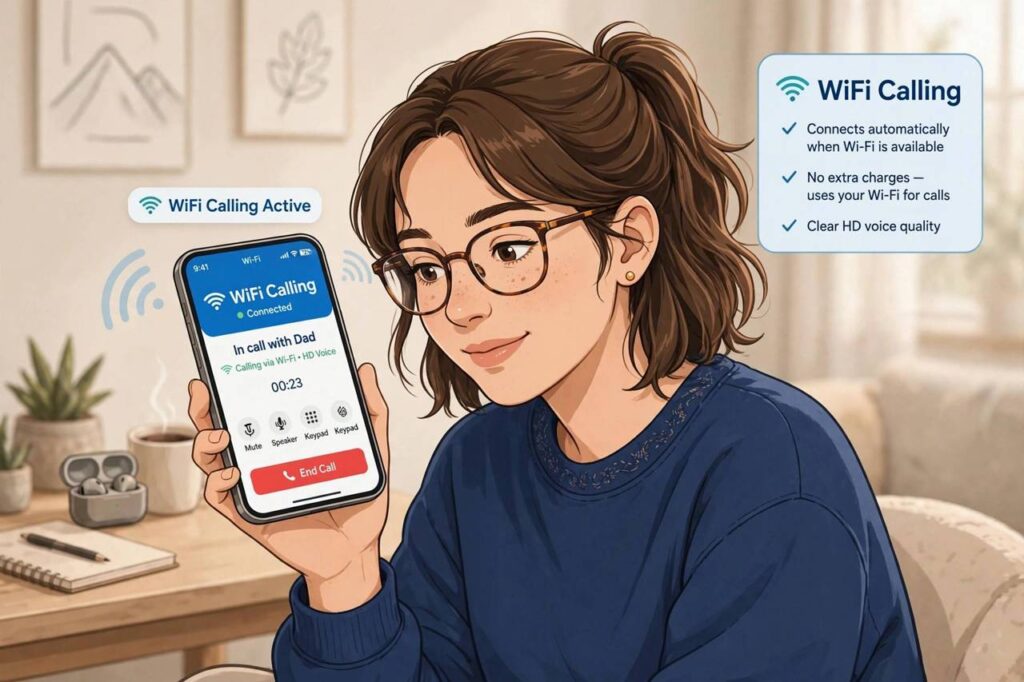
You’re in a basement cafe with zero bars of cell signal, but the WiFi is strong — and your phone rings like nothing’s wrong. That’s not magic; it’s WiFi calling doing exactly what it was built to do. If you’ve ever wondered what is WiFi calling and whether you should turn it on, the short answer is: it’s your phone using the internet to make and receive calls and texts when your cellular signal is weak or missing. And for most people, it’s a genuinely useful feature that’s already sitting on their phone, waiting to be switched on.
Let me walk you through how it works, what it costs, and how to set it up on iPhone and Android — plus the honest limitations nobody puts in the marketing copy.
What Is WiFi Calling, Exactly?
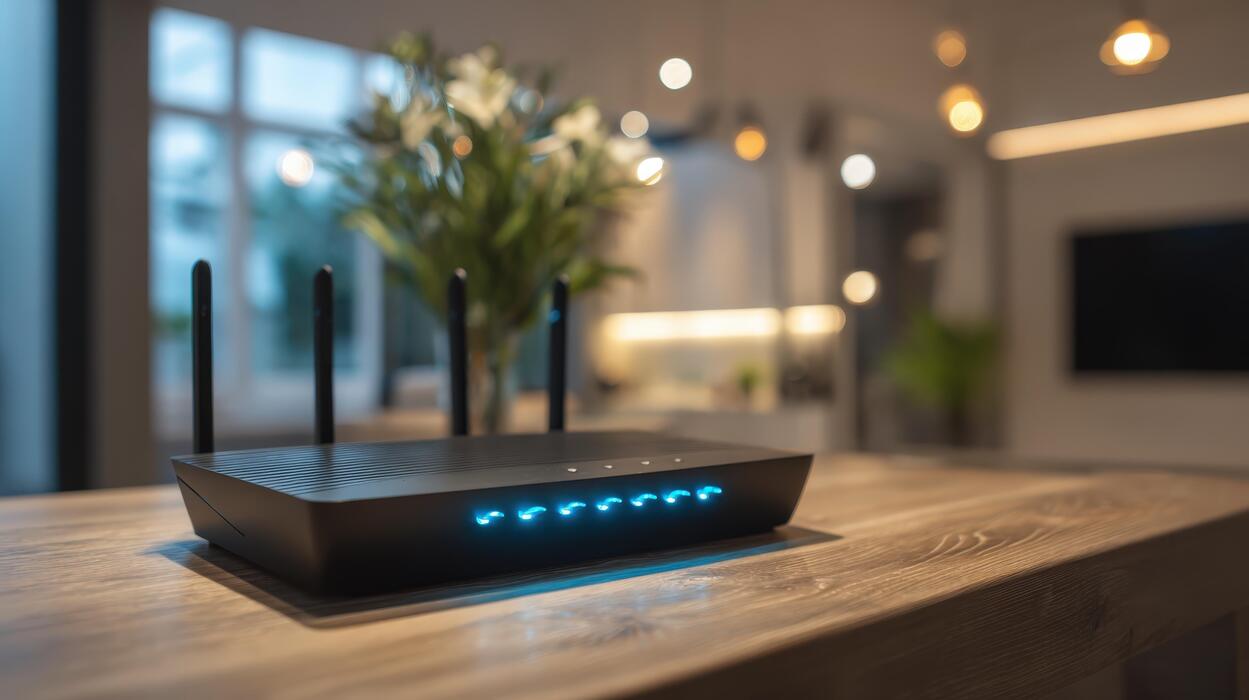
WiFi calling is a feature that routes your regular phone calls and text messages over a WiFi network instead of your carrier’s cellular network. It uses the same phone number, the same contacts app, and the same dialer you always use — there’s no separate app to install and no new account to create. When your cellular signal drops, your phone quietly hands the call over to WiFi. When you walk back into coverage, it hands it back.
Behind the scenes, your voice is converted into data packets that travel over the internet to your carrier, which connects them to the normal phone network. The person you’re calling doesn’t need WiFi calling — they just get a regular call. This is different from apps like WhatsApp or FaceTime, which only work if the other person uses the same app.
Most major carriers have supported WiFi calling for years, and nearly every phone sold in recent years supports it. It exists on iPhone, Samsung, Google Pixel, and most other Android phones. If you want to understand the underlying tech a bit more, how WiFi itself works and newer WiFi standards like WiFi 6E explain how the wireless side of it works.
How WiFi Calling Works (The Simple Version)
Here’s the whole process in plain terms:
- You enable it once in your phone’s settings and register an emergency (E911) address with your carrier.
- Your phone monitors both networks. Normally it prefers cellular. When the cell signal gets weak — or when you set WiFi as preferred — it connects to your carrier through the WiFi network instead.
- You call and text normally. Your phone number, voicemail, and texting all work exactly as usual.
- Handoff is automatic. Move between WiFi and cellular mid-call and most phones will transfer the call without dropping it (though this depends on your carrier and phone).
One important detail: on most carriers, calling 911 over WiFi uses the address you registered, not your real location. Keep that address current — it’s the one thing about WiFi calling that can genuinely matter in an emergency.
What Does WiFi Calling Cost?
This is the question everyone asks, and the answer is mostly good news. On most US carriers, WiFi calls to US numbers are free and don’t use your plan’s minutes — they’re treated like regular calls or included in unlimited plans. International calls over WiFi, however, are usually billed at your carrier’s standard international rates, which can be expensive. Don’t assume a WiFi call to another country is free just because it didn’t use cell signal.
There’s one more cost to know about: WiFi calling uses your WiFi network’s bandwidth, but most carriers don’t count it against mobile data since it travels over WiFi. If you’re on a hotel or cafe network, normal usage rules apply to that network — a long call won’t break anything, but it’s polite not to hog a shared connection.
How to Turn On WiFi Calling on iPhone
On iPhone, the setting is easy to find:
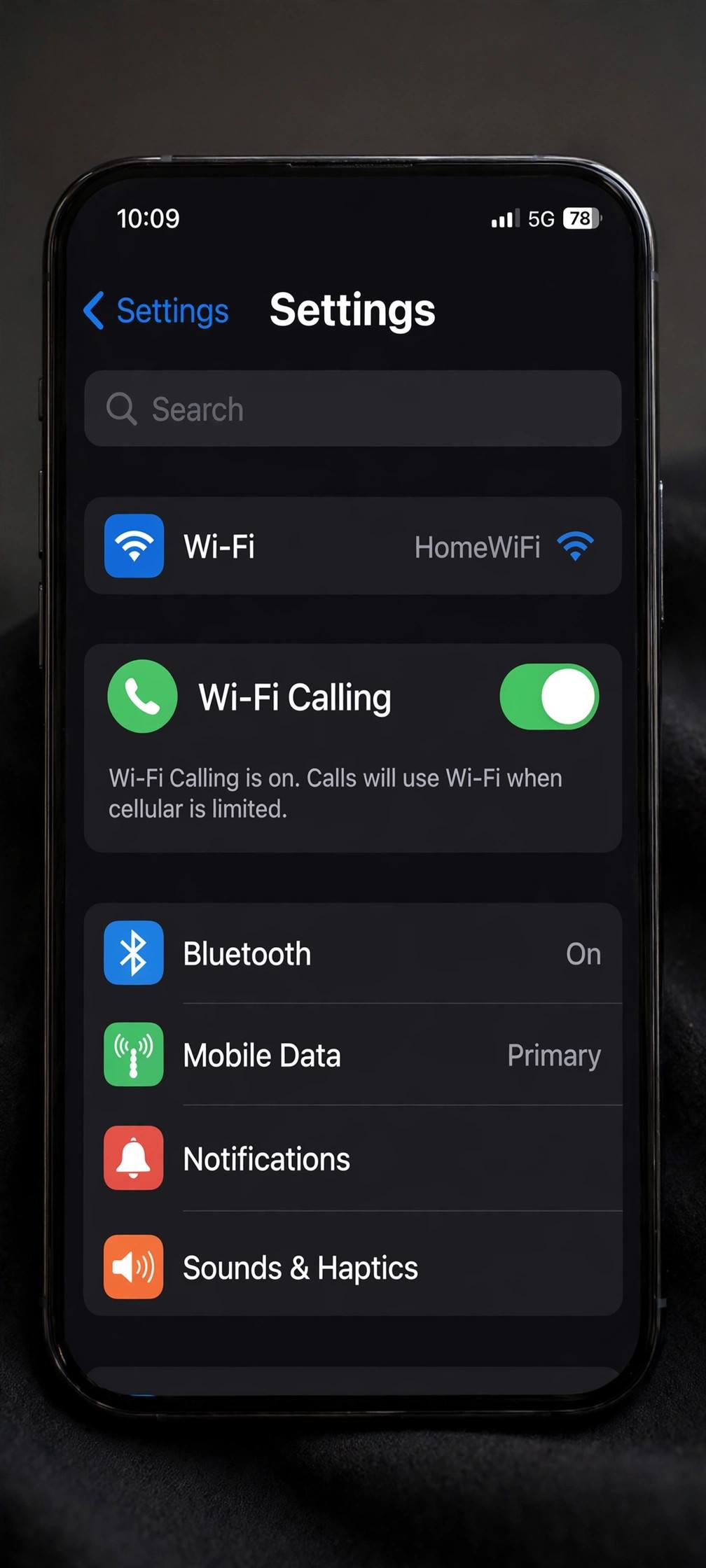
- Open Settings and tap Phone (or Cellular, depending on your iOS version).
- Tap Wi-Fi Calling.
- Turn on Wi-Fi Calling on This iPhone and confirm your emergency address when asked.
Once enabled, you’ll see “Wi-Fi” next to your carrier’s name in the status bar when it’s active. While you’re in iPhone settings, it’s a good time to make sure you’re backing up your iPhone and cleaning your charging port — small habits that keep the device healthy.
How to Turn On WiFi Calling on Android
Android menus vary by manufacturer, but the path is usually similar:
- Open Settings, then Network & Internet (or Connections on Samsung).
- Tap Calls or Mobile network, then look for Wi-Fi Calling.
- Toggle it on and confirm your emergency address.
On Samsung phones, you can also swipe down the Quick Settings panel and look for the Wi-Fi Calling icon. If you don’t see the option at all, your carrier may not support it on your plan, or it may need to be activated on your account first — a quick call to your carrier sorts that out.
WiFi Calling vs. WhatsApp Calls vs. FaceTime: What’s the Difference?
They all use the internet for voice, but they solve different problems. WiFi calling works with your real phone number and reaches any phone — landlines, businesses, anyone. WhatsApp calls and FaceTime only reach people who use the same app. WiFi calling also keeps your normal voicemail and texting; app-based calls are siloed inside the app.
Think of it this way: WiFi calling is a backup path for your regular phone service. WhatsApp and FaceTime are separate communication apps that happen to use the internet. You don’t have to choose — plenty of people use both.
The Honest Limitations
WiFi calling isn’t perfect. Call quality depends entirely on the WiFi network — a crowded cafe network can sound worse than a weak cell signal. Some carriers don’t support it while roaming internationally, or they charge for it. A few older phones and some prepaid plans don’t support it at all. And as mentioned, 911 calls over WiFi rely on the address you registered, which won’t help if you’re calling from somewhere else.
Also note: WiFi calling doesn’t hide your number or encrypt your calls beyond what your carrier already does. If privacy is your goal, that’s a different conversation. And if your phone feels sluggish in general while you’re poking around settings, clearing out digital clutter — like learning how to clear cache on Android — is a quick win worth doing.
Should You Leave WiFi Calling On All the Time?
For most people, yes — leave it on and forget about it. When your cellular signal is strong, your phone will use cellular anyway, so having WiFi calling enabled costs you nothing in normal conditions. It only kicks in when it helps: basements, rural areas, concrete office buildings, and those frustrating dead zones in your own home.
The one exception: if you spend a lot of time on a congested public network where calls sound worse than your cell signal, you might prefer to toggle it off temporarily. But that’s a niche case. For the vast majority of users, enabling WiFi calling once and leaving it on is pure upside — better coverage, no extra cost, and calls that reach you where cellular can’t.
One more practical note: if you travel internationally, check your carrier’s WiFi calling policy before you go. Some carriers treat WiFi calls abroad as international roaming, others don’t support the feature outside the home country at all. A two-minute check before the trip beats a surprise on the bill after.
Troubleshooting WiFi Calling Problems
WiFi calling usually “just works,” but when it doesn’t, the fix is almost always simple. Here are the issues I hear about most:
WiFi calling won’t turn on. First, confirm your carrier supports it on your specific plan — some prepaid and MVNO plans don’t. Then check for a carrier settings update (iPhone: Settings → General → About; you’ll get a prompt if one is available). On Android, make sure your phone’s software is current. If the toggle is there but greyed out, your carrier likely needs to provision it on your account — one phone call fixes it.
Calls drop when moving between WiFi and cellular. Handoff between networks is the trickiest part of WiFi calling. If calls drop at the edge of your WiFi range, your phone may be clinging to a weak WiFi signal instead of switching to cellular. Try toggling WiFi off and on, or set your phone to prefer cellular when both are available (the setting is usually right under the WiFi calling toggle).
Call quality is bad on WiFi. This is almost always the WiFi network, not the feature. Run a speed test — you need only about 1 Mbps for a voice call, but high latency or packet loss on a congested network will make calls choppy. Moving closer to the router or switching to a less crowded network usually solves it. If every WiFi network sounds bad, restart your phone; stale network sessions cause more problems than people expect.
It keeps turning itself off. Some phones disable WiFi calling after software updates or when you swap SIM cards. If it mysteriously stops working, check the toggle first — re-enabling it takes ten seconds and fixes the majority of “it just stopped” complaints.
FAQ
Is WiFi calling free?
Calls to domestic numbers over WiFi are free on most US carriers and don’t use plan minutes. International calls over WiFi are usually billed at your carrier’s standard international rates — check before you dial abroad.
Does WiFi calling use my mobile data?
No. It uses the WiFi network you’re connected to, not your cellular data allowance. It does use that WiFi network’s bandwidth, so be mindful on shared or metered connections.
Why isn’t WiFi calling showing up on my phone?
Three common reasons: your carrier doesn’t support it on your plan, it’s not activated on your account, or your phone model is too old. Contacting your carrier is the fastest way to find out which one applies.
Can I receive texts over WiFi calling?
Yes. SMS and MMS work over WiFi calling just like regular calls do, using your normal phone number and messaging app.
Is WiFi calling safe to use on public WiFi?
Generally yes for normal calls — the voice traffic goes to your carrier over an encrypted connection. But public WiFi has risks for other activities, so use it sensibly and avoid sensitive browsing on open networks.