What Is SEO for Beginners? A Plain-English Guide

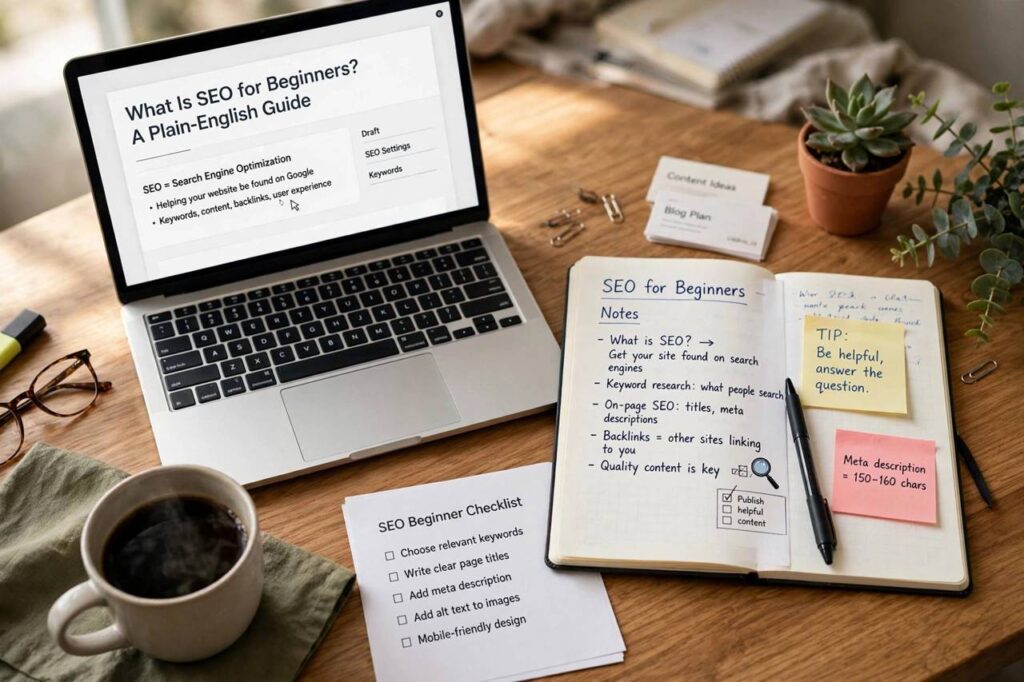
If you keep asking yourself what is SEO for beginners, here is the honest short version: SEO stands for search engine optimization, and it is the practice of shaping your website so search engines can understand it, trust it, and show it to the right people. It is not magic, it is not a trick you play on Google, and it is definitely not something only giant companies can do. When I started my first blog years ago, SEO felt like a secret language everyone else spoke. Once I learned that it mostly comes down to being clear, helpful, and organized, the whole thing stopped being intimidating. This guide walks through every core piece in plain language so you can start doing SEO the right way from day one.
What Is SEO for Beginners: A Plain-English Explanation
SEO is everything you do to help a page show up higher in unpaid search results. When someone types “easy sourdough recipe” or “plumber near me” into Google, the list of results is not random. An algorithm studies millions of pages and decides which ones deserve the top spots. SEO is your way of telling that algorithm, “Hey, my page is exactly what this person needs,” and then proving it. Beginners sometimes confuse SEO with paying for ads. Paid ads put you at the top of the page for as long as your budget lasts. SEO builds a page that earns its place there over time, and once it ranks, the clicks keep coming without a per-click cost. That is why small blogs, local shops, and side projects can outrank big competitors: Google cares far more about relevance and usefulness than about the size of your marketing budget. The two halves of the work are straightforward. First, make your site easy for search engines to crawl and understand. Second, give real people content they genuinely want. Do those two things consistently and you are already ahead of most beginners.
How Search Engines Actually Rank Pages
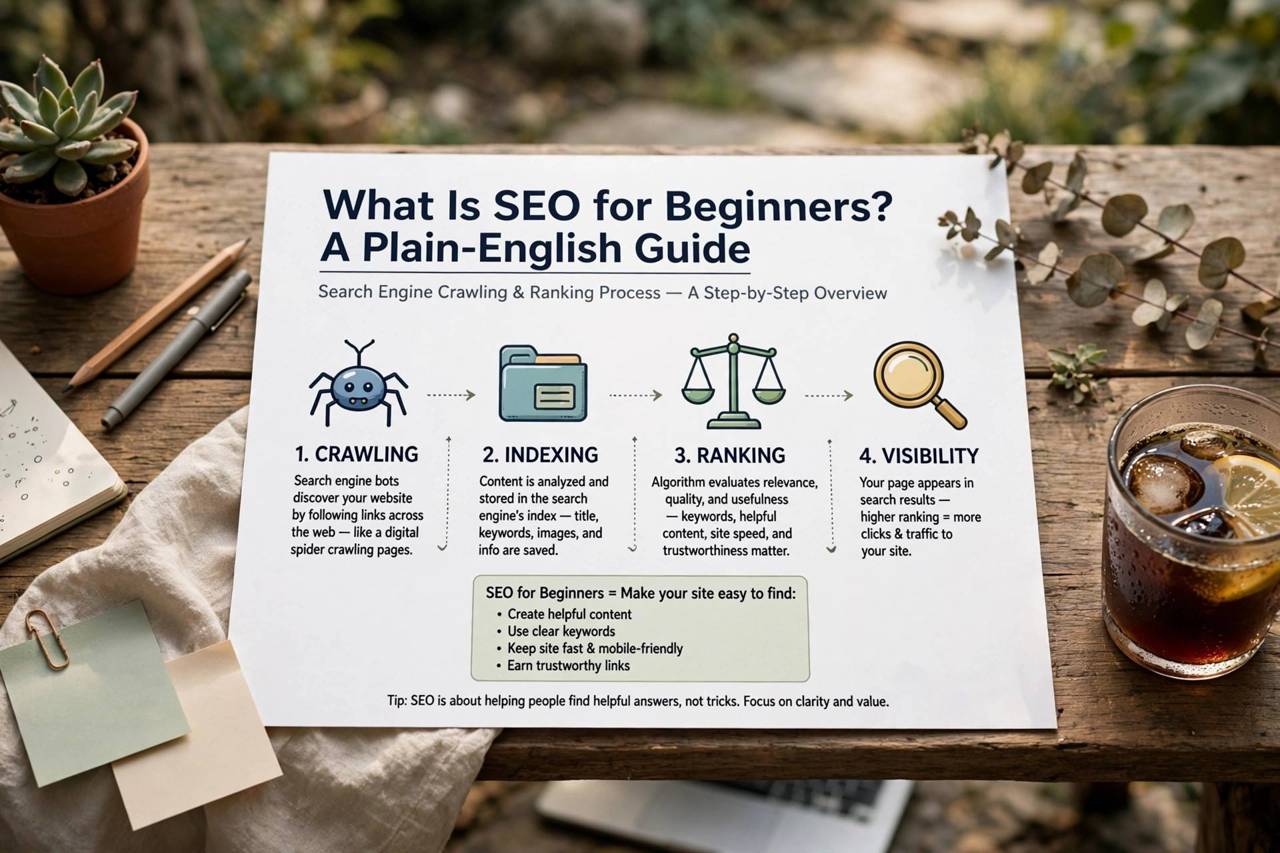
To do SEO well, you need a basic mental model of what a search engine does. Google follows links across the web, collects pages into a massive index, and then, when a query arrives, pulls out candidate pages and orders them by relevance and quality. Understanding how a search engine works behind the scenes helps because every SEO task maps back to one of those three jobs: crawling, indexing, or ranking. Crawling means Googlebot has to reach your page. If your site has no sitemap, blocks crawlers with a robots.txt mistake, or hides content behind login walls, pages can be invisible no matter how good they are. Indexing means Google decides the page is worth storing. Thin, duplicated, or near-empty pages sometimes get crawled but never indexed. Ranking is where relevance enters: for each query, Google weighs hundreds of signals — the words on the page, how fast it loads, whether it works on phones, how many trusted sites link to it — and picks winners. Nobody outside Google knows the exact recipe, and it changes constantly. But the pattern never really changes: pages that answer the searcher’s question better than alternatives tend to win. That is the entire game. When you feel tempted by some “secret SEO hack,” measure it against this model. If the trick does not help crawling, indexing, or genuine relevance, skip it.
On-Page SEO: The Basics You Control
On-page SEO covers everything on your own page, and it is the best place for beginners to start because it requires no permission from anyone else. Your title tag is the single most important on-page element. It is the blue headline people see in search results, and it should contain the phrase someone would actually search for, kept under about 60 characters so it does not get cut off. Your meta description is the short summary under it. Google does not use it directly for ranking, but a clear, inviting description gets more clicks, and more clicks tell Google your page satisfies searchers. Headings matter too. Use one main headline and break the page into H2 and H3 sections the way this article does. This structure helps readers scan and helps Google understand what each part covers. Write your main topic naturally in the first paragraph, the headline, and a couple of headings — but write for humans first. Stuffing the same phrase into every sentence is the fastest way to look like spam to both readers and algorithms. Image alt text is the written description attached to each picture, and it deserves attention for two reasons: it helps visually impaired readers understand the image, and it gives Google context about what the image shows. Finally, clean URLs win. A web address like /seo-basics-guide/ tells everyone what the page is about; /page?id=47281 tells no one. None of this requires special software. Most website builders let you edit titles, descriptions, headings, and alt text in a minute or two.
Content and Keywords: What to Write About
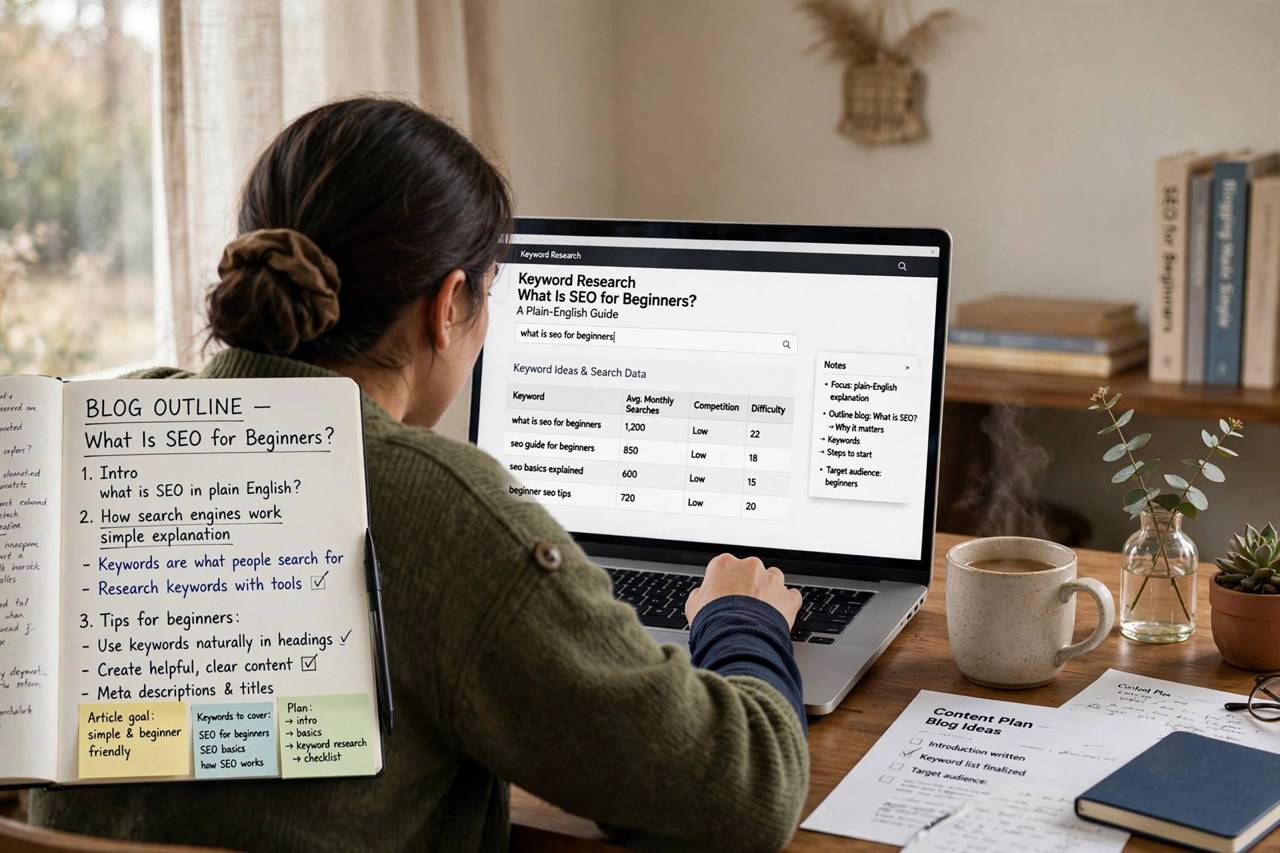
Every page should target one clear idea — the thing a searcher hopes to find. That idea is your keyword, and you discover real ones by listening to your audience rather than guessing. Type a broad term into Google and look at the autocomplete suggestions; those are actual things people search for. Scroll to the “People also ask” box for related questions. Free tools can show rough search volumes, but intent matters more than volume. A page targeting “best budget hiking boots for wide feet” will convert better than one targeting “boots” even though far fewer people search it, because the longer phrase reveals exactly what the searcher wants. Match your content to that intent. If the search results for your phrase are mostly step-by-step guides, write a better guide, not a product list. If they are product roundups, do not publish an opinion essay. Google has already told you what searchers expect — your job is to meet that expectation more thoroughly than anyone else. This is also where thinking about keywords in your branding can help, since the words in your business and page names signal what you are about. Length is not a ranking factor by itself, but depth usually is. A thorough article that answers the main question plus the five follow-up questions readers always have will beat a thin paragraph nearly every time. Aim to be the last page a searcher needs to visit on the topic.
The Technical Side (Less Scary Than It Sounds)
Technical SEO sounds intimidating, but the beginner version is a short checklist, not a degree in computer science. Speed comes first. If your page takes five seconds to load, a chunk of visitors leave before reading a word, and Google notices. Compress your images before uploading them, avoid stuffing the page with heavy widgets, and pick a decent web host. Mobile comes second. More than half of searches happen on phones, so your site has to be readable on a small screen without sideways scrolling or tiny tap targets. Test your own pages on your phone — you will spot problems instantly. Security is third: your site should load over HTTPS (the little padlock in the browser bar). Most hosts enable this free with one click now, and Google treats it as a baseline trust signal. Fourth, make sure Google can actually find your pages. Submit your sitemap in Google Search Console, a free tool that also shows you which queries bring you clicks, which pages have errors, and whether your site has mobile or speed issues. Set it up on day one. You do not need to master structured data, server logs, or crawl budgets as a beginner. Fix speed, mobile, HTTPS, and indexing, and your technical foundation is stronger than most of the internet.
Links: How Google Reads Recommendations
Backlinks — links from other websites to yours — are how Google measures trust. Think of each link as a vote of confidence. A link from a respected site in your field counts far more than a dozen links from random low-quality directories. Beginners should forget buying links or joining link schemes; those violate Google’s guidelines and the penalty, when it lands, wipes out months of work. Earning links the honest way is slower but permanent. The most reliable method is creating something worth linking to: an original guide, a useful free tool, a genuinely interesting data breakdown. Then tell people about it. Mention it where it helps — relevant communities, newsletters, industry roundups — without spamming. Guest posts on reputable sites in your niche work too, as long as the content is genuinely good and not just a vehicle for a link. Local businesses have an extra lever: consistent listings in directories and review sites, which is why local SEO tactics for small businesses lean so heavily on getting your name, address, and phone number right everywhere. One honest link from a real site beats a hundred sketchy ones, so treat link building as relationship building and play the long game.
A Simple SEO Starter Checklist
Here is the order I would follow if I were starting from scratch today. Pick one page and give it a clear title tag with the target phrase, a compelling meta description, and a logical heading structure. Rewrite or expand the content so it answers the searcher’s question better than the current top results. Compress every image and write descriptive alt text for each one. Check the page on your phone and fix anything awkward. Make sure the site loads over HTTPS and submit the sitemap to Google Search Console. Then publish and promote: share the page where your audience hangs out, mention it in a relevant newsletter, or pitch it as a resource to one site that might link to it. Track the basics in Search Console — clicks, impressions, and average position — and give it eight to twelve weeks before judging results. SEO compounds. The first three months feel slow, then pages start climbing, and each new piece of content benefits from the authority the earlier ones built. Most beginners quit in the flat stretch before the curve bends. If you do nothing else, commit to publishing one genuinely helpful page per week and improving one old page per week. That rhythm, kept for a year, puts you ahead of the vast majority of websites.
Frequently Asked Questions
How long does SEO take to show results?
For a new site, expect three to six months before meaningful movement on competitive phrases, sometimes longer. Google needs time to crawl your pages, test them against real searchers, and build trust in your site. Less competitive, very specific phrases can rank in weeks. Anyone promising page-one rankings in days is selling something you should not buy.
Do I need to pay for SEO tools as a beginner?
No. Google Search Console and Google Analytics are free and cover the essentials: which queries bring traffic, which pages rank, and how visitors behave. Free keyword research can be done with Google’s own autocomplete and “People also ask” boxes. Paid tools become worthwhile once you are publishing regularly and need to research at scale.
What is the difference between on-page and off-page SEO?
On-page SEO is everything you control on your own site: titles, content, headings, images, speed, and structure. Off-page SEO is mostly about backlinks and reputation signals earned from other sites. Beginners should master on-page work first because it is fully in your hands and produces results on its own.
Can I do SEO myself or do I need to hire someone?
You can absolutely handle the fundamentals yourself — this entire guide covers what most small sites need. Consider hiring help when you are scaling content aggressively, competing in a cutthroat market, or dealing with technical problems like site migrations. Even then, understanding the basics yourself keeps you from paying for bad advice.
Does social media activity help SEO directly?
Not directly — likes and shares are not ranking factors. But social promotion drives real visitors, and real visitors discover, link to, and talk about good content. Those links and mentions do help. Treat social media as a distribution channel that feeds your SEO indirectly, not as a ranking tactic.