How to Start an Email Newsletter for a Blog (From Zero Readers)


Figuring out how to start an email newsletter for a blog is one of those decisions that feels optional until the day an algorithm change wipes out half your traffic overnight. I have been blogging for years, and my newsletter is the only audience I truly own — no algorithm stands between me and my readers’ inboxes. Social followings are rented; search traffic is borrowed; an email list is yours. If your blog is starting to find readers, a newsletter is the single most important thing you can build next.
This guide is written specifically for bloggers, not businesses. The advice for e-commerce stores and SaaS companies does not quite fit a personal blog, so we will cover the blogger-specific questions: newsletter versus RSS, the simplest WordPress setup, what to actually send, and how to grow when you are starting from absolute zero.
How to Start an Email Newsletter for a Blog: The Honest Case
Here is the uncomfortable truth about blogging in the 2020s: you do not control your distribution. Google updates its algorithm, social platforms throttle links, and RSS readership keeps shrinking. Email is the exception. An email subscriber is worth many times a casual visitor because they asked to hear from you — that is a relationship, not a drive-by pageview.
The numbers back this up. Email consistently outperforms social media for driving repeat visits to blogs, and newsletter readers are the people most likely to buy your products, share your posts, and stick around for years. I have watched bloggers with 2,000 email subscribers outperform bloggers with 50,000 social followers on every metric that matters. The list is small but mighty — start building it before you think you need it, because growth compounds slowly at first.
If you have not launched your blog yet, start there first — this guide to starting a blog covers the foundations — then come back and add the newsletter once you have a few posts worth sharing.

Newsletter vs. RSS: Do You Need Both?
Bloggers of a certain age remember when RSS was the way to follow blogs. RSS still exists and still works — your WordPress site generates feeds automatically — but feed reader usage has declined for a decade. The practical answer: keep your RSS feed (it costs nothing and powers the automation below), but build your audience on email, where people actually are.
There is no conflict between the two. RSS is a distribution technology; a newsletter is a relationship. Many successful bloggers do both without thinking about it: the RSS feed quietly serves the remaining feed-reader loyalists and, more importantly, feeds the RSS-to-email automation that powers the simplest newsletter setup. Think of RSS as plumbing and the newsletter as the house.
Choosing Your Setup: The Blogger-Friendly Options
You have two main paths. Path one: RSS-to-email automation. Services like Mailchimp (free tier), MailerLite, and Brevo can watch your blog’s RSS feed and automatically email subscribers whenever you publish. Setup takes under an hour, it costs nothing at small list sizes, and it runs itself. The downside: the emails look templated and you cannot easily send anything except new-post notifications.
Path two: a dedicated newsletter platform — Substack, Beehiiv, or ConvertKit. These give you a proper newsletter with your own voice, archives, and (on some) paid subscription options. They require you to actually write the newsletter rather than automating it, which is more work but builds a far stronger reader relationship. Many bloggers start with RSS-to-email and graduate to a real newsletter once the habit forms.
My recommendation for absolute beginners: start with the free tier of MailerLite or Brevo with RSS-to-email switched on. You will have a working newsletter today, and you can evolve it later without losing subscribers. Do not overthink the platform choice — switching later is mildly annoying but entirely possible, while not starting costs you subscribers every week.
RSS-to-Email for WordPress: Step-by-Step Setup
Here is the concrete setup for the recommended beginner path. Step 1: Create a free account with your chosen email service (MailerLite and Brevo both have generous free tiers for small lists). Step 2: Create a signup form — the service will generate embed code or a hosted landing page. Place the form prominently: in your sidebar, at the end of posts, and on a dedicated subscribe page. Step 3: Find your RSS feed URL — for WordPress it is yoursite.com/feed — and connect it in the service’s RSS-to-email or “RSS campaign” settings. Step 4: Choose frequency (send on each new post, or a daily/weekly digest) and customize the template with your blog’s name and colors. Step 5: Send yourself a test, publish a post, and confirm the email arrives looking right.
Two setup details that matter enormously: set up a proper sender address (hello@yourblog.com beats a gmail address for deliverability and professionalism) and write a confirmation email that tells subscribers what they will receive and how often. The double opt-in confirmation is also your first impression — make it warm, not robotic.
What to Send: Content Formats That Work for Bloggers
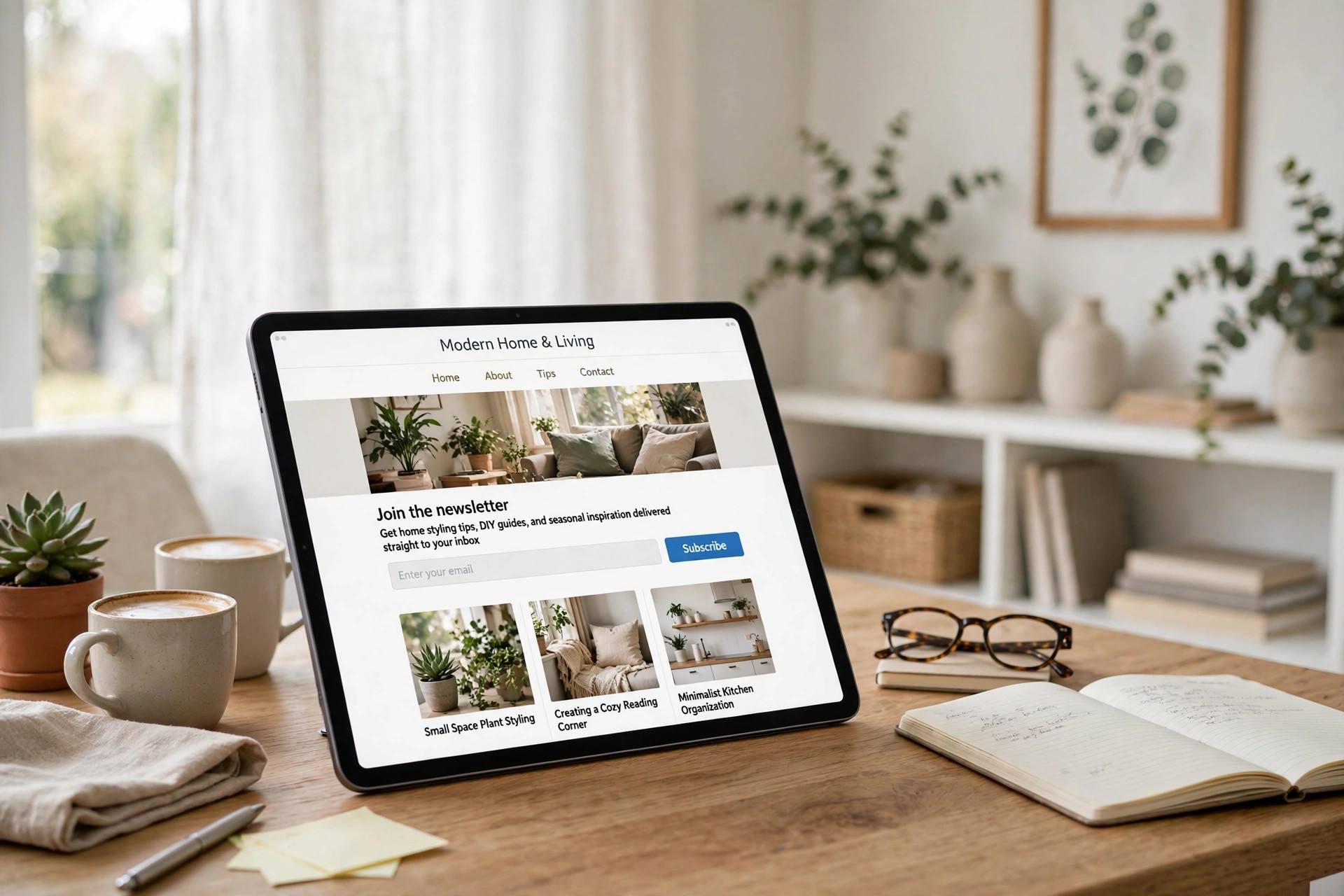
The new-post notification is the baseline, but the newsletters readers actually love go further. The roundup: your new post plus 3–5 interesting links you found that week — low effort, high value. The behind-the-scenes: what you are working on, what flopped, what you learned — this is the format that builds genuine loyalty. The deep dive: an email-exclusive essay or tutorial not on the blog, rewarding subscribers with something special. The Q&A: answer reader questions monthly; it generates content ideas and makes subscribers feel heard.
Whatever format you choose, consistency beats brilliance. A decent newsletter sent every Tuesday for a year will outperform a brilliant one sent sporadically. Pick a schedule you can sustain — biweekly is fine, monthly is fine — and treat it like an appointment. Your readers’ inboxes are intimate space; showing up reliably is how you earn the right to be there.
Growing From Zero Readers: The Unsexy Truth
Every newsletter starts at zero, and the early months are slow — that is normal, not failure. The growth levers that actually work for bloggers: prominent signup placement (end-of-post forms convert far better than sidebar widgets), a lead magnet (a free checklist, template, or resource guide related to your niche — this single tactic often doubles signup rates), content upgrades (a bonus PDF attached to your most popular posts, offered in exchange for the email), and personal outreach (tell people individually; your first 100 subscribers will come from direct asks, not passive forms).
What does not work as well as people hope: popups shown immediately on page load (annoying, high bounce), buying email lists (illegal in many places, terrible engagement, deliverability poison), and social media “link in bio” pleas without a compelling reason to subscribe. Give people a reason — the lead magnet, the exclusive content, the useful roundup — and the signups follow.
Set honest expectations: growing from 0 to 100 takes outreach; 100 to 1,000 takes good content and consistent promotion; beyond 1,000, compound growth and referrals start helping. Most bloggers quit at 47 subscribers, right before the curve bends. Do not be most bloggers.
The Welcome Sequence: Your First Automation
Once RSS-to-email is running, your next automation is a short welcome sequence — 3 to 5 emails sent over the first week after someone subscribes. Email one: deliver the lead magnet and say hello properly. Email two: your best/most popular post, so new subscribers immediately get value. Email three: your story — why you blog, who you are. Email four: ask a question and invite a reply (replies boost deliverability and start conversations). Email five: set expectations for what comes next.
This sequence does quiet, powerful work: it trains subscribers to open your emails, it introduces you as a person, and it filters your list down to people who actually want to be there. Write it once and it greets every new subscriber forever. If you want to go deeper on the marketing side as your list grows, this email marketing beginner’s guide covers segmentation and campaigns.
Common Beginner Mistakes
Waiting until you are “big enough.” The best time to start was at post one; the second-best time is today. Early subscribers become your most loyal readers. Only sending new-post alerts. Automation is the floor, not the ceiling — add at least one human-written element. No welcome email. A subscriber who hears nothing for three weeks forgets why they signed up. Buying a list. Imported contacts do not know you, do not open, and poison your deliverability. Inconsistent sending. Sporadic newsletters train readers to ignore you. Pick a rhythm you can keep for a year and protect it.
FAQ
How much does it cost to start an email newsletter?
Nothing at first — MailerLite, Brevo, and Mailchimp all have free tiers covering up to 500–1,000 subscribers. You will start paying (roughly $10–30/month) once your list grows past the free limits, which is a good problem to have.
Newsletter vs RSS feed — which should a blogger prioritize?
Email. Keep your RSS feed running (it is automatic and powers RSS-to-email), but invest your energy in the newsletter — that is where the audience relationship and the traffic actually live.
How often should I send my blog newsletter?
As often as you publish, at minimum — plus whatever extra value you can sustain. Weekly or biweekly is the sweet spot for most bloggers. Consistency matters more than frequency.
What is RSS-to-email?
An automation where your email service watches your blog’s RSS feed and emails subscribers automatically whenever you publish a new post. It is the simplest way to run a blog newsletter.
How do I get my first 100 newsletter subscribers?
Personal outreach, prominent signup forms (especially end-of-post), and a lead magnet — a free resource valuable enough to trade an email address for. Expect the first 100 to be slow; it accelerates after that.
Can I move my newsletter to a different platform later?
Yes — export your subscriber list as a CSV and import it into the new service. You will need to warm up the new sender address gradually, but the subscribers come with you.
Conclusion
Starting an email newsletter for your blog comes down to: pick a free platform, connect RSS-to-email, place signup forms everywhere sensible, offer a lead magnet, and publish consistently. Your list will grow slowly, then suddenly. A year from now, you will wish you had started today — so start today.