How to Replace Car Key Battery: 5-Step Universal Method

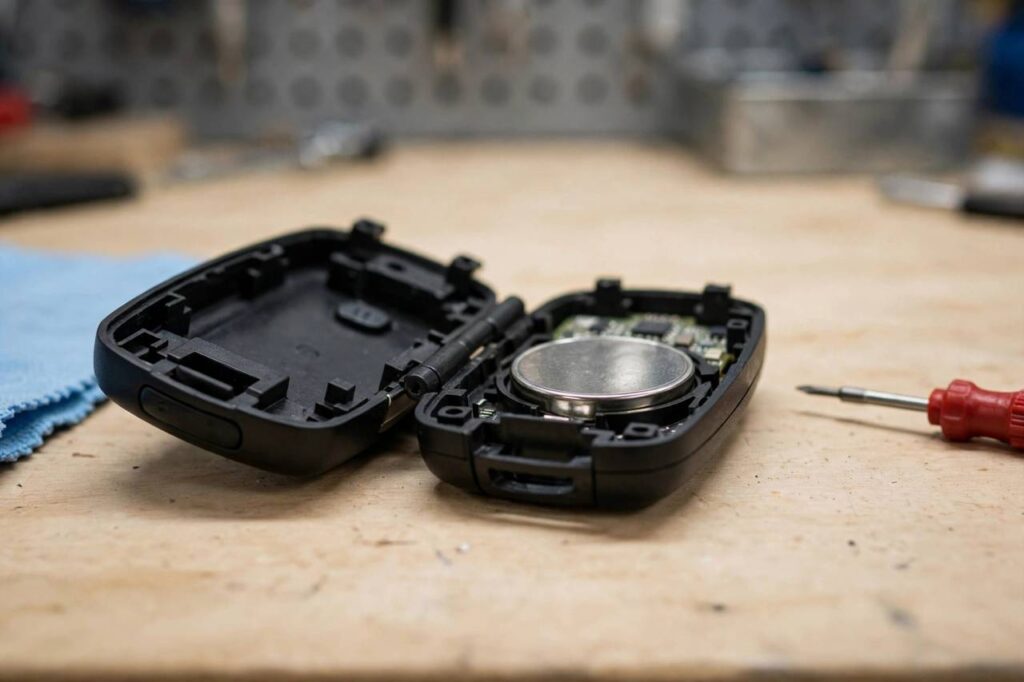
Learning how to replace car key battery units is one of the simplest car maintenance jobs there is — and one of the most overpaid. I have spent twenty years under hoods, and I regularly watch people pay a dealer twenty or thirty dollars for a battery swap that takes ninety seconds and a two-dollar battery. Your key fob is not a sealed mystery device. It is a plastic shell, a circuit board, and a coin-cell battery, and you are about to learn how to open it without breaking anything.
This guide covers the universal five-step method that works on nearly every key fob, a battery-type lookup so you buy the right cell the first time, the polarity and handling details that matter, and the troubleshooting sequence for when a fresh battery does not fix the problem. Let us get that fob working.
How to Replace Car Key Battery: The Universal 5-Step Method
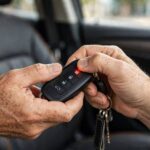
Step one: identify your fob type. Most key fobs open one of three ways — a small slot for a flat screwdriver or coin along the seam, a release button that pops the emergency key blade out (the blade then pries the case open), or screws on the back. Check your owner’s manual for the exact method; forcing the wrong seam is how cases crack.
Step two: open the case gently. Work around the seam slowly with a plastic pry tool or a small flat screwdriver wrapped in tape — the tape prevents scratching the plastic. Do not jam a knife in and twist; the internal clips are small and they snap. If the case resists, stop and look for a hidden screw or a second latch rather than forcing it.
Step three: note the battery type and orientation before you touch anything. The battery model — CR2032, CR2025, CR2450, or similar — is printed on the cell itself. Note which side faces up (usually the positive side faces up, but verify). Take a phone photo. This thirty-second step prevents the most common DIY error: installing the new battery upside down.
Step four: swap the battery. Lift the old cell out with the pry tool or your fingernail — avoid touching the new battery’s flat faces with bare fingers, because skin oils can shorten its life. Handle it by the edges. Drop the new cell in with the same orientation as the old one, and press gently until it seats under the retaining clip.
Step five: snap the case closed and test. Press the halves together until every clip clicks, reinsert the emergency key blade if your fob has one, then test every button from a few feet from the car — lock, unlock, trunk, panic. Test at increasing distance to confirm full range. If everything works, you are done. Total time: under five minutes.
Battery Type Lookup by Car Make
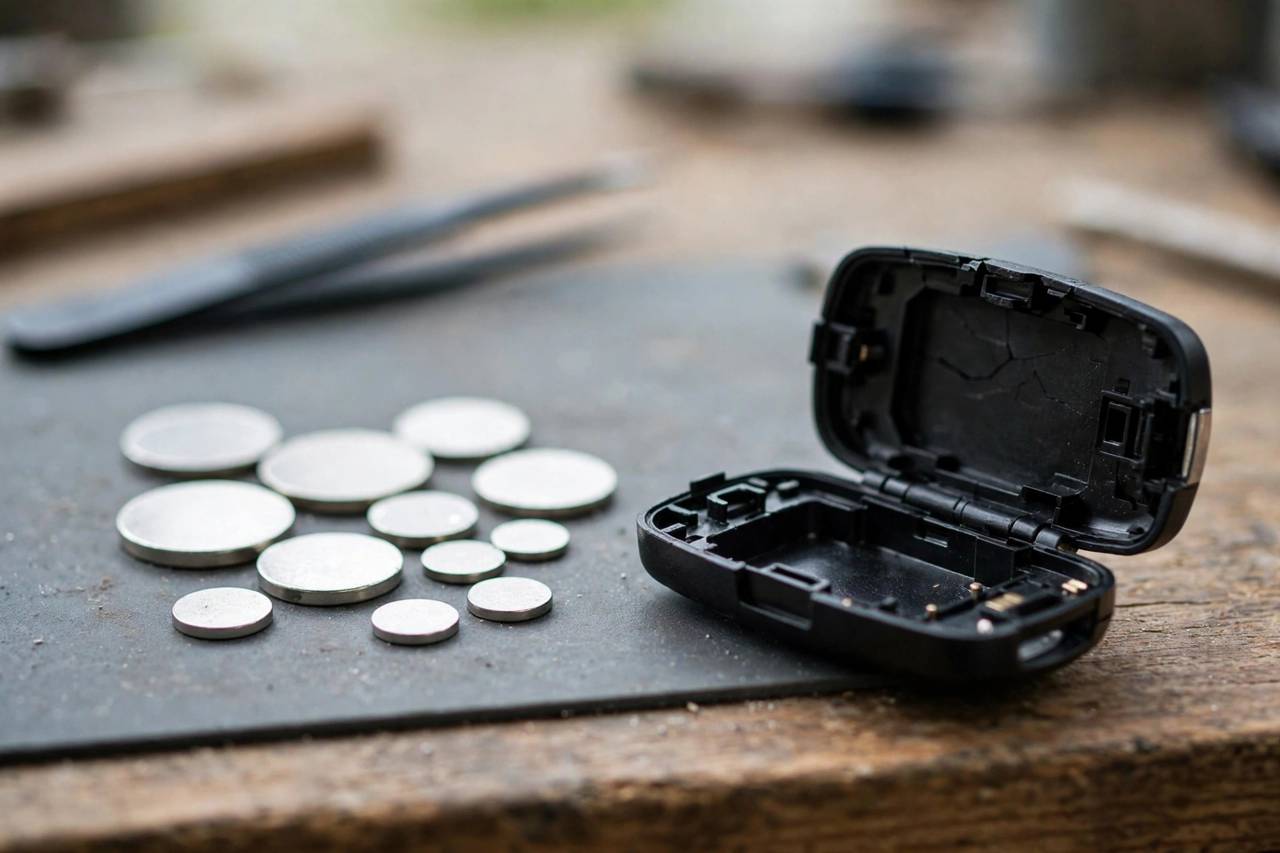
Buying the right battery the first time saves a return trip. The vast majority of key fobs use one of three coin cells. The CR2032 is the most common — a 3-volt lithium cell used by Toyota, Honda, Ford, Chevrolet, Nissan, Hyundai, Kia, and most others for their standard fobs. If you are guessing, guess CR2032, but verify against the old cell.
The CR2025 is slightly thinner than the 2032 and shows up in slimmer fob designs — some Mazda, Subaru, and older European fobs. The CR2450 is larger in diameter and appears in some newer smart-key fobs with longer range, including certain BMW and newer-model fobs. A few fobs use the CR1632 (thinner, smaller) or even two cells stacked.
The rule that overrides all guessing: read the old battery. The model number is printed on it, and the fob was engineered for exactly that cell. Buy a reputable brand — the bargain multi-packs from unknown sellers have inconsistent quality, and a weak cell in a key fob means reduced range and a repeat job in six months. One quality battery beats five cheap ones.
Buy two while you are at it. Key fob batteries last two to four years depending on use, and the second fob — the one in the drawer — dies on its own schedule. Having a spare on hand turns the next swap into a two-minute job instead of a shopping trip.
Handling Details That Actually Matter
Polarity is everything. The positive (+) side almost always faces up toward you when the fob is open, but “almost always” is not “always” — verify against your phone photo of the original. An upside-down battery will not damage most fobs, but it will not work, and you will spend twenty minutes troubleshooting a problem that is just orientation.
Do not touch the battery faces. The oils from your skin create a thin film on the cell that increases resistance and shortens battery life. Handle coin cells by the edges, or use tweezers. This sounds fussy; it is the difference between a battery that lasts three years and one that lasts eighteen months.
Check the contacts while the fob is open. The small metal fingers that touch the battery can corrode or bend. If you see green or white corrosion, clean it gently with a cotton swab barely dampened with isopropyl alcohol, let it dry completely, then install the new battery. If a contact finger is bent flat, carefully lift it with the pry tool so it presses firmly against the cell.
Keep the circuit board dry and static-free. Work on a table, not on carpet in socks. Do not spray cleaners into the open fob. If the board looks damaged — cracked solder, corroded traces, a button dome that has collapsed — a new battery will not fix it, and you are looking at a fob repair or replacement rather than a battery swap.
When a New Battery Does Not Fix It: Troubleshooting
Fresh battery installed, fob still dead? Work through this sequence. First, recheck orientation and seating — open the fob, confirm the polarity matches your photo, and make sure the cell is firmly under the retaining clip. A battery that looks installed but is sitting a millimeter high will not make contact.
Second, test the battery itself. Even new batteries can be duds, especially from bargain packs. If you have a multimeter, a fresh CR2032 should read very close to 3.0 volts; anything under 2.7 is suspect. No multimeter? Try the second battery from your two-pack.
Third, check whether the fob needs reprogramming. Some vehicles — certain Ford, GM, and European models — require a resync procedure after a battery change: typically a sequence of ignition cycles and button presses detailed in your owner’s manual. If the fob worked before the battery died and does nothing now, resync is the likely fix, not a new fob.
Fourth, consider the car’s receiver, not the fob. If both of your fobs stopped working at the same time, the problem is almost certainly the vehicle — a blown fuse for the keyless entry module, a weak 12-volt car battery (low system voltage causes all kinds of electronic gremlins), or a failed receiver. Test with the second fob before assuming yours is broken.
Fifth, inspect for water damage. Fobs that went through the wash or took a swim often die slowly — working intermittently for weeks before quitting. Open the case and look for mineral deposits or discoloration on the board. Light corrosion can sometimes be cleaned; heavy damage means replacement.
Related battery know-how helps here too: understanding the signs your car’s main battery is dying is worth your time, since a weak 12-volt battery causes keyless-entry weirdness that looks exactly like a fob problem — and if your fob issues coincide with slow cranking, start with how long car batteries actually last before buying a new fob.
What battery does my car key fob take?
Most use a CR2032 3-volt lithium coin cell, but some fobs use CR2025, CR2450, CR1632, or two cells. The definitive answer is printed on your old battery — open the fob and read it before buying. Do not guess from the car make alone; fob designs vary even within the same model year.
How long do key fob batteries last?
Typically two to four years, depending on how often you use the buttons and whether the fob has power-hungry features like remote start or proximity unlocking. Reduced range — having to stand closer to the car — is the early warning sign. Replace the battery at the first sign of weakness rather than waiting for complete failure.
Do I need to reprogram my key fob after changing the battery?
Usually not — most fobs retain their programming through a battery swap. Some vehicles require a resync procedure (a sequence of ignition cycles and button presses from the owner’s manual) after the battery is changed. If the fob is completely dead after a fresh battery, check orientation first, then look up the resync procedure before assuming the fob is broken.
Can I change a key fob battery myself or should the dealer do it?
Do it yourself. It is a five-minute job requiring no special tools beyond a small flat screwdriver or pry tool, and the battery costs a couple of dollars. Dealers charge twenty to thirty dollars or more for the same swap. The only caution: open the case gently along the seam and note the battery orientation before removing the old cell.
Why does my key fob only work close to the car?
Reduced range is the classic symptom of a weakening battery — replace it. If a fresh battery does not restore full range, check for interference (phone in the same pocket as the fob can block the signal on some systems), corroded contacts inside the fob, or a weak 12-volt car battery affecting the vehicle’s receiver.
The Bottom Line
Replacing a car key battery is a five-minute, two-dollar job: open the case gently, read the old battery’s model number, install the new cell with correct polarity handling it by the edges, snap it shut, and test. When a fresh battery does not fix it, work the troubleshooting sequence — orientation, battery voltage, resync procedure, the car’s receiver — before spending money on a new fob. Your dealer will happily charge you for this. Now you do not need them to.