Ask five designers to explain the difference between generative design and parametric design and you’ll get five answers, two of which will contradict each other. I know, because I’ve asked. The confusion is understandable — the two share tools, vocabulary, and a family resemblance — but they are fundamentally different ways of thinking about design. One says “tell the computer what shape you want and let it explore variations.” The other says “tell the computer what problem you have and let it invent shapes.” That gap is everything. For the broader concept first, read up on what generative design is.
Table of Contents
- The One Sentence Version
- Parametric Design: The Puppet Master
- Generative Design: The Expedition Team
- Who Decides What Gets Built
- The Overlap That Causes All the Confusion
- Tools of Each Trade
- When to Use Which
- The Practical Workflow Most Studios Actually Use
- Frequently Asked Questions
The One Sentence Version
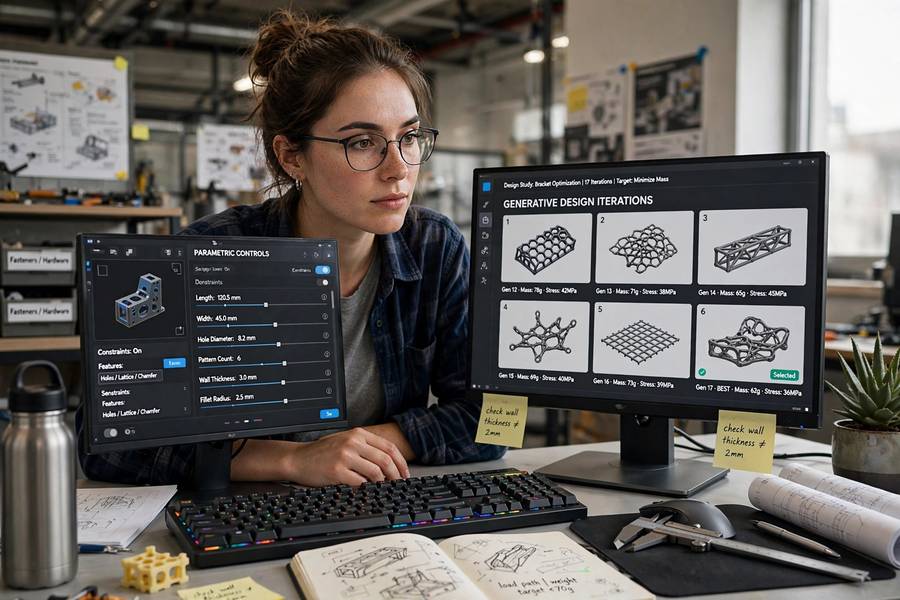
Parametric design: you define the rules and parameters of a shape, then slide those parameters to explore variations. Generative design: you define goals and constraints, and the algorithm explores thousands of designs you never specified.
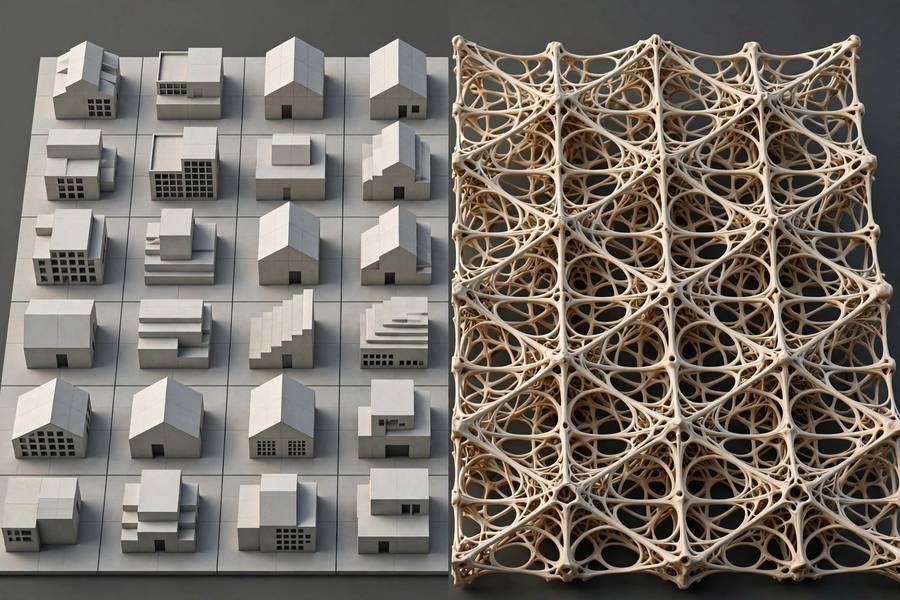
Here’s the mental image I give everyone. Parametric design is a puppet master pulling strings — every outcome traces back to strings you control. Generative design is sending an expedition team into a forest with a mission: they come back with maps of territory you didn’t know existed. Both involve computers and exploration. One explores a space you drew. The other discovers spaces you couldn’t draw.
That single distinction — control the parameters versus define the problem — explains nearly every practical difference between the two, from the software you need to the skills you hire to the kind of surprises you get.
Parametric Design: The Puppet Master
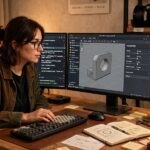
In parametric design, the designer builds a model driven by parameters: numbers and relationships that control geometry. Change the floor-to-floor height parameter in a tower model, and every floor plate, facade panel, and structural bay updates automatically because they’re all defined relative to that parameter. The model is a system of dependencies, and you play it like an instrument.
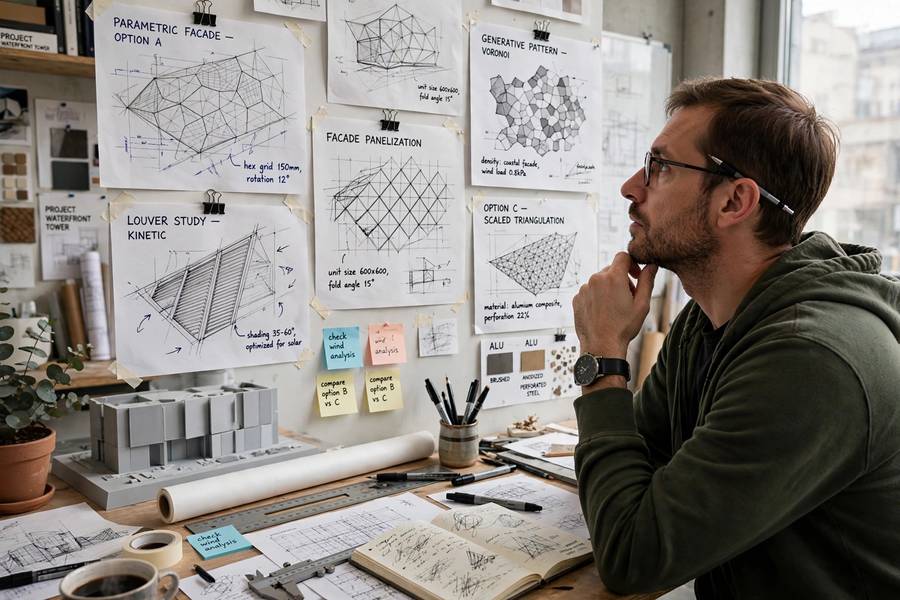
The designer’s job here is authorship of the system. You decide that the facade louvers rotate based on sun angle, or that the beam depth scales with span. The computer’s job is fidelity — keeping every dependent element consistent as you explore. When parametric designers show off, they show the slider demo: drag one control, watch a thousand parts update in perfect coordination. It’s genuinely impressive, and it’s genuinely labor — building a robust parametric model takes serious expertise in the relationships you’re encoding.
The crucial limit: parametric exploration stays inside the topology you defined. A parametric tower can become taller, thinner, twisted, tapered — but it can’t spontaneously become a bridge. The shape’s DNA is fixed by the rules you wrote; only the expression changes. You are exploring variations on a theme you composed.
Generative Design: The Expedition Team
Generative design flips the authorship. Instead of defining the shape’s rules, you define the problem: these are the loads, these are the materials, this is the manufacturing method, these are the keep-out zones, this is what “better” means (lighter, stronger, cheaper). Then the algorithm — typically evolutionary algorithms or topology optimization — generates hundreds or thousands of candidate designs that satisfy the constraints and chases your definition of better.
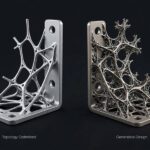
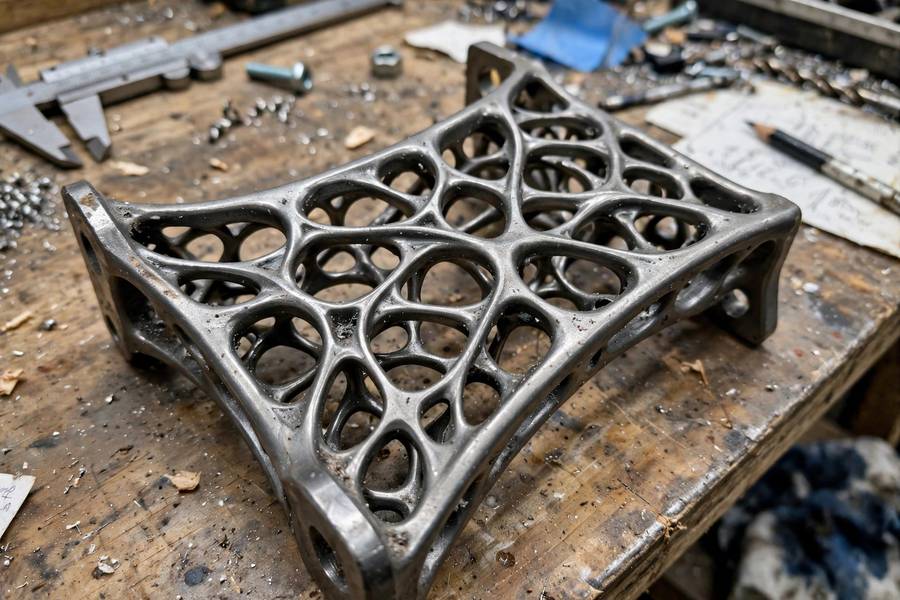
The designer’s job here is authorship of the problem. You spend your effort getting the constraints and objectives right, because the algorithm will take you literally. Ask for minimum weight with a given stiffness and you’ll get designs that look like bones — because bones are what evolution produces when it optimizes for weight and stiffness. The famous organic, alien-looking generative parts exist because nobody told the algorithm what a bracket “should” look like.
The limit here is inverted from parametric design: generative systems explore topology freely but need you to define a tight, correct problem. Vague goals produce garbage — or worse, produce beautiful garbage that optimizes the wrong thing. The expedition team goes wherever you point them; pointing them correctly is the whole job.
Who Decides What Gets Built
This is where the distinction gets practical. In parametric design, the designer remains the author of every candidate — the system just makes variation cheap. You pick the winner from a family you designed. In generative design, the algorithm authors the candidates, and you curate: you filter hundreds of options down to a shortlist, refine, and validate.
Neither removes the human. That’s the misconception I keep having to kill. Generative design doesn’t design for you — it designs with you, as a very prolific, very literal junior partner who never gets tired and occasionally produces something you couldn’t have imagined. Parametric design doesn’t automate design either — it automates the consequences of your decisions so you can explore more of them.
The decision-making shift matters for teams: parametric work needs designers fluent in systems thinking and relationship modeling. Generative work needs designers fluent in problem formulation — defining objectives, constraints, and manufacturing reality. Different muscles, both rare.
The Overlap That Causes All the Confusion
Honest admission: the boundary blurs, and blurs hard. Many real workflows use both. You run a generative study to discover a promising topology, then rebuild it as a parametric model so you can tune and detail it. Or you use parametric rules to generate the seed population for a generative run. Or the software itself merges them — modern tools let parameters and generative solvers live in the same file.
The historical thread helps. Parametric design arrived first, maturing through the 2000s with tools like Grasshopper, and it changed how architecture and product design think about variation. Generative design’s tooling matured later, in the 2010s, riding better solvers and cheaper cloud compute. Both sit on the longer arc described in the history of artificial intelligence — the slow shift from computers as drafting tools to computers as design collaborators. But the can AI make art question lurks underneath: when the algorithm invents a form, who authored it? The engineering reality is older and more rigorous than the hype.
The cleanest way I know to keep them straight: parametric = you explore, computer coordinates. Generative = computer explores, you judge.
Tools of Each Trade
The parametric canon: Grasshopper for Rhino, Dynamo for Revit, the parametric engines inside CATIA, SolidWorks, and Fusion. These are relationship modelers — you build graphs of dependencies and drive them with numbers. Learning them is learning to think in systems: every input propagates, every constraint holds, every change ripples.
The generative canon: Autodesk’s generative design solvers (Fusion, formerly in separate tooling), topology optimization in Ansys and nTopology, evolutionary solvers like Galapagos within the parametric world, and a growing set of cloud-based generative platforms. These are problem solvers — you feed them physics and manufacturing constraints, and they return populations of candidates.
Notice Galapagos sitting in both lists — that’s the overlap made concrete. It lives inside Grasshopper (parametric territory) but runs evolutionary optimization (generative thinking). Tools don’t respect our tidy categories; workflows mix them freely. Pick your tool by what you need done, not by which camp it belongs to.
When to Use Which
Use parametric design when you know what the thing is and want to explore how it could vary. A facade system, a product family, a pavilion with clear formal intent — these are parametric problems. You have a concept; you need a thousand disciplined variations of it. Parametric thinking also wins when the design must respond to measurable inputs: sun angles, site boundaries, ergonomic dimensions.
Use generative design when you know what the thing must do but not what it should look like. A lightweight bracket, a heat exchanger, a structural node, a part that must hit stiffness targets at minimum weight — these are generative problems. You have performance requirements; you need the algorithm to find forms you’d never sketch. Generative thinking also wins when the design space is too large for human intuition, which is most of engineering.
The cost profiles differ too. Parametric work is front-loaded: building the model is slow, exploring it is fast. Generative work is back-loaded: defining the problem is slow, running the study is compute-cheap, but curating hundreds of candidates is real work. Budget accordingly, and don’t let anyone sell you either approach as “the computer does the design.”
The Practical Workflow Most Studios Actually Use
Here’s what the combined workflow looks like in practice at studios that know what they’re doing:
First, the problem gets defined generatively: loads, constraints, materials, manufacturing method, objectives. The solver runs and returns a population of candidates — often hundreds. The team reviews them like a design crit, kills 95 percent immediately, and shortlists a handful.
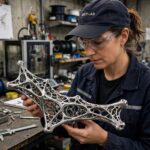
Second, the shortlisted forms get rebuilt parametrically. This is the crucial translation step: the generative output is usually a mesh, un-editable and manufacturing-naive. The designer rebuilds the chosen concept as a clean parametric model — real surfaces, real tolerances, real manufacturing logic.
Third, the parametric model gets detailed, tuned, and validated: FEA checks, manufacturability review, cost analysis. The generative insight survives in the topology; the parametric rebuild makes it buildable.
This three-step dance — discover generatively, rebuild parametrically, validate rigorously — is the honest version of “AI does design.” The computer contributed genuine creativity in step one. The human contributed judgment in all three. Anyone selling you a one-click version is selling the demo, not the workflow.
Frequently Asked Questions
In parametric design, you define a shape’s parameters and explore variations by adjusting them. In generative design, you define goals and constraints, and the algorithm generates hundreds of candidate designs you never specified. Parametric explores variations on your idea; generative discovers ideas you didn’t have.
They are related but distinct. Generative design often uses parametric models as inputs or outputs, and tools like Grasshopper host both, but the logic differs: parametric design explores a space the designer drew, while generative design searches a space the designer only constrained.
Common parametric tools include Grasshopper for Rhino, Dynamo for Revit, and the parametric modeling engines in CATIA, SolidWorks, and Fusion. They let designers build models driven by adjustable parameters and relationships.
Yes, and most studios do. A common workflow is to run a generative study to discover a promising topology, rebuild the chosen form as a clean parametric model for tuning and detailing, then validate it with engineering analysis.
No. Generative design shifts the designer’s role from authoring shapes to defining problems and curating results. Human judgment remains essential for setting correct objectives, choosing among candidates, and making designs manufacturable.