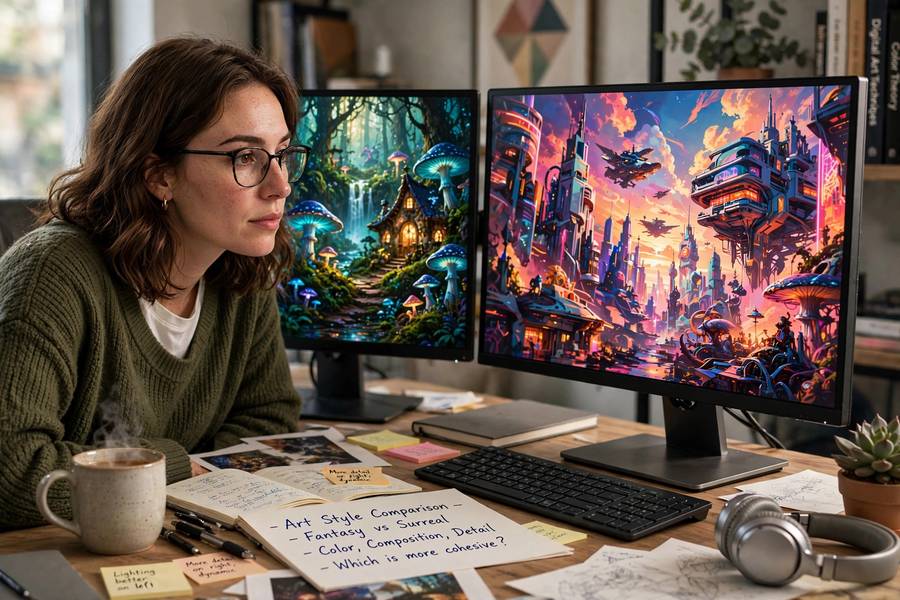
When my cousin asked me which AI art tool to try first, I made the classic expert mistake: I gave her the “best” one instead of the best one for her. She bounced off it in twenty minutes — Discord bots, parameters, subscriptions, too much all at once. A week later she was happily generating on a simple phone app and hasn’t stopped since. The lesson stuck: for beginners, the right tool is the one you’ll actually use, not the one with the most impressive output. This guide matches tools to people. And if you’re wondering whether any of this counts as real creativity, can AI make art tackles that question head-on.
Table of Contents
- What “Beginner-Friendly” Actually Means
- The Easiest Starting Points (Free)
- Midjourney: Best Quality, Steepest Learning Curve
- DALL-E: The Conversationalist
- Stable Diffusion: Free and Powerful, DIY Required
- Niche Picks Worth Knowing
- How to Choose: A 60-Second Decision Guide
- Your First Week: A Sensible Learning Path
- Frequently Asked Questions
What “Beginner-Friendly” Actually Means
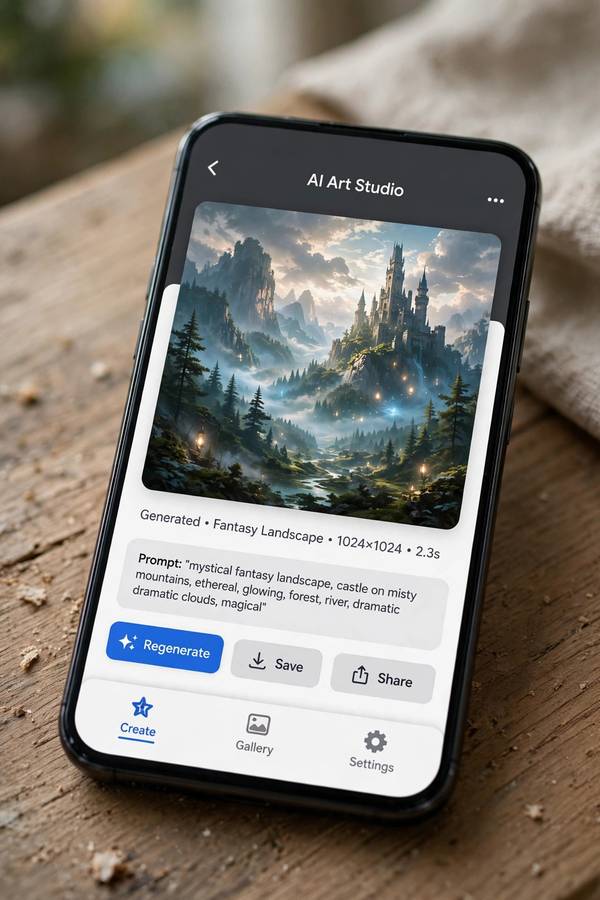
“Easy” is doing a lot of work in most roundups, so let me define it. For a true beginner, friendliness has four components:
- Zero setup. No installs, no Discord servers, no API keys, no GPU talk. Open a page or app, type, get image.
- Forgiving prompting. The tool should produce something decent from a plain-English sentence, not require parameter incantations.
- Free or cheap entry. Beginners shouldn’t pay before knowing they enjoy it. A free tier or trial is table stakes.
- Clear next steps. Good defaults, helpful examples, and a path to learn more when you’re ready — not a cliff.
Notice what’s not on the list: maximum image quality, advanced control, commercial licensing. Those matter later. On day one, momentum matters more than mastery. The tool that gets you from curious to “whoa, I made that” in five minutes wins, even if a “better” tool exists.
The Easiest Starting Points (Free)
If you’ve never generated an image before, start here. These are the shallow ends of the pool:
ChatGPT / DALL-E image generation. If you already use ChatGPT, you already have an image generator — just ask for a picture in plain language. “Draw a cozy cabin in the snow at night” works. No parameters, no settings, conversational refinement (“make it warmer, add a dog”). The friction is essentially zero, which is why this is my default recommendation for the casually curious.
Microsoft Designer / Image Creator. Free with a Microsoft account, powered by DALL-E tech, with a clean web interface and daily free generations. Slightly more “tool-like” than chatting, good for making social posts and quick graphics.
Adobe Firefly. Free tier available, web-based, and notably strong at safe, clean, commercially-usable output. Adobe trained it on licensed content, which sidesteps some of the ethical queasiness around training data. The interface feels like a normal creative app, not a hacker’s terminal.
Leonardo.ai. Free daily tokens, web interface, and a gentler learning curve than the power tools while offering more control than the chat-based options. A nice middle step when you outgrow the simplest tools.
My honest advice: pick whichever of these you can open right now with an account you already have. The best beginner tool is the one with the shortest path from this sentence to your first image.
Midjourney: Best Quality, Steepest Learning Curve
Midjourney produces the most beautiful images of any mainstream tool — richer detail, better composition instincts, more artistic flair. It’s the one behind most of the jaw-dropping AI art you’ve seen online. It’s also the least beginner-friendly to start: it lives in Discord, uses slash commands and parameters, and requires a paid subscription.
So why mention it in a beginner guide? Because “beginner” lasts about two weeks. Once the bug bites — once you’ve made fifty images on a free tool and you’re hungry for more control and more beauty — Midjourney is where most people land. Going in with eyes open helps:
- Expect a weekend of learning. Discord basics,
/imagine, parameters like--arand--stylize. It’s genuinely fun to learn, but it’s learning. - Start with the guides, not the deep end. How Midjourney works explains the concepts; the parameter guides build from there. Learn
--arfirst,--stylizesecond, everything else later. - Budget for it. There’s no free tier anymore. Factor the subscription into the decision — it’s worth it if you’re generating regularly, not if you make three images a month.
My cousin’s trajectory is the template: easy tool first, Midjourney second, no shame in the order. The “best” tool is the one matched to your current stage.
DALL-E: The Conversationalist
DALL-E (via ChatGPT) deserves its own section because its superpower is unique: you don’t prompt it so much as talk to it. Describe what you want conversationally, react to the result conversationally, iterate conversationally. “Make the dragon smaller and friendlier” is a valid instruction. No syntax to memorize.
Strengths for beginners:
- Natural language in, images out. The lowest prompting skill floor of any serious tool.
- Good at following complex instructions. Multi-element scenes, specific relationships between objects, text in images — DALL-E handles compositional instructions better than most.
- Built into something you already use. No new account, no new interface, no new billing.
Weaknesses: less raw artistic flair than Midjourney, less control than Stable Diffusion, and you’re inside a chat interface that isn’t optimized for visual workflows (no grids of variations, clunky iteration compared to dedicated tools). It’s the best first tool and rarely the best forever tool — and that’s fine.
Stable Diffusion: Free and Powerful, DIY Required
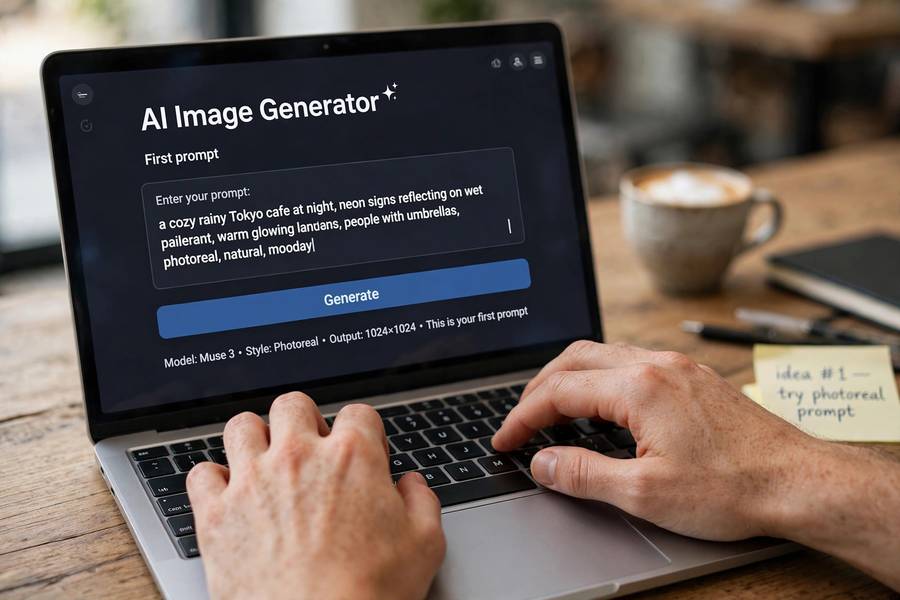
Stable Diffusion is the open-source engine behind a thousand tools. The model itself is free; what costs money (or effort) is somewhere to run it. For beginners, this creates a fork in the road:
The easy path: hosted interfaces. Tools built on Stable Diffusion with friendly web UIs — some free, some freemium. You get open-source flexibility (custom models, community styles) without touching a command line. What Stable Diffusion is explains the ecosystem; the takeaway is that “Stable Diffusion” is a family, not a single app.
The DIY path: run it locally. If you have a decent GPU, you can run Stable Diffusion on your own computer — free, private, unlimited. The setup involves installers and model downloads; it’s a weekend project, not a five-minute signup. Reward: total control, zero per-image cost, and access to the wild world of community models fine-tuned for anime, photorealism, architecture, you name it.
My recommendation: beginners should not start with local installs. Start hosted, learn what you like, and only go DIY when you hit limits that local running would solve. The DIY path is a power-up for committed users, not an onboarding ramp.
Niche Picks Worth Knowing
Beyond the big names, a few specialized tools deserve mention:
- Ideogram: notably good at rendering text inside images — logos, posters, memes with readable words. If your use case involves typography, start here.
- Flux: the open-source image model’s newer generation, excellent photorealism, available through various hosted interfaces. The connoisseur’s open-source pick.
- Recraft: strong at vector-style output, icons, and brand-consistent design work. Less “art,” more “design asset.”
- Pika / Runway (video): once static images click, these are the beginner-friendly doors into AI video. Different medium, same prompting muscles.
You don’t need these on day one. File them under “when I have a specific job” — the right specialized tool beats a generalist for targeted work.
How to Choose: A 60-Second Decision Guide
Answer these in order; stop at the first one that fits:
- “I just want to try it right now, free.” → ChatGPT/DALL-E or Microsoft Image Creator. Zero setup, instant results.
- “I want nice images for social media/posts.” → Adobe Firefly or Leonardo.ai. Clean output, friendly interfaces.
- “I want the most beautiful images and don’t mind learning.” → Midjourney. Accept the Discord learning curve; it’s worth it.
- “I want free, unlimited, and total control.” → Stable Diffusion via a hosted UI now, local install later. Accept the DIY overhead.
- “I need text/logos in my images.” → Ideogram. Nothing else in its league for typography.
If you’re still torn between 1 and 2, flip a coin — genuinely. The differences at the beginner stage are smaller than the cost of deliberation. Start generating; you can switch tools in an afternoon once you know what you actually want.
Your First Week: A Sensible Learning Path
Here’s the week-one curriculum I’d give anyone:
Day 1: Generate 20 images. Any tool, any prompts. Don’t judge, don’t optimize — just build the muscle of translating ideas into words and seeing what comes back. Notice what surprises you.
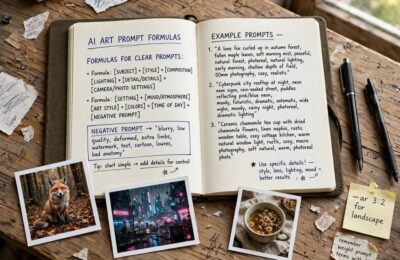
Day 2: Learn the anatomy of a prompt. Subject, style, details, composition — four ingredients. Rewrite yesterday’s best prompt with all four explicit and compare.
Day 3: Try a second tool. Generate the same prompt in two different generators. The differences teach you more about each tool’s character than any review.
Day 4: Iterate deliberately. Pick one image you like and make five variations, changing one thing each time. This is the core skill of AI art: directed iteration.
Day 5: Learn one advanced feature. Aspect ratios, negative prompts, style references — pick the one your tool offers and actually use it.
Day 6-7: Make something real. A wallpaper, a birthday card, a blog header, a D&D character portrait. A real artifact with a real purpose. This is when it stops being a toy.
After that week, you’ll know whether you’re a casual dabbler (stay with the easy tools) or a budding enthusiast (time for Midjourney or Stable Diffusion depth). Either answer is correct.
Frequently Asked Questions
For absolute beginners, ChatGPT’s DALL-E image generation or Microsoft Image Creator — both free, no setup, plain-English prompts. Adobe Firefly and Leonardo.ai are excellent next steps with more control and friendly interfaces.
Yes. Microsoft Image Creator, Adobe Firefly (free tier), Leonardo.ai (free daily tokens), and ChatGPT’s image generation all offer free entry points. Stable Diffusion can be run free on your own computer if you have a capable GPU.
Midjourney produces the best-looking images but has the steepest learning curve — Discord-based, parameter-driven, paid-only. It’s ideal as a second tool once you’re comfortable, rather than a first tool.
DALL-E via ChatGPT is the easiest: you describe what you want conversationally with no syntax to learn. Microsoft Image Creator and Adobe Firefly are close behind with simple web interfaces.
Yes, through hosted web interfaces built on Stable Diffusion — no technical skill needed. Running it locally on your own computer is a separate, more technical path best saved for after you’re comfortable with the basics.