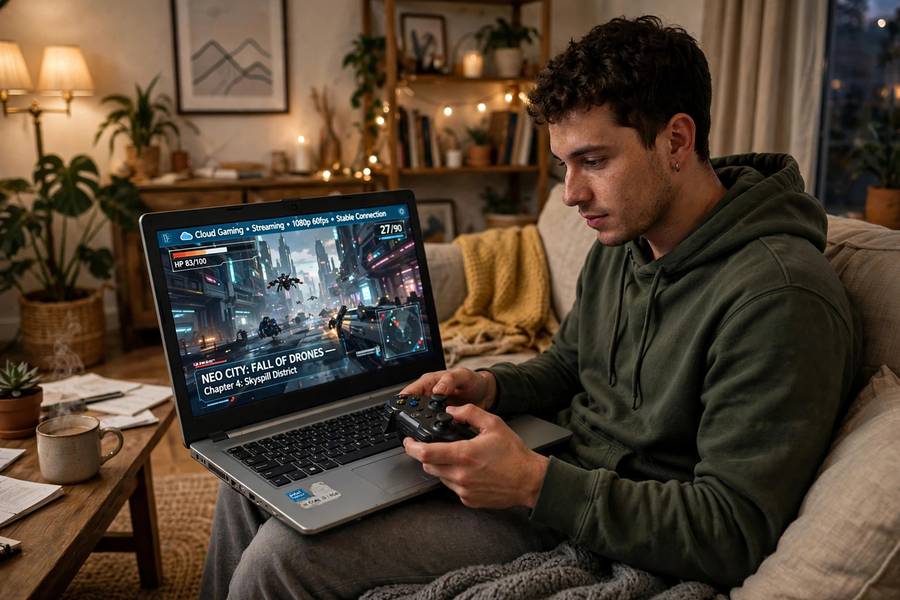
Imagine playing the latest blockbuster game — the kind that normally needs a $1,500 console or PC — on your five-year-old laptop. Or your phone. Or a cheap streaming stick. That’s the promise of cloud gaming, and unlike a lot of tech promises, this one basically works. With caveats.
I test gadgets for a living, which means I’ve run cloud gaming through its paces on good internet, bad internet, and hotel WiFi (don’t). Here’s how the technology actually works, what it demands from your connection, and my honest answer to whether it’s worth your money.
Table of Contents
- The Short Answer
- The Core Idea: Netflix, But for Games
- How It Works, Step by Step
- Why Latency Is Everything
- What Internet Speed Do You Actually Need
- The Main Services Right Now
- Where It Shines
- Where It Struggles
- Is It Worth Your Money? My Take
- Frequently Asked Questions
The Short Answer
Cloud gaming runs the game on powerful servers in a data center instead of on your device. Your controller inputs travel to the server, the server renders the game, and the video streams back to your screen — all in milliseconds. Your device is basically a dumb terminal showing a video you can control. It works well with fast, stable internet and struggles without it.
The Core Idea: Netflix, But for Games
You already understand the model — it’s streaming video. When you watch Netflix, a server sends you video; you watch passively. Cloud gaming does the same thing, except the video is interactive: your button presses travel upstream, change what’s happening in the game, and the new video comes back downstream.
If you would rather watch than play, Twitch is where most gamers broadcast their sessions live.
The technical term is “remote rendering,” but the Netflix analogy captures it: the heavy computing happens elsewhere; you just need a screen, a controller, and a good connection.
This flips the traditional gaming economics. Normally, you buy expensive hardware once and cheap games forever. Cloud gaming flips it: cheap (or no) hardware, but you pay a subscription for access to the remote hardware. Whether that trade is good for you depends on how you play — more on that below.
How It Works, Step by Step
Here’s the full loop, which repeats 30-60 times per second:
-
You press a button. Your controller input (jump, turn, shoot) gets packaged into data.
-
Input travels to the server. That data zips over the internet to a data center — ideally one geographically near you. This is the upstream journey.
-
The server runs the game. A powerful GPU in the data center — much beefier than anything in your laptop — renders the next frame based on your input. The game itself runs here, in full.
-
The frame gets encoded as video. The rendered frame is compressed using video codecs (similar to what Netflix uses) so it can travel fast.
-
Video streams back to you. The compressed frame travels downstream to your device, which decodes and displays it. This is the downstream journey.
-
Repeat. Your next input is already on its way.
The entire round trip — press to pixels — needs to happen in under ~100 milliseconds to feel responsive, and under ~50ms to feel great. Every millisecond of network delay is latency you feel in the controls.
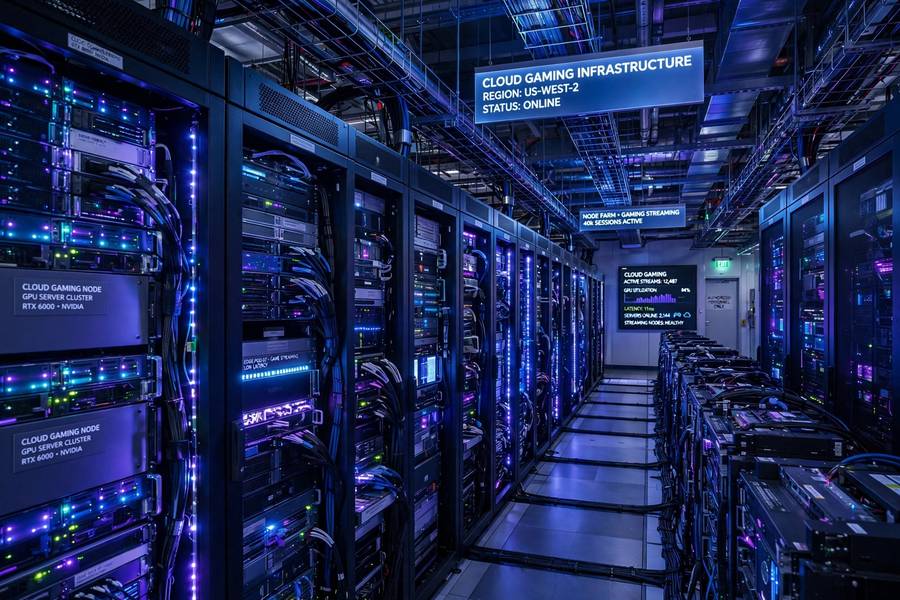
The data centers doing this work are marvels — warehouse-scale GPU farms purpose-built for real-time rendering.
Why Latency Is Everything
For video streaming, latency doesn’t matter — Netflix can buffer 30 seconds ahead and you’d never know. For gaming, latency is the thing, because the loop is interactive.
Think of it this way: in a single-player story game, 80ms of delay feels like slightly heavy controls — noticeable but playable. In a competitive shooter, 80ms is the difference between your shot registering and being dead before you clicked. The same technology, completely different experience, depending on the game.
What affects latency:
– Distance to server. Light takes time to travel; data centers farther away mean more delay. This is physics, not fixable with better code.
– Your connection type. Fiber is best, cable is fine, WiFi adds a few ms, and hotel/public WiFi is chaos.
– Network congestion. Evening peak hours, shared connections, someone streaming 4K in the next room — all add delay and jitter (inconsistent delay, which feels worse than consistent delay).
– Encoding/decoding. Compressing and decompressing video takes milliseconds. Better hardware decodes faster.
The latency budget (rough): input processing (5ms) + upstream travel (10-30ms) + server render (16ms at 60fps) + encode (5-10ms) + downstream travel (10-30ms) + decode and display (10-20ms) = 56-116ms total. Every link in this chain matters.

What Internet Speed Do You Actually Need
The honest numbers, based on my testing:
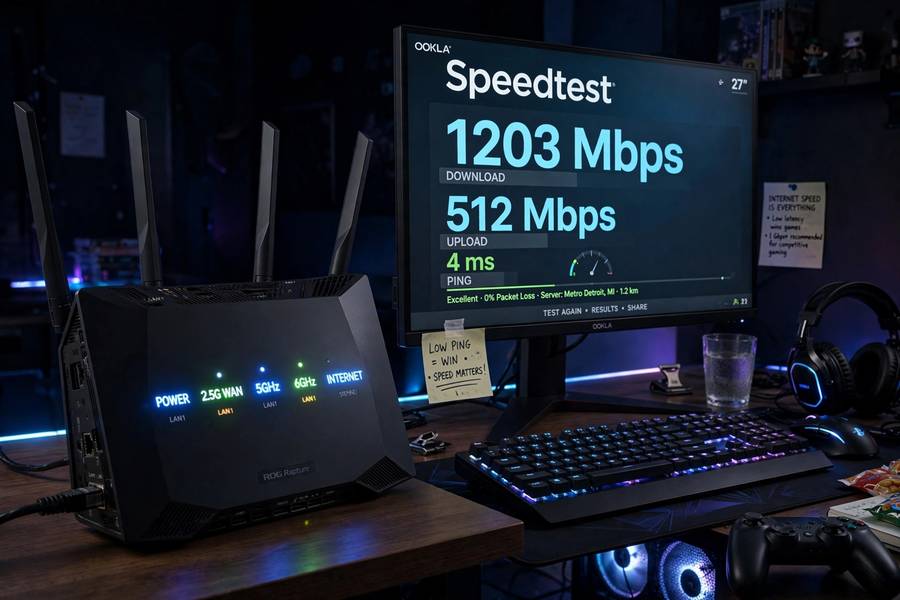
Minimum viable: 25-35 Mbps down, stable. This gets you 1080p at 60fps on most services. Below this, expect compression artifacts (blocky video in fast scenes) and stutters.
Comfortable: 50+ Mbps down. Handles 1080p well and gives headroom for household congestion.
4K gaming: 75-100+ Mbps. Some services offer 4K streams; they need serious bandwidth.
But speed isn’t the real requirement — stability is. A consistent 35 Mbps beats a spiky 200 Mbps. What kills cloud gaming: packet loss, jitter, and dropouts. A wired Ethernet connection (or good WiFi setup) matters more than raw speed.
Data caps warning: Cloud gaming eats 10-20 GB per hour at high settings. If your ISP caps data at 1TB/month, heavy cloud gaming can blow through it. Do the math before committing.
The Main Services Right Now
The landscape shifts, but the models are:
Subscription libraries. Pay monthly, get access to a rotating catalog of games you can stream. The Netflix model applied to games. Best if you play a variety and don’t need to own.
Buy-and-stream. Buy the game once, stream it to any device. You own the license; the cloud is just delivery. Best if you have a library already.
Free tiers. Limited hours or resolution, but genuinely usable. Great for trying before subscribing.
Publisher-specific. Some big publishers run their own cloud offerings tied to their ecosystems.
I won’t crown a winner — this space changes fast, and the “best” depends on what games you play and what devices you own. But the trend is clear: every major player is investing here.
Where It Shines
No hardware treadmill. The $500-every-few-years console cycle? Gone. A $50 streaming stick plays the same games as a $2,000 PC (with caveats below).
Play anywhere. Start on your TV, continue on your phone on the train, finish on your laptop. Your saves live in the cloud. This is genuinely magical when it works.
Instant access. No 100GB downloads, no installs, no patches (the server handles all that). Click and play in seconds. As someone who’s waited through too many “update required” screens, this is underrated.
Trying games is frictionless. The demo problem disappears — trying a game costs nothing but a few minutes. Discovery gets much better.
Lower entry cost. For casual or curious players, $15/month beats $500 upfront. The math favors dabblers.
Where It Struggles
Competitive and twitch gaming. Fighting games, competitive shooters, rhythm games — anything where milliseconds decide outcomes. Local hardware still wins, and will for a long time.
Visual quality. Compressed video can’t match native rendering. In fast, dark, or detailed scenes you’ll see artifacts. It’s good — it’s not as good.
Internet dependence. No connection, no games. Your library is a subscription to access, not ownership. Service shuts down? Your games go with it.
Input feel. Even at low latency, there’s a subtle “floatiness” compared to local play. Most people adapt; sensitive players notice forever.
Data usage. As noted: 10-20 GB/hour. Caps and slow connections are real constraints for millions of households.
Is It Worth Your Money? My Take
Here’s my honest breakdown by player type:
Worth it if: You play casually or moderately, you value convenience over peak fidelity, your internet is solid (50+ Mbps stable), you like trying many games, or you can’t justify console/PC costs.
Not worth it if: You’re competitive, you’re a visual fidelity obsessive, your internet is shaky or capped, or you mostly play one or two games (just buy the hardware).
The hybrid answer (what I actually do): Cloud for trying, traveling, and casual play; local hardware for the games I love most. The technologies aren’t enemies — they’re different tools. And if you’re beaming games onto the living-room wall, how a projector works will help you pick the right big screen for it.
My question is always the same one: is this worth your money? For cloud gaming, the answer is genuinely “it depends” — but now you know exactly what it depends on.
Frequently Asked Questions
Cloud gaming runs games on powerful servers in data centers instead of your device. Your controller inputs travel to the server, the server renders the game, and the video streams back to your screen — repeating 30-60 times per second. Your device just displays an interactive video stream.
Minimum viable is 25-35 Mbps for 1080p; 50+ Mbps is comfortable; 4K needs 75-100+ Mbps. But stability matters more than speed — consistent 35 Mbps beats spiky 200 Mbps. Use wired Ethernet or good WiFi, and watch data caps: cloud gaming uses 10-20 GB per hour.
Total latency (button press to screen update) typically runs 50-120ms depending on your distance to servers and connection quality. That’s fine for story games, RPGs, and casual play, but noticeable in competitive shooters, fighting games, and rhythm games where milliseconds matter.
Worth it for casual/moderate players with solid internet who value convenience and low upfront cost. Not worth it for competitive players, visual fidelity obsessives, or those with shaky/capped internet. Many players hybridize: cloud for trying and traveling, local hardware for favorite games.
It depends on the model. Subscription-library services give access, not ownership — stop paying, lose access. Buy-and-stream models let you purchase licenses you keep (but still need the streaming service to play them). Either way, you’re more dependent on the service continuing to exist than with local hardware.
Yes — that’s one of its biggest strengths. Any device with a screen, a controller (or touch controls), and a good connection can play: phones, tablets, basic laptops, smart TVs, streaming sticks. Performance depends on your connection, not your device.