How to Find Broken Links on a Website (Free Methods)


A few months ago I clicked a link in one of my own old posts and landed on a 404 page. Then I clicked another. Also dead. Then, with the particular dread that only bloggers know, I realized I had no idea how many more were rotting quietly across hundreds of articles. That sent me down a rabbit hole — the kind I usually write about — and I emerged with a complete system. So here is how to find broken links on a website using free methods first, the paid options worth knowing about, and the fixing workflow that keeps your site healthy afterward.
Why does this matter? Three reasons, in ascending order of pain. First, user experience: nothing erodes trust like a link that goes nowhere, especially when a reader was excited enough to click. Second, SEO: search engines notice when your site is full of dead ends, and while a few broken links will not tank you, a pattern of neglect sends a quality signal you do not want. Third, opportunity: every broken link is either a fix, a redirect, or a chance to link to something better. Dead links are not just maintenance — they are an editorial audit wearing a disguise.
How to Find Broken Links on a Website: The Free Methods First
You do not need to pay for software to find broken links. Start with what is already free, and only spend money if your site is large enough to justify it.
Google Search Console is the first stop, and it is free. In the Pages report, look for URLs returning errors — Google literally tells you which of your pages it could not crawl properly. It will not hand you a neat list of every broken outbound link, but it flags the crawl errors on your own pages, which is the highest-priority category. If you run a site and have not set up Search Console, stop reading and go do that. I will wait.
Screaming Frog SEO Spider (free version) crawls up to 500 URLs and reports every link it finds, including response codes. Run a crawl, sort by status code, and look at the 404s and other errors. For small to medium blogs, the free tier is genuinely sufficient. The interface looks intimidating — it is a wall of data — but you only need one column: the status codes. Filter, export, done.
WordPress plugins like Broken Link Checker automate the whole thing: they scan your content in the background and list broken links in your dashboard. The tradeoff is performance — constant checking consumes server resources, which is why some hosts discourage always-on checkers. My take: run a plugin scan periodically, fix what it finds, then deactivate it until next quarter. You get the automation without the permanent overhead.
Browser extensions and manual spot-checks fill the gaps. Extensions that check all links on the current page are perfect for auditing your most important posts — the ones that get the most traffic. And honestly, for a small site, opening your top twenty posts and clicking the links is a legitimate strategy. It is slow, but you will also notice outdated content, stale references, and opportunities to improve while you are in there. Maintenance with benefits.
The Paid and Power-User Options
If your site has thousands of pages, free tools start to creak. Ahrefs Site Audit and Semrush Site Audit both flag broken links as part of broader technical audits, with the advantage of historical tracking — you can see when a link broke, not just that it is broken. These are paid platforms, so the question is whether you are already paying for one for other SEO work. If you are, the broken-link report is a free bonus. If you are not, do not subscribe just for this.
Dedicated link checkers like Dr. Link Check or the W3C Link Checker handle the job without a full SEO suite. They are cheaper, simpler, and perfectly adequate if broken links are all you care about. For very large sites, command-line tools like linkcheckers you run locally can crawl tens of thousands of URLs without subscription limits — more setup, more power.
One honest note about scale: the bigger the site, the more broken links are a process problem rather than a tool problem. The tool finds them in an afternoon. The process — who fixes them, how fast, with what priority — is what determines whether your site stays clean. Buy the process first. The tool is the easy part.
What Counts as “Broken” (It’s More Than 404s)
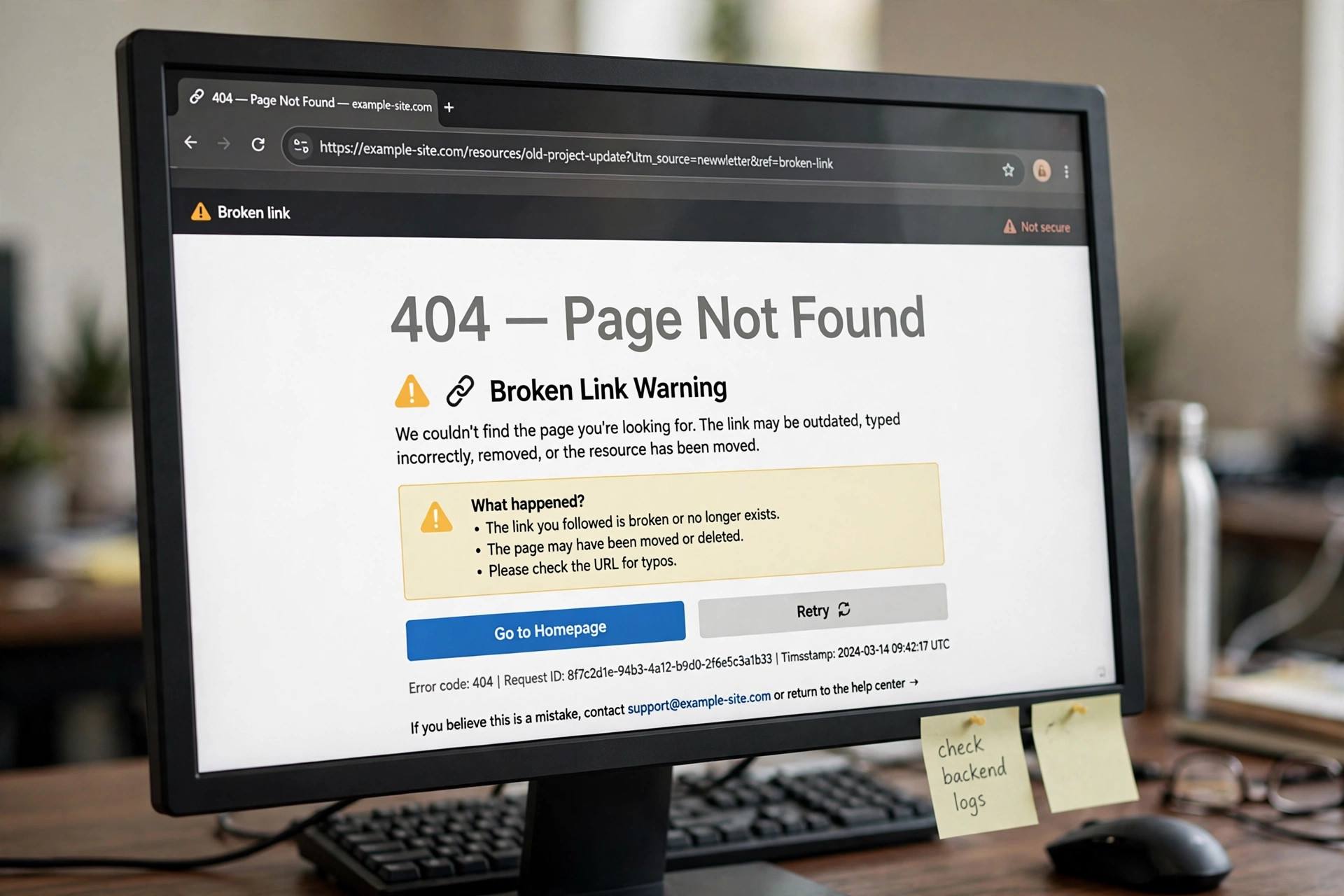
Most people think broken link equals 404 page. That is the most common case, but the full taxonomy is worth knowing because different failures need different fixes.
404 Not Found is the classic: the page is gone. The server is fine; the specific URL does not exist. This is what you will find most of.
Server errors (5xx) mean the destination site is having problems. These are often temporary — the site might be down for maintenance or overwhelmed. Before you “fix” a 5xx link, check it again in a day or two. Deleting a link to a site that was briefly down is a false positive you will regret.
Timeouts and DNS failures suggest the destination domain is dead or unreachable. If the whole domain is gone, every link to it is broken, and you are looking at a bulk fix rather than individual repairs.
Redirect chains and soft 404s are the sneaky ones. A link that redirects three times before landing, or a page that returns a 200 status but shows “not found” content, is technically working and practically broken. Good crawlers flag redirect chains; soft 404s you mostly catch by actually looking. This is another argument for spot-checking important pages by hand.
The Fixing Workflow: What to Do With Each Broken Link
Finding broken links is the easy half. Here is the decision tree for fixing them, in priority order.
1. Can you find the new URL? Sites reorganize; pages move. Search the destination site for the content — it often still exists at a new address. Update your link to the new URL. This is the best outcome: the reader still gets what you promised them.
2. Is there an archived version worth linking? For references where the original is gone but the content matters — a study, a statistic, a historical page — the Wayback Machine often has a snapshot. Linking to an archived version preserves your citation’s integrity. Use this for reference links, not for links where the reader needs a live, current page.
3. Can you replace it with something better? Sometimes the dead link was mediocre anyway. This is your chance to link to a superior, current resource. I have replaced dead links with better ones enough times that I now consider broken-link audits a content upgrade opportunity, not just maintenance.
4. Should you remove it? If the link added little value — a passing mention, a redundant source — delete it and smooth the sentence. Not every link deserves resurrection. Be ruthless about links that were filler.
5. For your own broken internal links: redirect. If the broken link points to your own site — a post you deleted or moved — set up a 301 redirect from the old URL to the relevant current page. This preserves any link equity and fixes the problem for everyone who linked to the old URL, not just your internal links.
Work through your list in order of page importance: fix links on your highest-traffic posts first, then work down. A broken link on a post that gets ten thousand visits a month matters a hundred times more than one on a post nobody reads. Triage like it matters, because it does.
Preventing Broken Links: Build the Habit
The goal is not a one-time cleanup — it is a site that stays clean. A few habits get you there. Link to stable sources when you have a choice: established publications, official documentation, and pages with permanent URLs outlast personal blogs and campaign microsites. Every link is a bet on that page’s future; bet on the horses most likely to still be running in five years.
Audit quarterly. Put a recurring reminder on your calendar: every three months, run your link checker of choice and work the list. Quarterly is frequent enough to catch rot early and infrequent enough that it does not become a burden. I do mine with a coffee on a slow morning, and it has become almost pleasant. Almost.
Watch your own URL changes. Most internal broken links are self-inflicted: you change a slug, delete a post, restructure categories, and forget the links pointing at the old addresses. Make “check internal links” part of your publishing checklist whenever you move or delete content. Future you says thanks.
Be careful with affiliate and campaign links. These break constantly — programs end, URLs change, merchants vanish. If you monetize with affiliate links, a link checker is not optional; it is revenue protection. A dead affiliate link is money evaporating silently.
If you are building the site these links live on, by the way, getting the foundations right matters as much as the maintenance. My walkthrough of how to start a blog covers the setup decisions that make later maintenance easier — and if the site is for a business, these local SEO tips pair well with a clean link profile.

Frequently Asked Questions
How often should I check for broken links?
Quarterly is the sweet spot for most blogs and small business sites. Large sites or sites with heavy affiliate linking benefit from monthly checks. The key is making it recurring — a single cleanup without a schedule just means you will be doing another emergency cleanup in a year.
Do broken links hurt SEO?
A few broken links will not meaningfully harm your rankings, but a pattern of many broken links signals poor site maintenance to search engines, and broken internal links waste crawl budget and disrupt the flow of authority through your site. User experience is the bigger concern: readers who hit dead ends stop trusting your content.
What is the best free broken link checker?
For most small sites: Google Search Console for your own crawl errors, plus the free version of Screaming Frog (up to 500 URLs) for a full link audit. WordPress users can also use Broken Link Checker periodically. Start free; pay only when your site outgrows the free tiers.
Should I delete or redirect a broken internal link?
Redirect, whenever a relevant current page exists — a 301 redirect from the old URL preserves link equity and fixes the problem for external sites linking to you as well. Only delete the link (or the reference) when no relevant replacement page exists and the mention no longer serves the reader.
Can broken links on other sites help me?
Yes — this is the “broken link building” tactic. Find dead links on relevant sites in your niche, create or identify content that replaces what the dead link pointed to, and suggest it to the site owner. It works because you are solving their problem, not just asking for a favor. It is slow, manual, and genuinely effective.