What Is a Blog Editorial Calendar? A Practical Setup for Real Bloggers

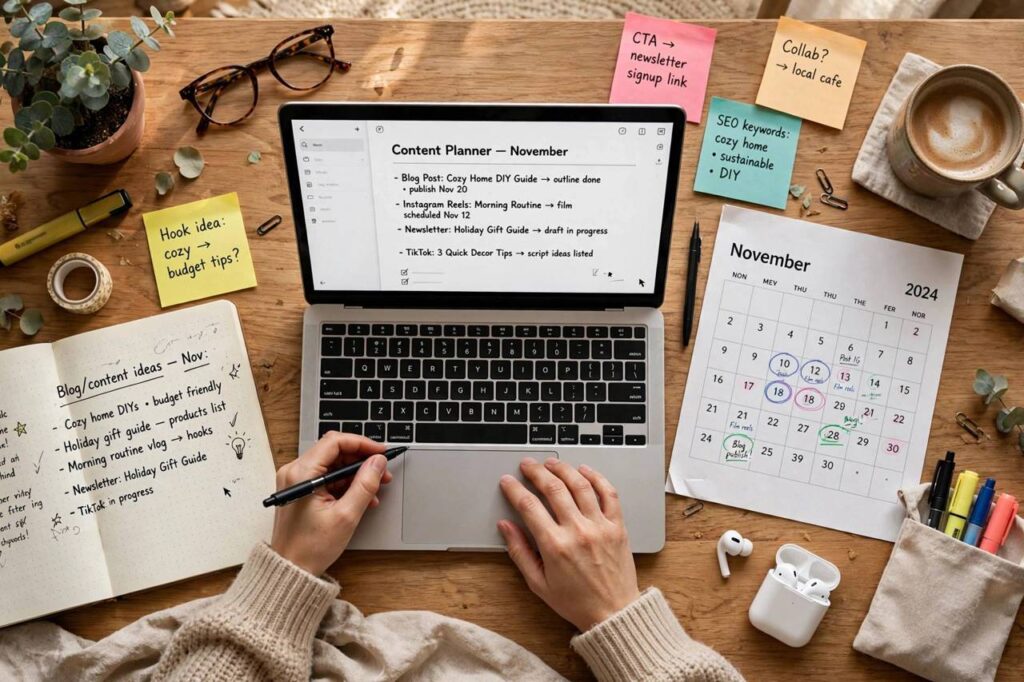
When I first heard the phrase “editorial calendar,” I pictured a newsroom wall covered in color-coded sticky notes and assumed it was not for people like me — a solo blogger writing between work and dinner. I was wrong about the sticky notes but right to be suspicious of the corporate version. So what is a blog editorial calendar, really? It is just a simple plan of what you will publish and when. Nothing more. And it is the difference between blogging consistently and blogging whenever panic strikes.
This is the practical setup I wish someone had given me: a free Google Sheets template structure, the only columns you actually need, and a weekly rhythm that survives real life. No agency content-marketing speak, no 47-column spreadsheets. Just a system that keeps you publishing.
What a Blog Editorial Calendar Actually Is (and Isn’t)
An editorial calendar is a schedule for your content: topics, dates, and status, visible in one place. That is the whole definition. It is not a marketing strategy document. It is not a project management certification. It is a list with dates.
What it does for you: it ends the “what should I write about?” paralysis that kills more blogs than anything else. When you sit down to write and the topic is already decided, you write. When you sit down and have to choose a topic, research it, outline it, and write it in one session, you do not — you scroll your phone instead. The calendar separates deciding from doing, and that separation is everything.
It also reveals patterns. After two months with a calendar, you will see that you have written four dessert posts and zero dinners, or that you always skip the second weekly post. The calendar is a mirror — slightly uncomfortable, extremely useful.
The Only Columns You Need
Every editorial calendar template on the internet has too many columns. Here is the minimal set that actually gets used:
- Publish date: the date the post goes live. This is the commitment device — the whole point.
- Working title / topic: what the post is about. It can change; the date should not.
- Keyword: the search phrase the post targets (one per post — see our SEO basics if this is new).
- Status: idea → outlined → drafted → edited → scheduled → published. Five stages, no more.
- Category: which section of your blog it belongs to. This is how you spot the “four desserts, zero dinners” problem.
- Notes: anything future-you needs to remember — “needs photos,” “update the statistics section,” “link to the flour guide.”
That is six columns. You can add more later if you want (author, promotion checklist, affiliate links), but start with six. A calendar you actually open beats a comprehensive one you abandon by February.
Setting It Up in Google Sheets (Free, 15 Minutes)
You do not need special software. Here is the setup:
- Create a new Google Sheet. Name it “[Your Blog] Content Calendar.”
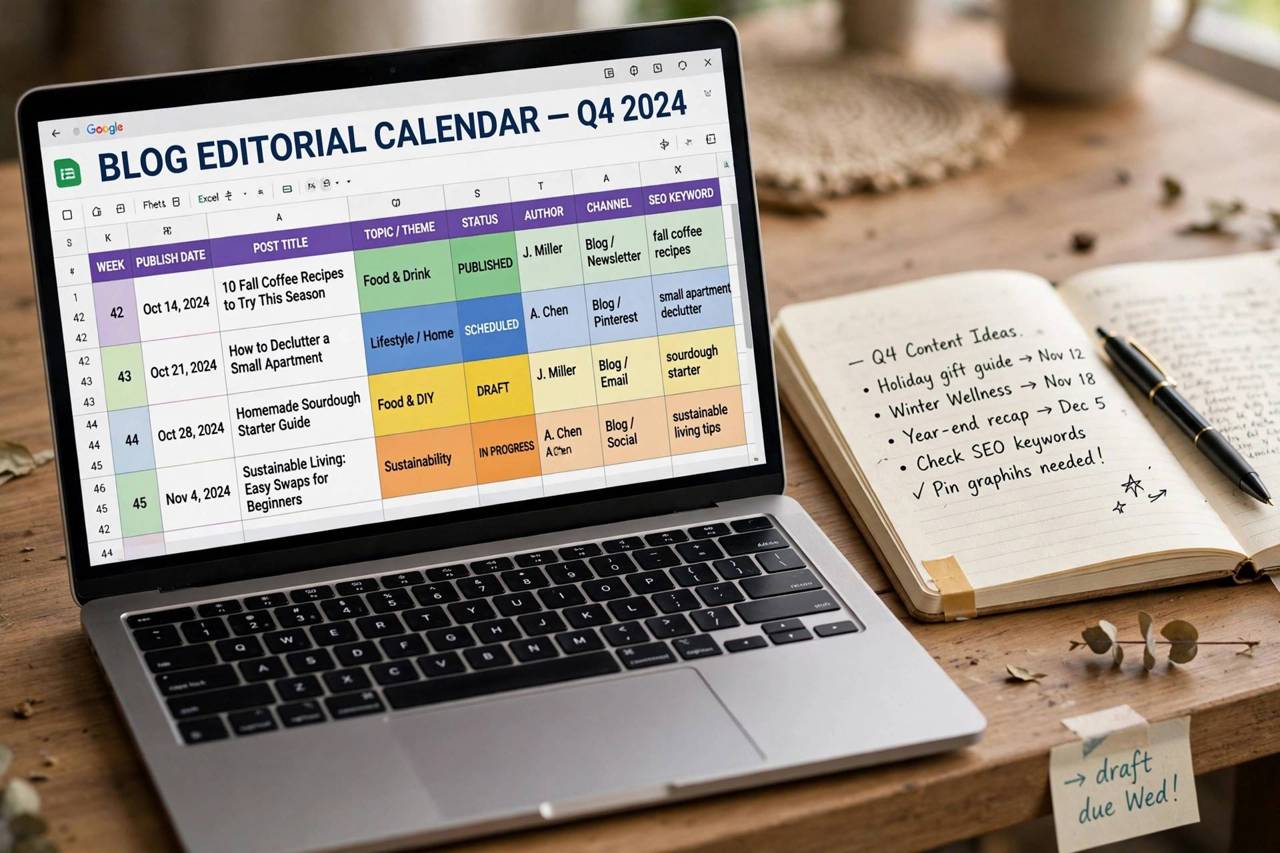
- Row 1: your six column headers. Freeze that row (View → Freeze → 1 row) so it stays visible.
- Fill in publish dates for the next 8–12 weeks in the first column — one row per planned post.
- Add data validation to the Status column (Data → Data validation → dropdown list) with your five stages. Clicking a dropdown beats typing every time.
- Use conditional formatting to color-code statuses — green for published, yellow for drafted, red for overdue. Visual progress is motivating in a way rows of text are not.
- Add a second tab called “Ideas Bank” — a running list of future topics with no dates. When a calendar slot is empty, pull from the bank instead of brainstorming under pressure.
The Ideas Bank is the secret weapon. Every blogger gets ideas at inconvenient moments — in the shower, on a walk, mid-conversation. Capture them in the bank immediately (the Sheets phone app works fine). Future-you, staring at an empty calendar slot, will be grateful.
A Weekly Cadence That Survives Real Life
The biggest editorial calendar mistake is planning like you have no job, no kids, and no bad weeks. Plan for your real life:
- One post per week is a completely respectable pace. The internet will tell you to publish daily. The internet is wrong for 95% of bloggers. One excellent post weekly, sustained for a year, beats a frantic month of daily posts followed by burnout.
- Batch your stages. Do not write a post start-to-finish in one sitting. Outline three posts on Sunday, draft one on Tuesday, edit on Thursday. Batching the same type of work is dramatically more efficient than context-switching.
- Keep a buffer. Aim to have 2–3 finished posts scheduled ahead. The buffer is what saves your consistency when life happens — illness, travel, a week where writing feels impossible. Publish from the buffer, rebuild it when you can.
- Plan seasonally, quarterly. Once a quarter, spend an hour mapping the next three months: seasonal topics (holiday content needs to publish 6–8 weeks early to rank), series ideas, and any gaps in your categories. Quarterly planning plus weekly execution is the rhythm that works.
- Schedule a monthly review. Fifteen minutes, once a month: what published, what slipped, what performed. Adjust next month’s plan based on reality, not guilt.
Common Ways Bloggers Break Their Calendars
I have broken mine in every conceivable way, so learn from my mistakes:
- Planning too far ahead in detail. Twelve weeks of dates with topics is great; twelve weeks of fully outlined posts is fantasy. Keep distant weeks as rough topics and firm up the details 2–3 weeks out.
- No buffer, no mercy. A calendar with zero slack shatters at the first disruption — and then stays shattered, because restarting feels overwhelming. The buffer is not laziness; it is engineering.
- Treating the calendar as a wish list. If you keep moving the same post’s date forward week after week, the topic is wrong — too big, too boring, or too hard. Either shrink it, swap it, or delete it. A calendar full of guilt is worse than no calendar.
- Planning content but not promotion. Add a simple promotion checklist to your Notes column: share on your channels, email your list, add internal links from older posts. Publishing without promotion is whispering into a void.
If you are just getting started with the blog itself, our how to start a blog guide covers the foundation — then this calendar keeps the content flowing once you are live.
What Is a Blog Editorial Calendar Made Of? A Filled Example
Theory is nice; a filled example is better. Here is what four weeks of a real food blogger’s editorial calendar looks like — one post per week, seasonal awareness, category balance:
| Publish date | Working title | Keyword | Status | Category | Notes |
|---|---|---|---|---|---|
| Oct 20 | 15-Minute Creamy Tuscan Pasta | creamy tuscan pasta recipe | Published | Weeknight dinners | Photos done; link to garlic bread post |
| Oct 27 | How to Store Fresh Herbs (So They Last Weeks) | how to store fresh herbs | Drafted | Kitchen tips | Needs herb photos; shoot Tuesday |
| Nov 3 | Make-Ahead Thanksgiving Sides: 12 Recipes | make ahead thanksgiving sides | Outlined | Holidays | Publish 3 weeks before Thanksgiving for ranking |
| Nov 10 | One-Pot Chicken and Rice (Reader Favorite Remake) | one pot chicken and rice | Idea | Weeknight dinners | Update old 2019 post instead of new? Decide by Nov 1 |
Notice what this example demonstrates. Seasonal timing: the Thanksgiving post is scheduled three weeks early, because holiday content needs ranking lead time — publishing it the week of Thanksgiving is publishing it too late. Category balance: dinners, tips, holidays, dinners — no accidental month of desserts. Status honesty: “Idea” is a legitimate status; the calendar tracks intentions, not just finished work. Notes that help: each note tells future-you something actionable, not something vague.
Also notice the last row’s note: “Update old 2019 post instead of new?” Experienced bloggers put content refreshes on the calendar alongside new posts. Updating a decaying old post often delivers more traffic than writing a new one — it already has age, links, and ranking history. A mature editorial calendar is maybe 70% new content, 30% updates. Beginners can ignore this until month six, then add one refresh per month.
Steal this structure outright. Copy the six columns, fill eight weeks, keep an Ideas Bank tab. Your first calendar will be imperfect — topics will shift, dates will slide, and that is fine. The calendar’s job is not to predict the future perfectly; it is to make sure that when you sit down to work, the decision is already made. A filled example beats a perfect template every time.
Frequently Asked Questions
How far ahead should I plan my blog content?
Plan topics 8–12 weeks out, firm details 2–3 weeks out. Further than a quarter, and your interests, analytics, and seasonal needs will have shifted enough to make the plan fiction. The calendar is a living document, not a contract.
What is the best free editorial calendar tool?
Google Sheets, honestly. It is free, collaborative if you ever add contributors, accessible on your phone, and endlessly customizable. Notion and Trello work too if you already live in them — the best tool is the one you will actually open. Avoid paying for content-calendar software until you have a team.
How many posts per week should a new blogger publish?
One per week, consistently. Search engines and readers both reward consistency over volume. Two per week is great if you can sustain it without quality dropping. Daily publishing is a burnout machine for solo bloggers — the graveyard of abandoned blogs is full of people who started at five posts a week.
Should I plan seasonal content differently?
Yes — publish seasonal content 6–8 weeks before the season. Google needs time to discover and rank it, and readers start searching early (holiday searches begin in October, not December). Mark these dates on your calendar first each quarter, then fill around them.
What do I do when I fall behind on my calendar?
First: do not try to “catch up” by doubling output — that is how breaks become permanent. Just resume the normal schedule from today; move missed topics to the Ideas Bank for later. A calendar is a tool for consistency, not a source of guilt. The bloggers who last are the ones who restart gently.
The Calendar Is the Blog
Here is my slightly dramatic conclusion: the editorial calendar is not a blogging accessory — for most bloggers, it is the difference between a blog and a collection of drafts. Ideas are cheap, motivation is unreliable, but a simple sheet with dates and topics quietly does the heavy lifting. So what is a blog editorial calendar? It is future-you, being kind to present-you. Set it up this weekend — fifteen minutes — and thank yourself in three months.