What Is Two-Factor Authentication? A Simple Guide

Your password has a secret: it is probably not enough. Data breaches leak billions of credentials every year, and a password alone, no matter how clever, is a single point of failure. what is two-factor authentication? It is a security method that requires two different forms of proof to log in: something you know (your password) plus something you have (like your phone) or something you are (like your fingerprint).
I set up two-factor on every account that offers it years ago, after watching a friend lose access to an email account she had used for a decade. The recovery took weeks. The setup that would have prevented it takes about two minutes per account. This guide covers what it is, how it works, and which method to choose.
What Is Two-Factor Authentication? How It Works
Authentication factors come in three flavors: something you know (password, PIN), something you have (phone, security key), and something you are (fingerprint, face). Single-factor login uses one. Two-factor combines two different categories, so stealing one is not enough.
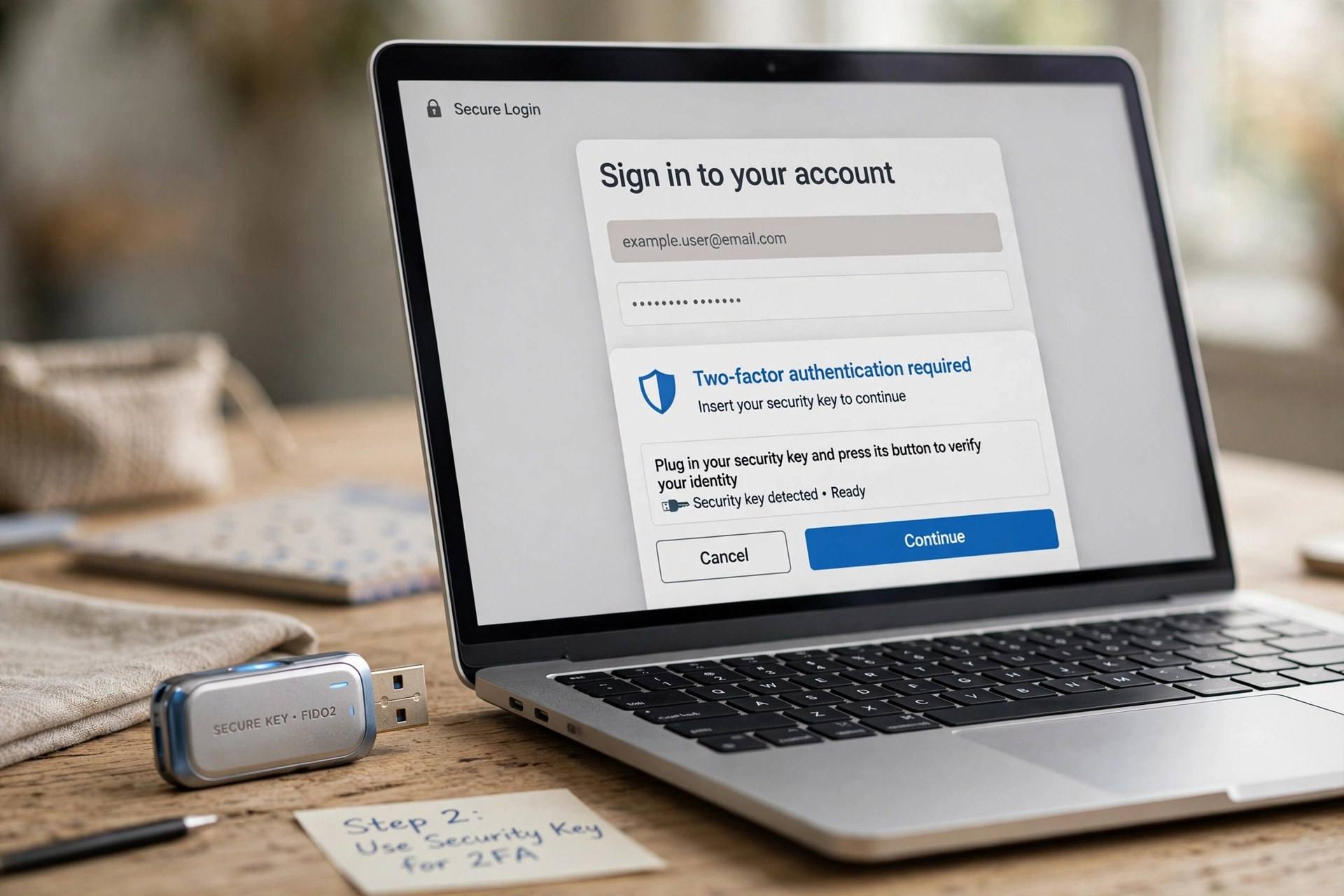
The typical flow: you enter your password, then the service asks for a second proof. That might be a six-digit code from an app, a text message, a tap on a prompt sent to your phone, or touching a physical security key. Only after both checks pass are you logged in.
The security gain is enormous. An attacker who phishes your password still cannot get in without your second factor. Most account takeovers rely on stolen passwords alone, which is exactly the attack two-factor defeats. It is the single highest-value security step an ordinary person can take.
The Main Methods, Ranked
Security keys (best). Small physical devices you plug in or tap. They use cryptographic proof that cannot be phished, because the key verifies the real site before responding. If a service supports them, this is the gold standard.
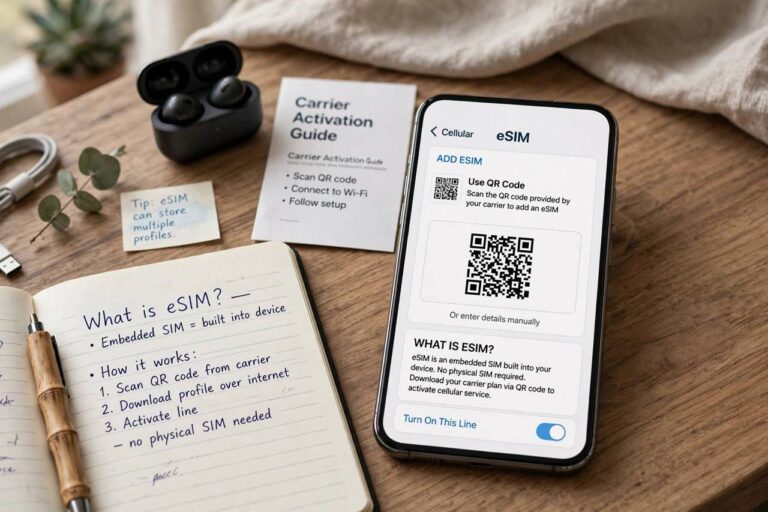
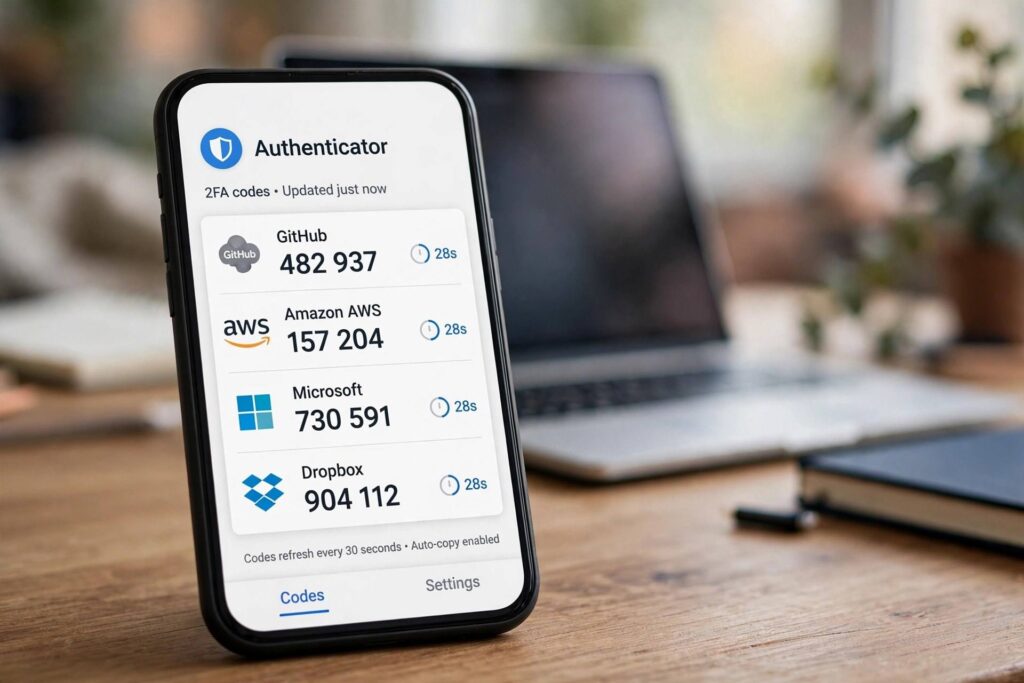
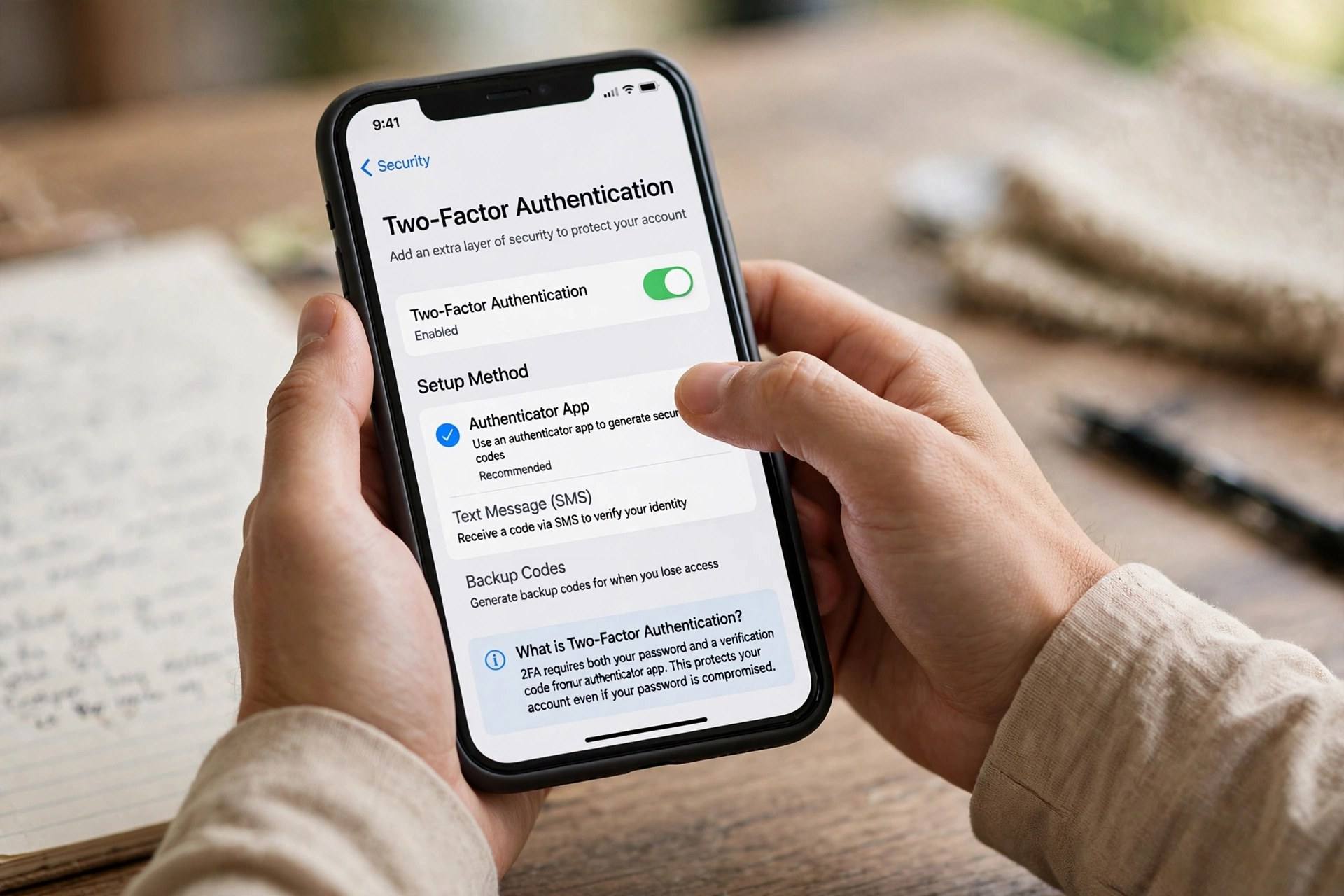
Authenticator apps (excellent). Apps like Google Authenticator, Authy, or Microsoft Authenticator generate time-based codes that change every 30 seconds. They work offline, cannot be intercepted like texts, and take seconds to set up by scanning a QR code.
Push prompts (very good). Your phone asks “are you trying to sign in?” and you tap approve. Convenient and resistant to most interception, though attackers can spam prompts hoping you tap approve by mistake. Never approve a login you did not initiate.
SMS codes (better than nothing). Codes sent by text message. They protect against basic password theft, but texts can be intercepted through SIM-swapping attacks. Use this only when nothing better is offered.
The hierarchy matters less than the habit. Any second factor beats none, so start with whatever your most important accounts support.
Setting It Up Without the Headache
Start with your email account. Email is the master key to your digital life: password resets for everything else flow through it. Secure it first, then move to banking, social media, and cloud storage.
During setup, the service will show backup or recovery codes. Save these somewhere safe and offline, a password manager or a printed copy in a drawer. They are your lifeline if you lose your phone. are password managers safe is a good companion read, since a password manager plus two-factor is the core of a solid personal security setup.
If you change phones, transfer your authenticator app before wiping the old one, or use an app with encrypted cloud backup. This is the step where most people get locked out, and it is entirely avoidable with thirty seconds of planning.
Common Worries, Answered Honestly
“It is too inconvenient.” Modern two-factor usually means tapping one prompt or glancing at a code, adding maybe five seconds to a login. Trusted devices can remember you, so you only do the second step on new devices or periodically.
“What if I lose my phone?” Recovery codes, backup methods, and account recovery processes exist for exactly this. Set them up now, while you are calm and logged in, not during a crisis.
“I don’t have anything worth stealing.” You do: your email, your identity, your contacts who can be scammed in your name, and your accounts as stepping stones to others. Attackers automate this at scale; nobody is too unimportant to target.
For account-specific help, how to reset your Apple ID password walks through recovery on one of the most common locked-out scenarios.
Two-Factor vs Multi-Factor vs Passkeys
You will also see “multi-factor authentication” (MFA), which is the general term for using two or more factors; two-factor is simply MFA with exactly two. “Two-step verification” usually means the same thing in practice.
Passkeys are the emerging successor: cryptographic credentials stored on your device that replace passwords entirely, verified with your fingerprint or face. They resist phishing by design and are genuinely easier to use. Where services offer passkeys, they are worth adopting, but two-factor on a strong password remains excellent protection everywhere else.
The landscape will keep evolving, but the principle is permanent: one secret is fragile, two independent proofs are strong. Set it up today on the accounts that matter most.
What to Do If You Get Hacked Anyway
Two-factor massively reduces your risk, but no defense is perfect. If you suspect a breach, act in this order: change the password from a clean device, review active sessions and sign out unknown ones, check recovery email and phone numbers for tampering, and enable two-factor if you had not already.
Then check what the attacker touched. Review sent emails, connected apps with account access, and any financial activity. Revoke access for apps you do not recognize. If financial accounts were involved, contact the institution directly; they have fraud teams for exactly this.
Finally, figure out the entry point. Was it a phishing email? A reused password from a breached site? Malware? Closing the actual hole matters more than any single recovery step, because the same attack works twice if you let it.
Two-Factor for Families and Older Relatives
The people who need two-factor most are often the least comfortable setting it up. For parents or grandparents, choose the simplest method they will actually use: push prompts or SMS, not authenticator apps, because the best method is the one that does not get disabled in frustration.
Set it up together, in person if possible. Save the recovery codes yourself in a safe place and tell them where they are. Add yourself as a recovery contact where the service allows it. The goal is protection that survives real life, including forgotten phones and confused afternoons.
For kids, use the parental controls in their platform accounts alongside two-factor on the parent’s email, which controls password resets. Security for a family is a system, not a set of individual choices.
Where Authentication Is Heading
Passkeys are the clearest glimpse of the future: no passwords to phish, no codes to intercept, just cryptographic proof tied to your device and unlocked by your fingerprint or face. Major platforms already support them, and adoption is accelerating.
Behind the scenes, risk-based authentication is quietly improving things: services analyze login location, device, and behavior, stepping up verification only when something looks odd. You experience this as fewer interruptions, not more.
But the transition will take years, and passwords are not disappearing tomorrow. Until they do, two-factor remains the practical, available, enormously effective defense. Enable it now; upgrade to passkeys where offered; stay sensibly skeptical of anything asking for your credentials.
Two-Factor at Work: What Employers Expect
Workplace accounts are increasingly locked behind mandatory two-factor, and for good reason: a compromised employee account can expose an entire organization. If your employer requires an authenticator app or security key, treat it as non-negotiable infrastructure, not optional hassle.
Keep work and personal second factors separate where possible. Use the company’s recommended method for work accounts, and do not store work recovery codes in personal password managers if policy forbids it. When you leave a job, the offboarding process should revoke your access; confirm it happens.
Be particularly careful with phishing at work. Attackers target employees with fake login pages and MFA-fatigue attacks, spamming push approvals until someone taps yes out of annoyance. The rule is absolute: never approve a login prompt you did not just initiate yourself.
If you administer systems for others, enforce phishing-resistant methods for privileged accounts. An administrator’s credentials are the keys to the kingdom; they deserve the strongest locks available.
Frequently Asked Questions
What is two-factor authentication in simple terms?
It is a login security method requiring two proofs of identity: your password plus a second factor like a code from your phone, a fingerprint, or a physical security key.
Is two-factor authentication really necessary?
Yes. Passwords leak constantly through breaches and phishing. Two-factor blocks the vast majority of account takeover attempts and takes minutes to enable.
What is the safest two-factor method?
Physical security keys offer the strongest protection because they cannot be phished. Authenticator apps are a close second and more convenient for most people.
What happens if I lose my phone with my authenticator app?
Use the backup recovery codes you saved during setup, or go through the service’s account recovery process. This is why saving those codes matters.
Are SMS codes safe for two-factor?
They are better than no second factor, but weaker than app codes or security keys because texts can be intercepted via SIM swapping. Use them only when better options are unavailable.
Should I use two-factor on every account?
Prioritize: email first, then banking and financial accounts, then cloud storage, social media, and anything tied to payments. For low-stakes accounts like a newsletter login, it matters less, but enabling it everywhere it is offered costs little once you are set up. Think of it as a habit with compounding returns.
What is a passkey, and will it replace two-factor?
A passkey is a cryptographic credential stored on your device that replaces the password entirely; you unlock it with your fingerprint or face. Because there is no password to phish and no code to intercept, passkeys are both safer and easier than passwords plus two-factor. Adoption is growing fast, but passwords will coexist with passkeys for years, so two-factor remains essential in the meantime.
What are backup codes and where should I keep them?
Backup codes are one-time codes a service gives you during two-factor setup for emergencies, like losing your phone. Store them somewhere safe and offline: printed in a drawer, or in a password manager separate from the account they protect. Never keep your only copy on the same phone that holds your authenticator app.