The first time I set up a projector in my living room, I spent twenty minutes just staring at the wall. A lunchbox-sized box was throwing a 100-inch movie across the room, and my brain refused to accept it. Where was the picture coming from? How did something so small make something so big — and why did it look amazing at night, washed-out at noon?
I went down the rabbit hole so you don’t have to: how projectors actually work — the light, the image-making, the lens magic — plus the practical stuff I wish someone had told me before I bought one, including the big question: projector or big TV?
The One-Sentence Answer
A projector shines a very bright light through (or off) a tiny image-making chip, then uses a lens to blow that tiny image up huge onto a wall or screen. Light + miniature picture + magnifying lens = cinema in your living room. Below: the interesting details of how each part works.
Mental image: a flashlight with a stencil taped over it, shining a giant stencil shadow on the wall. A projector is that idea, perfected — except the “stencil” is a chip drawing millions of colored pixels 60 times a second, and the “flashlight” is engineered within an inch of its life.
Light First: The Lamp, the LED, the Laser
Every projector starts with light — and lots of it. The image on your wall is just reflected or transmitted light, so the light source determines brightness and vividness. Three kinds, and this is the single biggest quality (and price) divider:
Traditional lamps are the old workhorses — ultra-bright bulbs, like a car’s headlight, that blast light through the imaging chip. Cheap and very bright, but hot, noisy (cooling fans working overtime), and the bulb dims over time: 2,000–5,000 hours before replacement, and replacements aren’t cheap. Most budget and business projectors still use these.
LEDs are the modern middle ground: 20,000–30,000 hours (you’ll replace the projector first), cooler and quieter, instant full brightness. The trade-off: dimmer than lamps — fine in dark rooms, struggling against daylight. Most portable and home projectors today are LED.
Lasers are the premium option: extremely bright, instant-on, 20,000+ hours, holding brightness for years. What cinemas use — and home versions are finally getting (somewhat) affordable. If you want a projector that fights daylight and lasts a decade, this is the light source — at a price.
Lumens — the brightness unit everywhere — just means “how much light comes out.” Plain-English guide: under 1,000 lumens needs a dark room; 2,000–3,000 handles a dim living room; 3,000+ can survive some ambient light. But beware inflated specs: no-name brands love printing fantasy lumen numbers — a $90 projector claiming 9,000 got it from a marketing department, not a lab.
Then the Image: Three Ways to Make Pictures
Light alone just makes a bright blob — something has to shape it into a picture. That “something” is a tiny imaging chip, and there are three competing technologies: the alphabet soup of projector shopping:
LCD (liquid crystal display) works like a tiny old flat-panel TV: light shines through three miniature panels — one each for red, green, and blue — whose pixels open and close like microscopic shutters, letting precise amounts of colored light through. The three colors combine into a full-color image. LCD projectors are affordable and color-rich, though blacks can look slightly gray (light leaking through “closed” shutters).
Three stained-glass windows with shutters and a spotlight behind them. Elegant, effective, been around forever.
DLP (digital light processing) is the clever one. Instead of shutters: a chip covered in up to two million microscopic mirrors — each mirror one pixel, tilting toward or away from the light thousands of times per second. Toward: bright pixel; away: dark pixel. Color comes from a spinning color wheel (or colored LEDs/lasers) flashing red, green, and blue in sequence, so fast your eye blends them.
The mirror analogy I love: two million tiny bathroom mirrors, each flipping to catch the sun or dodge it, choreographed into a movie. DLP gives punchy contrast and sharp images — huge in home theater. One quirk: some people see “rainbow artifacts” — brief color fringes on bright objects — from the sequential color. Most never notice; a few are sensitive.
LCoS (liquid crystal on silicon) is the premium hybrid — liquid crystals on a reflective backing, combining LCD’s color with DLP-like contrast. Gorgeous image, high price, rarely matters for normal buyers. Mention it at parties to sound informed.
For most people, the practical choice is LCD (budget-friendly, great color) vs. DLP (better contrast, slightly more money) — both can look fantastic in the right room.
The Lens: How Tiny Becomes Huge
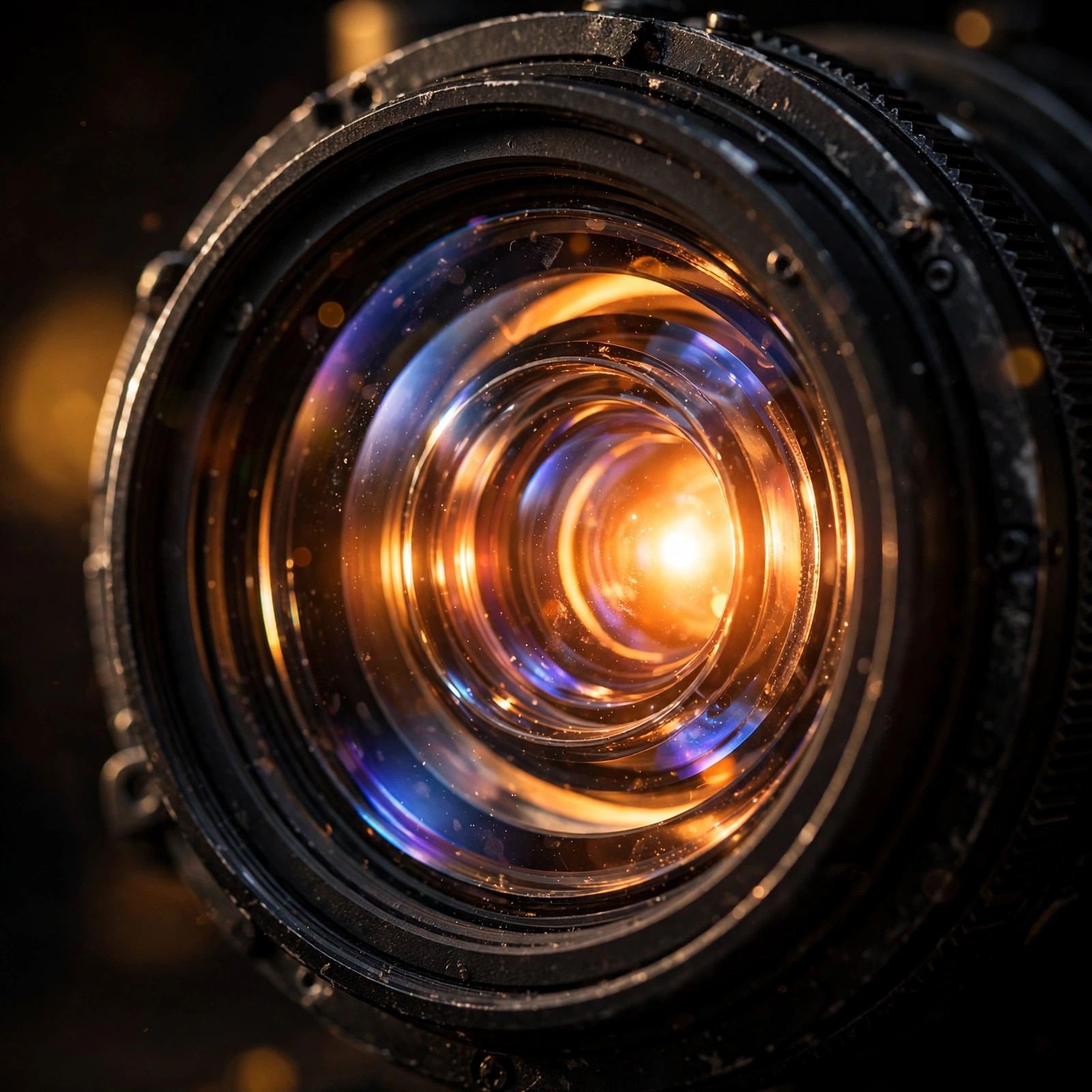
The imaging chip is postage-stamp sized; the picture on your wall is a hundred inches across. The lens is the bridge — and it’s doing something beautifully simple: it’s a magnifier.
Hold a magnifying glass between a small object and a lit wall and you get a big projection. A projector lens is that, precision-engineered with multiple glass elements that keep the giant image sharp edge-to-edge and correct cheap magnifiers’ distortions.
Two lens specs matter for your living room:
Throw distance — how far the projector sits from the wall for a given image size. “Standard throw” needs 8–12 feet for 100 inches; “short throw” does it from 3–4 feet (great for small rooms); “ultra short throw” sits inches from the wall and bounces the image up, like a soundbar. Measure your room before you shop, not after — I learned this the expensive way.
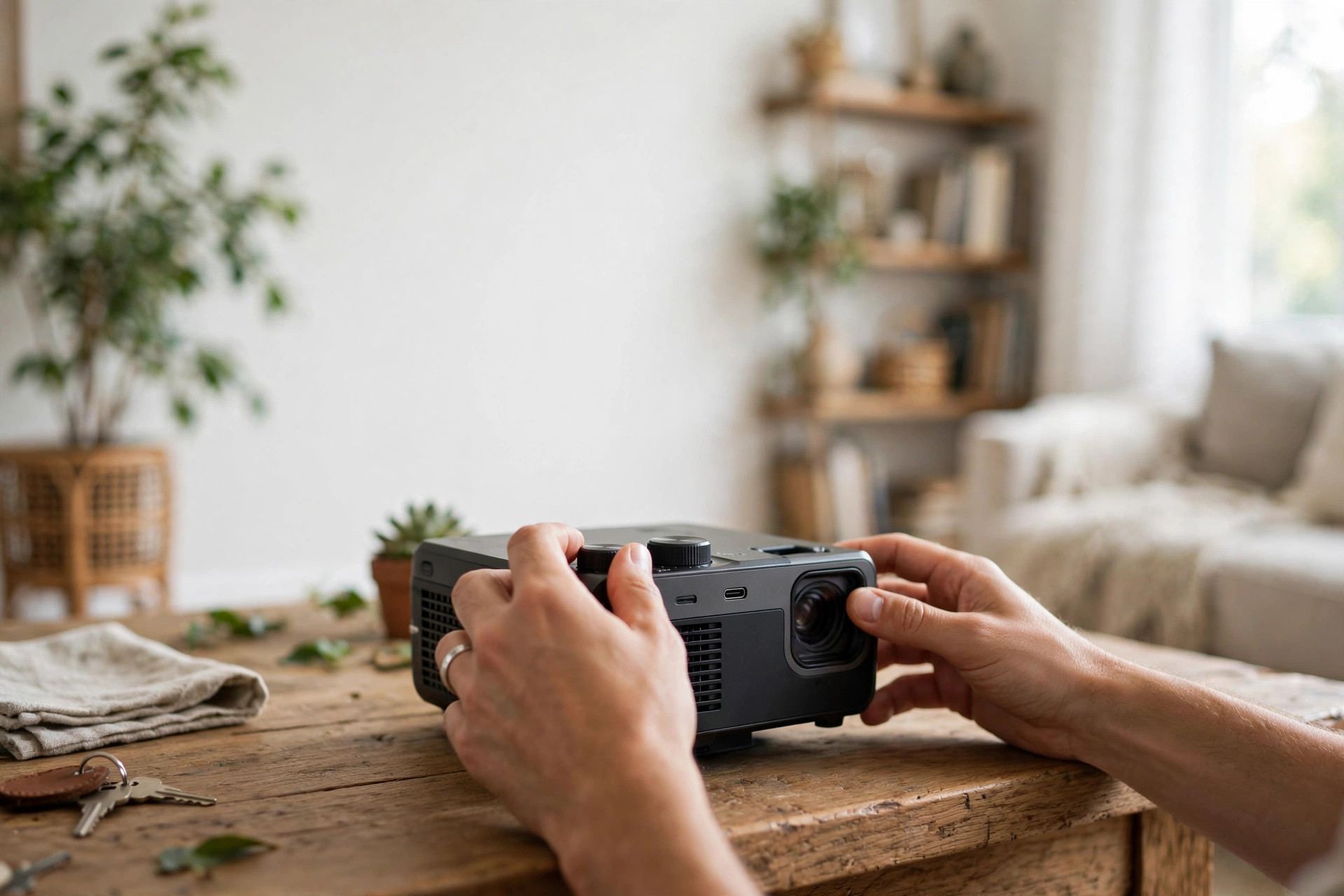
Zoom and focus — zoom adjusts image size without moving the projector (optical zoom good, digital zoom meh — it just crops pixels); focus sharpens. Autofocus on modern portables is genuinely good now; manual rings still give the sharpest result if you’re patient.
Where Do the Pictures Come From?
A projector is a display, not a content source — it needs something feeding it pictures:
HDMI cable from a laptop, Blu-ray player, or game console — the reliable classic. One cable, zero lag, full quality. For movie nights that must not glitch, wired wins.
Streaming sticks in the projector’s HDMI port turn it into a smart TV — all your apps, no laptop needed. How most people actually use home projectors day to day.
Wireless casting — beaming video from your phone over WiFi. Convenient — same invisible radio magic as my guide to how WiFi works — with slight quality and lag trade-offs versus HDMI. Fine for casual watching.
Built-in apps and USB — many projectors run their own apps or play files off a USB drive: handy for presentations and backyard movie nights without extra gadgets.
One honest note: projector speakers are almost universally terrible — tiny drivers in a box optimized for light, not sound. Budget for a soundbar or Bluetooth speaker; the picture gets the glory, but sound is half the cinema experience. If you’ve ever wondered what happens before the film reaches your wall, my deep dive into how movies are made is a fun companion read.
Why Some Projectors Look Washed Out
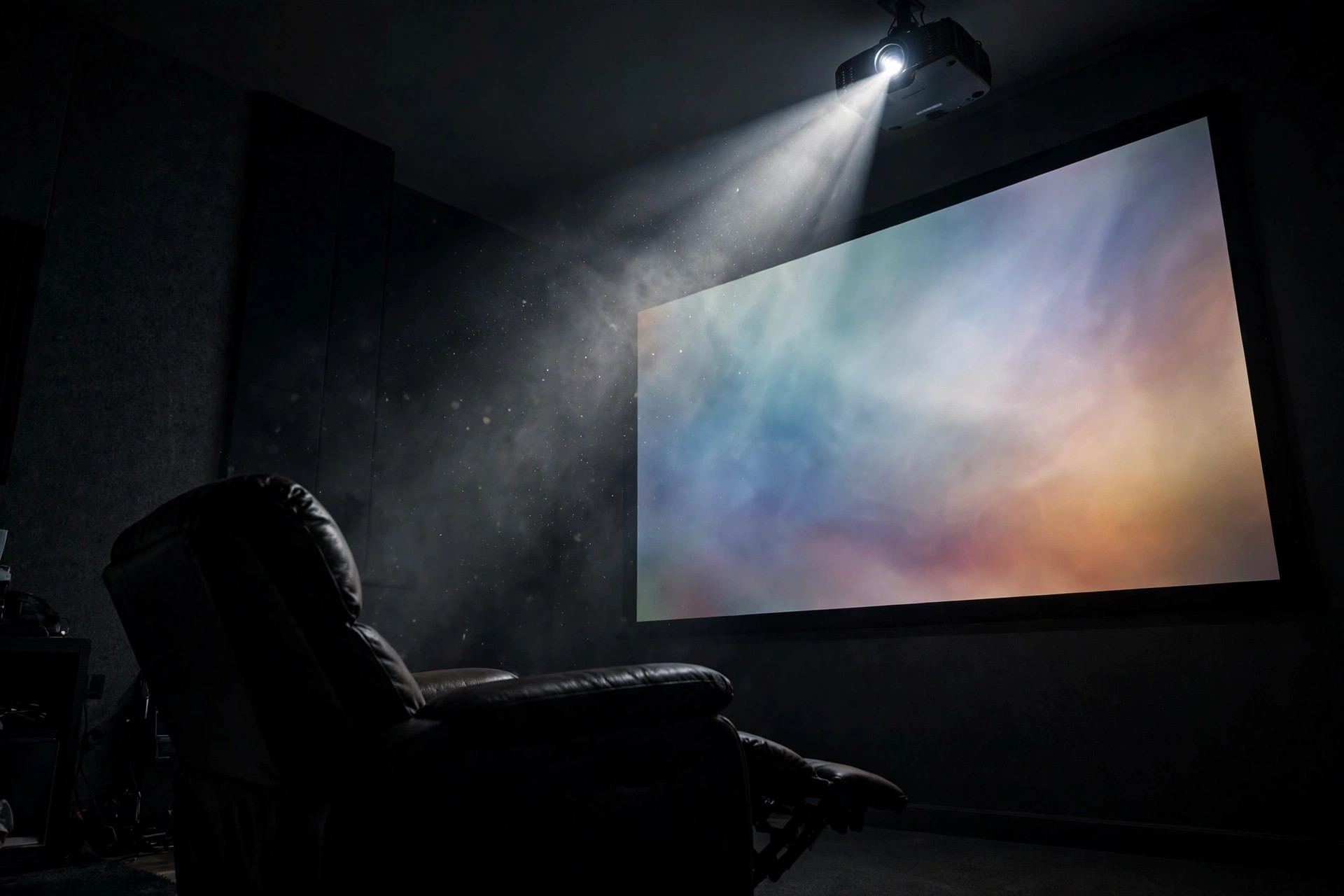
The number one projector complaint — “it looked great in the store but faded at home” — has one root cause: ambient light. A projected image is just light on a surface, and any other light in the room competes with it. Sunlight through curtains will murder even a good projector’s image — physics, not a defect.
The fixes, in order of effectiveness: control the room (curtains: the cheapest upgrade in home theater), get more lumens, use a proper screen. A real projector screen isn’t just a white sheet — optical coatings reflect the projector’s light toward viewers while rejecting ambient light from other angles. A $100 screen can visibly outperform a bare wall; even a smooth white wall works okay in a dark room — textured or colored walls soften and tint the image.
Keystone correction: if the projector isn’t level with the screen, the image comes out trapezoidal — wider at the top than the bottom. It digitally squishes it back into a rectangle. Genuinely useful, but it’s digital resampling — it costs a little sharpness. Physically leveling always looks better than correcting in software: place it right first, correct second.
Setting One Up Without Losing Your Mind
Here’s the setup sequence I wish I’d had — about 30 minutes, saving hours of fiddling:
1. Pick the wall first. Find the biggest blank wall (or screen spot) with the least ambient light. Measure projector-to-wall distance, then check the throw specs against it. Room first, hardware second.
2. Go dark. Close curtains, dim lights — even the best projector is a creature of darkness. If your living room can’t go dark, buy more lumens than you think you need.
3. Level it. Put the projector on a stable surface, centered with the screen, lens perpendicular to the wall — use the adjustable feet. Get it physically square before touching any digital correction.
4. Focus, then size. Project a menu, focus until text is razor-sharp, then zoom to fill the screen. Focus affects the whole image — do it first.
5. Add sound. Connect a soundbar or speaker — HDMI ARC, Bluetooth, or aux — then sit in your actual viewing spot: can you hear dialogue clearly? Placement that looks tidy but sounds bad is a failed setup.
6. Tweak the picture. Start with the “cinema” or “movie” preset — usually the most accurate. Turn off motion smoothing (“soap opera effect”) unless you like films that look like daytime TV. Adjust brightness so blacks look black, not gray.
Movie night is go.
Is a Projector Worth It vs. a Big TV?
My signature money question — honest answer: different tools for different jobs.
Buy the projector if: you want the biggest image per dollar (100-inch TVs cost thousands; decent 100-inch-capable projectors cost hundreds), you have light control, and the cinema feeling matters to you. For movie nights, sports with friends, backyard screenings — nothing touches a projector’s wow factor. It’s an event machine.
Buy the big TV if: the room is bright, you watch casually throughout the day, or you want zero fuss. TVs are brighter, sharper per inch, and work in sunlight — a 65–75 inch TV in a bright living room beats a projector there every single time. No contest.
The hybrid answer (mine): a good TV for daily watching, plus a portable projector for movie nights and travel. Portable LED projectors have gotten shockingly good and cheap — mine lives in a drawer and comes out for films, presentations, and one backyard screening the neighbors still talk about.
Price reality check: a genuinely good home setup (projector + screen + sound) runs roughly the same as a mid-range big TV — triple the screen size versus daily convenience. Neither is “better”; it’s about your room and your habits. For more of my tech explainers in this style, browse the technology section.
Frequently Asked Questions
It creates a tiny, very bright image on an imaging chip, then a precision lens magnifies it onto the wall — like a magnifying glass enlarging a small object. The farther the projector sits from the wall, the larger the image gets.
LCD shines light through three tiny color panels acting like shutters; DLP bounces light off up to two million microscopic tilting mirrors. LCD tends to offer rich color at lower prices, while DLP usually delivers better contrast and sharpness.
Barely, unless they’re very bright. A projected image is just light on a surface, so sunlight competes with it directly. For daytime viewing you need high lumens (3,000+), light control like curtains, or ideally both. Projectors are creatures of darkness.
Traditional bulbs last roughly 2,000–5,000 hours and dim over time before needing replacement. LED and laser light sources last 20,000–30,000 hours — effectively the life of the projector — and hold brightness far better.
Yes — a smooth white wall works fine, especially in a dark room. A proper screen is still a worthwhile upgrade: optical coatings reflect the projector’s light toward viewers and reject ambient light, visibly improving contrast over a bare wall.
Blur usually means the focus needs adjusting — project a menu and focus until text is razor-sharp. A crooked or trapezoidal image means the projector isn’t level with the wall; physically level it first, and use digital keystone correction only as a backup.
The Bottom Line
A projector is beautifully simple at heart: an intense light source, a tiny chip painting millions of pixels, and a lens blowing it all up a hundred times onto your wall. Lamps, LEDs, and lasers decide brightness and lifespan; LCD, DLP, and LCoS decide how the picture gets made; your room’s darkness decides how good it all looks.
Mine still delights me every movie night — that little lunchbox throwing cinema across the room. Understand the three parts, control your light, level the box, add real speakers, and you’ll get the magic without the frustration. And when someone asks how it works, you’ll have a better answer than “tiny wizard inside” — though honestly, some nights it still feels like that.