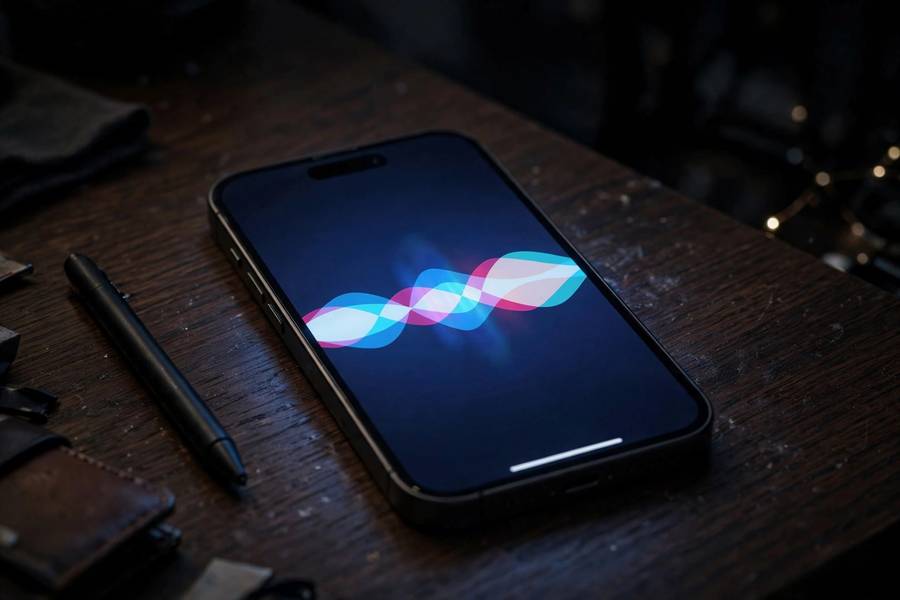
Say “Hey Siri” near an iPhone and something remarkable happens in under a second: the device hears you, figures out you meant it, converts your speech to text, understands what you want, and acts on it. I’ve always found it worth slowing down and appreciating what’s actually happening in that second, because it’s one of the most complex real-time AI pipelines running on consumer hardware today. Apple has also made unusual architectural choices — particularly around on-device processing — that make Siri’s voice recognition genuinely different from its rivals.
This guide walks the full pipeline: wake-word detection, audio capture, speech-to-text, language understanding, and the response. Along the way I’ll explain where Apple processes things on your device versus in the cloud, and why that distinction matters. For the general principles behind all of this, start with my guide on how voice recognition works.
Table of Contents
- Stage 1: Always Listening (But Not Always Recording)
- Stage 2: Wake-Word Detection
- Stage 3: Capturing Your Speech
- Stage 4: Speech-to-Text on the Neural Engine
- Stage 5: Understanding What You Meant
- Stage 6: Doing the Thing
- Stage 7: Speaking Back
- On-Device vs. Cloud: Apple’s Big Bet
- Why Siri Sometimes Gets It Wrong
- Frequently Asked Questions

Stage 1: Always Listening (But Not Always Recording)
Let’s address the elephant in the room first: yes, your iPhone is always listening for “Hey Siri.” No, it’s not recording everything you say — and the distinction is architectural, not just a promise.
The always-on listening runs on a tiny, ultra-low-power coprocessor (part of the system-on-chip) that does one job: watch the audio stream for the acoustic signature of the wake phrase. This processor can’t run apps, can’t access the network, and discards audio continuously — it keeps only a rolling buffer of a few seconds, overwriting constantly. Think of it as a guard dog that only barks at one specific sound and forgets everything else instantly.
This design exists because Apple wanted wake-word detection without the battery drain or privacy cost of full-time recording. The coprocessor sips power — it’s why “Hey Siri” works even when your phone is locked and sipping battery. Nothing leaves the device at this stage. The audio buffer is local, temporary, and constantly erased.
I emphasize this because “always listening” gets misread as “always recording.” The engineering reality is more nuanced: the device is always monitoring for a specific trigger, which is a much smaller and more constrained operation than recording or transmitting.
Stage 2: Wake-Word Detection
When you say “Hey Siri,” the low-power processor runs a small neural network — a wake-word detector — against the buffered audio. This model is tiny by modern standards: it doesn’t understand language, it recognizes one acoustic pattern. It’s been trained on countless variations of the phrase across accents, ages, pitches, and background noise conditions.
Here’s a detail most people miss: newer Apple devices support just “Siri” without the “Hey.” That sounds like a small change, but it’s a hard technical problem — shorter trigger phrases mean more false positives (any sentence containing something Siri-like). Apple solved it with a more sophisticated detector and, cleverly, by using the longer phrase’s detection to bootstrap confidence.
When the detector fires, two things happen: the device wakes the main processor, and it grabs the audio buffer — including the fraction of a second before the trigger, so it doesn’t clip the start of your request. That pre-roll buffer is why Siri catches the beginning of “Hey Siri, set a timer” instead of hearing “…set a timer.”
False triggers happen — Siri waking up during a TV show or conversation. Apple treats these as training signal: on-device learning refines the detector to your voice over time, reducing false accepts without sending your audio anywhere.
Stage 3: Capturing Your Speech
Once awake, the device captures your actual request. This is where the microphone hardware earns its keep. Modern iPhones use multiple microphones and beamforming — combining the mic signals to focus on your voice’s direction while suppressing background noise. If you’re in a noisy café, the phone is constructing a “beam” pointed at your mouth, mathematically.
The raw audio then goes through preprocessing: noise reduction, echo cancellation (so Siri doesn’t hear itself when it responds), and automatic gain control (normalizing your volume whether you whisper or shout). This stage is unglamorous and critical — speech recognition accuracy lives or dies on audio quality, and most of the magic attributed to “AI” is actually excellent signal processing.
Apple also does endpoint detection here: figuring out when you’ve finished speaking. Too eager and it cuts you off mid-thought; too patient and there’s an awkward pause. The system uses both acoustic cues (pauses, intonation drops) and linguistic cues (is this a complete sentence?) to decide. Getting this right is one of those invisible details that separates good voice assistants from frustrating ones.
Stage 4: Speech-to-Text on the Neural Engine
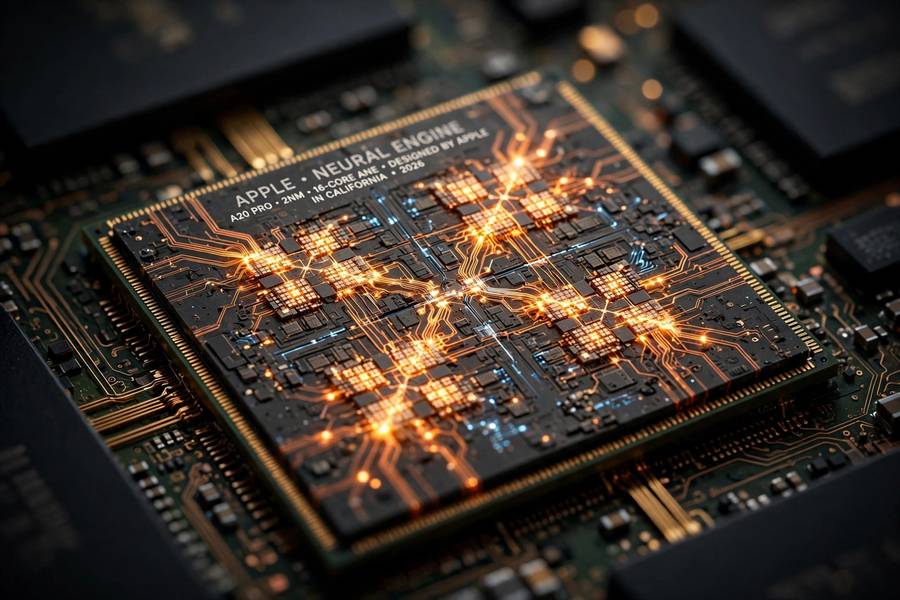
Now the core step: converting your speech into text. This is automatic speech recognition (ASR), and Apple’s implementation has a distinctive feature — it runs primarily on-device, on the Neural Engine, the dedicated ML accelerator in Apple silicon.
The on-device ASR model is an end-to-end neural network: audio features go in, text comes out, with no separate pronunciation dictionary or language model bolted on (older systems used multi-stage pipelines). It’s been trained on vast amounts of speech, and it runs entirely on your phone — your voice audio for transcription doesn’t need to leave the device.
This is Apple’s big differentiator. Competitors historically sent audio to the cloud for transcription; Apple does it locally. The benefits: it works offline, it’s faster (no network round-trip), and your speech audio stays on your device. The tradeoff: the on-device model is smaller than what a data center could run, so in theory it could be less accurate — though in practice, for typical requests, the gap is negligible.
The model also personalizes on-device. It learns your contacts’ names, your vocabulary, your speech patterns — all locally. That’s why Siri gets better at understanding you specifically over time, without Apple ever seeing the data.

Stage 5: Understanding What You Meant
Text isn’t understanding. “Set a timer for ten minutes” as text is just words — the system needs to extract intent (set a timer) and entities (ten minutes, timer duration). This is natural language understanding (NLU), and it’s where Siri figures out what you actually want.
Siri’s NLU maps your words onto a set of supported intents — Apple’s defined domains like timers, messaging, navigation, smart home control, music, and so on. Each domain has a schema: the timer domain expects a duration; the messaging domain expects a recipient and content. The NLU model’s job is slot-filling — extracting the right values from your sentence and plugging them into the right schema.
This is also where Siri’s limitations become visible. If your request maps cleanly onto a supported domain, it works beautifully. If it doesn’t — if you ask something novel, ambiguous, or outside the domains — Siri falls back to web search or admits confusion. Critics call this Siri being “dumb”; more precisely, it’s Siri being narrow. The NLU is a precision instrument for supported tasks, not a general intelligence. Apple’s bet is that most voice requests are routine — and for routine requests, narrow and reliable beats broad and flaky.
Stage 6: Doing the Thing
Once intent and entities are extracted, Siri executes. For on-device actions — setting timers, toggling settings, controlling HomeKit devices — everything stays local. The command goes straight to the relevant system service. This is why “turn on the flashlight” works in airplane mode.
For actions requiring external data or services — checking the weather, searching the web, sending a message — the device makes targeted server requests. Crucially, Apple designed this so the server sees the minimum necessary: a request for weather in a location, not your voice recording or a transcript tied to your identity. Requests are designed to be unlinkable where possible, and Apple states they aren’t used to build advertising profiles.
The execution layer is also where Siri’s integration with Apple’s ecosystem shows. Because Apple controls the hardware, OS, and assistant, Siri can reach deep into system functions — something third-party assistants can’t match on iOS. That vertical integration is Siri’s structural advantage, even when its conversational abilities lag competitors.
Stage 7: Speaking Back
Finally, Siri responds — and the response is synthesized speech, not a recording. Apple’s text-to-speech uses neural voice models to generate natural-sounding audio from the response text. If you’re curious about the synthesis side, my guide on how text-to-speech works covers it in depth.
The voice you hear is generated on the fly, which is why Siri can speak any text — it isn’t stitching together pre-recorded phrases. Modern neural TTS produces the natural prosody and intonation that makes Siri sound like a person rather than a GPS from 2005.
On-Device vs. Cloud: Apple’s Big Bet
Step back and the architectural philosophy is clear: Apple processes as much as possible on-device — wake-word detection, speech recognition, personalization, and many actions — and uses the cloud only where necessary. The wins: offline functionality, lower latency, privacy by architecture rather than by policy. Your voice data doesn’t traverse the internet for routine requests. Personalization improves without surveillance.
The costs: on-device models are constrained by phone hardware — smaller than data-center models, updated less frequently, and limited in how much context they can consider. For complex, open-ended requests, the cloud-based competitors have a structural advantage: they can throw vastly more compute at understanding you.
This is the fundamental tension in Siri’s design. Apple chose privacy and responsiveness; competitors chose capability and scale. which explains the persistent perception gap: Siri is excellent at what it was designed for (fast, private, routine tasks) and visibly weaker at what it wasn’t (open-ended conversation and complex reasoning). The broader shift toward capable on-device models is also one of the AI skills to learn in 2026 if you’re tracking where the field is heading.
Why Siri Sometimes Gets It Wrong
A quick tour of failure modes, because understanding them makes the system less mysterious:
Acoustic confusion. “Set a timer” vs. “settle a timer” — similar sounds, different meanings. Background noise, accents, and mumbling all degrade the audio before recognition even starts. Garbage in, garbage out.
Domain gaps. Ask about something outside Siri’s supported domains and the NLU has nowhere to put it. The system isn’t stupid; it’s narrow. The failure looks like stupidity because humans generalize effortlessly.
Entity errors. “Text Mom” works if Mom is in your contacts as Mom. If she’s “Margaret,” Siri needs to make the connection — and sometimes doesn’t. Personalization helps, but it’s imperfect.
The speaker identification gap. Siri transcribes what was said well; it’s less certain about who said it in multi-person households, which matters for personalized requests. Recognizing a voice’s identity is a separate problem from transcribing its words.
None of these are mysterious once you see the pipeline. Each stage has failure modes, and errors compound downstream. The miracle isn’t that Siri sometimes fails — it’s that the whole chain works as often as it does, in under a second, mostly on a chip in your pocket.
Frequently Asked Questions
Siri uses a multi-stage pipeline: an always-on low-power processor listens for the wake phrase, then the device captures your speech with beamforming microphones, converts it to text using an on-device neural network on Apple’s Neural Engine, extracts your intent with natural language understanding, executes the action, and responds with synthesized speech.
For most requests, no — wake-word detection, speech-to-text, and personalization happen on-device. Some requests requiring external data (weather, web search) send minimal, unlinkable request data to servers, but Apple designed the system so your voice recordings aren’t routinely transmitted or used for advertising profiles.
Partially. On-device actions like setting timers, toggling settings, and controlling HomeKit devices work offline because speech recognition and execution happen locally. Anything needing external data — weather, sports scores, web searches — requires a connection.
Common causes include background noise degrading audio quality, requests outside Siri’s supported domains (it’s narrow by design), entity mismatches like contact names, and accent or pronunciation variations the on-device model handles imperfectly. Errors compound through the pipeline stages.
The key architectural difference is on-device processing: Apple runs wake-word detection, speech recognition, and personalization locally on the Neural Engine, while competitors historically relied more on cloud processing. This gives Siri advantages in privacy, latency, and offline use, but less raw compute for complex open-ended requests.