Best Travel Apps for International Travel: My Essential List

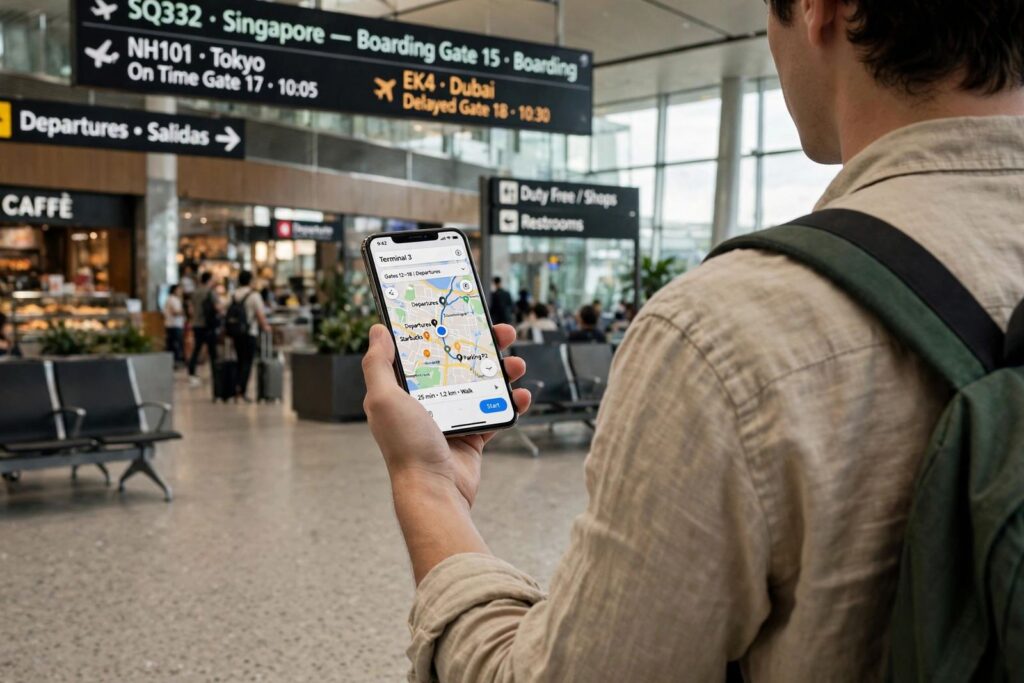
My phone is the single most important thing I pack for a trip abroad — more than my passport holder, more than my noise-cancelling headphones. But a phone is only as good as the apps on it, and after years of travelling, I’ve narrowed the best travel apps for international travel down to a short list that genuinely earns its place on my home screen. No sponsored picks, no filler: just the apps that have saved me time, money, or stress in real situations.
Navigation Apps: Never Get Lost Again
Google Maps (with offline maps downloaded)
The obvious pick, and still the best. The trick most people miss: download offline maps for every city you’re visiting before you leave Wi-Fi. In rural Vietnam, my offline map was the difference between finding my guesthouse and wandering in the dark. Save your hotel as a starred place the moment you book it.
Maps.me
For places where Google’s coverage is thin — hiking trails, small islands, parts of Central Asia — Maps.me’s offline detail is often better. I keep both. Storage is cheap; getting lost is not.
Translation Apps That Actually Work
Google Translate
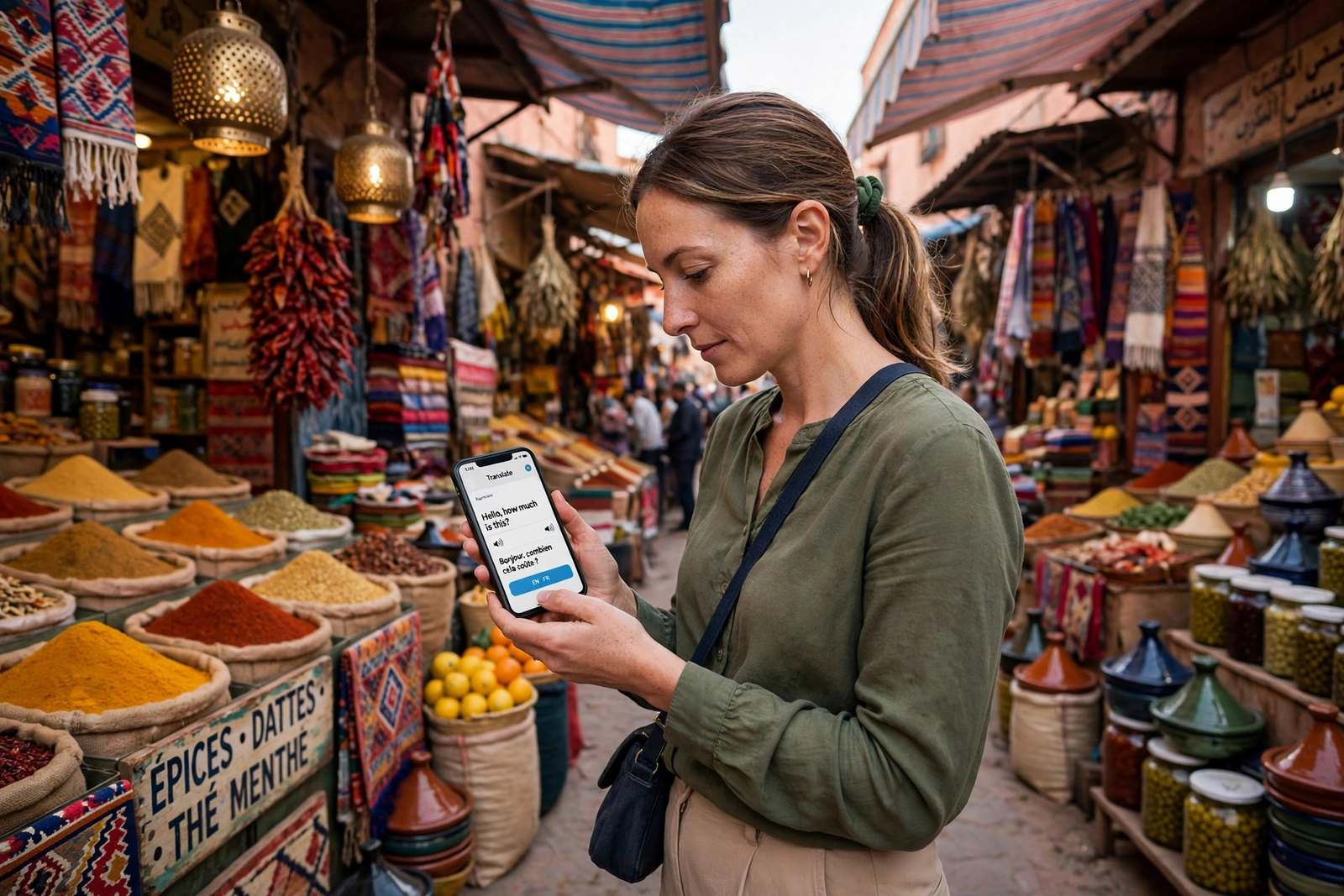
The camera translation feature feels like magic the first time you point it at a Japanese train-station sign and watch it turn into English. Download the language packs offline before your trip. The conversation mode has carried me through everything from pharmacy visits to taxi negotiations.
One honest caveat: machine translation is great for practical needs and terrible for nuance. Don’t use it to translate anything emotional or legally important. For menus, signs, and directions, though, it’s a lifesaver.
Money and Currency Apps
XE Currency
When a market vendor in Marrakech quotes you 400 dirhams, you want to know what that means in your currency right now. XE works offline with the last synced rates, which is exactly what you need when you have no signal at the souk.
Wise (formerly TransferWise)
For longer trips or digital-nomad stints, Wise’s multi-currency account beats bank exchange rates by a mile. I use it to hold balances in several currencies and pay like a local. Even for short trips, the virtual card is handy for bookings in foreign currencies without your bank’s markup.
Flight and Booking Apps
Skyscanner and Google Flights
I use Skyscanner’s “everywhere” search when I’m flexible and Google Flights’ price tracking when I’m not. Set up price alerts the moment you have rough dates — I’ve saved hundreds by booking when an alert fired rather than when I happened to check.
Booking.com and Airbnb
Both, because they cover different ground. Booking.com wins for hotels with free cancellation (essential when plans are fluid), while Airbnb is better for longer stays and apartments with kitchens. Read the most recent reviews, not the overall score — a place can change management and the rating lags behind.
Staying Connected: eSIM Apps
Airalo
eSIMs have quietly revolutionised international travel. Instead of hunting for a SIM card shop at the airport, you buy a data plan in the Airalo app before you land and you’re online the moment the plane touches down. I’ve used it across Europe, Asia, and South America, and it just works.
Check your phone supports eSIM first (most phones from the last few years do). For trips to a single country, a local eSIM is usually cheapest; for multi-country hops, the regional plans are the real bargain.
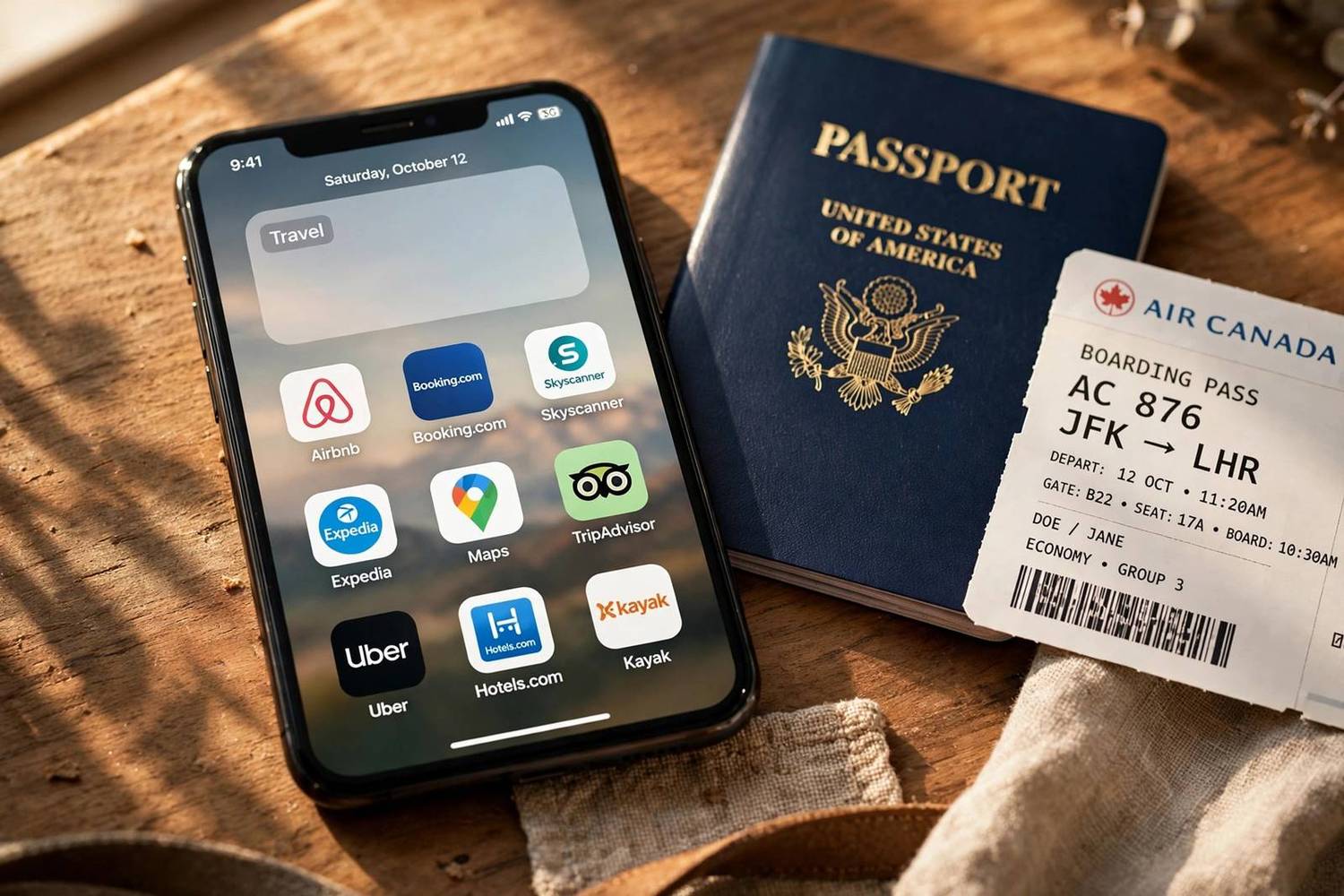
Itinerary and Organisation Apps
TripIt
Forward your booking confirmation emails to TripIt and it builds a master itinerary automatically — flights, hotels, car rentals, all in one timeline. When a trip has six moving parts across three countries, having one place to check “what’s next” is genuinely calming.
Google Keep or Apple Notes
Nothing fancy: a shared note with your travel partner for the packing list, reservation numbers, and the address of the hotel in the local language (screenshot this — showing a taxi driver your phone beats pronouncing street names). Our guide on what to pack for international travel pairs well with this — turn it into a checklist note and tick things off as you pack.
Getting Around Locally
Uber, Grab, Bolt, and local equivalents
Here’s a tip that took me too long to learn: the dominant ride-hailing app changes by region. It’s Uber in much of the Americas, Grab in Southeast Asia, Bolt in parts of Europe and Africa, and DiDi in Latin America. Download the right one before you arrive — app stores sometimes won’t let you download a region-locked app once you’re already there.
Rome2Rio
For the eternal question “how do I get from this town to that town,” Rome2Rio shows every option — bus, train, ferry, flight — with rough prices and times. It’s the fastest way to sanity-check whether that “quick hop” between cities is actually a nine-hour bus ride.
Staying Safe and Powered
A VPN app
Public Wi-Fi in airports and cafes is convenient and risky. A reputable VPN encrypts your connection, and it also lets you access your home country’s streaming and banking sites that sometimes block foreign IPs. Install and test it before you leave — hotel Wi-Fi is not the place to troubleshoot for the first time.
Your airline’s app and Google Lens
Two quick bonus picks. Your airline’s app gets you boarding passes, gate-change alerts, and rebooking options without queuing at a desk. Google Lens identifies landmarks, translates signs, and even tells you what that weird fruit at the market is. Between these and the list above, you’re covered.
One last practical note: keep your phone charged and your plugs compatible. Different countries, different sockets — our guide to the best travel adapter for international travel explains what to buy, and if you’re unsure whether you even need one, what a travel adapter actually does clears it up in plain English.
Best Travel Apps for International Travel: 6 More Worth the Space
Beyond the essentials above, these are the best travel apps for international travel that I install on every trip — the second tier that solves specific problems beautifully.
Splitwise
Travelling with friends or a partner? Splitwise tracks who paid for what and settles up at the end. No more awkward “you owe me for the taxi” conversations, no more mental maths in foreign currencies. It handles multiple currencies and uneven splits, and it’s saved more friendships than any other app on this list.
Trail Wallet
A travel-specific expense tracker. Set a daily budget in your home currency and log spending as you go — it converts on the fly. I use it on every trip longer than a week. Knowing exactly what you’ve spent removes the low-grade money anxiety that can quietly sour a trip, and the end-of-trip breakdown is genuinely interesting.
Polarsteps
Automatically tracks your route and turns it into a beautiful travel journal with photos and stats. Friends and family can follow along in real time, which cuts down the “where are you now?” messages to almost zero. At the end of the trip you can order a printed photobook of the whole journey — I have three on my shelf.
Duolingo
You won’t become fluent before your trip, but two weeks of Duolingo before you go transforms basic interactions. Ordering food, greeting people, asking for directions — even clumsy attempts in the local language change how locals treat you. The difference between zero effort and a little effort is enormous.
Obvious, but essential: in much of the world, WhatsApp is the phone system. Tour operators, guesthouses, drivers, and new friends will all default to it. Make sure it’s installed, backed up, and working on your number before you leave — verifying a new install over foreign Wi-Fi is a pain.
Flush Toilet Finder
Silly name, serious utility. When you urgently need a bathroom in an unfamiliar city, this crowdsourced map of public toilets is a genuine lifesaver. It works offline, which is exactly when you need it most. You’ll laugh at the recommendation until the day you’re grateful for it.
One final piece of app advice: do an app audit the night before you fly. Update everything, download all offline content, log into every account, and test the critical ones on airplane mode. Twenty minutes of prep at home saves hours of frustration abroad — and it’s the difference between the apps on this list being useful and being decorative.
Data, Security, and Battery: Making Your Apps Work Abroad
The best travel apps for international travel only help if your phone survives the day. A few practical habits: download everything on Wi-Fi before you leave — offline maps, translation packs, boarding passes, hotel confirmations. International data is expensive and airport Wi-Fi is unreliable.
Battery management matters more abroad. Navigation and camera use drain phones fast, and you can’t count on finding an outlet. Carry a power bank (10,000mAh is the sweet spot of capacity versus weight), switch to battery-saver mode during long transit days, and download rather than stream whenever possible. A phone dying at the moment you need your hotel address is a rite of passage — once is enough.
Security basics: use that VPN on public Wi-Fi, enable two-factor authentication on important accounts before you travel, and know how to remotely lock or wipe your phone. Save emergency numbers for each destination (they’re not all 911) in your contacts. None of this is exciting, but it’s the unglamorous backbone that lets the fun apps do their job.
Frequently Asked Questions About Travel Apps
What is the single most useful travel app for international trips?
Google Maps with offline maps downloaded. Navigation underpins everything else — finding your hotel, the train station, a pharmacy at midnight. Download offline maps for each destination before you leave home Wi-Fi.
Do I need an eSIM app like Airalo for international travel?
You don’t need one, but it’s the most convenient option for most travellers. You buy data before you land and you’re connected immediately, usually cheaper than your home carrier’s roaming rates. Just confirm your phone supports eSIM first.
Are free travel apps enough, or should I pay for premium versions?
Free versions cover nearly everything on this list. The one upgrade I’ve found worthwhile is a paid VPN for speed and reliability on long trips. Everything else — maps, translation, currency — works fine free.
How do I use ride-hailing apps in countries where Uber doesn’t operate?
Download the regional app before you arrive: Grab for Southeast Asia, Bolt for much of Europe and Africa, DiDi for Latin America. Some are region-locked in app stores, so installing from home is important.
Should I download travel apps before my trip or when I arrive?
Before, always. Airport Wi-Fi is slow and unreliable, some apps are region-locked once you’re abroad, and you’ll want offline content (maps, translation packs) downloaded over fast home Wi-Fi anyway.