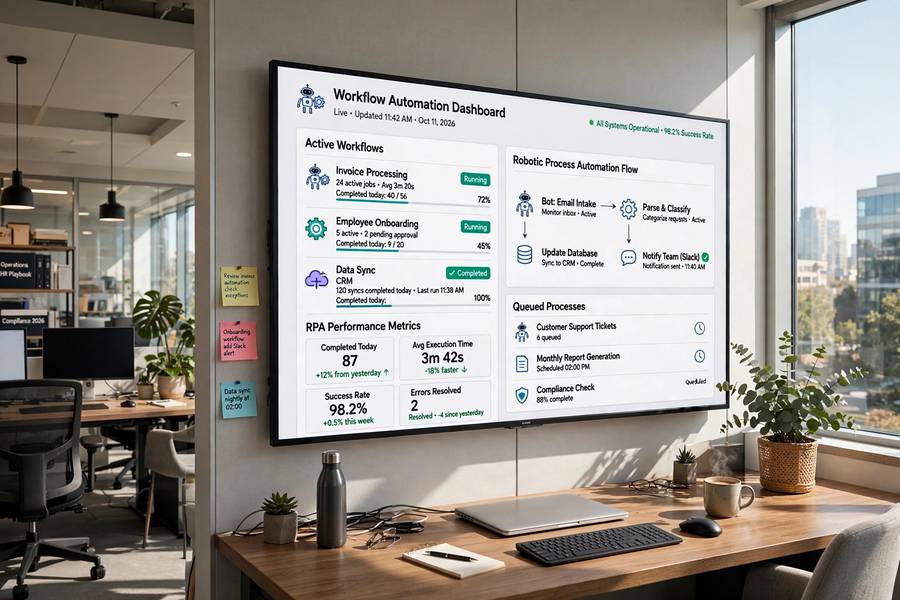
Most business automation advice starts with the technology. That’s backwards. It should start with a brutally honest look at where your people’s hours actually go — the repetitive, rule-based, soul-destroying work that nobody was hired to do but everybody does. I once timed a finance team and found they spent eleven hours a week copying numbers between spreadsheets. Eleven hours. That’s not a technology problem; it’s an automation candidate wearing a timesheet. Here’s how to think about AI for business automation: what to automate first, what to automate never, and how to avoid the expensive mistakes. The landscape view is how AI is used in business.
Table of Contents
- Automation vs AI Automation: What Changed
- The Prioritization Matrix: What to Automate First
- Document Processing: Killing the Paperwork
- Workflow Automation: Connecting the Tools
- Customer Facing Automation
- Back Office: Finance, HR, and Operations
- The Human in the Loop Rule
- Measuring Whether It Worked
- The Mistakes That Waste Money
- Frequently Asked Questions
Automation vs AI Automation: What Changed
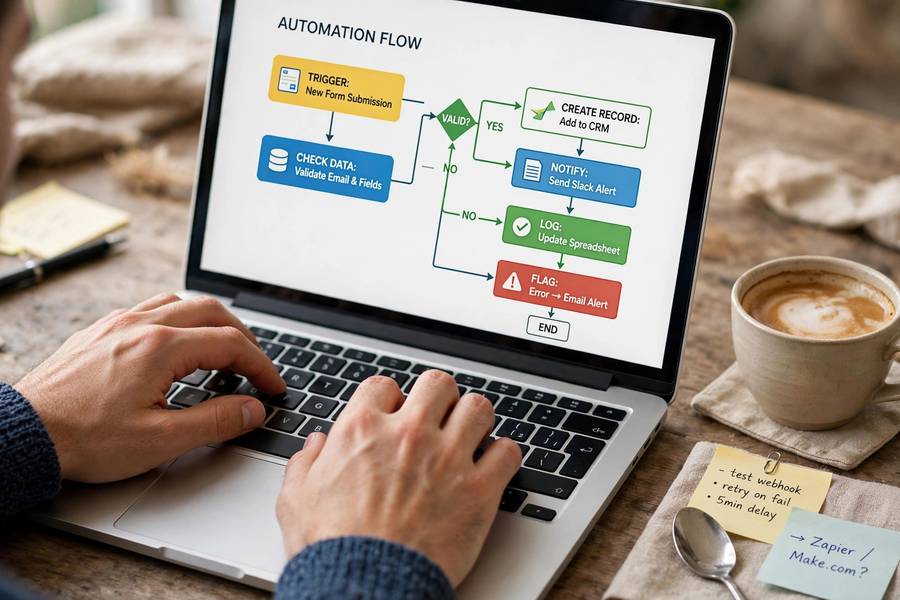
Businesses have automated things for decades — macros, scripts, workflow software, the humble mail merge. What’s new isn’t automation; it’s what can be automated. Traditional automation handled structured, rule-based work: if this, then that, with clean data and predictable inputs. The moment something got fuzzy — an unusual invoice format, a customer email with three questions and a complaint — the automation broke and a human took over.
AI automation handles the fuzzy middle. Language models read the weird invoice. Vision models process the scanned form. Classification models sort the ambiguous ticket. The boundary of “automatable” moved from “perfectly structured” to “mostly predictable,” which roughly tripled the addressable work. That’s the actual revolution — not that machines got smarter in the abstract, but that the set of tasks cheap enough to automate got dramatically bigger.
The practical consequence: every business has a backlog of processes that were “too messy to automate” five years ago and are automatable now. The first step isn’t buying software; it’s inventorying that backlog with fresh eyes.
The Prioritization Matrix: What to Automate First
Here’s the framework I give every team. Score each candidate process on two axes: volume times pain (how often it happens multiplied by how much everyone hates it) and automation feasibility (how structured the inputs are, how clear the success criteria are). Automate the high-pain, high-feasibility quadrant first. That’s your week-one list.
Concretely, the week-one list almost always includes: data entry between systems (the spreadsheet copying), invoice and receipt processing, meeting scheduling and follow-ups, standard customer emails (order confirmations, status updates), report generation from existing data, and ticket triage and routing. These are high-volume, well-defined, and the tools are mature. A small team can automate most of this list in a month with off-the-shelf software.
The do-not-automate-yet list: anything where the cost of an error exceeds the cost of the labor (high-stakes decisions), anything requiring genuine judgment or empathy, anything where the process itself is broken (automating a bad process just produces bad results faster), and anything the team actively resists — automation imposed on hostile users fails regardless of the technology. Fix the process first, earn the trust, then automate.
Document Processing: Killing the Paperwork
Documents are where business hours go to die: invoices, contracts, forms, resumes, reports, emails with attachments. AI document processing — intelligent document processing, in vendor-speak — reads these like a tireless clerk: extracting fields from invoices regardless of format, classifying documents by type, pulling key terms from contracts, digitizing the paper backlog.
The capability jump is in handling variation. Old OCR needed templates — this vendor’s invoice looks like this, always. AI extraction handles the invoice it’s never seen before, because it understands what an invoice is, not just where the fields were last time. Accuracy on clean documents now rivals careful humans; on messy ones it still needs human review, which is why the best deployments pair extraction with exception handling — the AI processes 90 percent straight through and flags the 10 percent it isn’t sure about.
The ROI math is usually simple: count the hours spent on document handling, multiply by the loaded cost, compare to the software subscription. For most mid-size operations the payback period is measured in weeks. The eleven-hours-a-week spreadsheet team? Their copying is document processing with extra steps, and it’s the first thing I’d automate.
Workflow Automation: Connecting the Tools
The average business runs on a dozen disconnected tools — CRM, email, spreadsheets, project software, accounting, chat — and humans serve as the integration layer, copying information between them. Workflow automation platforms with AI capabilities are replacing the human glue: when a deal closes in the CRM, the AI drafts the onboarding email, creates the project, notifies the team, and updates the forecast.
The AI layer adds judgment to the plumbing. Traditional workflow automation moved data; AI-enhanced workflows interpret it — summarizing the customer history for the onboarding team, prioritizing the task list by urgency, drafting the communications in the company’s voice. How to use AI at work gets into the individual skills; this is the organizational version.
The design principle: automate the handoffs, not just the tasks. Most business friction lives in the gaps between tools and teams — the “I thought you were handling that” gaps. Workflows that watch the gaps, nudge the owners, and escalate the stalls deliver more value than workflows that merely speed up individual steps. The bottleneck is rarely the task; it’s the transition.
Customer Facing Automation
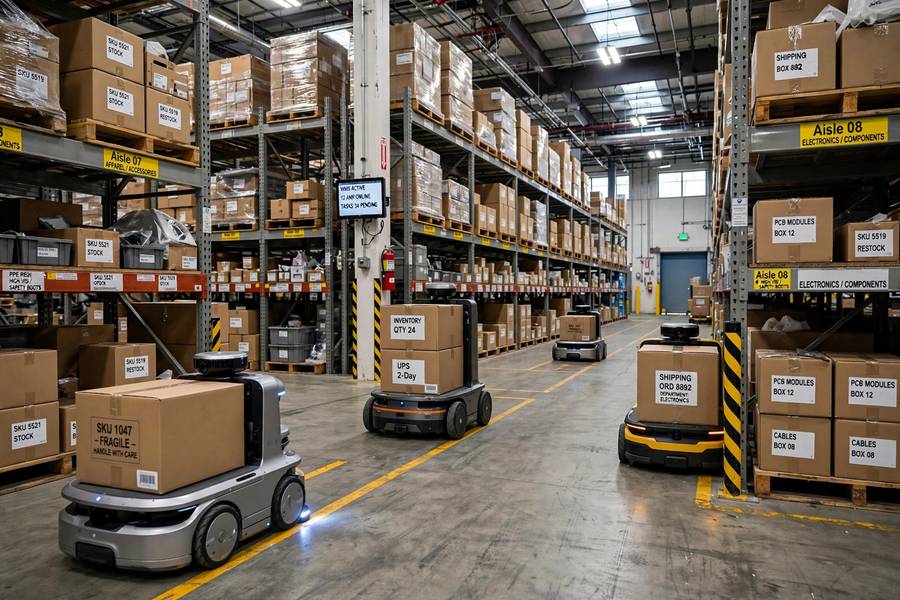
The customer-facing processes — lead qualification, onboarding, support triage, follow-up sequences, review requests — are prime automation territory because they’re high-volume, time-sensitive, and consistency matters. The AI qualifies the inbound lead in seconds, routes it correctly, drafts the personalized follow-up, and schedules the demo. Response time drops from hours to minutes, and speed-to-lead is one of the most conversion-sensitive metrics in business.
The guardrail, stated plainly: the customer must always be able to reach a human, quickly, without fighting the automation. Every customer-facing automation needs an escape hatch, and the escape hatch needs to work — not a hidden phone number, not a chatbot that pretends not to understand “human.” Companies that get this right see automation increase satisfaction (faster responses, consistent follow-through). Companies that get it wrong see it decrease satisfaction while the dashboard claims efficiency gains. The dashboard is lying; the churn rate isn’t.
Back Office: Finance, HR, and Operations
The back office is automation’s happiest hunting ground because the work is voluminous, structured, and universally disliked. Finance: invoice processing, expense approvals, reconciliation, financial report drafting, anomaly detection in transactions. HR: resume screening, interview scheduling, onboarding workflows, policy question answering, benefits administration. Operations: inventory reordering, maintenance scheduling, quality inspection with vision systems, logistics optimization.
Each of these has mature tooling now — this isn’t experimental territory. The pattern across all of them: the AI handles the standard cases autonomously and escalates the exceptions to humans, who now spend their time on judgment rather than processing. The finance team stops copying numbers and starts analyzing them. The HR team stops scheduling and starts actually talking to candidates. The automation doesn’t eliminate the department; it eliminates the department’s worst work, which is a much better pitch and also true.
One caution specific to back-office automation: these systems touch money, employment, and compliance — the three areas where errors have legal consequences. The human-in-the-loop requirements are stricter here, the audit trails need to be real, and the “move fast” ethos needs to stay far away from payroll.
The Human in the Loop Rule
The governing principle for all of this: match the autonomy to the stakes. Low stakes, reversible, high volume — full automation with monitoring (data syncing, report generation, scheduling). Medium stakes — automation with human approval (outbound customer emails, purchase orders, content publishing). High stakes, irreversible — AI as advisor, human decides (hiring, firing, major financial commitments, anything legal).
This isn’t just risk management; it’s how you get adoption. Teams trust automation they can oversee and override. The “human in the loop” isn’t a limitation of the technology — it’s the interface that makes the technology usable. Start every automation with more human oversight than you think necessary, then dial it back as confidence builds. The teams that skip this step get one visible error, lose trust permanently, and go back to spreadsheets. Trust is the automation’s scarcest input.
Measuring Whether It Worked
Automation projects die from vague success criteria. Before automating anything, write down the baseline: how long does this take now, how often do errors occur, what does it cost. Then measure after: hours saved (the obvious one), error rate change (often the bigger win — machines don’t have bad Mondays), cycle time reduction (how much faster the process completes end to end), and employee satisfaction (do people like their jobs more now — this predicts whether the automation sticks).
The metric most teams forget: exception rate. What percentage of cases still need human handling, and is it shrinking as the system learns? A healthy automation shows a declining exception rate over the first few months. A flat or rising one means the automation doesn’t fit the process — either the process needs fixing or the tool needs replacing. Measure this monthly for the first two quarters. It’s the early warning system.
And the ultimate metric, the one executives actually care about: capacity created. The hours saved should show up as either more output or better work — the team handling more volume, or spending the freed time on higher-value activities. If the hours saved just evaporate into longer coffee breaks, the automation worked technically and failed organizationally. How to grow a small business with automation means deliberately reinvesting the saved capacity, not just banking it.
The Mistakes That Waste Money
The catalog of expensive errors, from watching many teams learn the hard way. Automating a broken process: if the workflow is convoluted with human workarounds, automation cements the convolution — fix it first. Buying before inventorying: purchasing a platform and then looking for uses guarantees shelfware; find the pain, then buy the tool. Ignoring the exceptions: designing for the happy path and discovering that 30 percent of cases are exceptions nobody planned for. No owner: automation without someone responsible for it rots — models drift, integrations break, and nobody notices for months. Over-automation: removing humans from processes where human judgment was the actual value, then wondering why quality collapsed.
The meta-mistake: treating automation as a technology project instead of an operations project. The technology is the easy part — it’s mature, affordable, and well-documented. The hard parts are process understanding, change management, and measurement. Teams that staff the project with operations people succeed; teams that staff it with only technologists build elegant systems nobody uses.

Frequently Asked Questions
Start with high-volume, well-defined, painful work: data entry between systems, invoice processing, scheduling, standard customer emails, report generation, and ticket triage. These offer fast payback with mature, affordable tools.
Traditional automation handles structured, rule-based work with predictable inputs. AI automation handles the fuzzy middle: unusual invoice formats, ambiguous emails, varied documents. The set of tasks cheap enough to automate roughly tripled with AI.
Never fully automate high-stakes irreversible decisions, work requiring genuine judgment or empathy, broken processes (fix them first), or anything the team actively resists. Keep humans deciding on hiring, major financial commitments, and legal matters.
Measure hours saved, error rate change, cycle time reduction, and employee satisfaction against a written baseline. Track the exception rate monthly: it should decline as the system learns. The ultimate metric is capacity created and how it gets reinvested.
Common causes: automating broken processes, buying software before identifying the pain, ignoring exception cases, having no owner for the automation, over-automating judgment work, and treating it as a technology project instead of an operations project.
Keep reading: