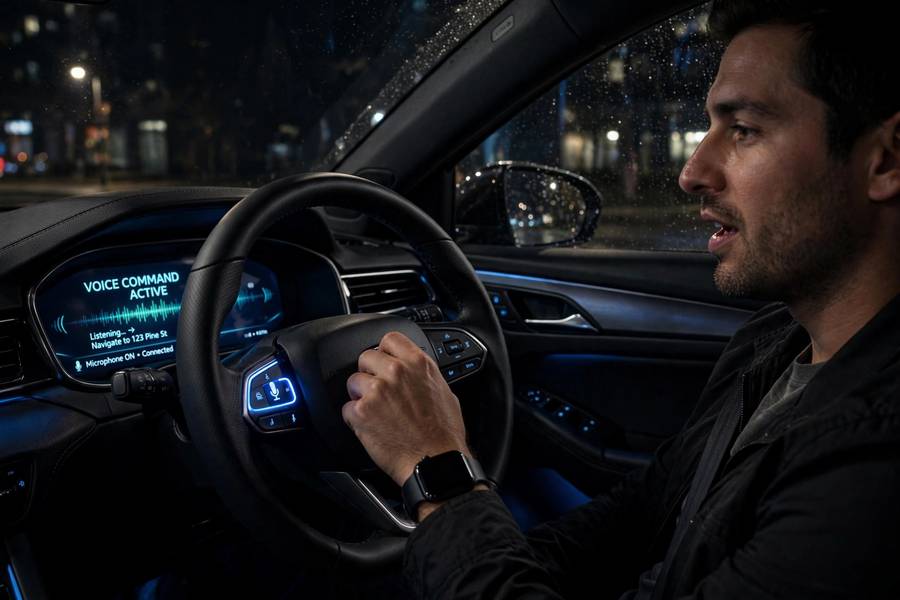
The first time I used voice control in a rental car, I spent ten minutes shouting “CALL HOME” at the dashboard while the car insisted on calling a contact named “Helen,” whom I do not know. That was a decade ago, and I’ve watched in-car voice recognition go from that comedy routine to something I now use without thinking — dictating replies, setting navigation, changing the temperature, all with my eyes on the road. It’s one of the few technologies where the progress is measured in saved near-misses. Here’s what’s actually happening when your car listens to you. For the general technology behind all of this, see how voice recognition works.
Table of Contents
- Why Cars Are the Hardest Room for a Microphone
- The Microphone Array: Your Car Is Already Listening
- Wake Words and the Always-Listening Car
- From Sound to Command: The Processing Chain
- Onboard vs Cloud: Where the Thinking Happens
- What You Can Actually Do With Your Voice
- Why It Still Mishears You Sometimes
- CarPlay, Android Auto, and the Phone in the Middle
- Frequently Asked Questions
Why Cars Are the Hardest Room for a Microphone
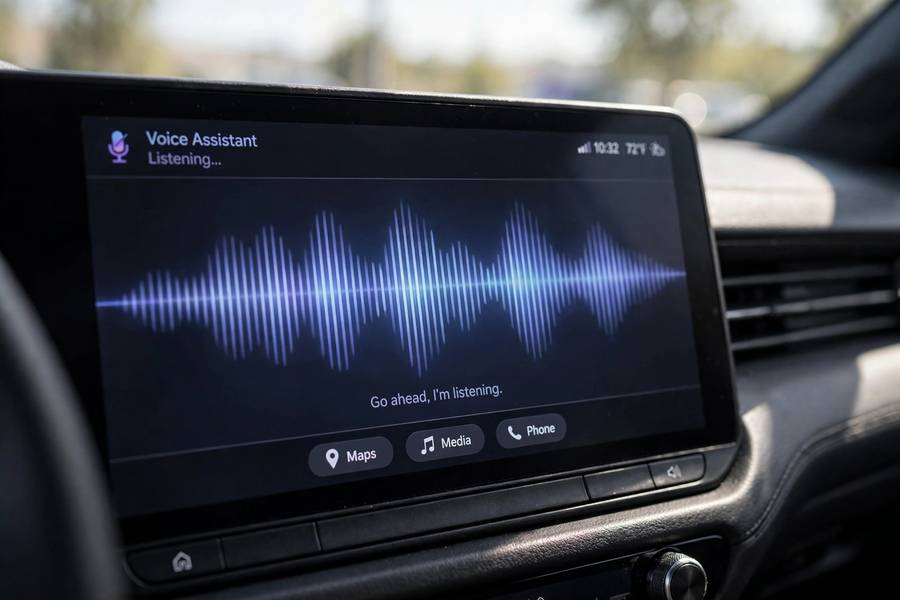
Let’s start with respect for the problem. A car cabin is an acoustic nightmare, and everything your voice system does has to happen inside it. At highway speed, the cabin noise floor sits around 65 to 75 decibels — roughly a loud restaurant — and it arrives as a cocktail of wind, tire roar, engine harmonics, HVAC airflow, and the stereo. Your voice has to be extracted from that mess in real time.
Then there’s geometry. In a living room, you face the smart speaker. In a car, the microphone is somewhere near the rearview mirror or the overhead console, the driver sits to the side and slightly behind it, the passenger is farther away, and the rear passengers might as well be in another postal code. Sound bounces off glass — lots of glass — and hard plastic. Reverberation times are long relative to the short distances.
And the acoustics keep changing. Roll the windows down and the wind noise profile transforms instantly. Turn up the music. Drive onto a gravel road. Pick up a second passenger. Every one of these changes the signal-to-noise ratio, and the system has to adapt continuously. When you understand the car as an environment, the fact that voice control works at all starts to feel like a small miracle. The parts that still fail — the “call Helen” moments — are the system losing a fight it usually wins.
The Microphone Array: Your Car Is Already Listening
Most modern cars don’t have one microphone; they have an array — typically two to four microphones placed around the headliner and overhead console. An array does something a single microphone can’t: it can tell direction. Using tiny time differences in when sound arrives at each microphone, the system performs beamforming — it mathematically “points” its attention at the driver’s seat and suppresses everything else. Your passenger’s conversation, the road noise from the floor, the wind at the windows: all of it gets pushed down relative to the driver’s voice.
There’s also echo cancellation, which deserves more credit than it gets. The car’s own speakers are blasting audio — music, navigation prompts, a phone call — while the microphones are trying to hear you. Without acoustic echo cancellation, the system would hear itself and try to respond to its own voice. The cancellation circuitry subtracts the known output signal from the microphone input in real time. Every phone call you’ve made in a car relies on this: the person on the other end doesn’t hear themselves echoing because the car is continuously canceling its own voice out of what it sends.
All of this is how Bluetooth works territory adjacent — the wireless audio plumbing — but the microphone processing is the car’s own hardware, running constantly, long before any phone gets involved.
Wake Words and the Always-Listening Car
“Hey Mercedes.” “Hey BMW.” “OK Google.” The wake word is the system’s front door, and it’s designed to run on a tiny, low-power processor that never sleeps. That dedicated chip listens to a rolling buffer of audio — usually a second or two — checking for the acoustic signature of the wake phrase, and throws everything else away. Nothing leaves the car until the wake word fires.
This matters for two reasons. First, power: the main infotainment computer would drain the battery if it listened constantly. The wake-word chip sips milliwatts. Second, privacy: the always-listening claim that makes people uneasy is really an always-listening-to-a-buffer chip, not an always-recording-and-uploading system. The distinction is genuine, though the trust gap is understandable — the same hardware could theoretically do more, and users are asked to trust that it doesn’t.
Once the wake word registers, the system wakes the full pipeline: microphone array, noise suppression, recognizer, and the connection to the car’s systems. You’ll often hear a chime or see the dashboard display change — that’s the car confirming it’s now paying attention. From that moment, everything you say for the next few seconds goes through the full processing chain.
From Sound to Command: The Processing Chain
Here’s the journey of a single command, say “navigate to the airport,” from your mouth to the map:
Capture and cleanup. The microphone array captures the audio, beamforming focuses on the driver, echo cancellation removes the car’s own sounds, and noise suppression algorithms strip out wind and road noise. What comes out the other end is a surprisingly clean voice signal — if you ever hear the raw microphone feed versus the processed one, the difference is startling.
Speech to text. The cleaned audio goes to the speech recognizer — a neural network acoustic model trained on millions of hours of speech, including in-car recordings. It converts the audio into text: “navigate to the airport.” Modern recognizers handle accents, mumbling, and speed reasonably well; they struggle most with overlapping speech and extreme noise, the two conditions where the cleanup stage also struggles.
Understanding intent. Text isn’t enough — the system needs meaning. A natural language understanding module maps “navigate to the airport” to an intent (start navigation) with a parameter (destination: airport, resolved to the nearest one). This is where context matters: “go home” requires knowing your home address, “call Mom” requires your contact list, “I’m cold” has to be interpreted as a climate control request. The intelligence of an in-car voice system lives mostly here, in this intent layer, not in the recognition layer.
Execution and response. The intent is routed to the car’s systems — navigation, phone, climate, media — and the car responds, often speaking back through text-to-speech. That spoken response closes the loop and confirms the car understood correctly, which is a safety feature as much as a convenience: you hear what it thinks you said and can correct it without looking at a screen.
The whole chain, on a good system, completes in under a second. That speed is the difference between a feature you use and a feature you abandon — which is why the architecture underneath it is engineered so aggressively for latency.
Onboard vs Cloud: Where the Thinking Happens
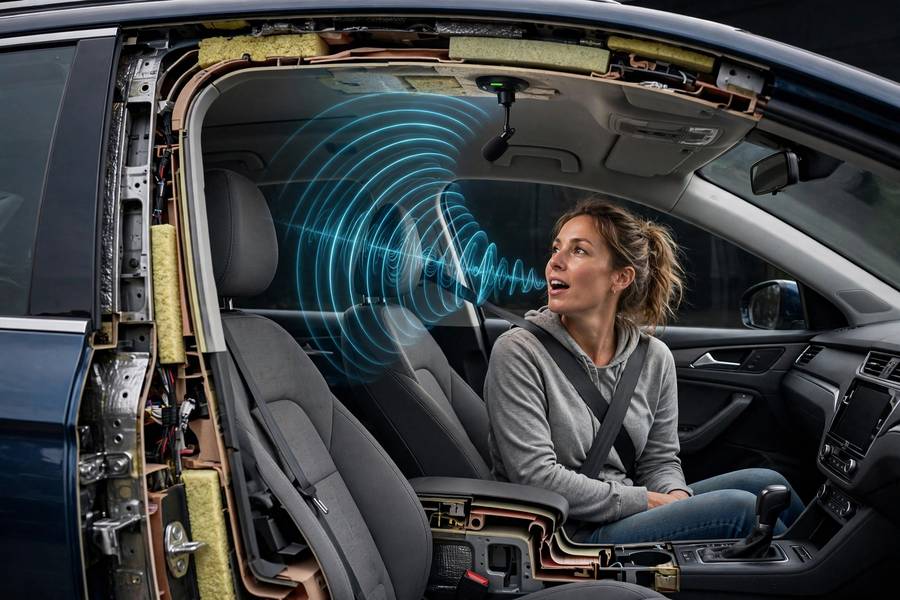
Not all voice processing happens in the car. Basic commands — “call Mom,” “tune to FM 101,” “raise the temperature” — increasingly run on the car’s own computer. This is on-device processing: fast, works without cell signal, and private. But complex requests — “find a highly rated Italian restaurant near my hotel” — need the cloud, where bigger models and live data live.
The split is a constant engineering trade-off. On-device is fast and offline-capable but limited by the car’s compute budget, which is modest compared to a data center. Cloud is powerful but adds latency and dies in a tunnel. Good systems hybridize: handle the common commands locally, escalate the hard ones to the cloud, and make the handoff invisible. You can usually tell which kind of system you’re using by testing it in a parking garage with no signal. The features that keep working are onboard; the ones that apologetically stop are cloud.
This is also why voice systems get better over time without you buying a new car — the cloud side updates constantly, and over-the-air updates refresh the onboard side. A 2020 car with a good update pipeline has a meaningfully better voice system than it shipped with, which is a strange and pleasant thing to say about a car.
What You Can Actually Do With Your Voice
The honest catalog of what works well today:
Navigation. Destinations, rerouting, finding fuel or food along the route. This is the killer app — setting a destination by voice while driving is dramatically safer than typing on a touchscreen.
Communication. Hands-free calls, dictating and sending text messages, reading incoming messages aloud. The communication use case is where your phone’s voice system — the one under the hood of how a smartphone works — often does the heavy lifting through the car integration.
Climate and comfort. Temperature, fan speed, heated seats, defrost. These are simple, unambiguous commands that the car executes instantly.
Media. Playlists, stations, podcasts, volume.
Vehicle status and control. “How much range do I have?” “Open the garage door.” “What’s my tire pressure?” Every car function with a simple interface is a candidate for voice.
What still works poorly: complex multi-step requests, fine-grained control of complex settings, and anything requiring visual confirmation the screen doesn’t provide. Voice is brilliant for simple commands and terrible for browsing — you can’t ask a voice to “show you” ten restaurant options and compare them while driving.
Why It Still Mishears You Sometimes
The failure modes are predictable once you know the pipeline. Accents and dialects underperform because the training data skews toward standard speech — the eternal data bias problem. Background noise from passengers or open windows degrades the cleanup stage. Homophones and proper nouns are brutal: “navigate to Lee’s” could be three different restaurants, and the system has to guess.
The most interesting failure is the confidence problem. Voice systems are overconfident guessers: when recognition is uncertain, they’d rather execute the best guess than ask for clarification, because asking feels slow. That’s how “call home” becomes “calling Helen.” The best systems now hedge — “Did you mean Helen Carter or Home?” — and the worst just dial.
CarPlay, Android Auto, and the Phone in the Middle
A huge fraction of “car voice recognition” is actually your phone’s voice recognition wearing a car costume. When you hold the steering-wheel voice button with Apple CarPlay or Android Auto connected, the car becomes a microphone and speaker for Siri or Google Assistant running on your phone. The car’s own wake-word and assistant handle the rest of the time.
This split creates a genuine usability question: which assistant am I talking to right now? The answer is usually whichever button you pressed — a short press for the car’s assistant, a long press for the phone’s — but few owners learn this, and fewer dealers explain it. The phone’s assistant is usually smarter (cloud-backed, constantly updated); the car’s assistant is usually more car-integrated (climate, vehicle status). The ideal system routes each request to whichever brain handles it best. We’re getting there, slowly.
Frequently Asked Questions
Most cars with voice assistants use a low-power chip that listens for a wake word like “Hey Mercedes” in a rolling audio buffer. Nothing is recorded or sent to the cloud until the wake word is detected. The system is always listening in the narrow technical sense but not always recording.
Basic commands like calling contacts, changing climate settings, and tuning the radio usually work offline on the car’s own computer. Complex requests like finding restaurants or answering questions need a cellular connection for cloud processing.
Cabin noise from wind, tires, and passengers makes recognition harder, and accents or uncommon names challenge the system. Overlapping speech and poor cell signal for cloud-processed requests are other common causes.
The car’s built-in assistant runs on the vehicle’s computer and handles car functions like climate and vehicle status. CarPlay and Android Auto route voice through your phone’s assistant (Siri or Google Assistant), which is usually smarter for general questions but less integrated with car hardware.
Yes, voice control is one of the safest ways to interact with car systems because it keeps your eyes on the road and hands on the wheel. It is significantly less distracting than tapping through touchscreen menus, which is why safety researchers recommend it.