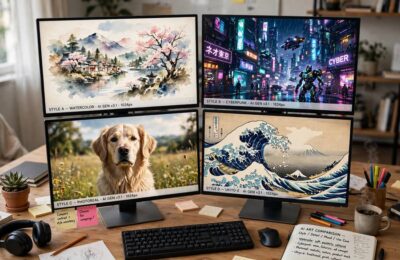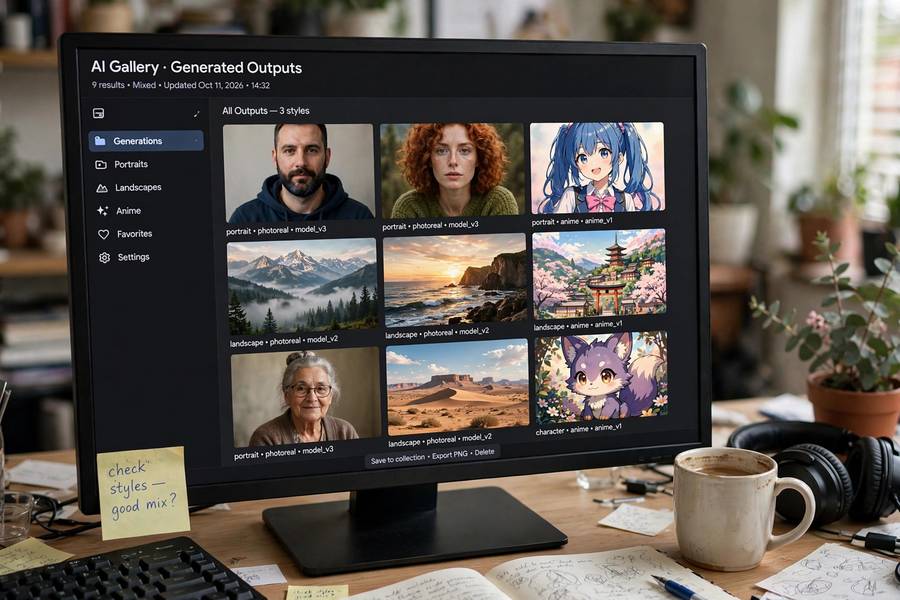
One of Stable Diffusion’s superpowers — and biggest sources of confusion — is that it’s not one model but thousands. The community has fine-tuned the base into specialized variants for photorealism, anime, architecture, product shots, and every aesthetic in between. Choosing the right model matters more than any prompt trick: the model is the style.
This guide cuts through the overwhelm: the best-regarded models by category, what each excels at, and how to choose without drowning in options. Model names shift as the community evolves — treat this as a map of the categories plus current standouts, and check community hubs (like Civitai) for the latest. For the fundamentals, see my guide on what is Stable Diffusion.
In This Guide
- How to Think About Model Choice
- Best for Photorealism
- Best for Anime and Illustration
- Best for Art and Stylized Work
- Best General-Purpose Models
- Specialized Models Worth Knowing
- LoRAs: The Secret Weapon
- How to Choose (Without the Overwhelm)
- Frequently Asked Questions
How to Think About Model Choice
Before the list, the mental model that makes it all click (new to the vocabulary? start with what an AI model is):
Base models vs. fine-tunes. Stability AI releases base models (SD 1.5, SDXL, SD 3.x) — capable generalists. The community then fine-tunes them on curated datasets: thousands of portraits for a photoreal model, anime frames for an anime model. Fine-tunes inherit the base’s capabilities but specialize its aesthetics.
Checkpoints vs. LoRAs. A checkpoint is a full model (several GB) — a complete replacement. A LoRA is a small add-on (tens of MB) that steers a base model toward a style, character, or concept. Think: checkpoints are different cameras, LoRAs are different lenses.
The landscape moves fast. Specific model names that dominate today may be superseded in months. What persists: the categories below and the method for evaluating (sample images, community ratings, your own tests). Learn to fish, not just today’s fishing spots.
Where to find them: Civitai is the main community hub — browse by category, check sample images and ratings. Hugging Face hosts many officially. Always download from reputable sources; model files can theoretically contain malicious payloads (use scanners, stick to well-known uploads).
Best for Photorealism
The most competitive category — everyone wants photos that aren’t photos:
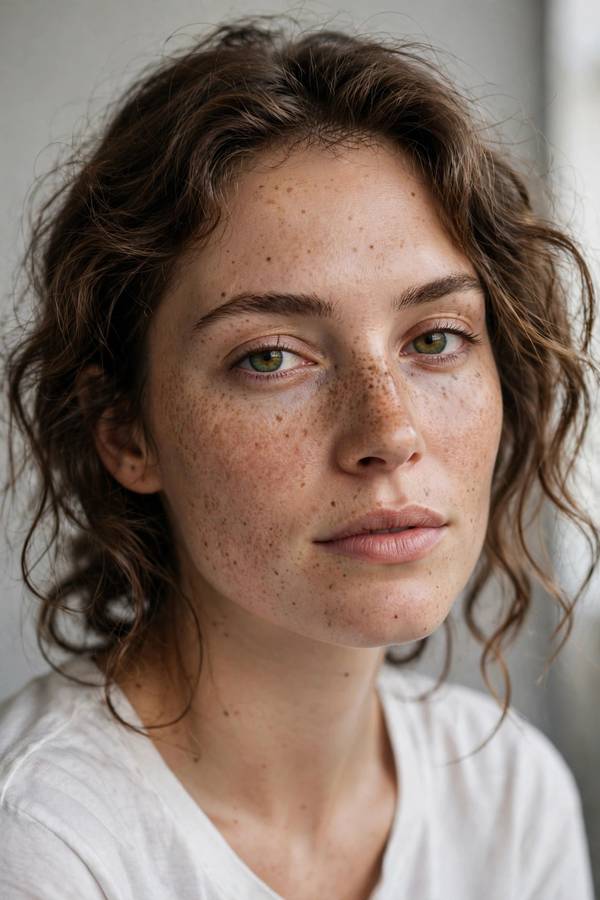
What to look for: models fine-tuned on high-quality photographic datasets, often with “photorealistic,” “realistic vision,” or “photo” in the name. The best ones handle skin texture, natural lighting, and photographic imperfections (film grain, lens characteristics) that sell realism.
Hallmarks of quality: sample images showing diverse subjects (not just pretty portraits — check hands, groups, complex scenes), consistent lighting logic, and realistic imperfections. Be suspicious of galleries showing only flawless close-up faces — that’s the easy case.
Tips for best results: photoreal models respond well to photographic language in prompts — camera models (“shot on 85mm f/1.4”), lighting descriptions (“golden hour,” “softbox”), and film terms (“35mm film grain,” “shallow depth of field”). You’re speaking the dataset’s language.
Current standouts (check Civitai for latest versions): the realistic-vision family and its descendants have been community favorites; newer SDXL-based photoreal models offer higher base resolution. The specific champion changes; the approach doesn’t.
Best for Anime and Illustration
Anime is where Stable Diffusion arguably surpasses all competitors — the community’s anime fine-tunes are extraordinary:
What to look for: models trained on anime/illustration datasets, often with distinctive naming. The anime community is SD’s most prolific — thousands of models and LoRAs for specific studios’ styles, character types, and aesthetics.
Why SD dominates here: anime’s stylized nature plays to fine-tuning’s strengths, and the community’s passion produced unmatched dataset curation. Closed services can’t match the variety — from Ghibli-esque backgrounds to specific 90s OVA aesthetics.
Illustration broadly: beyond anime, excellent fine-tunes exist for children’s book illustration, comic styles, fantasy art, and concept art. The pattern is the same: find the community that loves your target style, use their models.
A note on style ethics: many anime models are trained to mimic specific artists’ styles. Enjoy them personally; think carefully before commercial use of style-mimicking models — the ethics (and evolving law) here are genuinely murky.
Best for Art and Stylized Work
For fine art, painterly, and distinctive aesthetics:
What to look for: models fine-tuned on art datasets — oil painting, watercolor, digital painting, specific art movements. These capture technique, not just subject: brushwork, color palettes, compositional habits.
The artistic advantage of SD: unlike services with a house style, SD lets you inhabit any aesthetic deeply. Want baroque chiaroscuro portraits? There’s a fine-tune. Want ukiyo-e landscapes? There’s a fine-tune. The long tail of art history is covered by enthusiasts.
Combining with ControlNet: for serious art workflows, pair stylized models with ControlNet (pose/depth control) — you art-direct the composition precisely while the model handles the aesthetic rendering. This combination is SD’s unique professional workflow.
Best General-Purpose Models
If you want one model that handles everything reasonably:
Latest base models first. Stability’s newest base (SD 3.x generation) is the best starting generalist — improved prompt following, better text rendering, stronger anatomy. Start here before specializing.
Community generalists: several fine-tunes aim for “better base” — improved aesthetics across all subjects without narrow specialization. These are excellent daily drivers: good at portraits, landscapes, objects, and styles alike.
My recommendation: keep one strong generalist as your default, and add specialists for your frequent use cases. The generalist handles exploration; specialists handle production. This two-tier setup covers 95% of needs.
Specialized Models Worth Knowing
Beyond the big categories:
- Architecture and interiors — fine-tunes for architectural visualization, interior design renders
- Product photography — clean studio-style product shots, mockups
- Fantasy/sci-fi concept art — elaborate imaginative scenes
- Inpainting models — specialized for seamless editing and object removal
- Upscalers (a related category) — models that enhance resolution and detail of generated images
The pattern: if a visual profession exists, someone has fine-tuned a model for it. Search Civitai by your use case before settling for a generalist — the right specialist transforms results.
LoRAs: The Secret Weapon
If checkpoints are cameras, LoRAs are the lens collection — and they’re the highest-leverage tool most beginners ignore:
What they do: small files (10–200MB) that plug into a base model to add a style, character, concept, or aesthetic. Mix and match: base model + “cinematic lighting” LoRA + “specific character” LoRA = customized generation no single model offers.
Why they’re powerful: – Tiny downloads vs. multi-GB checkpoints – Combinable (stack multiple LoRAs with adjustable strengths) – Trainable yourself — a custom LoRA on 20–30 images of your subject takes hours on consumer GPUs – The community shares thousands: clothing styles, art movements, character designs, photographic looks
Character consistency — the holy grail of AI generation — is largely a LoRA achievement. Train a LoRA on your character/product/mascot, and generate them consistently across scenes. This is the capability that makes SD irreplaceable for professional workflows.
Start here: download 3–5 highly-rated LoRAs matching your interests, learn the weight/strength syntax for your interface, and experiment with combinations. An afternoon with LoRAs teaches more than a week of prompt-tweaking.
How to Choose (Without the Overwhelm)
The decision procedure that prevents drowning:
- Name your top 2–3 use cases. Photoreal portraits? Anime illustrations? Product shots? Specificity beats “everything.”
- Get one strong generalist (latest base or top community general-purpose model).
- Add one specialist per use case — the top-rated fine-tune in each category.
- Collect 5–10 LoRAs for styles and effects you like.
- Test with YOUR prompts, not just gallery samples. A model that shines on landscapes might fumble your portraits.
- Revisit quarterly. The landscape evolves; your toolkit should too. But don’t chase every release — upgrade when something clearly beats your current setup.
Storage reality check: checkpoints are 2–7GB each; a curated collection of 5–10 models plus LoRAs fits comfortably on modern drives. Curate ruthlessly — 10 models you know deeply beat 100 you never test.
The 80/20 of model choice: the right category matters 10x more than the specific model within it. A decent photoreal fine-tune with good prompting beats the “best” photoreal model with bad prompting. Choose the category carefully; don’t agonize within it.
The best Stable Diffusion model is the one matched to your task: photoreal fine-tunes for photos, anime models for illustration, the latest base for general work, and LoRAs for everything specific. The ecosystem’s overwhelming variety is its strength — thousands of specialists where closed services offer one generalist. Learn the categories, curate deliberately, and let the community’s passion do the heavy lifting.

Frequently Asked Questions
It depends on use case: the latest base model (SD 3.x) is the best generalist; specialized fine-tunes win for photorealism, anime, and specific styles. For most users: one strong generalist plus specialists for frequent tasks, supplemented with LoRAs.
A checkpoint is a complete model (several GB) — a full replacement. A LoRA is a small add-on (tens of MB) that steers a base model toward a specific style, character, or concept. LoRAs are combinable, downloadable quickly, and trainable on consumer hardware.
Civitai is the main community hub (browse by category, check ratings and sample images); Hugging Face hosts many official releases. Download from reputable sources — model files can theoretically contain malicious payloads, so stick to well-known uploads and use scanners.
Community fine-tunes in the photorealistic family (check Civitai’s top-rated) — models trained specifically on photographic datasets. Pair them with photographic prompt language (lens, lighting, film terms) for best results. Newer SDXL-based options offer higher resolution.
Name your top use cases, get one strong generalist, add one specialist per use case, collect a handful of LoRAs, and test with your own prompts. The right category matters far more than the specific model within it — don’t agonize over minor differences.