What Is Modding in Video Games? A Beginner’s Guide

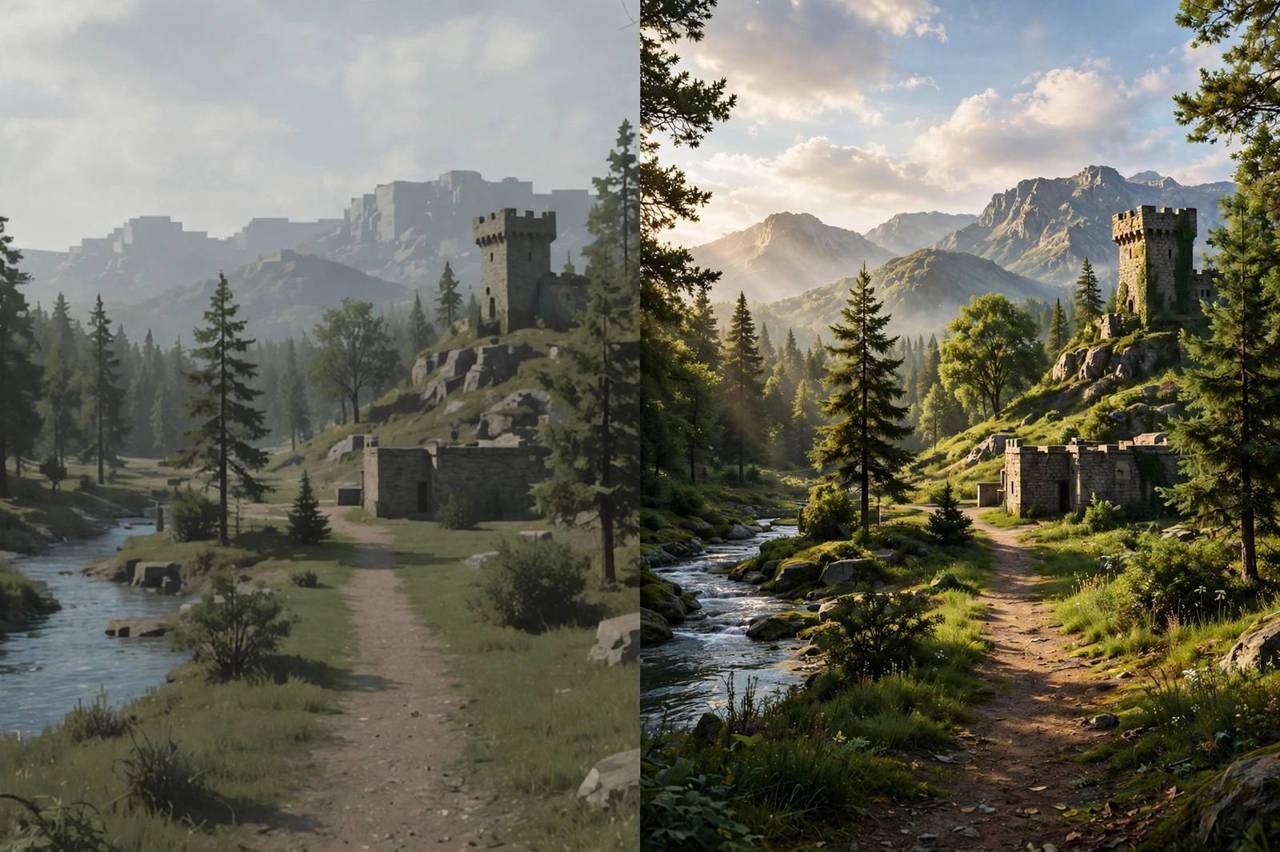
The first time I installed a mod, I turned a ten-year-old RPG into something that looked brand new — new textures, new quests, a completely reworked lighting system, all made by fans for free. That is the magic of modding, and if you have ever wondered what is modding in video games, the answer is simple: it is players modifying games to change how they look, play, or behave. Some mods fix bugs the developers never patched. Some add hundreds of hours of new content. A few have become entire genres.
This guide explains how mods actually work, how to install them safely without breaking your game (or your PC), the legal and EULA realities, and where the biggest modding communities live. I have been modding games for years — including the occasional spectacular failure — so you can learn from my mistakes instead of your own.
What Is Modding in Video Games, Exactly?
A mod (short for modification) is any player-created change to a game. The spectrum is enormous. At the small end: a texture pack that makes trees prettier, a config tweak that unlocks the framerate, a UI mod that improves the inventory screen. At the large end: total conversions that replace nearly everything — new worlds, new stories, new mechanics built on the original game’s engine.
Some of gaming’s biggest phenomena started as mods. The MOBA genre began as a Warcraft III mod. Counter-Strike began as a Half-Life mod. Battle royale traces back to Arma mods. Modding is not a side hobby of gaming culture — it is one of its main engines of innovation.
How Mods Actually Work
Games load assets — textures, models, scripts, levels — from files on your drive. Mods work by replacing or adding to those files, or by hooking into the game’s code at runtime. The method depends on how mod-friendly the game is.
Official mod support: the best case. Games like Skyrim, Minecraft, and Civilization VI ship with mod tools or official APIs. You subscribe to a mod on Steam Workshop or a mod manager, and the game handles the rest. This is the safest and easiest modding there is.
Community tools: for games without official support, communities build their own — script extenders, mod loaders, and injection frameworks that let mods hook into the game. These are powerful but require more care: they must match your exact game version, and game updates can break them.
File replacement: the old-school method — dropping modified files into the game’s folders. Simple, but risky without backups, because there is no clean way to uninstall.
Understanding how video games are made helps here: mods are possible because games are built from modular assets and data files, and modders learn to speak the game’s internal language.
How to Install Mods Safely: The Method That Never Fails
Here is my ritual, refined over years and several corrupted save files. First, back up your saves — find the save folder and copy it somewhere safe. Second, use a mod manager (Vortex, Mod Organizer 2, or the game’s built-in workshop) instead of manual installs; managers let you enable, disable, and uninstall cleanly. Third, install one mod at a time and test before adding the next — when something breaks, you will know exactly which mod did it.
Fourth, read the mod page fully: requirements, load order notes, known conflicts, and the comments section, where other users report problems. Fifth, keep your game version in mind — a mod built for version 1.5 may break on 1.6. And finally, never mod a game you are currently playing competitively online; most multiplayer games treat mods as cheating, which brings us to the rules.
The Legal Side: EULAs, Copyright, and What’s Allowed
Here is the honest legal picture, not legal advice. Modding exists in a gray area defined by each game’s End User License Agreement. Many developers explicitly allow modding — some even encourage it, since mods extend a game’s life and sell more copies. Others prohibit modifying game files entirely.
The hard lines: distributing the game’s own copyrighted files is piracy, even inside a mod. Selling mods is usually prohibited (with rare official exceptions like Bethesda’s Creation Club). Using mods in multiplayer to gain advantages is cheating and will get you banned. And mods based on other companies’ intellectual property — putting a famous movie character into a game, for example — can draw takedown notices.
The practical rule: mod single-player games freely using reputable sources, respect each game’s stated policy, and never mod multiplayer games. When in doubt, check the game’s EULA and the developer’s public statements.
Staying Safe: Malware and Scams
Mods are executable-adjacent code from strangers on the internet, so treat them with appropriate caution. Download only from established mod sites with moderation and user reviews. Be suspicious of mods hosted on random file-sharing links, mods that ask you to disable your antivirus, or “modpacks” from unknown Discord servers.
Script-based mods deserve extra care since they can run arbitrary code — stick to well-known mods with large download counts and active comment sections. And keep your expectations realistic: if a mod promises something impossible (“free DLC unlocker”), it is either malware or a scam. Legitimate modders do not promise miracles.
The Biggest Modding Communities
Nexus Mods is the largest hub, hosting millions of mods for thousands of games, with its own mod managers. Steam Workshop offers one-click mod installs for supported games directly inside Steam. CurseForge dominates Minecraft modding. ModDB is the old guard, still strong for total conversions.
For specific games, the communities are the real treasure: the Skyrim and Fallout modding scenes have kept decade-old games visually competitive with new releases. The Minecraft scene is effectively a parallel game industry. And sim communities — The Sims, Cities: Skylines, farming sims — produce staggering amounts of custom content. Find your game’s community first; the general sites second.

What Mods Are Worth Trying First
If you are new, start with quality-of-life mods: unofficial patches that fix bugs, UI improvements, and performance tweaks. They improve the game without changing what it is. Next, try visual mods — texture packs and lighting overhauls give familiar games a fresh feel. Save total conversions and overhaul mods for later, once you are comfortable with load orders and troubleshooting.
My personal starter recommendation: pick a game you love but have not played in a year, install its unofficial patch plus one highly-rated visual overhaul, and experience it fresh. That single evening will teach you more about modding’s appeal than any guide.
Load Order Basics: Why Mod Order Matters
Once you run more than a handful of mods, you will meet load order — the sequence in which the game loads your mods, and the source of most mysterious modding problems. When two mods change the same thing, the one loaded last wins. That is sometimes what you want (a patch overriding a big overhaul) and sometimes a disaster (two overhauls fighting over the same systems).
The practical approach: let your mod manager sort automatically first — tools like LOOT handle the common cases well — then adjust manually only when something looks wrong. General principles: official patches and bug fixes load early, large overhauls in the middle, and small tweaks and patches for specific mods load last. When a mod page says “load after X,” believe it; the author knows their mod’s conflicts. And if your game suddenly behaves strangely after adding a mod, load order is the first suspect — disable the new mod, and if the problem vanishes, you have found your conflict.
Setting Up a Mod Manager the Right Way
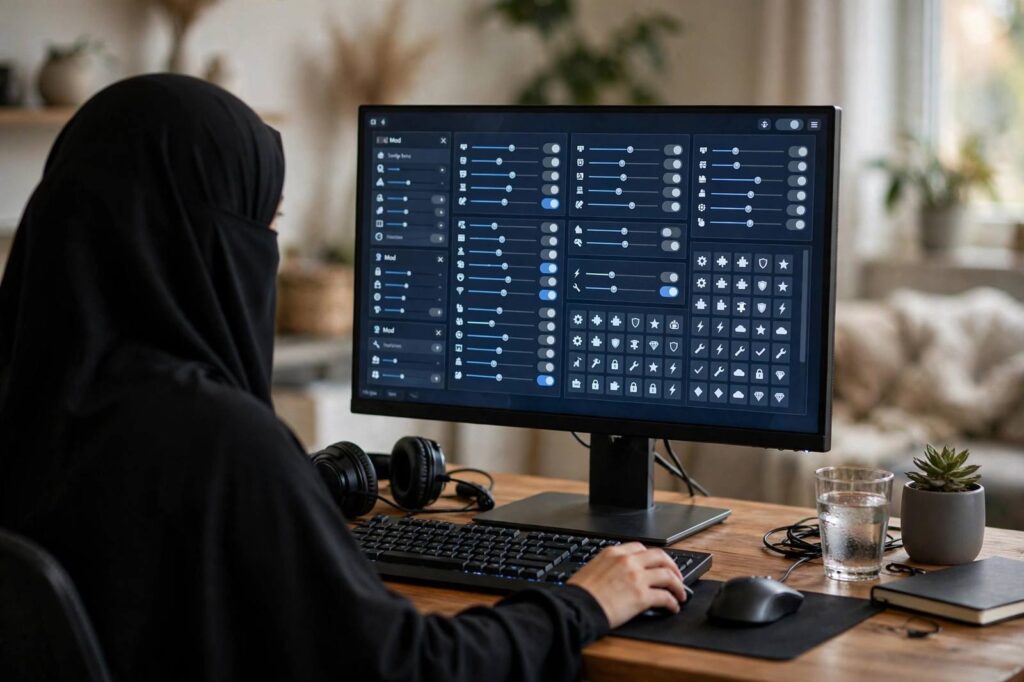
A mod manager is the difference between a hobby and a headache. My recommendation for Bethesda games is Mod Organizer 2: it keeps every mod in its own folder instead of dumping files into your game directory, which means enabling, disabling, and uninstalling are clean and your actual game folder stays pristine. For general use across many games, Vortex (from Nexus Mods) is more beginner-friendly with its guided setup.
Whichever you choose, set it up properly from the start: point it at the right game instance, let it manage your load order, and use its profile feature to keep separate mod setups — for example, a heavily modded playthrough profile and a clean vanilla profile. Profiles are the feature beginners skip and veterans swear by: they let you experiment recklessly with new mods knowing your working setup is one click away. Ten minutes of proper setup saves ten hours of troubleshooting later — I have the corrupted save folders to prove it.
Mods vs Cheats: Where’s the Line?
People often ask where modding ends and cheating begins, and the answer is mostly about context. In single-player games, the line barely exists — it is your game, your experience, and using a mod to skip a grind you hate is nobody’s business but yours. Developers overwhelmingly agree; many even design with modding in mind.
In multiplayer, the line is absolute: anything that gives you an advantage over other players is cheating, full stop — aimbots, wallhacks, and stat mods in competitive games will earn bans, and rightly so. The gray zone is cosmetic mods in multiplayer games, which some games allow and others prohibit; check the specific game’s policy rather than assuming. When in doubt, the test is simple: does this affect anyone else’s experience? If yes, do not install it.
Frequently Asked Questions
Is modding games legal?
Modding single-player games is generally tolerated and often explicitly allowed by developers, but it depends on each game’s EULA. Distributing copyrighted game files, selling mods, or modding multiplayer games can violate terms and get you banned.
Can mods damage my computer?
Mods from reputable sites are overwhelmingly safe, but mods can contain malware like any downloaded software. Stick to established mod sites, check reviews and download counts, and be wary of anything asking you to disable security software.
Do mods work on consoles?
Limited. Some games offer curated mods on PlayStation and Xbox (like Skyrim and Fallout 4’s official mod support), but console modding is far more restricted than PC. Most serious modding happens on PC.
Will mods disable achievements?
Often yes — many games disable achievements when mods are active. Some games have mods that re-enable them. Check your specific game’s behavior before modding a completionist run.
What is the best site to download mods?
Nexus Mods is the largest general hub, Steam Workshop is easiest for supported games, and CurseForge leads for Minecraft. Always prefer established, moderated sites over random download links.