Best VR Games for Beginners: Start Here (2026 Picks)

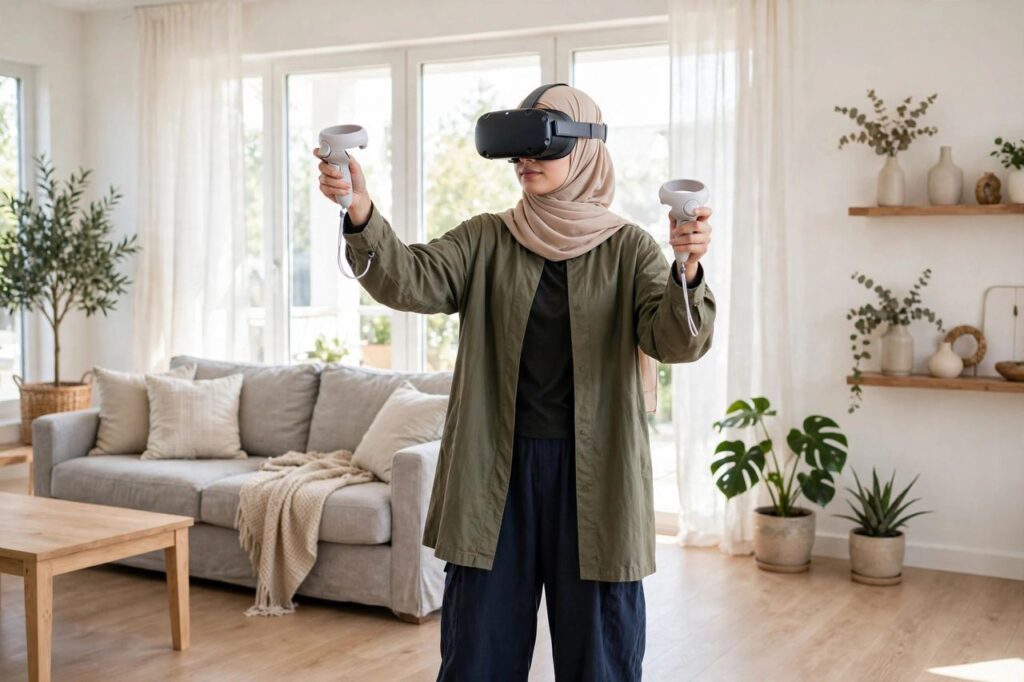
So you got a headset — or you’re thinking about it — and now you’re staring at a store full of games wondering where to start. Picking the best VR games for beginners matters more than people think: the wrong first game (something with aggressive smooth locomotion and zero comfort options) can leave you queasy and convinced VR isn’t for you, when really you just picked the deep end for your first swim. I’ve introduced dozens of friends to VR, and the pattern is always the same — start comfortable, start simple, and let the wow factor do the rest. Here are my picks, organized by headset, with honest comfort notes for each.
Quick glossary before we dive in: teleport movement (point and blink to a spot) is the gentlest on stomachs; smooth locomotion (push a stick to glide) feels natural but causes motion sickness in many beginners; room-scale means you physically walk around; stationary/seated means you mostly stay put. When in doubt, start stationary.
Best VR Games for Beginners on Meta Quest 3 / 3S
The Quest is the default beginner headset — no PC, no wires, no console needed. These are the games I hand to every first-timer:
- Beat Saber. The essential first VR game. You slash blocks to music with lightsabers. Stationary, intuitive within 30 seconds, and a genuine workout on higher difficulties. If you buy one game, make it this one.
- Superhot VR. Time moves only when you move — a mind-bending action-puzzle concept that’s easy to grasp and endlessly replayable. Mostly stationary with small dodges. Short campaign, but the concept alone is worth it.
- Job Simulator. Silly, charming, and the perfect “VR is delightful” demo. You do deliberately absurd jobs as a robot. Zero motion sickness risk; ideal for kids and skeptical grandparents alike.
- Walkabout Mini Golf. Exactly what it sounds like, and far better than it sounds. Gentle teleport movement between holes, beautiful courses, and fantastic multiplayer — this is the game that converts non-gamers.
- Moss and Moss: Book II. You guide an adorable mouse knight through storybook dioramas. Seated, gentle, gorgeous — proof that VR’s quietest experiences can be its best.
- Cubism. A calm 3D puzzle game, like Tetris meets architecture. Cheap, meditative, and a great palate cleanser between intense sessions.
Best VR Games for Beginners on PSVR2
PlayStation’s headset has the best visuals of the standalone crowd, and its launch lineup was unusually beginner-friendly:
- Horizon Call of the Mountain. The showcase title — climbing, archery, and robot dinosaurs in a stunning world. It has excellent comfort options (including a generous vignette setting); turn them all on for your first sessions.
- Gran Turismo 7 (VR mode). If you like cars even slightly, sitting in a virtual cockpit is jaw-dropping. Seated by nature, and many players find driving sims easier on the stomach than walking sims.
- Moss: Book II. Available here too, and just as essential. The haptics on the Sense controllers add a lovely tactile layer.
- Puzzling Places. Assemble 3D jigsaw puzzles of real locations. Deeply relaxing, zero motion issues, and weirdly addictive.
Best VR Games for Beginners on PCVR
Got a gaming PC and a headset like a Quest (via link) or a dedicated PCVR headset? You get access to the deepest library:
- Half-Life: Alyx. The game that proved VR could carry a full AAA campaign. It was designed with comfort in mind — teleport is the default — and it remains the medium’s high-water mark. Play this once you’re past the “whoa, I’m inside a game” phase.
- The Room VR: A Dark Matter. A tactile puzzle-box mystery. Slow, deliberate, atmospheric — you manipulate intricate mechanisms with your hands. Great for players who like thinking over reflexes.
- I Expect You To Die series. You’re a secret agent escaping elaborate death traps. Clever, funny, and entirely seated — your stomach will thank you.
- Eleven Table Tennis. The physics are shockingly real. If you’ve ever played ping pong, you’ll be rallying in minutes, and it’s legitimately good exercise.
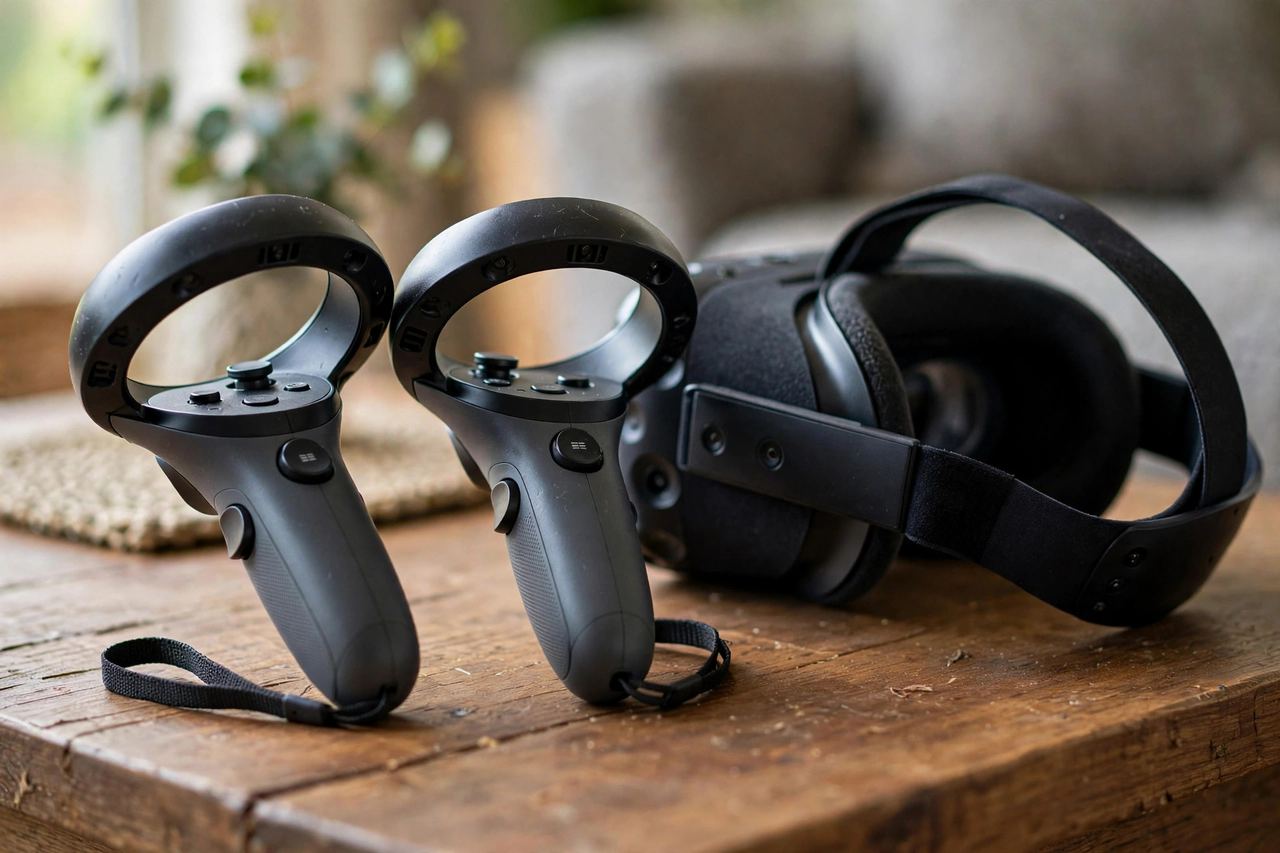
Comfort Settings: Your Anti-Nausea Toolkit
Motion sickness is the number one beginner-killer, and it’s largely avoidable. Here’s my standard advice, in order:
- Start with stationary games. Beat Saber, Job Simulator, Puzzling Places — games where your virtual body doesn’t move. Build your “VR legs” before trying locomotion.
- Use teleport, not smooth turning. When a game offers both, pick teleport movement and snap turning (rotating in fixed increments) for your first week.
- Turn on vignette/comfort mode. Most games offer a setting that narrows your field of view during movement. It looks slightly odd and works remarkably well.
- Keep sessions short. Twenty to thirty minutes, then a break — even if you feel fine. Nausea often arrives on a delay.
- Stop at the first warning sign. Warm forehead, slight dizziness, extra saliva — that’s your cue to stop now, not after “one more level.” Pushing through teaches your brain to associate VR with misery.
- Fan on, ginger optional. A fan blowing on your face genuinely helps; ginger chews help some people. Neither is magic, both are cheap.
Most people acclimate within one to two weeks of regular short sessions. If a specific game consistently makes you ill after that, it’s the game, not you — shelve it and move on. No gatekeeping here: there’s no prize for suffering through smooth locomotion.
What to Avoid as a Beginner
- Rollercoaster and flying sims as first experiences. They’re designed to thrill veterans; they’ll punish newcomers.
- Horror VR until you know your tolerance. Fear plus disorientation is a rough combo, and VR horror hits differently — everything is right there.
- Competitive shooters on day one. Fast smooth locomotion plus adrenaline is the hardest possible onboarding.
- marathon sessions. Your eyes and your inner ear are doing something entirely new. Respect the learning curve.
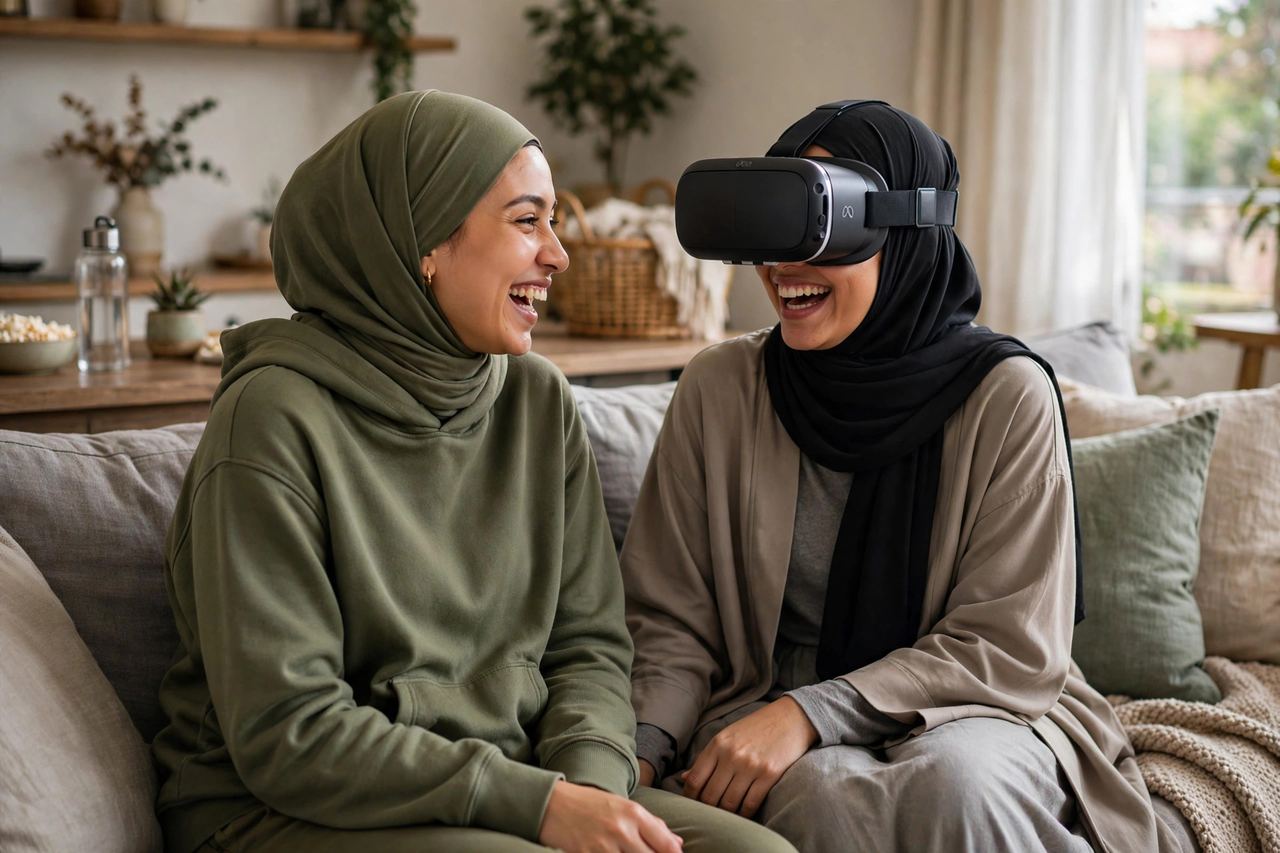
Best VR Games for Beginners Prone to Motion Sickness
If you’re someone who gets queasy in cars or on boats, start here — these are the gentlest entries in the medium, games I’d hand to my most motion-sensitive friends without hesitation. Puzzling Places (all headsets): assemble 3D jigsaw puzzles of real places. Zero locomotion, pure calm. Cubism (Quest): abstract 3D puzzles in a soft void. Meditative and cheap. Job Simulator (all headsets): stationary comedy; your virtual body never moves. Moss (all headsets): seated, slow, storybook-gentle. Eleven Table Tennis (Quest/PCVR): you stand in one place and swing — your brain accepts it because the movement matches your real body.
The principle: your stomach rebels when your eyes say \”moving\” and your body says \”still.\” Games where those two agree — stationary games, or games where you physically walk — cause the fewest problems. Build up from this list over a week or two before trying anything with smooth locomotion, and you’ll acclimate far faster than if you white-knuckle through a rollercoaster on day one.
Free and Cheap Starter VR Games Worth Your Time
VR doesn’t have to be expensive to be excellent. Before spending big, try: First Steps / First Contact (free, Quest) — the built-in tutorial that’s secretly a delightful toy box. Horizon Worlds / VRChat (free) — social VR; chaotic, fascinating, occasionally weird, always memorable. Rec Room (free) — paintball, quests, and social hangouts; the closest thing VR has to a community center. Epic Roller Coasters (free demo) — test your motion tolerance safely before buying a full game. Blaston — slow-motion dueling that’s easy to learn and genuinely strategic.
My recommended starter budget: the freebies above plus Beat Saber and Walkabout Mini Golf. That’s under the cost of one AAA console game for a library that’ll keep you busy for months. VR’s best value proposition isn’t the hardware — it’s how much joy lives in the cheap seats.
Setting Up Your Play Space Safely
Before your first session, spend ten minutes on the room — it prevents nearly every VR accident I’ve ever witnessed. Clear the zone: move coffee tables, toys, and anything fragile out of arm’s reach; ceiling fans are the silent enemy of enthusiastic Beat Saber players. Set up the guardian boundary carefully and don’t cheat it smaller than recommended — that blue grid is the only thing between you and the TV. Mind the cable if you’re on PCVR: run it overhead or behind you, and consider a cheap cable-management pulley. Pets and people: warn housemates before you go in, and keep pets out of the play area — a cat weaving between your legs mid-dodge is a wipeout waiting to happen. Lighting matters: most headsets track better in well-lit rooms; too dark and tracking gets jittery. Ten minutes of prep, hundreds of hours of safe play — the best trade in VR.
Frequently Asked Questions
What is the best VR headset for beginners?
For most people, a standalone headset like the Meta Quest 3S or Quest 3 — no PC or console required, huge game library, and the easiest setup. If you already own a PlayStation 5, the PSVR2 is the natural pick. PCVR headsets offer the best visuals but need a capable gaming PC.
Do VR games make you motion sick?
Some can, especially games with smooth locomotion. But many beginner-friendly games use stationary or teleport movement and cause no issues at all. Start with comfortable games, keep sessions short, and most people adapt within a couple of weeks.
How much space do I need for VR?
For stationary and seated games, enough room to stretch your arms without hitting anything — a few feet in each direction. Room-scale games ideally want a clear 6.5 x 6.5 ft area. Always use the guardian/boundary system and clear the space first.
Can kids play VR games?
Most manufacturers recommend ages 10–13+ depending on the headset, and sessions should be short and supervised. Games like Job Simulator and Walkabout Mini Golf are family-friendly, but check each game’s age rating.
Are VR games a good workout?
Genuinely, yes — for the active ones. Beat Saber, Pistol Whip, and boxing-style games can get your heart rate up significantly. They’re not a replacement for structured exercise, but they’re the most fun cardio many people will ever do.
Do I need a powerful PC for VR?
Only for PCVR headsets. Standalone headsets like the Quest run everything on the device itself, and the PSVR2 runs off a PS5. Don’t buy a gaming PC “for VR” unless you’re specifically chasing the PCVR library.