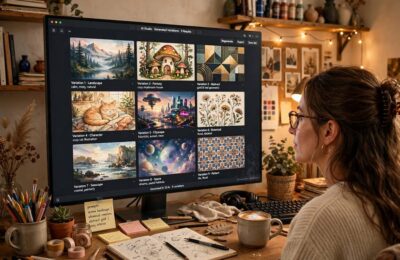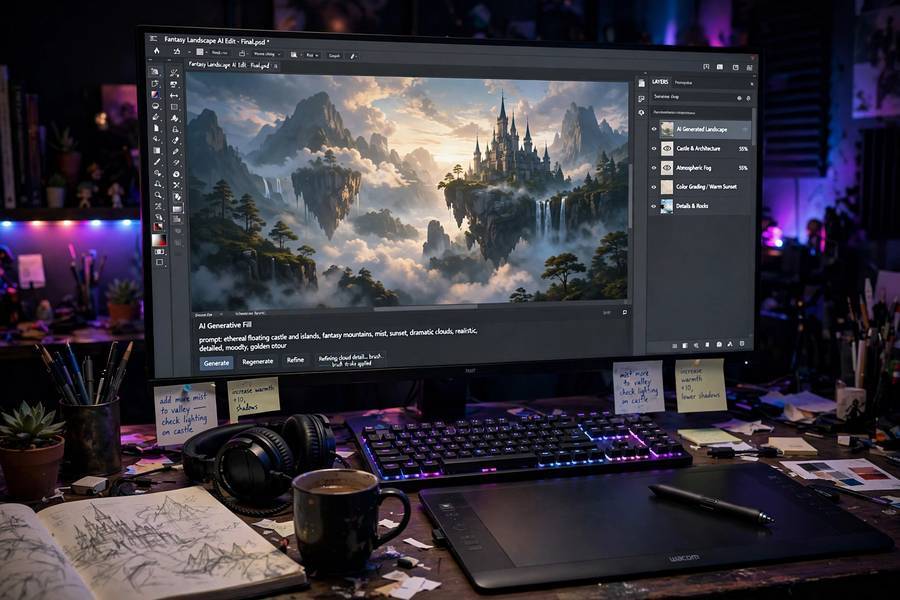
Of all the AI tools I’ve tested, Stable Diffusion is the one I recommend most often to people who want to actually understand image generation — not just play with it, but run it, tweak it, and own the results. It’s free, open-source, and runs on a decent home computer. That combination changed everything.
But most explanations of what Stable Diffusion is either read like marketing copy or require a math degree. Let me give you the real version: what it is, how the “diffusion” part works, and why its open-source nature matters more than most people realize.
Contents
- The Short Answer
- How Diffusion Works (The Actual Mechanism)
- What “Stable” Means
- Stable Diffusion vs Midjourney vs DALL-E
- What You Need to Run It
- What It’s Good For (and What It Isn’t)
- The Copyright and Ethics Questions
The Short Answer
Stable Diffusion is an AI model that generates images from text descriptions. Type “a lighthouse at sunset in the style of a watercolor painting” and it creates an original image matching that description — not by finding an existing picture, but by synthesizing a new one pixel by pixel.
It was released in 2022 by Stability AI along with academic collaborators, and the key detail is in the license: unlike its competitors, the model weights are publicly available. Anyone can download, run, modify, and build on it. That single decision created an entire ecosystem of tools, custom models, and creative workflows that the closed alternatives can’t match.
How Diffusion Works (The Actual Mechanism)
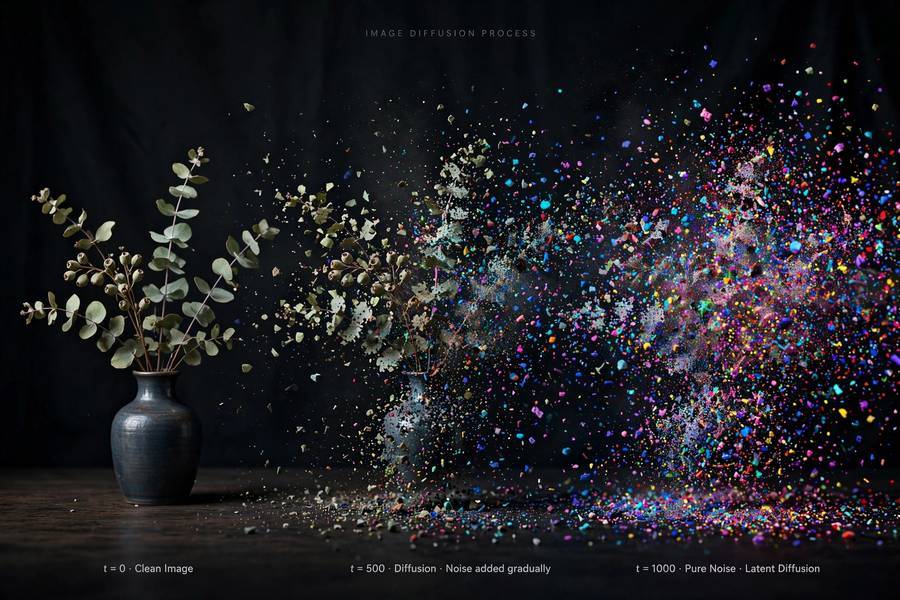
The name sounds technical, but the core idea is beautifully intuitive. It works in two directions:
Forward (training): Take a real image and gradually add noise to it — like turning up the static on an old TV — until it’s pure randomness. Do this millions of times. The model watches this process and learns the reverse.
Reverse (generation): Start with pure random noise and gradually remove it, guided by your text prompt. Step by step, the noise resolves into an image that matches the description.
Here’s the analogy I use: imagine you have a photograph buried under layers of frosted glass. Diffusion learned, from millions of examples, how to remove frosted glass layer by layer — and crucially, it learned what kinds of images tend to hide under the glass when you whisper “lighthouse at sunset” while removing it.
The text guidance comes from a separate model (CLIP) that learned to connect words with visual concepts during training. When you type “watercolor painting,” CLIP steers the denoising toward images whose visual patterns match watercolor aesthetics.
What I find remarkable, having tested early and current versions: the 2022 original already worked shockingly well, and the technique has barely changed since. The improvements came from bigger models, better training data, and smarter interfaces — the diffusion idea itself was right from the start. If you want the general picture of that training pipeline first, see how AI models are trained.
What “Stable” Means
People ask me this a lot. “Stable” doesn’t mean reliable or safe — it refers to the company, Stability AI, which funded the model’s development and release. It’s a brand name, not a technical claim.
That said, the name accidentally fits: of the major image generators, Stable Diffusion has been the most stable in the sense of consistent availability. Midjourney changes its models constantly, DALL-E is gated behind subscriptions and content policies — while Stable Diffusion 1.5 from 2022 still runs fine today on the same hardware.
Stable Diffusion vs Midjourney vs DALL-E
The three big names, honestly compared:
Stable Diffusion
– Open-source, free, runs locally
– Weaker out-of-the-box aesthetics than Midjourney (in my testing)
– Infinitely customizable: thousands of community models for anime, photorealism, specific art styles
– You own everything: no subscription, no content review, works offline
– Steeper learning curve
Midjourney
– Best-looking results with the least effort, in my experience
– Closed, subscription-only, runs through Discord or web
– Limited control compared to Stable Diffusion’s tooling
– Great for: quick beautiful images. Bad for: precise control, privacy, cost at scale
DALL-E (via ChatGPT)
– Most convenient — it’s inside a chat interface
– Strong at following complex instructions
– Heaviest content restrictions of the three
– You never really “have” the model
My honest recommendation: if you want to understand AI image generation or build anything serious with it, learn Stable Diffusion. If you just want pretty pictures fast, Midjourney is easier. I’ve used all three extensively, and that’s the tradeoff as it stands.
What You Need to Run It
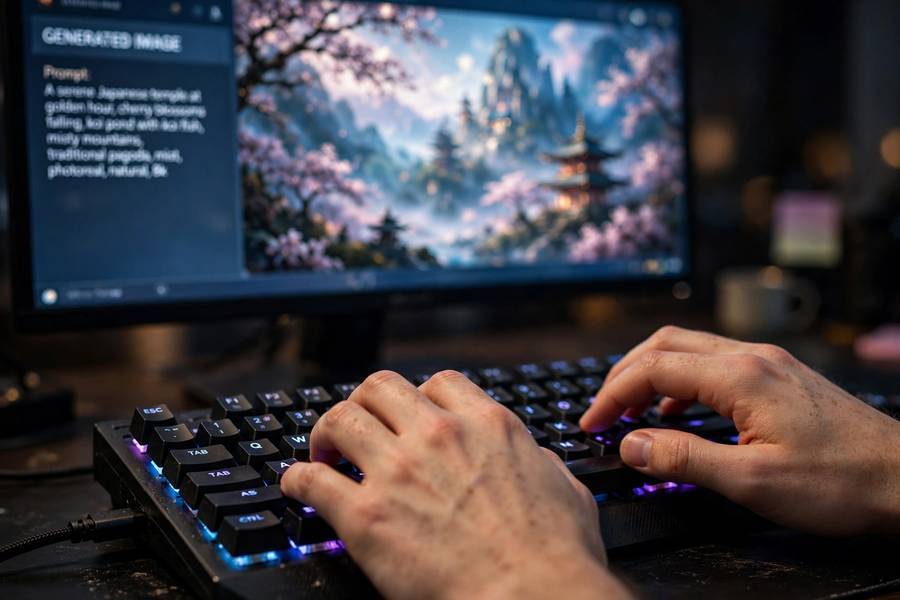
The practical requirements, no sugar-coating:
- GPU with at least 8GB of VRAM (an RTX 3060 or better works well; Macs with Apple Silicon also work)
- ~10GB of disk space for the model and software
- Software: the easiest entry point is a community interface like AUTOMATIC1111’s web UI or ComfyUI — both free, both well-documented
No GPU? You can still experiment through free cloud notebooks (Google Colab) or web services that host it. But the real power of Stable Diffusion is local, private, unlimited generation — worth the hardware if you’re serious.
Generation speed on a mid-range GPU: roughly 5–30 seconds per image depending on settings. Not instant, but fast enough to iterate.
What It’s Good For (and What It Isn’t)
Genuinely good at:
– Concept art and creative exploration
– Marketing mockups and placeholders
– Style experiments (seeing your idea in ten art styles in ten minutes)
– Custom training: teaching it your face, your product, your art style
– Private, unlimited, offline generation
Genuinely bad at:
– Hands and text in images (much improved, still the classic failure modes — count the fingers)
– Photorealistic images of real people (possible, but this is where ethical lines get sharp)
– Precise layouts (“put the logo exactly here, this size”)
– Anything requiring factual accuracy (it invents with total confidence)
I use it regularly for article illustrations and creative prototyping. I would never use it for evidence, documentation, or anything where the image needs to be true. For a broader look at the landscape beyond image generation, see what AI tools can actually do today.
The Copyright and Ethics Questions
I won’t dodge this, because it’s the most important conversation around the technology. Stable Diffusion was trained on billions of images scraped from the internet — including copyrighted artwork, often without artists’ consent. Lawsuits are ongoing, and the legal landscape is genuinely unsettled.
My honest take: the technology is remarkable and the open release democratized creative tools in a real way. But the training-data question is legitimate, artists’ concerns are valid, and anyone using these tools commercially should understand the legal gray area they’re operating in. “The model is open-source” doesn’t automatically resolve “the training data was scraped.”
Where I land: use it, learn it, but stay informed about the legal developments and respect working artists. The technology and the ethics conversation both deserve your attention.
Running It Locally: A Practical Mini-Guide
If I’ve convinced you to try it, here’s the fastest path from zero to your first generated image.
Option A: Web interface (easiest). Install a community UI like AUTOMATIC1111’s Stable Diffusion WebUI or ComfyUI. Both are free and open-source. The WebUI is more beginner-friendly (forms and sliders); ComfyUI is node-based and more powerful once you learn it. Installation is typically: install Python and Git, clone the repository, run the launcher script, open the local web address it gives you.
Your first generation: start with the default model, type a detailed prompt (“a cozy cabin interior at dusk, warm lamplight, photorealistic, highly detailed”), set steps to 25–30, and generate. Then iterate: change one thing at a time — the prompt, the seed, the sampler — so you learn what each control does.
Key settings to understand: Steps (more = more refined, with diminishing returns past ~40), CFG scale (how strongly the model follows your prompt — 7 is a good default), seed (the random starting point — reuse a seed to reproduce an image), and sampler (the algorithm variant — DPM++ 2M Karras is a solid default).
Next steps: once comfortable, explore community models on sites like Civitai — photorealism models, anime models, architecture models. Each is a fine-tuned variant of the base, and switching models changes the aesthetic more than any setting. Just check each model’s license before commercial use.
The learning curve looks steep from the outside, but most people generate their first good image within an hour. The depth is there when you want it — you don’t need it on day one.

Frequently Asked Questions
Stable Diffusion is a free, open-source AI model that creates original images from text descriptions. It works by starting with random noise and gradually refining it into an image matching your prompt — a process called diffusion.
Yes. The model weights are publicly available under a permissive license. You can download and run it on your own computer at no cost, though you need a decent GPU (8GB+ VRAM recommended) for practical use.
Stable Diffusion is open-source and runs locally for free with deep customization options; Midjourney is a closed subscription service that produces better-looking results with less effort but offers less control and no offline use.
The license generally permits commercial use, but the legal landscape around AI-generated imagery and training data is still evolving, with active lawsuits. Consult current legal guidance before commercial use.
Hands are complex 3D structures that appear in countless poses, and the model learned 2D patterns rather than anatomy. Newer versions are much better, but hands and rendered text remain the classic weak points of AI image generation.