Python is the language of AI — that’s settled. What’s not settled, for most beginners, is the sequence: what do you learn first, what can you skip, and at what point do you stop “learning Python” and start “doing AI”? Get the sequence wrong and you’ll either drown in abstract programming concepts or hit AI tutorials you can’t follow.
This is the step-by-step path I’d give a beginner today: seven steps, each with a clear goal and a project that proves you got it. No computer science degree required — just persistence and a willingness to build. For the wider learning journey this fits into, see my guide on how to learn artificial intelligence.
In This Guide
- Step 0: Set Up Your Environment (1 Day)
- Step 1: Python Basics, AI-Flavored (Weeks 1–3)
- Step 2: Think in Data (Weeks 4–6)
- Step 3: Your First Machine Learning Model (Weeks 7–9)
- Step 4: Talk to AI APIs (Weeks 10–12)
- Step 5: Your First Real Project (Weeks 13–16)
- Step 6: Go Deeper — Neural Networks (Months 5–6)
- What to Skip (for Now)
- Frequently Asked Questions
Step 0: Set Up Your Environment (1 Day)
Before writing code, set up a workspace you won’t fight:
- Install Python (3.10 or newer) from python.org — or use Anaconda, which bundles Python with data-science libraries.
- Install VS Code — free, and the default editor for this path. Add the Python extension.
- Learn Jupyter notebooks — browser-based coding environments where you run code in cells and see results immediately. Most AI learning happens in notebooks; install via
pip install notebookor use Google Colab (free, runs in your browser, no setup). - Create a project folder —
ai-learning/with subfolders per step. Future you will thank present you.
Don’t spend more than a day here. Setup rabbit holes are procrastination disguised as preparation. My recommendation: Google Colab for the first month — zero setup, free GPUs later when you need them.
Step 1: Python Basics, AI-Flavored (Weeks 1–3)
Learn core Python, but with AI-relevant examples from day one:
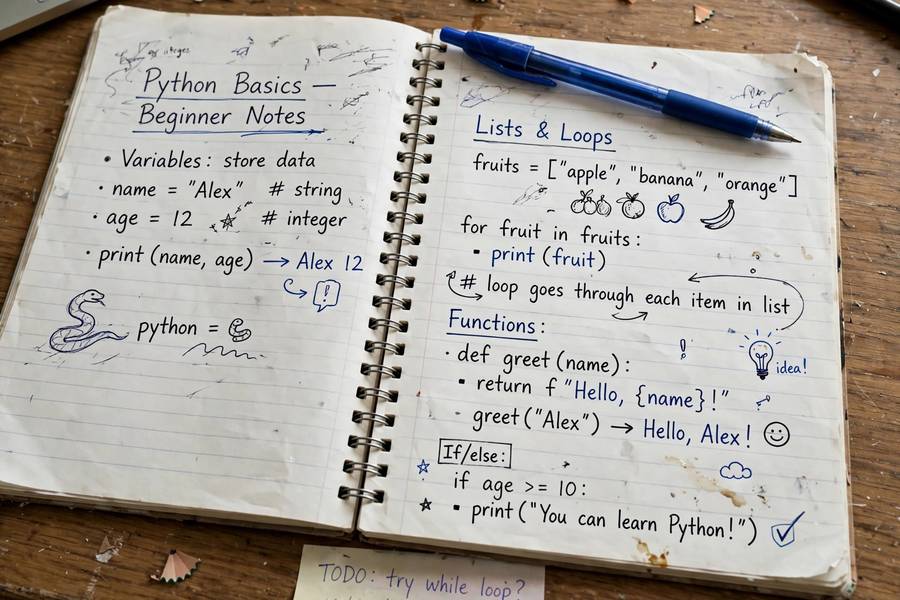
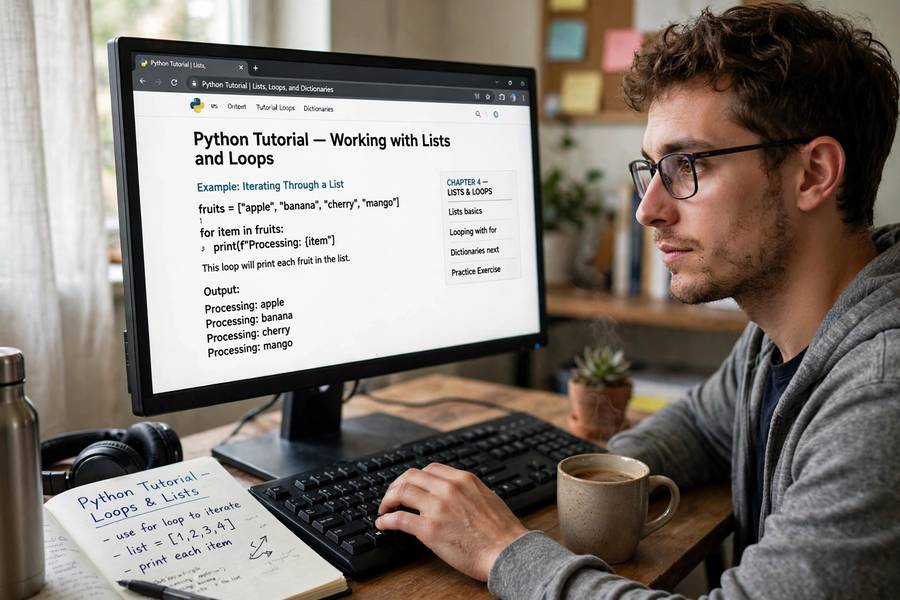
Week 1: The fundamentals. Variables, data types (strings, numbers, booleans), if statements, for and while loops, functions. Practice by writing small text-processing scripts — count word frequencies in a paragraph, clean up a messy list of names. You’re already doing baby NLP.
Week 2: Data structures. Lists, dictionaries, tuples, sets — and crucially, nested structures (lists of dictionaries, dictionaries of lists). AI work is 80% shuffling structured data; get comfortable here. Practice: parse a JSON file of book data, filter and sort it.
Week 3: Files, errors, and modules. Reading/writing files, try/except error handling, importing libraries, virtual environments (venv). Project: write a script that reads a text file, analyzes it (longest words, most common phrases), and writes a report.
The AI flavor matters. Generic Python courses teach you to build calculators and games. You want text processing, data munging, and API calls from the start — the actual atoms of AI programming. Every exercise should feel like it’s leading somewhere.
Skip for now: object-oriented programming deep dives, decorators, web frameworks (Flask/Django), GUI programming. You’ll pick up OOP basics naturally; the rest can wait.
Step 2: Think in Data (Weeks 4–6)
This step transforms you from “person who knows Python syntax” to “person who can work with data” — the real prerequisite for AI:
NumPy (week 4). Arrays, vectorized operations, broadcasting. The key mental shift: stop writing loops, start thinking in array operations. A neural network is, at bottom, choreographed array math — NumPy is where you develop that intuition. Practice: implement basic statistics on arrays without a single for loop.
Pandas (week 5). DataFrames — spreadsheet-like tables in code. Loading CSVs, filtering rows, grouping, merging, handling missing values. Real AI work starts with messy data; pandas is how you clean it. Project: download a real dataset (Kaggle has thousands), clean it, and answer three interesting questions about it.
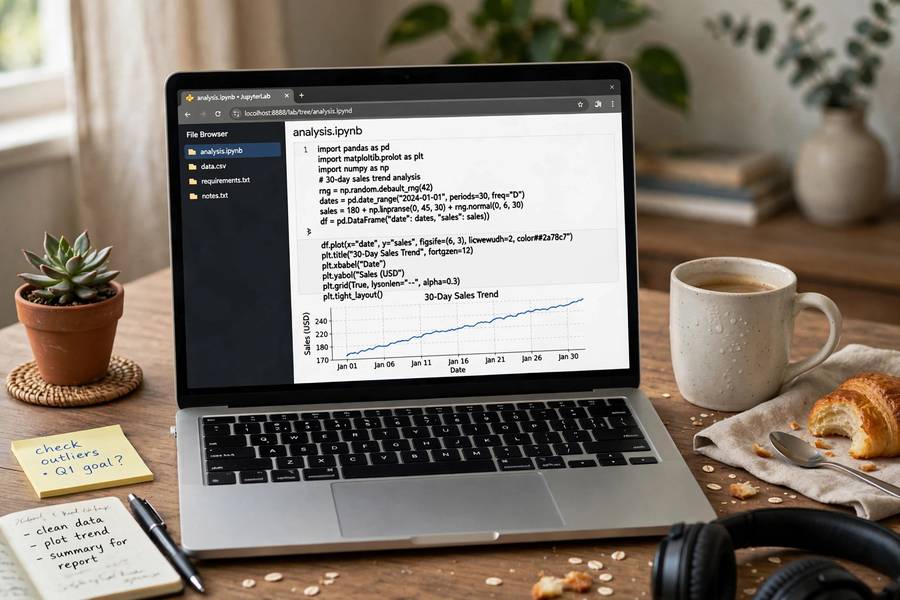
Matplotlib (week 6). Plotting: line charts, histograms, scatter plots. Visualization isn’t decoration — it’s how you understand data and debug models. A beginner who plots everything learns twice as fast as one who doesn’t.
Project for the step: An end-to-end data analysis. Pick a dataset you care about (sports stats, movie ratings, your own spending), clean it with pandas, analyze with NumPy, visualize with matplotlib, and write up what you found. This is a portfolio piece — the first one that looks like real data work.
Step 3: Your First Machine Learning Model (Weeks 7–9)
Now the magic: you’ll train a machine that learns from data.
Week 7: The concept. What supervised learning is: features go in, predictions come out, and the algorithm figures out the mapping from examples. Train/test splits: why you hold back data to check your work. Read my plain-English explainer on how AI models are trained alongside this.
Week 8: scikit-learn. The library that makes classic ML accessible. Your first model in under ten lines: – Load a dataset (start with the famous iris or Titanic datasets) – Split into train/test – Train a classifier (try logistic regression, then random forest) – Evaluate accuracy — and learn why accuracy alone can mislead
Week 9: Go beyond the tutorial. Pick your own classification problem — spam detection on a public dataset, predicting something from a Kaggle dataset you choose. Tune one hyperparameter and observe what changes. Write up what you learned, including what didn’t work.
The feeling you’re chasing: the moment your model predicts something correctly on data it never saw. That’s machine learning — not as a concept, but as a thing you did. Everything after this is elaboration.
Step 4: Talk to AI APIs (Weeks 10–12)
Classic ML is one era of AI; the current era is large language models via API. Learn both:
Week 10: API fundamentals. Sign up for an API (OpenAI, Anthropic, or a free alternative). Learn: API keys, the requests library, sending prompts and parsing JSON responses. Your first program: a script that summarizes any text file using an LLM API.
Week 11: Go beyond basics. System prompts, temperature settings (creativity vs. determinism), max tokens, handling errors and rate limits. Build: a specialized assistant — a study buddy for a subject you’re learning, a writing coach with a specific style, a data explainer for your pandas analyses.
Week 12: Combine everything. A project using both eras: use pandas to analyze data, then an LLM API to generate natural-language reports from the analysis. Or: a classifier that routes inputs, with an LLM handling the nuanced cases. Hybrid systems like this are what real AI products look like.
Why this step matters: API-based AI development is where most current AI jobs are — building products on top of models, not training models from scratch. This step makes you employable faster than any other.
Step 5: Your First Real Project (Weeks 13–16)
Four weeks, one project, real users (even if “users” means three friends). This is the step that separates learners from practitioners:
Pick something with a genuine user. Not a tutorial rebuild — something someone actually wants. Ideas: a study tool for a course you’re taking, a helper for a hobby community, an automation for a repetitive work task. Browse AI projects for beginners if you need inspiration.
Scope ruthlessly. Your project should be completable in four weeks at your current skill. Cut features until it fits. A small finished thing beats a large abandoned thing — always.
Build in the open. Keep a simple dev log: what you built each week, what broke, what you learned. This becomes portfolio gold — employers love seeing process, not just results.
Ship it. Deployed and usable beats perfect and local. A simple Streamlit app online is worth ten Jupyter notebooks on your laptop.
Step 6: Go Deeper — Neural Networks (Months 5–6)
With projects under your belt, you’re ready for deep learning proper:
The concepts: what neural networks are (layers of units, weights, backpropagation — intuitively first), why depth matters, what training actually does. 3Blue1Brown’s series is the best visual introduction ever made.
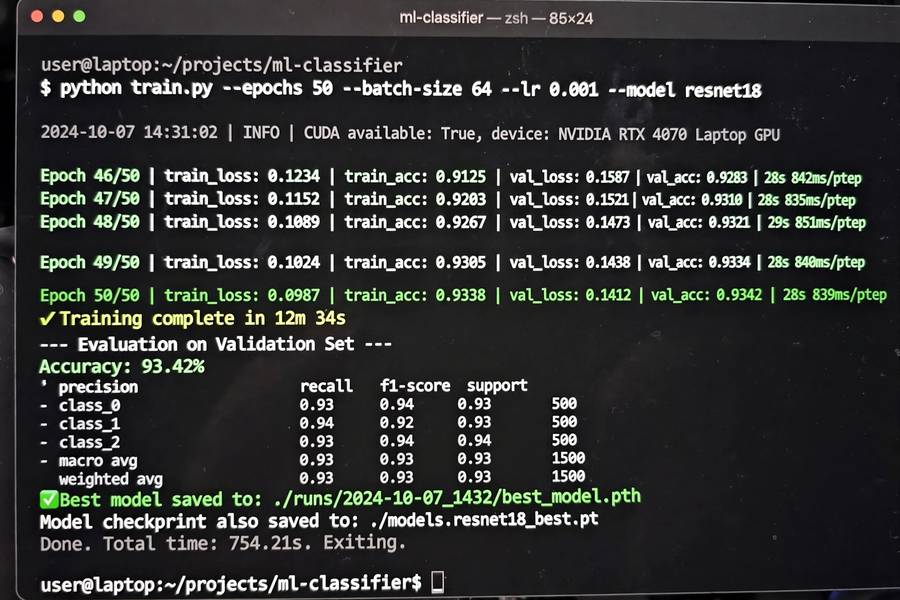
PyTorch basics: tensors (NumPy’s GPU-powered cousin), building a small network, the training loop (forward pass, loss, backward pass, update). Train a simple image classifier — the “hello world” of deep learning.
Hugging Face: the ecosystem where modern AI lives. Use a pre-trained model for a real task (sentiment analysis, summarization, Q&A) in a dozen lines. Then fine-tune one on your own data. This is how most real-world deep learning is done — standing on pre-trained shoulders.
Where it leads: from here, the roads diverge — computer vision, NLP, reinforcement learning, MLOps. You’ll know which pulls you by now. Follow it.
What to Skip (for Now)
Beginners waste months on things that don’t matter yet:
- Advanced OOP and design patterns — you’ll absorb what you need naturally
- Web frameworks — unless you’re building web apps specifically
- C++ or performance optimization — irrelevant until you’re operating at scale
- Math proofs — intuition first; rigor when you need it
- Every new framework — PyTorch or TensorFlow, not both; depth beats breadth
The principle: learn what your current project demands, nothing more. Just-in-time learning beats just-in-case learning by an embarrassing margin.
Seven steps, roughly six months, from zero to building real AI things with Python. Start step zero today — by step three, you’ll have trained a machine to learn.
Frequently Asked Questions
Python basics: 3-4 weeks. Enough Python plus data skills for first ML models: about 3 months. Building real AI projects confidently: 5-6 months of consistent practice (5-10 hours/week). This guide’s seven steps map to that timeline.
You need them together, not sequentially. Learn Python *through* AI-flavored projects rather than learning Python abstractly first — text processing, data analysis, and API calls from the start. Context makes everything stick better.
Start with Google Colab — zero setup, free, and includes GPUs when you need them. Move to a local setup (VS Code + Python) when you’re comfortable and want more control, usually around month 2-3.
The essential stack: NumPy (numerical computing), pandas (data handling), matplotlib (visualization), scikit-learn (classic machine learning), then PyTorch or TensorFlow (deep learning), plus requests for APIs. Learn them in that order.
Yes — start building with libraries that handle the math internally, and develop intuition visually (3Blue1Brown’s series is ideal). Add formal math (linear algebra, probability) later, when you hit concepts that genuinely require it.